
In today’s fast-paced digital world, efficiency and accessibility are paramount. Whether you’re crafting a business proposal, penning your next novel, or simply jotting down notes for a personal project, the tools you use for document creation and management play a crucial role in your workflow. While proprietary formats like Microsoft Word’s .docx have dominated the landscape for years, a robust and increasingly popular alternative exists: the .odt file. But what exactly is an .odt file, and why should you care about it?
This article delves into the world of the OpenDocument Text format, exploring its origins, its advantages, how it integrates with your productivity stack, and how it aligns with broader trends in technology, branding, and even personal finance. We’ll uncover why understanding file formats like .odt is not just about technical know-how, but also about making informed choices that enhance your digital independence and foster a more collaborative and cost-effective approach to your work.
The Genesis and Purpose of .odt Files
At its core, an .odt file is a document created and saved using the OpenDocument Text format. This format is part of a larger family of OpenDocument formats, designed to be open, standardized, and vendor-neutral. The “ODF” (OpenDocument Format) initiative arose from a desire to break free from the closed, proprietary ecosystems that often lock users into specific software providers.
The primary goal of the OpenDocument Format is to provide a universal standard for office documents, including text documents, spreadsheets, presentations, and graphics. This means that documents saved in .odt format are, in theory, accessible and editable by any software application that supports the ODF standard, regardless of the operating system or the vendor of the software. This commitment to openness is a fundamental differentiator from proprietary formats.
The most prominent and widely adopted application that utilizes the .odt format is LibreOffice Writer, a free and open-source office suite. However, other popular word processors, including Apache OpenOffice and even Microsoft Word (with appropriate compatibility packs or newer versions), can open and save .odt files, underscoring its growing reach and interoperability.
Why the Shift Towards Open Standards?
The impetus behind open standards like ODF stems from several key technological and philosophical shifts:
- Interoperability: In a world where documents are constantly shared across different organizations and individuals, ensuring that everyone can access and work with them is crucial. Proprietary formats can create compatibility issues, leading to frustration and lost productivity. Open formats aim to eliminate these barriers.
- Longevity and Archiving: Proprietary formats can become obsolete as software vendors update their products or discontinue support. This can make older documents inaccessible. Open standards, being well-documented and independently maintained, offer greater assurance of long-term accessibility and archival value.
- Cost-Effectiveness: Many open-source applications that use .odt files are free to download and use, eliminating expensive software licensing fees. This is particularly beneficial for individuals, small businesses, and educational institutions looking to optimize their budgets without sacrificing functionality.
- Customization and Extensibility: The open nature of the ODF standard allows developers to build and extend its capabilities. This fosters innovation and allows for greater tailoring of tools to specific needs.
Understanding the .odt File Structure and Content
To truly grasp what an .odt file is, it’s helpful to peek under the hood. Unlike older binary document formats, .odt files are essentially XML-based archives. This means that when you save a document as .odt, you’re actually creating a compressed package containing several files. The primary file within this package is content.xml, which holds the actual text, formatting information, and structural elements of your document.
Other files within the .odt archive might include:
styles.xml: Defines the styles used in the document, such as fonts, paragraph formatting, and page layouts.meta.xml: Contains document metadata, like the author, title, and creation date.settings.xml: Stores user-specific settings and preferences related to the document.Thumbnailsfolder: May contain a preview image of the document.Picturesfolder: If your document includes images, they will be stored here.
This ZIP-like structure has several practical implications:
Benefits of the XML-Based Architecture
- Readability and Editability: The XML nature of
.odtfiles means that a significant portion of the content is human-readable and can, in principle, be edited with standard text editors. While directly editingcontent.xmlis not recommended for everyday use, it highlights the transparency of the format. - Reduced Corruption Risk: Because the .odt file is a collection of individual files within an archive, a minor corruption in one part of the archive is less likely to render the entire document unreadable compared to monolithic binary formats.
- Smaller File Sizes (Often): The compression inherent in the ZIP archive can often lead to smaller file sizes, especially for documents with a lot of text and minimal graphics, saving storage space and improving transfer speeds.
- Metadata Integration: The structured way metadata is stored makes it easier for applications to access and utilize information about the document, which can be beneficial for search, indexing, and document management systems.
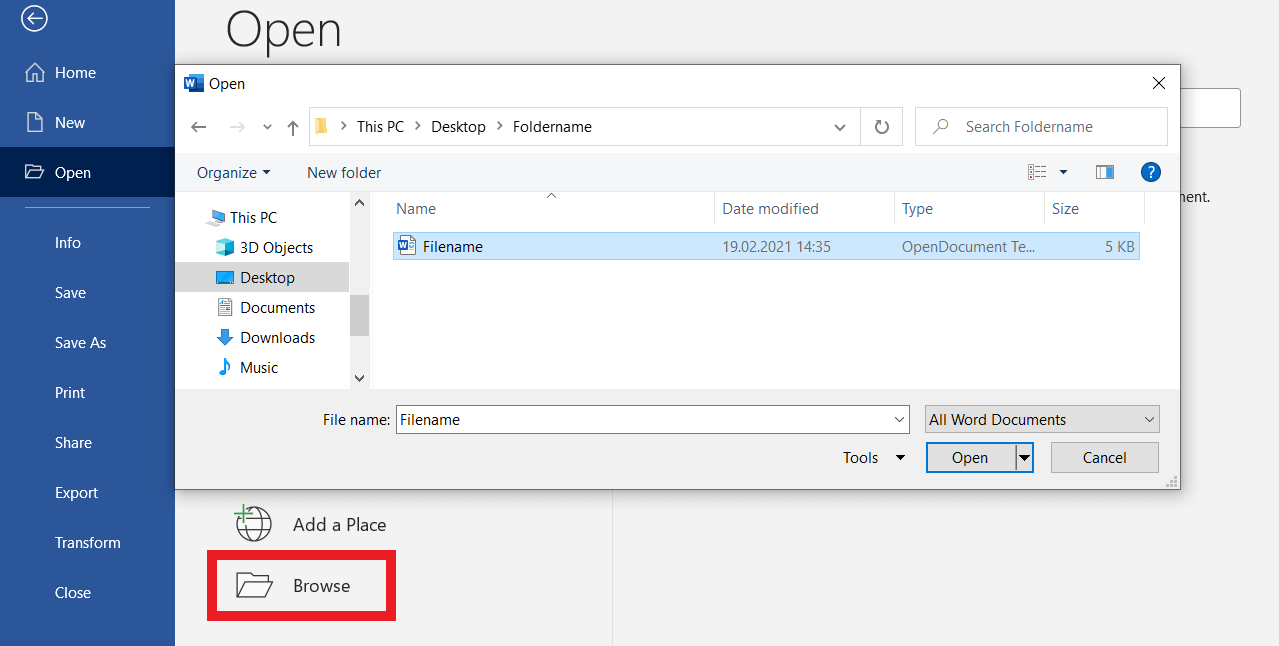
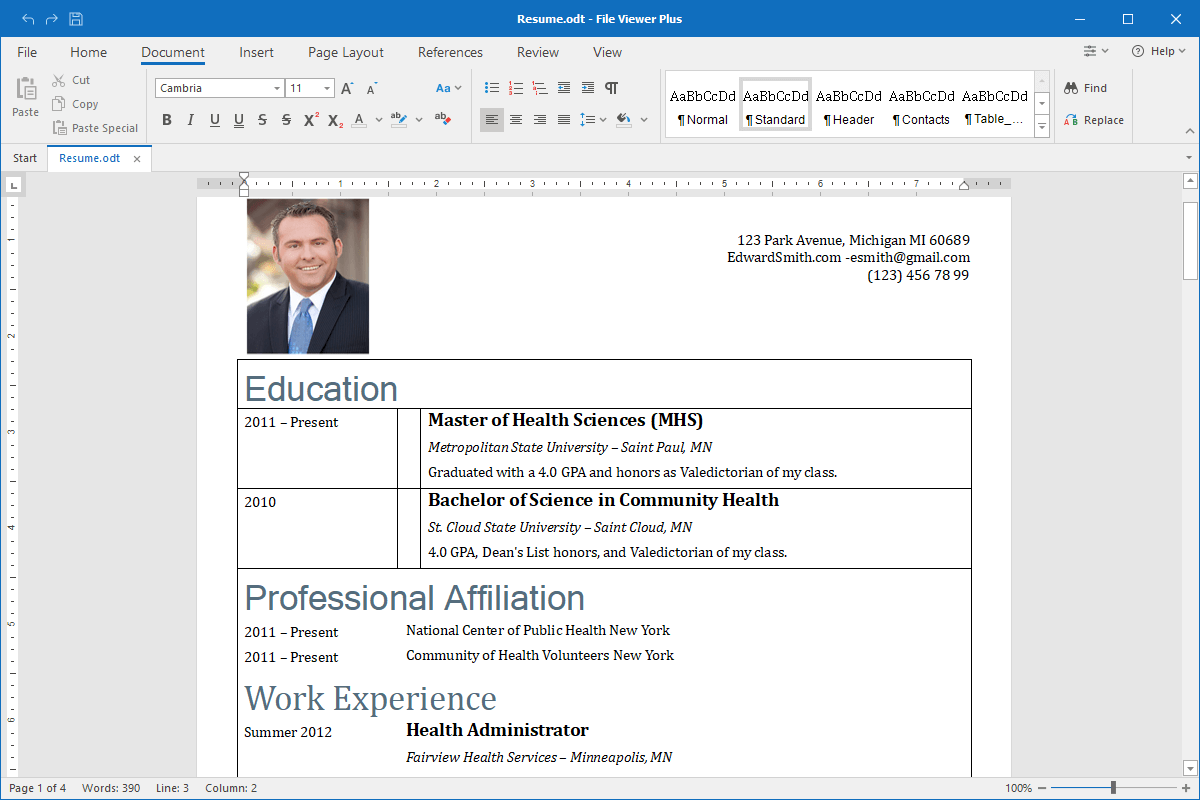
When you open an .odt file in a compatible application, the software unpacks this archive, interprets the XML files, and renders your document in a user-friendly visual interface. When you save, it performs the reverse process.
.odt Files in the Ecosystem of Productivity and Technology
The significance of .odt files extends far beyond their technical structure. They are a cornerstone of a broader movement towards open and accessible technology, impacting how we approach productivity, brand representation, and even financial management.
Productivity and Workflow Enhancement
For individuals and teams focused on productivity, the adoption of .odt files offers tangible benefits. By utilizing open-source office suites like LibreOffice, businesses can significantly reduce software expenditure. This cost saving can then be reinvested in other areas of the business, such as marketing, R&D, or employee training.
- Cross-Platform Compatibility: LibreOffice and other ODF-compatible applications are available for Windows, macOS, and Linux. This means a team can collaborate seamlessly on a document regardless of their preferred operating system, eliminating the “my file won’t open on your computer” dilemma.
- Feature-Rich Alternatives: Modern open-source office suites are no longer rudimentary. They offer a comprehensive set of features comparable to their proprietary counterparts, including advanced formatting options, template management, mail merge capabilities, and robust revision tracking.
- Reduced Vendor Lock-in: Relying on open standards means you’re not tied to a single software vendor. If LibreOffice were to become unsupported (highly unlikely given its community and backing), or if a new, better open-source alternative emerges, migrating your .odt documents would be straightforward.
Brand Identity and Digital Presence
The choice of file format can subtly influence how a brand is perceived, aligning with principles of brand strategy and digital identity.
- Perception of Innovation and Openness: Brands that utilize open-source tools and open standards can project an image of being forward-thinking, adaptable, and committed to collaboration. This resonates well with a growing segment of consumers and partners who value transparency and ethical practices.
- Consistency in Branding: For marketing materials, reports, and internal documentation, maintaining a consistent brand identity is paramount. Open-source tools that support .odt files allow for the creation of professional-looking documents that adhere to brand guidelines. Using standardized formats ensures that these documents will remain accessible and presentable for future use, preserving brand continuity.
- Cost-Effective Design and Documentation: For startups and small businesses with limited budgets, open-source design and word processing tools can be invaluable for creating marketing collateral, website content, and business proposals without incurring significant software costs. This allows for a greater portion of the budget to be allocated to core business functions or brand building activities.
- Building Trust through Transparency: A brand’s commitment to open standards can foster trust. When a company shares documents in a universally accessible format like .odt, it signals an intention to be understood and to facilitate collaboration, rather than to obscure or control access.
Financial Implications: Saving Money and Smart Investing
From a money perspective, the .odt file format is intrinsically linked to cost savings and smarter financial decisions.
- Reducing Software Expenses: As mentioned, the most immediate financial benefit of using .odt files with free, open-source software like LibreOffice is the elimination of recurring software licensing fees. For individuals managing personal finances, this can mean hundreds of dollars saved annually. For businesses, these savings can scale into the thousands or even millions, depending on the size of the organization.
- Empowering Freelancers and Side Hustles: For those earning an online income or running side hustles, every penny counts. Utilizing free productivity tools to manage invoices, client proposals, reports, and marketing materials means more of the generated income stays in their pockets.
- Long-Term Cost of Ownership: Considering the total cost of ownership for software, proprietary solutions can incur ongoing upgrade costs, support fees, and potential costs associated with data migration when switching vendors. OpenDocument formats, supported by open-source software, often present a lower long-term cost of ownership.
- Investing in Digital Independence: Choosing open standards can be seen as an investment in digital independence. Instead of being beholden to the product roadmaps and pricing strategies of a single vendor, users of .odt files are part of a larger, decentralized ecosystem. This can lead to greater control over one’s digital assets and workflow.
Converting to and from .odt Files
While .odt is a robust format, you will inevitably encounter situations where you need to share documents with individuals or systems that primarily use other formats, most commonly Microsoft Word’s .docx. Fortunately, converting between these formats is generally straightforward.
Most word processing applications that support .odt also offer the ability to import and export to other formats, including .docx, .pdf, and .rtf.
- From .odt to .docx: In LibreOffice Writer, you would typically go to “File” > “Save As…” and then select “Microsoft Word 2007-365 (.docx)” from the file type dropdown.
- From .docx to .odt: Similarly, when opening a .docx file in LibreOffice, you can then use “File” > “Save As…” and choose “OpenDocument Text (.odt)”.
Important Considerations for Conversion:
- Formatting Fidelity: While most basic formatting (text, paragraphs, basic tables, images) converts well, complex layouts, advanced charting features, or specific macros embedded in proprietary formats might not translate perfectly. It’s always a good practice to review converted documents carefully for any discrepancies.
- Font Availability: If a document uses a specific font that is not installed on the system opening the converted file, the software will substitute a default font, which can alter the document’s appearance.
- Collaboration and Version Control: When working collaboratively, it’s best to agree on a primary file format for the project to minimize conversion issues and maintain a single source of truth.
Conclusion: Embracing the Openness of .odt for a More Flexible Digital Future
In conclusion, an .odt file is more than just a document extension; it represents a commitment to open standards, interoperability, and user freedom within the digital realm. Originating from the OpenDocument Format, it offers a vendor-neutral and accessible way to create, store, and share text-based documents.
For individuals and organizations prioritizing tech advancement, understanding and utilizing .odt files aligns with a broader trend towards open-source solutions and greater control over digital tools. In the sphere of brand management, it can contribute to an image of innovation and transparency, ensuring brand materials remain accessible and consistent over time. Financially, the adoption of .odt files, often in conjunction with free office suites, provides a significant avenue for cost savings, empowering smarter financial planning and execution.
As the digital landscape continues to evolve, embracing formats like .odt empowers users with greater flexibility, reduces reliance on proprietary ecosystems, and ultimately contributes to a more equitable and accessible technological future. Whether you’re a student, a professional, or a business owner, exploring the capabilities of the .odt file format is a worthwhile step towards enhancing your productivity, strengthening your brand, and managing your finances more effectively.
aViewFromTheCave is a participant in the Amazon Services LLC Associates Program, an affiliate advertising program designed to provide a means for sites to earn advertising fees by advertising and linking to Amazon.com. Amazon, the Amazon logo, AmazonSupply, and the AmazonSupply logo are trademarks of Amazon.com, Inc. or its affiliates. As an Amazon Associate we earn affiliate commissions from qualifying purchases.