
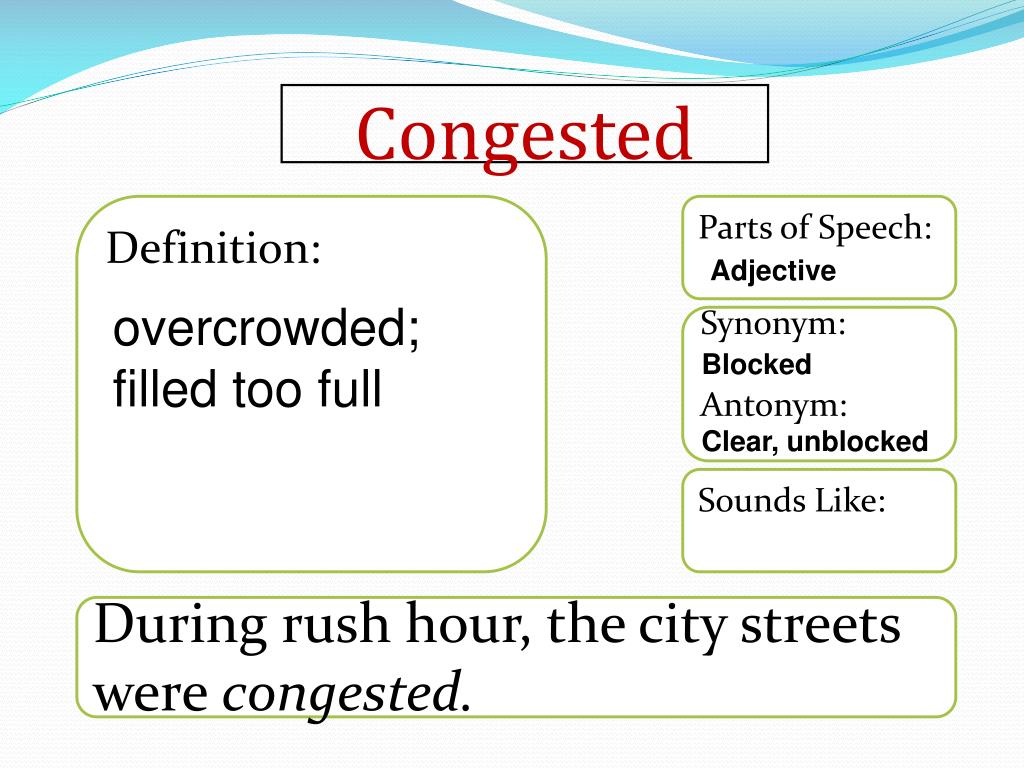
In the physical world, we use the word “congested” to describe a highway at rush hour or a city center during a major event. It implies a state where there is more demand for movement than there is capacity to accommodate it. In the realm of technology—specifically within networking, software infrastructure, and digital communications—the term “congested” carries a very similar, albeit more invisible, meaning.
When a technologist says a network is congested, they are referring to a state where the quality of service deteriorates because the link or node is carrying more data than it can handle. This leads to queuing delays, packet loss, and a general degradation of the user experience. Understanding network congestion is vital for software developers, IT professionals, and digital consumers alike, as it remains one of the primary hurdles in our increasingly connected world.

Understanding the Mechanics of Digital Congestion
To understand what “congested” means in a tech context, one must first understand how data moves. Digital information is broken down into small units called “packets.” These packets travel through various routers, switches, and cables to reach their destination.
The Definition of Network Congestion
Network congestion occurs when the amount of data being sent across a network exceeds the capacity of the network’s components to process and forward that data. Think of it as a funnel: you can pour water into it at a certain rate, but if you pour a gallon in all at once, the neck of the funnel limits how quickly that water exits. In tech, the “neck” is your bandwidth, and the “water” is your data packets. When the funnel overflows, packets are either delayed in a buffer (a digital waiting room) or dropped entirely.
How Data Travels: The Highway Analogy
The most common way to visualize congestion is through the highway analogy. The bandwidth of a network is equivalent to the number of lanes on a highway. The data packets are the cars. Under normal conditions (low traffic), cars move at the speed limit. However, if thousands of cars attempt to enter a two-lane highway at the same time, the speed of every vehicle drops. In networking, this drop in speed is known as “latency.” If the highway becomes completely blocked, cars are diverted or stopped; in networking, these are “dropped packets.”
The Role of Nodes and Routers
Congestion doesn’t just happen on the “road” (the cables); it often happens at the “intersections” (the routers and switches). Every router has a finite processing power and a limited amount of memory for its buffer. When a router receives more packets than it can process per second, it stores the excess in its buffer. If the buffer fills up, the router has no choice but to discard any incoming packets—a phenomenon known as “tail drop.”
Common Causes of Modern System Congestion
In our modern era of high-speed fiber optics, one might assume that congestion is a relic of the dial-up past. However, as our infrastructure has grown, so has our appetite for data. Several specific factors contribute to why modern systems become congested.
Bandwidth vs. Throughput
It is important to distinguish between bandwidth and throughput. Bandwidth is the theoretical maximum capacity of a link, while throughput is the actual amount of data successfully transferred over a period. Congestion occurs when the gap between bandwidth and desired throughput narrows. Even if you have a 1Gbps connection, you can experience congestion if the server you are accessing only has a 100Mbps output or if ten other people in your household are streaming 4K video simultaneously.
The Impact of High-Density Traffic: Streaming and Gaming
We are currently living in the era of “heavy” data. High-definition video streaming, 4K gaming, and large software updates place an immense strain on local and global networks. During peak hours—usually between 7:00 PM and 11:00 PM—residential internet service providers (ISPs) often experience “last-mile” congestion. This is when the local infrastructure serving a neighborhood becomes overwhelmed by the sheer volume of Netflix, YouTube, and Twitch streams running at once.
The IoT Explosion and Network Noise
The Internet of Things (IoT) has introduced a new type of congestion. While a smart lightbulb or a smart fridge doesn’t use much data, the sheer number of these devices can create “noise” on a network. In a smart home or a connected office, hundreds of devices are constantly “heartbeating”—sending small packets of data to check for updates or report status. This can congest the wireless spectrum (Wi-Fi channels), leading to interference and slower speeds for more critical devices like laptops or servers.
The Technical Consequences of a Congested Network
When a system is congested, it doesn’t just “slow down” in a linear fashion. The technical repercussions are varied and can lead to a complete failure of communication if left unmanaged.
Latency and the “Lag” Phenomenon
Latency is the time it takes for a packet to travel from the sender to the receiver. In a congested network, packets spend more time sitting in router buffers. This creates “lag.” For a simple email, an extra 500 milliseconds of latency is unnoticeable. However, for real-time applications like Voice over IP (VoIP) or online gaming, high latency makes the service unusable.
Packet Loss and Jitter
When buffers overflow, packets are dropped. Most internet protocols, such as TCP (Transmission Control Protocol), are designed to handle this by requesting that the dropped packet be resent. However, this creates a secondary problem: re-transmitting data adds more traffic to an already congested network, potentially worsening the situation. Furthermore, if packets arrive at different intervals, it creates “jitter.” Jitter is particularly devastating for video calls, leading to frozen frames and robotic, distorted audio.
Connection Timeouts and Service Disruptions
In extreme cases of congestion, the time it takes for a handshake between a client and a server to occur exceeds a predefined limit. When this happens, the system assumes the destination is unreachable and triggers a “timeout.” This is why a website might fail to load entirely during a massive traffic spike, even if your own internet connection is technically functioning.
Strategies for Managing and Relieving Congestion
Engineers have developed several sophisticated methods to mitigate congestion. These range from how individual routers handle traffic to how global data is distributed across the planet.
Quality of Service (QoS) Protocols
Quality of Service is a feature found in many professional and high-end consumer routers. QoS allows network administrators to “prioritize” certain types of traffic. For instance, you can tell your network that Zoom call data is more important than a background Windows update. During times of congestion, the router will let the Zoom packets through first, while making the update wait in the queue. This ensures that critical applications remain functional even when bandwidth is limited.
Content Delivery Networks (CDNs)
A major cause of internet-wide congestion is “hotspots”—when millions of people try to access the same file from a single server. Content Delivery Networks like Cloudflare or Akamai solve this by mirroring that data across thousands of servers globally. By moving the data geographically closer to the user, CDNs reduce the number of “hops” a packet has to take, thereby reducing the likelihood of encountering a congested node along the way.
Load Balancing and Traffic Shaping
On the enterprise level, load balancers are used to distribute incoming traffic across multiple servers. If one server becomes congested, the load balancer detects the slowdown and reroutes traffic to a server with more available resources. Additionally, ISPs use “traffic shaping” or “throttling” to artificially limit the speed of certain high-bandwidth activities (like torrenting) during peak hours to ensure the network remains stable for everyone else.
The Future of Connectivity: Solving the Congestion Problem
As we move toward a more digitized society, the tech industry is constantly innovating to ensure that “congested” becomes a term of the past.
5G and Spectral Efficiency
The rollout of 5G technology is a direct response to mobile network congestion. 5G uses higher frequency bands (millimeter waves) that can carry significantly more data than 4G. Moreover, 5G utilizes “massive MIMO” (Multiple Input Multiple Output), which allows base stations to handle more simultaneous connections without the signals interfering with one another, effectively widening the digital highway.
AI-Driven Network Management
The next frontier in managing congestion is Artificial Intelligence. Modern software-defined networks (SDN) use machine learning algorithms to predict traffic patterns. Instead of reacting to congestion after it happens, these AI systems can see a spike in traffic beginning to form and proactively reroute data or spin up virtual servers to handle the load. This “self-healing” network architecture is essential for the future of autonomous vehicles and remote surgery, where even a millisecond of congestion-induced lag could be catastrophic.
Conclusion
In the world of technology, “congested” is more than just a synonym for “slow.” It is a complex state of systemic imbalance where demand outstrips infrastructure capacity. Whether it is a home Wi-Fi network struggling with too many devices or a global server network facing a DDoS attack, congestion represents the fundamental challenge of the digital age: how to move an infinite amount of information through finite physical channels. Through better protocols like QoS, the expansion of 5G, and the integration of AI, the tech world continues to build wider, smarter highways to keep the data flowing.
aViewFromTheCave is a participant in the Amazon Services LLC Associates Program, an affiliate advertising program designed to provide a means for sites to earn advertising fees by advertising and linking to Amazon.com. Amazon, the Amazon logo, AmazonSupply, and the AmazonSupply logo are trademarks of Amazon.com, Inc. or its affiliates. As an Amazon Associate we earn affiliate commissions from qualifying purchases.