
For nearly two decades, The Office (US) has remained a cornerstone of digital culture, transitioning from a linear television sitcom into one of the most-streamed assets in the history of the internet. For the modern viewer, however, the question of “where can I watch it?” is no longer a simple matter of turning on a television at a specific time. In the current fragmented streaming landscape, finding Dunder Mifflin requires navigating a complex web of platform exclusivity, regional licensing agreements, and various hardware ecosystems.
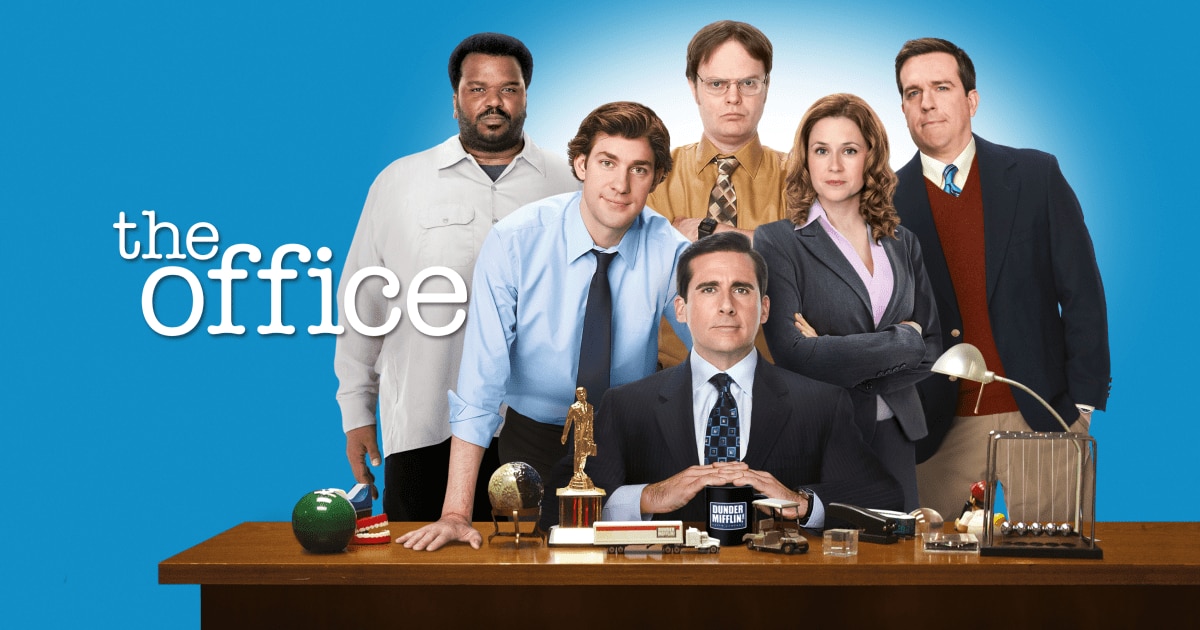
As streaming services evolve into sophisticated tech giants, the availability of high-demand content like The Office serves as a case study for the “Streaming Wars.” This article explores the technical platforms, software requirements, and digital tools necessary to access every season of the series, ensuring a seamless viewing experience across all your devices.
The Primary Hub: Peacock and the Infrastructure of NBCUniversal’s Streaming Strategy
The most significant shift in the digital journey of The Office occurred when NBCUniversal reclaimed the streaming rights from Netflix to launch its proprietary service, Peacock. From a technical perspective, Peacock represents a massive investment in cloud-based content delivery and user interface (UI) design.
Understanding the Peacock App Architecture
To watch The Office in the United States, Peacock is the definitive home. The platform is built on a robust backend designed to handle millions of concurrent streams. For users, this means the software is available across a wide array of operating systems, including iOS, Android, tvOS (Apple TV), and various versions of Android TV. The Peacock app utilizes adaptive bitrate streaming, a technology that adjusts the quality of the video in real-time based on the user’s internet bandwidth, preventing the dreaded “buffering” during Michael Scott’s most awkward moments.
Subscription Tiers and Content Accessibility
Peacock employs a tiered software model. While the service originally offered a free tier, The Office is primarily gated behind the “Premium” and “Premium Plus” tiers.
- Peacock Premium: Provides access to the full library (including the exclusive “Superfan Episodes” with deleted scenes) but includes digital ad insertion.
- Peacock Premium Plus: Offers an ad-free experience and allows for the offline downloading of episodes on supported mobile devices. This “Download and Go” feature is a critical piece of tech for travelers, utilizing secure local storage and DRM (Digital Rights Management) to allow viewing without an active data connection.
The Exclusive “Superfan” Technological Edge
One of the most compelling tech-driven reasons to watch on Peacock is the “Superfan Episodes.” These are not merely re-uploads; they are newly edited versions of the show featuring never-before-seen footage. From a content management perspective, this demonstrates how metadata and digital editing allow streaming platforms to “repackage” legacy content to provide more value than traditional physical media or previous digital iterations.
International Distribution: Navigating Global Digital Rights
While Peacock holds the crown in the U.S., the digital rights for The Office are fractured globally. Because streaming platforms operate under strict geographic licenses, the “where” of the show depends heavily on your IP address.
Netflix, Disney+, and Prime Video: The Global Patchwork
In many regions outside the United States, such as the UK, Canada, and parts of Europe, The Office remains available on platforms like Netflix or Amazon Prime Video.
- Netflix (UK/International): Netflix remains a gold standard in streaming tech. Its compression algorithms (AV1 and HEVC) allow for high-quality playback even on slower networks. If you are in a region where Netflix hosts the show, you benefit from one of the world’s most sophisticated recommendation engines and cross-device syncing.
- Binge and Stan (Australia): In the Australian market, local streaming apps have secured the rights. These apps emphasize localized CDN (Content Delivery Network) nodes to reduce latency for users in the Southern Hemisphere.
The Logic of Geo-Blocking
Geo-blocking is the software-level restriction that prevents a user in New York from accessing the content library of a user in London. This is managed through IP geolocation databases. When you log into a streaming app, the software checks your IP address against a permitted list for that specific content. If you find that The Office has “disappeared” from your favorite app, it is likely due to a change in these digital licensing agreements or a shift in your detected geographic location.
Optimizing the Viewing Experience: Hardware and Connectivity Requirements

To appreciate the cinematography of The Office—especially as the show transitioned to high-definition in later seasons—the hardware you use is just as important as the app you choose.
Smart TVs and Dedicated Streaming Hardware
Most modern Smart TVs (Samsung Tizen, LG WebOS, Sony Google TV) have native apps for Peacock, Netflix, and Prime Video. However, for the most fluid experience, many tech enthusiasts recommend dedicated streaming sticks like the Apple TV 4K, Roku Ultra, or Amazon Fire TV Stick 4K Max.
- Processing Power: These devices have dedicated processors that handle UI navigation much faster than the built-in chips in most televisions.
- Integration: Hardware like the Apple TV integrates the show into a “Up Next” queue, which aggregates data from multiple apps, allowing you to resume your binge-watch regardless of which service is hosting the show.
Network Requirements for High-Definition Streaming
While The Office isn’t a high-action blockbuster, streaming it in 1080p or 4K (where available) requires a stable digital pipeline.
- Bandwidth: A minimum of 5 Mbps is required for HD, while 25 Mbps is recommended for 4K.
- Wi-Fi 6 and Ethernet: To minimize packet loss and latency, using a Wi-Fi 6 enabled router or a hardwired Ethernet connection to your streaming device ensures that the mockumentary-style camera movements remain crisp and fluid.
Technological Workarounds: Using VPNs for Global Access
For users who travel frequently or live in regions where The Office is not currently licensed, Virtual Private Networks (VPNs) have become an essential tool in the digital viewer’s arsenal.
How VPN Software Interacts with Streaming Apps
A VPN works by creating an encrypted tunnel between your device and a server located in a different country. By masking your actual IP address with one from a region where The Office is available (such as the UK or the US), you can theoretically access that region’s library.
The Cat-and-Mouse Game of Detection
Streaming platforms like Peacock and Netflix employ sophisticated VPN detection tech. They maintain databases of known VPN server IP addresses and block them to comply with their licensing contracts. High-end VPN providers counter this by frequently cycling their IP addresses and using “obfuscation” protocols that make VPN traffic look like standard HTTPS web traffic. Users looking to use this tech must choose a provider known for its ability to bypass these digital “fences.”
Digital Purchase and Ownership: The Non-Subscription Model
If the “Streaming Wars” and shifting monthly fees are too volatile, the most stable way to watch The Office is through digital purchase. This moves the viewer away from “Software as a Service” (SaaS) and toward digital asset ownership.
Buying on Digital Storefronts (iTunes, Vudu, Amazon)
Platforms like Apple TV (formerly iTunes), Vudu, and Google TV allow you to purchase the entire series.
- The Tech Advantage: Once purchased, the content is tied to your account’s digital library. You no longer have to worry about the show leaving a specific streaming service due to a licensing deal.
- Cloud Playback: These platforms use cloud lockers, meaning you can stream your purchased episodes on any device that supports the storefront’s app.
DRM and the Limits of Digital Ownership
It is important to understand that when you “buy” a digital season of The Office, you are technically purchasing a perpetual license to view it through that platform’s software. This is managed via DRM. Unlike a physical DVD, you cannot easily move a digital file from iTunes to a generic video player. However, for most users, the convenience of having the show permanently available in their digital ecosystem outweighs these technical restrictions.

Conclusion: The Future of Dunder Mifflin in the Cloud
The question of where to watch The Office is a reflection of the broader tech landscape. From the advanced UI of Peacock to the geographic complexities of IP-based licensing and the security protocols of VPNs, streaming the show is a high-tech endeavor. Whether you are utilizing the “Superfan” features on a 4K streaming stick or managing a digital library across multiple devices, the technology ensures that the employees of Dunder Mifflin are never more than a few clicks away. As the digital ecosystem continues to evolve with AI-driven recommendations and even higher fidelity streaming protocols, the way we consume this classic series will only become more integrated and accessible.
aViewFromTheCave is a participant in the Amazon Services LLC Associates Program, an affiliate advertising program designed to provide a means for sites to earn advertising fees by advertising and linking to Amazon.com. Amazon, the Amazon logo, AmazonSupply, and the AmazonSupply logo are trademarks of Amazon.com, Inc. or its affiliates. As an Amazon Associate we earn affiliate commissions from qualifying purchases.