
In the rapidly evolving landscape of financial technology (fintech), few applications have achieved the level of cultural and functional ubiquity as Venmo. Originally launched as a simple SMS-based payment system, it has transformed into a robust social-mobile payment platform that facilitates billions of dollars in peer-to-peer (P2P) transactions annually. Owned by PayPal, Venmo represents a shift in how software manages the flow of capital, blending financial utility with a social interface. Understanding how to use Venmo effectively requires more than just knowing how to send money; it involves mastering a digital ecosystem designed for speed, transparency, and connectivity.
Navigating the Venmo Interface and Setup Process
The foundation of a seamless Venmo experience lies in its initial configuration and the user’s ability to navigate its streamlined UI. As a mobile-first application, the software is designed to minimize friction, yet it demands specific technical steps to ensure functionality and data integrity.
Account Creation and Identity Verification
To begin using the platform, users must download the application from the iOS App Store or Google Play Store. The onboarding process utilizes a standard multi-step verification protocol. Upon registering with an email address and phone number, the app employs a two-factor authentication (2FA) system to verify the device.
In compliance with federal regulations—specifically “Know Your Customer” (KYC) laws—Venmo requires users to verify their identity if they wish to carry a balance within the app or send amounts exceeding certain thresholds. This process involves the software scanning government-issued identification and matching it against public records. From a tech perspective, this is a critical layer of the app’s security stack, ensuring that the digital “wallet” is tied to a verified human entity.
Linking Financial Nodes: Cards and Banks
Venmo acts as a digital intermediary between various financial institutions. Users must link a funding source to the app to facilitate movement. This can be done via:
- Bank Accounts: Utilizing the Plaid API, Venmo allows users to securely log into their banking portals to link accounts instantly. This method is preferred for the “Standard Transfer” feature, which utilizes the Automated Clearing House (ACH) network.
- Debit and Credit Cards: Users can manually input card data or use the app’s optical character recognition (OCR) feature to scan the card via the camera. While debit cards are standard, the tech behind credit card processing involves additional merchant fees and data encryption to protect the cardholder’s CVV and account numbers.
The Mechanics of Peer-to-Peer Transactions
At its core, Venmo is an engine for moving data that represents currency. The software architecture manages thousands of simultaneous requests, ensuring that “User A’s” balance decreases exactly as “User B’s” increases, maintaining a perfectly balanced ledger.
Sending, Requesting, and Splitting Payments
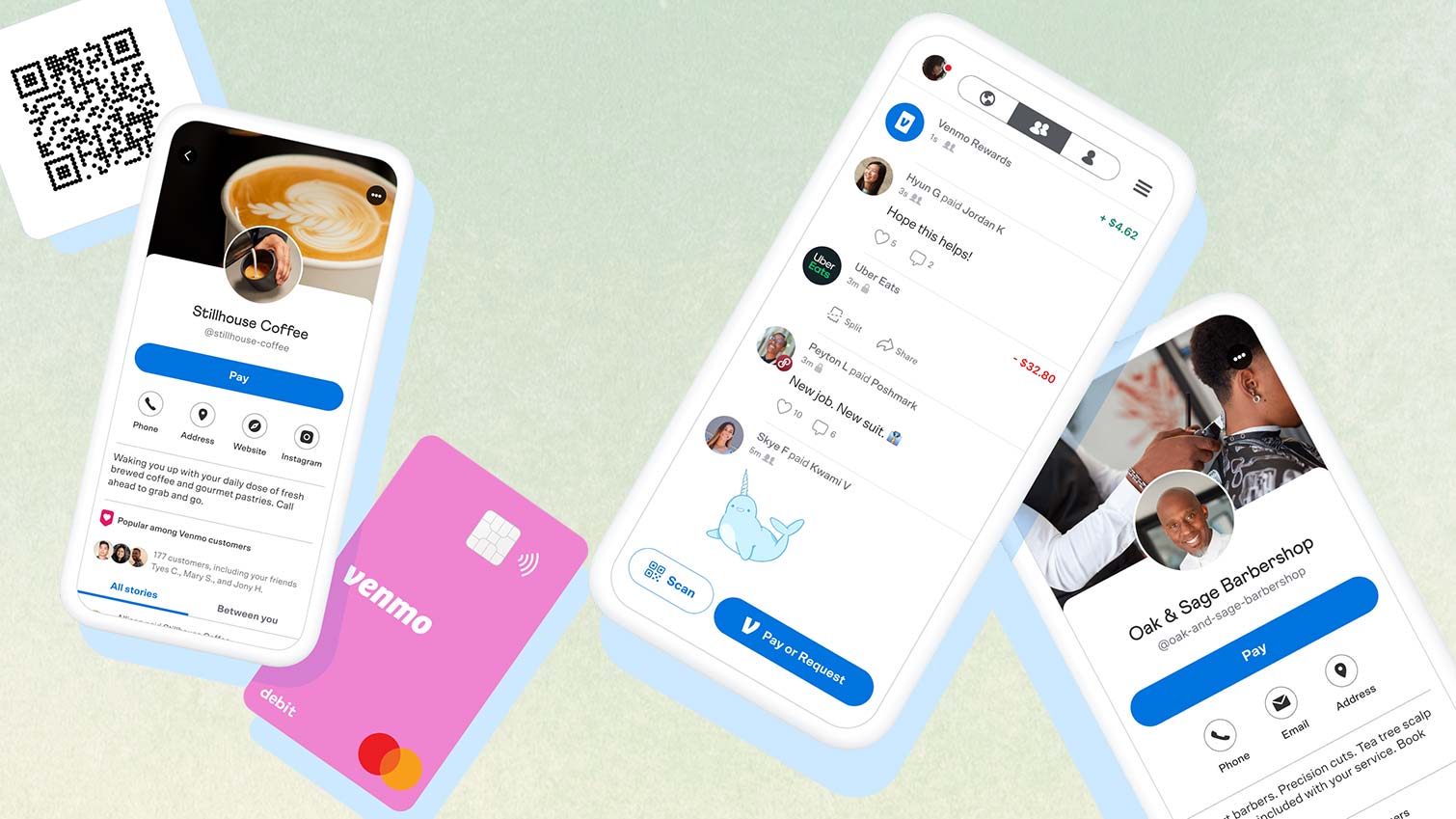
The primary interaction within the app occurs via the “Pay or Request” button. The software utilizes a search algorithm that indexes contacts from the user’s phone, Facebook profile, and Venmo’s global database. Once a recipient is selected, the user enters an amount and a note.
The “Note” field is a unique technological requirement; Venmo’s code prevents a transaction from executing if the field is empty. This metadata is stored alongside the transaction. Furthermore, the “Split” feature demonstrates the app’s algorithmic efficiency, allowing a single user to divide a total sum among multiple recipients, with the software calculating the precise decimal distribution and sending simultaneous requests to all involved parties.
Leveraging the Social Feed and Privacy Controls
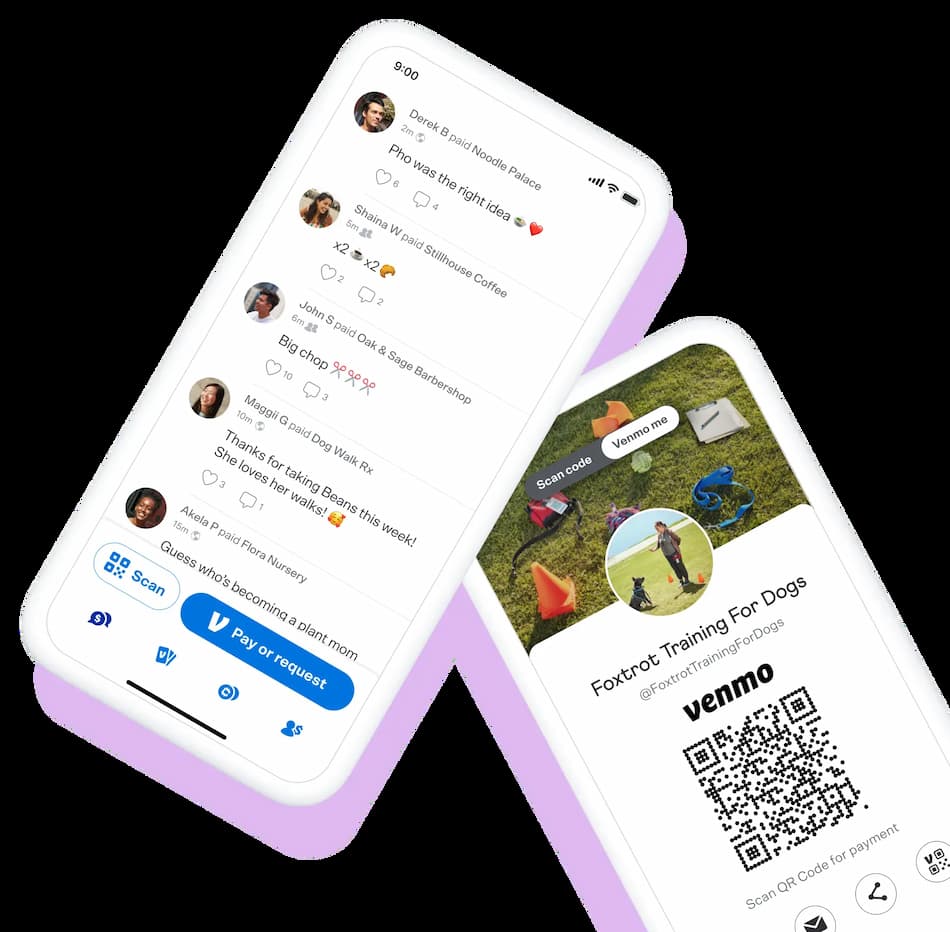
What distinguishes Venmo from traditional banking software is its social API. By default, transactions can be visible to a user’s friends or the public. The software allows for three distinct privacy settings:
- Public: Visible to the entire Venmo network.
- Friends: Visible only to the sender’s and recipient’s mutual connections.
- Private: Visible only to the two parties involved.
Technologically, these settings function as permissions within the database. Users should navigate to the “Privacy” submenu within the “Settings” tab to audit their default visibility. For those prioritizing digital privacy, setting the global default to “Private” ensures that the metadata of their transactions is not broadcast across the network.

Advanced Features and Digital Wallet Management
Beyond simple transfers, Venmo has expanded its feature set to include sophisticated financial tools that mimic a traditional digital wallet while offering modern tech-driven conveniences.
Instant Transfers vs. Standard Deposits
When a user receives money, it sits in their “Venmo Balance”—a ledger entry within the app’s ecosystem. To move this to a physical bank, the user must initiate a transfer.
- Standard Transfer: This utilizes the ACH network. It is a batch-processing system that typically takes 1–3 business days. It is free but operates on an older, slower banking infrastructure.
- Instant Transfer: This utilizes Real-Time Payments (RTP) or the Visa Direct/Mastercard Send networks. It allows the software to push funds to a linked debit card or bank account within minutes for a small percentage fee. This reflects the cutting edge of modern payment processing speeds.
The Venmo Debit and Credit Card Integration
To further bridge the gap between digital and physical transactions, Venmo offers integrated hardware. The Venmo Debit Card uses the user’s Venmo balance to make real-world purchases via the Mastercard network. The Venmo Credit Card takes this a step further by offering a dynamic QR code printed on the physical card, which others can scan to pay the user. This integration of physical hardware with a mobile app interface creates a closed-loop ecosystem where the user never has to leave the Venmo infrastructure to manage their daily expenses.
Digital Security and Fraud Prevention in Mobile Payments
As with any fintech tool, security is the paramount technical concern. Venmo employs multiple layers of defense to protect user data and financial assets from unauthorized access and cyber threats.
Multi-Factor Authentication and Biometrics
Venmo leverages the hardware security modules of modern smartphones. Users can enable biometric authentication, such as FaceID or TouchID, to lock the app. This adds a layer of “Something You Are” to the security protocol. Additionally, any login attempt from an unrecognized device triggers a multi-factor authentication (MFA) request, usually a short-code sent via SMS or email. This ensures that even if a password is compromised, the account remains shielded by the requirement of physical device access.
Recognizing and Avoiding Common Scams
The tech community often notes that the weakest link in security is the human element. Common scams involve “accidental” payments where a fraudster sends money via a stolen credit card and asks for it back, only for the original payment to be reversed later by the bank.
To mitigate these risks, Venmo has implemented “Buyer Protection” for transactions marked as “Payments for Goods and Services.” This feature uses a dispute resolution algorithm where the software acts as an escrow-like mediator. Users should never use the “Friends and Family” setting for transactions with strangers, as this bypasses the security protocols designed to prevent fraud in commercial exchanges.
Troubleshooting and Optimizing Your App Experience
To maintain peak performance, users must understand the maintenance side of the application. Like any software, Venmo requires regular updates and occasional troubleshooting to resolve latency or connectivity issues.
Managing App Updates and Device Compatibility
Venmo frequently releases patches to address security vulnerabilities and introduce new features. Users should ensure that “Automatic Updates” are enabled in their device settings. From a technical standpoint, the app requires a relatively modern OS (typically iOS 12+ or Android 5.0+) to support its encryption standards. Running the app on an outdated OS can lead to “handshake errors” with the server, resulting in failed transactions or sync delays.
Technical Support and Dispute Resolution
If a transaction fails or the app freezes, the first step is to check the Venmo Status page or official social media channels to see if there is a server-side outage. If the issue is localized, clearing the app cache or re-installing the software often resolves internal database conflicts. For more complex issues, such as unauthorized charges, the app provides a “Contact Us” portal that initiates a support ticket. This system tracks the lifecycle of the issue, providing the user with a digital paper trail—a necessary component of modern digital accountability.
By mastering these technical nuances, from initial encryption setups to the intricacies of instant transfer protocols, users can transform Venmo from a simple utility into a powerful, secure, and efficient hub for their digital lives. As fintech continues to advance, staying informed on these software-driven features ensures that your financial interactions remain as seamless as they are secure.
aViewFromTheCave is a participant in the Amazon Services LLC Associates Program, an affiliate advertising program designed to provide a means for sites to earn advertising fees by advertising and linking to Amazon.com. Amazon, the Amazon logo, AmazonSupply, and the AmazonSupply logo are trademarks of Amazon.com, Inc. or its affiliates. As an Amazon Associate we earn affiliate commissions from qualifying purchases.