
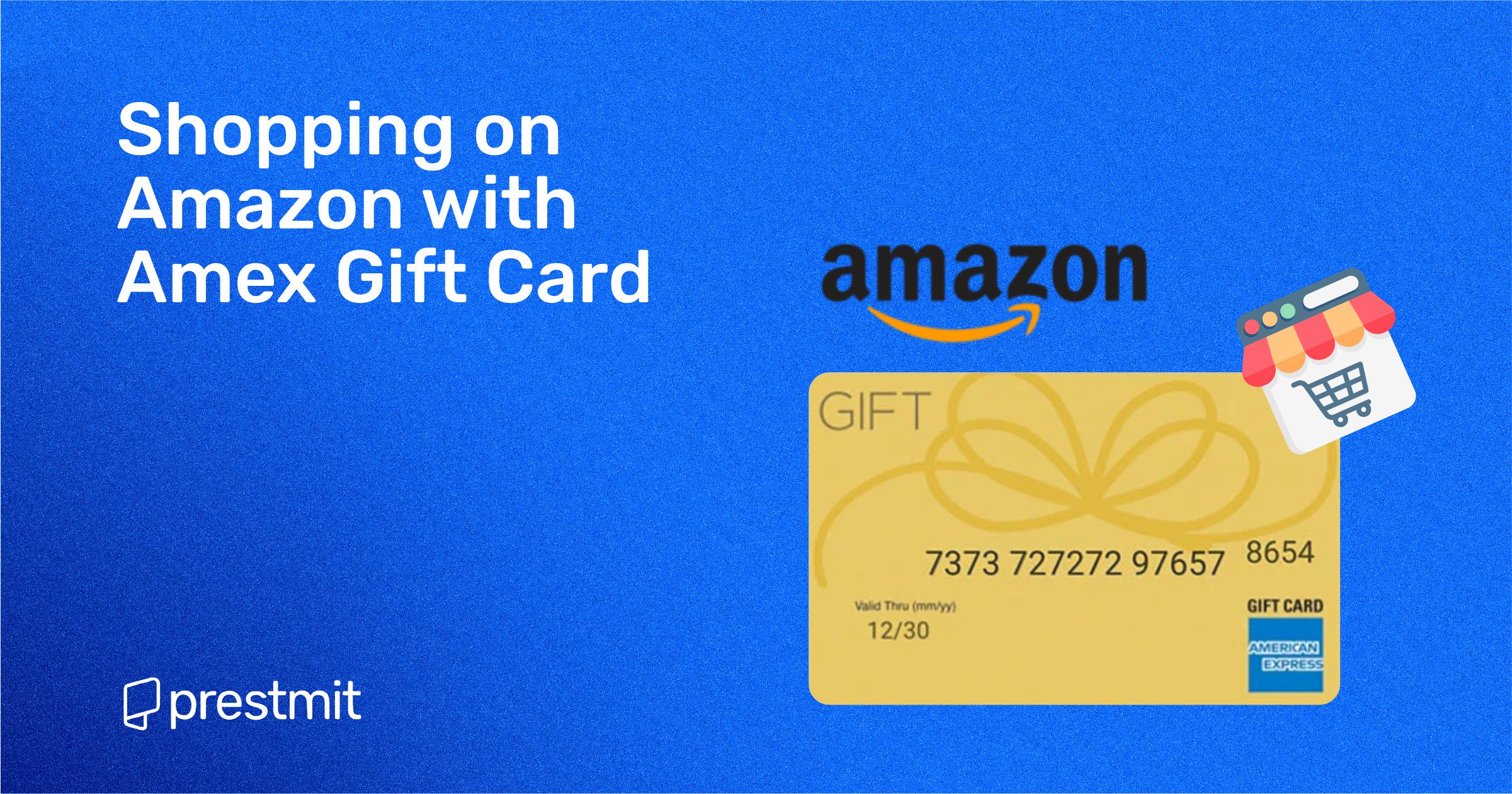
In an increasingly digital economy, gift cards have evolved from simple tokens of appreciation into versatile financial instruments. Among these, the American Express Gift Card stands out, carrying the prestige and widespread acceptance associated with the Amex brand. However, unlike traditional credit or debit cards, these prepaid options often come with unique nuances, especially when used for online transactions on platforms like Amazon. Understanding these specifics is not just about convenience; it’s about smart money management, ensuring your funds are utilized effectively and without unnecessary friction. This comprehensive guide delves into the precise steps and strategic insights required to seamlessly integrate your American Express Gift Card into your Amazon shopping experience, transforming potential hurdles into smooth transactions.
Navigating the Nuances of Amex Gift Cards
Before diving into the mechanics of spending, it’s crucial to grasp the fundamental characteristics of American Express Gift Cards. They are distinct from regular credit or debit cards and require a slightly different approach to maximize their utility. Recognizing these differences is the first step towards a frictionless shopping experience on Amazon.
Understanding Amex Gift Card Mechanics
American Express Gift Cards are essentially prepaid debit cards. They are loaded with a specific amount of money, and once that balance is depleted, the card becomes unusable. Unlike credit cards, they do not offer a line of credit, nor do they typically link to a personal bank account like a debit card. They operate on the American Express network, granting them broad acceptance wherever Amex is processed, but their functionality is limited to the pre-loaded value. This finite nature means careful tracking of expenditures is paramount to avoid declined transactions.
Key Differences from Credit Cards
The primary distinction lies in the credit aspect. A credit card extends a line of credit, allowing you to borrow funds up to a certain limit and repay them later, often accruing interest. An Amex Gift Card, conversely, holds your own money upfront. There’s no credit check involved, no billing statements, and no interest charges. For consumers, this translates to a fixed spending limit, which can be a double-edged sword: excellent for budgeting and preventing overspending, but potentially inconvenient for purchases exceeding the card’s loaded value. Another subtle difference is how some online merchants, including Amazon, might handle pre-authorization holds, which can temporarily reduce your usable gift card balance even if the final charge is less.
Activation and Registration Essentials
While many American Express Gift Cards are “ready to use” immediately upon purchase for in-store transactions, online usage often benefits significantly from prior registration. Typically, you can visit the American Express Gift Card website (often printed on the back of the card) to register your card. This usually involves entering the card number, expiration date, and CVV. More importantly, it allows you to associate a billing address with the card. This step is critical for online purchases, as many e-commerce platforms, including Amazon, perform an Address Verification System (AVS) check. If the billing address you enter during checkout doesn’t match the one registered with the card (or if no address is registered at all), the transaction is likely to be declined, even if sufficient funds are available. Registering your card also provides a pathway to track your balance and report lost or stolen cards, adding a layer of security and financial oversight.
Step-by-Step Guide to Using Your Amex Gift Card on Amazon
Armed with an understanding of how Amex Gift Cards work, the next step is to practically apply this knowledge to making purchases on Amazon. The process is straightforward once you know the specific sequence of actions required.
Preparing Your Gift Card for Online Use
The most crucial preparatory step is registering your card and associating a billing address with it. As mentioned, this prevents AVS mismatches that often lead to declined transactions. Visit the official American Express Gift Card website, locate the “Register Your Card” or “Check Balance” section, and follow the prompts to enter your card details and a valid billing address. This address should be the same one you intend to use as your shipping/billing address on Amazon, or at least one recognized by your profile. Secondly, it’s wise to check your card’s exact balance before shopping. While the gift card typically comes with a set value, verifying the balance ensures you know precisely how much you have to spend, preventing surprises at checkout.
Adding the Gift Card as a Payment Method
Amazon’s checkout process is designed for flexibility. When you’re ready to make a purchase, or even beforehand for future convenience, you can add your Amex Gift Card details:
- Log in to your Amazon account.
- Navigate to “Your Account” from the dropdown menu, typically under your name.
- Under “Ordering and shopping preferences,” click on “Payment options.”
- Select “Add a credit or debit card.”
- Enter the 15-digit card number from your American Express Gift Card.
- Input the expiration date and the 4-digit security code (CID) found on the front of the card, above the card number.
- Crucially, enter the full name on the card (often “Gift Card Recipient” or a generic name) and the billing address you registered with the gift card. This is where the preparation step becomes vital.
- Click “Add your card.” Your Amex Gift Card will now appear in your list of payment methods.
Making a Purchase with Your Amex Gift Card
Once your item is in the cart and you proceed to checkout:
- Select your shipping address.
- On the “Payment method” page, select the American Express Gift Card you previously added from your list of saved payment options.
- Crucially, verify that your order total does not exceed the remaining balance on your gift card. If it does, Amazon’s system might decline the transaction outright. For orders exceeding the card’s value, you’ll need to employ a split payment strategy (detailed in the next section).
- Review your order carefully, including shipping details.
- Click “Place your order.”
If the transaction is successful, you’ll receive an order confirmation.
Handling Transaction Glitches and Residual Balances
Sometimes, transactions don’t go as planned. If your gift card is declined, double-check:
- Card Registration: Was the billing address registered with the Amex Gift Card website?
- Balance: Does the card have sufficient funds for the entire purchase, including any shipping or taxes?
- Typo: Are all card details (number, expiration, CVV) entered correctly?
- Pre-authorization: While less common for gift cards, some systems might place a small pre-authorization hold, temporarily reducing the visible balance.
If the purchase value is less than the gift card’s balance, a residual balance will remain on the card. Unlike regular debit cards, Amazon cannot “top up” the gift card. The remaining balance can be used for future Amazon purchases or elsewhere where American Express is accepted. It’s good practice to keep the physical card or a record of its details until the balance is completely depleted, as you might need it for returns or future small purchases.
Maximizing Value and Overcoming Common Hurdles
Effectively using an Amex Gift Card on Amazon involves more than just entering numbers; it requires strategic thinking, especially when facing common financial challenges associated with prepaid cards.
Strategies for Purchases Exceeding Card Value
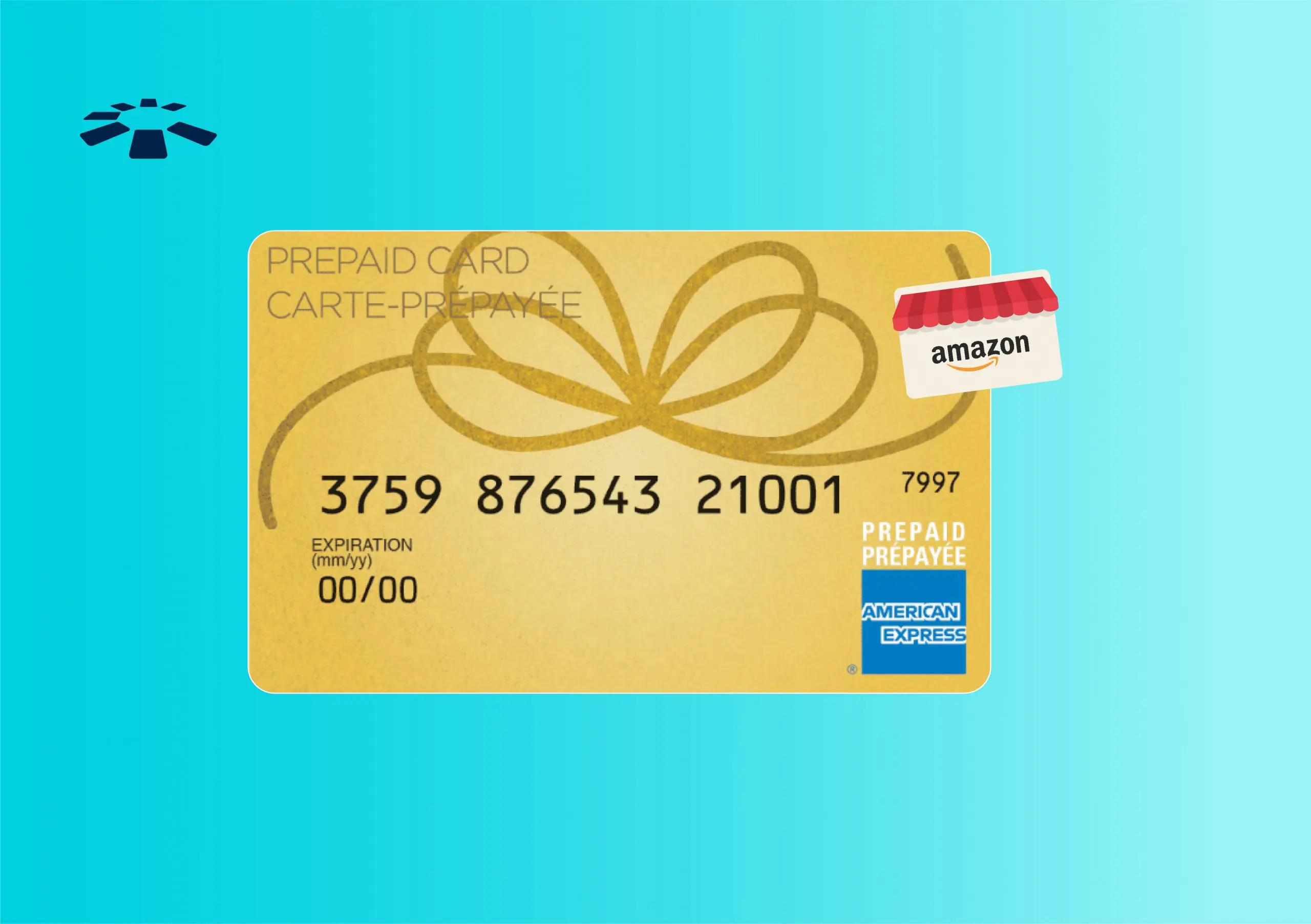
This is perhaps the most common challenge. Amazon generally allows for “split payments,” but not in the conventional sense of splitting one item’s cost between two payment methods directly during the initial checkout. The best strategy is to purchase an Amazon Gift Card with your Amex Gift Card.
- Determine the exact balance remaining on your American Express Gift Card.
- Go to Amazon’s gift card purchase page.
- Buy an Amazon eGift Card for the exact amount of your Amex Gift Card’s balance.
- During checkout for the Amazon eGift Card, use your American Express Gift Card as the payment method.
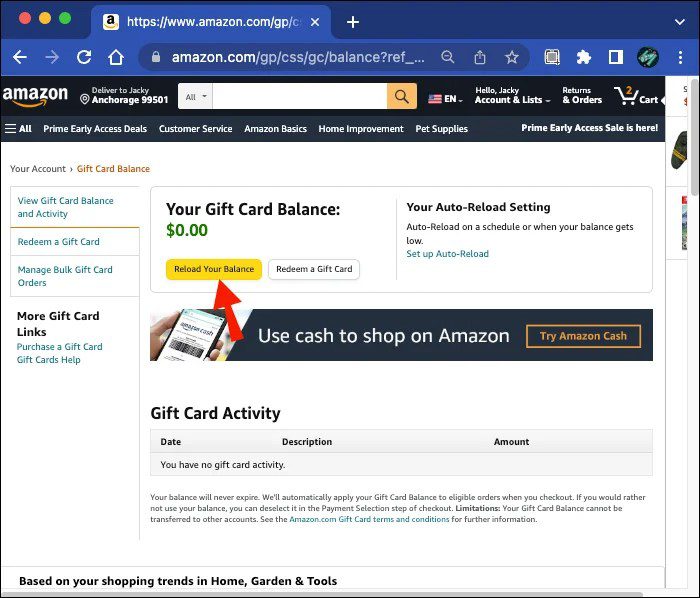
- Once the Amazon eGift Card arrives (usually instantly via email), redeem its code into your Amazon account.
Now, the full value of your Amex Gift Card is converted into Amazon credit. When you make your larger purchase, Amazon will automatically apply your gift card balance first, and then charge the remaining amount to your preferred credit or debit card. This method effectively allows you to use your Amex Gift Card’s full value, even for items that exceed its initial balance.
Why Your Card Might Be Declined (And How to Fix It)
Beyond the issues of insufficient funds or incorrect card details, a primary reason for decline is the Address Verification System (AVS) mismatch. If the billing address entered on Amazon does not exactly match the address registered with your Amex Gift Card, the transaction will fail. Always ensure you’ve registered an address with the Amex Gift Card online and that this exact address is used as the billing address during your Amazon checkout. Another subtle issue can be attempting to make international purchases with a domestic gift card, which usually isn’t supported. If all else fails, contact American Express Gift Card customer service; they can often diagnose specific decline reasons.
Tracking Your Gift Card Balance Effectively
Unlike credit cards with easily accessible online statements, gift cards require proactive balance tracking.
- Official Website: The most reliable method is to regularly check the balance on the official American Express Gift Card website using your card number.
- Transaction Records: Keep a simple log or mental note of your purchases to estimate the remaining balance.
- Amazon’s System: After a successful transaction on Amazon, the remaining balance isn’t explicitly shown in your Amazon payment methods. You must rely on the official Amex site for the precise up-to-date balance.
Treating your gift card like a mini-budgeted account helps prevent trying to make a purchase for an amount you no longer have.
Leveraging Amex Gift Cards for Budgeting
From a personal finance perspective, gift cards, particularly prepaid ones like Amex, can be excellent budgeting tools. They represent a fixed sum of money allocated for specific spending. If you’ve received an Amex Gift Card for a birthday, for instance, you can treat it as your “entertainment budget” or “treat yourself fund” for Amazon purchases. This prevents dipping into your regular savings or credit card limits for discretionary spending, thereby enforcing financial discipline. By converting the Amex Gift Card to an Amazon Gift Card, you’re essentially ring-fencing funds specifically for Amazon, which can be an effective way to manage discretionary online spending without impacting your primary financial accounts.
Beyond the Transaction: Financial Implications and Best Practices
The utility of American Express Gift Cards extends beyond mere spending. They offer insights into broader financial concepts and necessitate adherence to best practices for security and optimal use.
Gift Cards as Financial Tools
In a broader financial context, gift cards serve multiple purposes. They are a common tool for financial literacy education, allowing individuals to practice budgeting with a finite amount. For businesses, they act as effective marketing and loyalty instruments. For consumers, they can be a strategic way to manage specific spending categories, separate from primary banking. When a company issues a rebate or compensation in the form of an Amex Gift Card, it essentially provides a flexible cash equivalent without direct bank transfer, offering immediate spending power. Understanding this utility positions gift cards not just as gifts, but as legitimate, albeit limited, financial instruments.
Security Considerations for Online Purchases
While gift cards generally pose less risk than credit cards (as they don’t link to your bank account or credit line), security remains paramount.
- Treat them like cash: If lost or stolen, the funds are typically gone, unless you registered the card and can prove ownership.
- Beware of scams: Never share your gift card details with unsolicited requests or suspicious websites.
- Secure connections: Always ensure you are on a secure website (look for “https://” and a padlock icon) when entering card details.
- Monitor balances: Regularly checking your balance helps you identify any unauthorized activity promptly, though dispute resolution for gift cards is often more challenging than with credit cards.
Protecting the physical card and its unique numbers is as important as protecting your other financial credentials.
The Environmental and Economic Impact of Gift Cards
While convenient, the gift card industry also carries environmental and economic considerations. The production of plastic cards contributes to waste, although digital e-gift cards mitigate this. Economically, a significant percentage of gift card value goes unredeemed, either forgotten or lost. This “breakage” represents billions of dollars annually, benefiting issuers rather than consumers. Converting an Amex Gift Card to an Amazon eGift Card, as suggested for purchases exceeding its value, not only streamlines spending but also reduces the risk of unredeemed value, ensuring your funds are fully utilized rather than contributing to breakage.
The Future of Digital Payments and Gift Card Utility
As the financial landscape continues to evolve rapidly, the role and functionality of gift cards are also shifting, promising even greater integration and versatility.
Integration with Digital Wallets
The trend towards digital wallets like Apple Pay, Google Pay, and Samsung Pay is undeniable. While traditional Amex Gift Cards, being physical, aren’t directly supported by these wallets in the same way a credit card is (due to their prepaid, often non-reloadable nature and lack of account linkage), the future may see more sophisticated digital prepaid options that integrate seamlessly. Some digital-first gift cards already exist, residing purely in an app. As payment technology advances, the ability to store and manage various prepaid options, including potentially Amex-branded digital gift cards, within a single digital wallet will enhance convenience and expand their utility beyond physical card presence.
Emerging Trends in E-commerce Payments
The e-commerce sector is constantly innovating in payment solutions, driven by demand for speed, security, and flexibility. Buy Now, Pay Later (BNPL) services, cryptocurrency integration, and biometric payment methods are all gaining traction. For gift cards, this could mean more advanced fraud prevention, easier conversion to digital currency equivalents, or even their use as a form of partial payment in more complex installment plans. The underlying principle of a prepaid value accessible through a universal network (like American Express) remains strong, suggesting that while the form and interface might change, the fundamental utility of a managed, finite fund for purchasing will endure and adapt to emerging trends in online commerce.
In conclusion, navigating the use of an American Express Gift Card on Amazon is a practical skill for modern financial management. By understanding its unique characteristics, meticulously following the setup steps, and employing smart strategies for common issues, consumers can ensure these valuable financial instruments are used to their fullest potential. This not only streamlines the shopping experience but also reinforces principles of effective budgeting and secure online transactions in an increasingly digital world.
aViewFromTheCave is a participant in the Amazon Services LLC Associates Program, an affiliate advertising program designed to provide a means for sites to earn advertising fees by advertising and linking to Amazon.com. Amazon, the Amazon logo, AmazonSupply, and the AmazonSupply logo are trademarks of Amazon.com, Inc. or its affiliates. As an Amazon Associate we earn affiliate commissions from qualifying purchases.