
In the modern financial landscape, the ability to move capital seamlessly between platforms is a cornerstone of effective personal finance management. As the “gig economy” and digital entrepreneurship continue to expand, many individuals find themselves utilizing multiple financial ecosystems to manage their income and expenses. Two of the most prominent players in this space are Cash App, owned by Block, Inc., and PayPal, the veteran of online payments.
While both platforms offer robust features for sending, receiving, and storing money, they operate as closed-loop systems. This means there is no “Direct Transfer” button that allows you to move funds from Cash App to PayPal with a single click. To navigate this, users must understand the strategic “bridge” methods that link these two financial giants. This guide provides a deep dive into the most efficient ways to transfer your money, the costs involved, and the financial strategy behind choosing the right platform for your needs.
Understanding the Fintech Bridge: Why Direct Transfers Don’t Exist (Yet)
To manage your money effectively, it is helpful to understand why a direct integration between Cash App and PayPal does not exist. Both companies are primary competitors in the peer-to-peer (P2P) payment market and the broader digital banking sector. By keeping their ecosystems separate, they encourage users to keep their capital within their specific platform.
The Competitive Landscape of Peer-to-Peer Payments
Cash App has seen meteoric growth by focusing on simplicity, mobile-first design, and unique features like Bitcoin trading and fractional stock investing. PayPal, on the other hand, has a global reach, integrated merchant services, and a more complex suite of tools tailored for both consumers and businesses. Because they are vying for the same “wallet share,” providing a direct pipeline to a competitor’s platform is not a priority for their corporate strategies.
The Role of the Intermediary Bank Account
Since a direct link is unavailable, the most reliable way to move funds is through a “hub-and-spoke” model. In this model, a traditional bank account acts as the central hub. By linking both Cash App and PayPal to the same external bank account, you create a verified pathway for your capital. This method is the gold standard for security and financial tracking, as it ensures all movements are recorded in a centralized statement, which is essential for budgeting and tax purposes.
Step-by-Step Guide: Moving Funds Using a Linked Bank Account
The most common method for transferring funds involves a two-stage process: moving money from Cash App to a bank account, and then from that bank account to PayPal. While it requires a bit of patience, it is the most secure method for larger sums.
Step 1: Cashing Out from Cash App
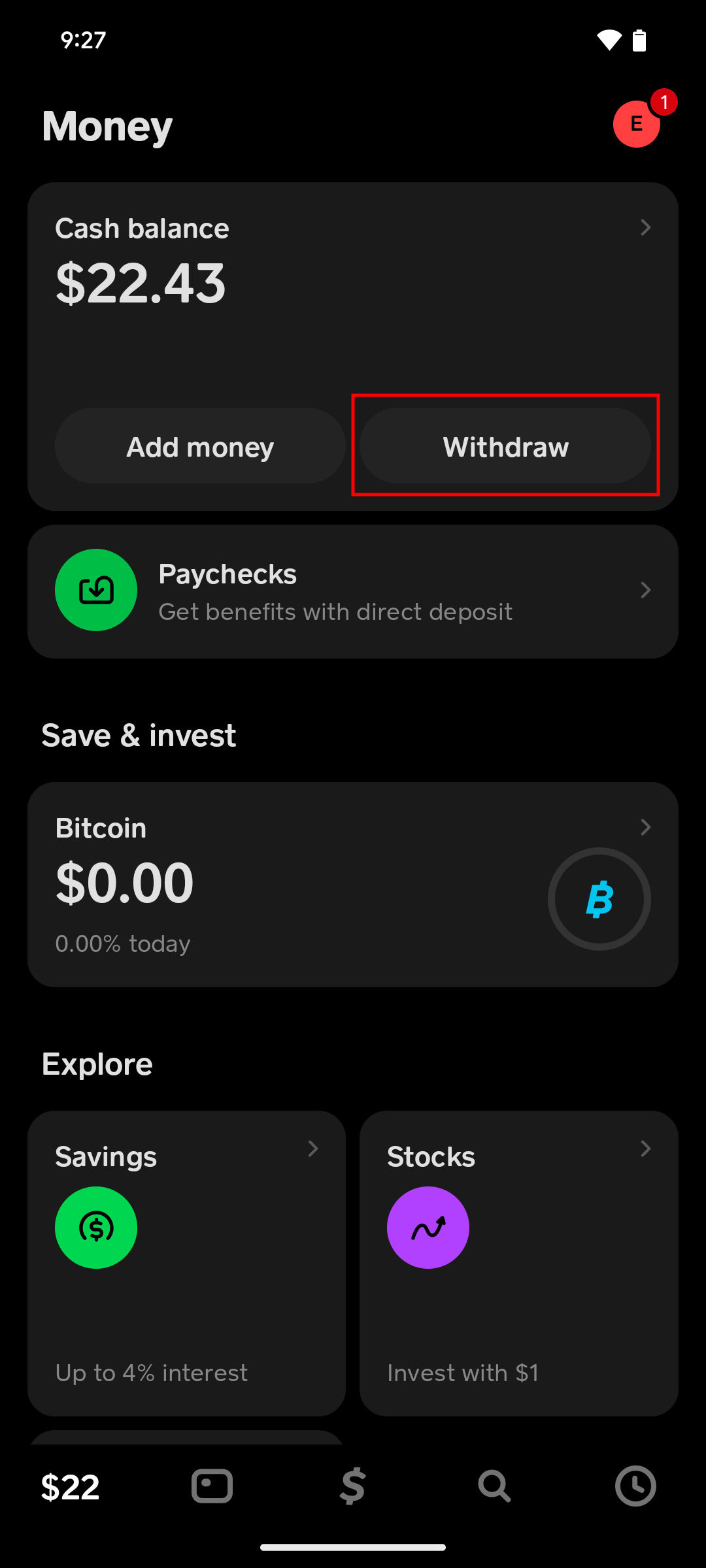
The first step is to liquidate your Cash App balance into your linked bank account.
- Open Cash App and tap the “Money” tab (the bank icon or balance amount).
- Select “Cash Out.”
- Choose the amount you wish to transfer.
- Select your transfer speed. Cash App offers a “Standard” transfer (which usually takes 1-3 business days and is free) and an “Instant” transfer (which incurs a fee, typically around 1.5% to 1.75%, but lands in your account within minutes).
Step 2: Verifying Funds in Your Bank Account
Before initiating the second half of the transfer, it is critical to ensure the funds have cleared in your bank account. If you chose the “Standard” transfer, wait for the notification from your bank. Moving too quickly can sometimes trigger “insufficient funds” alerts if your bank has a delay in processing incoming ACH transfers.
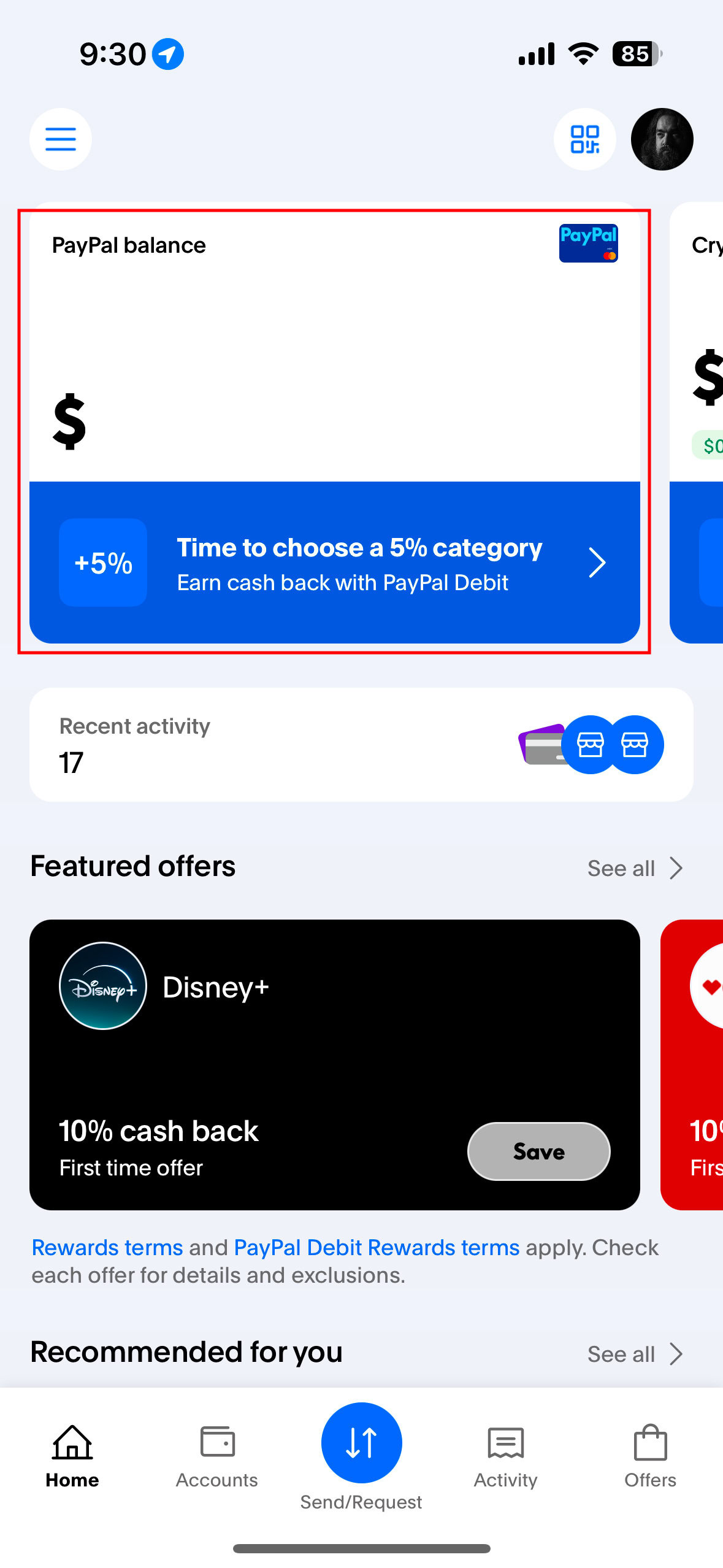
Step 3: Adding Money to Your PayPal Balance
Once the money is settled in your bank account, you can pull it into the PayPal ecosystem.
- Log in to your PayPal account and click “Transfer Money.”
- Select “Add money to your balance.”
- Choose your linked bank account (ensure it is the same one used for the Cash App withdrawal).
- Enter the amount and confirm.
Note: PayPal typically takes 3-5 business days to process an “Add Money” request from a bank account. If you have a PayPal Debit Mastercard, you may not need to “Add Money” to your balance at all, as PayPal can pull directly from your linked bank during a purchase.
Alternative Methods: Using the Cash Card and Third-Party Workarounds
For users who require more speed or do not want to use a traditional bank account as an intermediary, there are “semi-direct” methods. These involve leveraging the hardware and card-linking features of both platforms.
Linking the Cash Card to PayPal
The Cash Card is a Visa debit card issued by Cash App that is linked directly to your Cash App balance. Because it functions like any other debit card, PayPal allows you to add it as a funding source.
- In PayPal, go to “Wallet” and select “Link a card.”
- Enter the details of your Cash Card (number, expiry, and CVV).
- Once linked, you can sometimes use PayPal’s “Add Money” feature using the Cash Card as the source.
Note: PayPal’s internal security filters sometimes restrict using “prepaid” or certain fintech debit cards for balance top-ups, but this remains a popular workaround for many users.
Instant vs. Standard Transfers: Understanding the Trade-offs
When choosing your transfer method, you must weigh the “Time Value of Money” against the “Cost of Convenience.”
- The Instant Route: Using the Cash App Instant transfer to your bank and then a card-linked transfer can move money in minutes, but you might lose 1.5% to 2% of your principal in fees.
- The Standard Route: Using the ACH network for both steps is free but can take up to a full business week.
For small personal transfers, the standard route is usually best. For time-sensitive business opportunities or bill payments, the fee for an instant transfer may be a justifiable business expense.
Navigating Fees and Security in the Digital Economy
In any financial transaction, minimizing friction and maximizing security are the two primary objectives. When moving money between platforms, you are essentially increasing the “attack surface” of your finances.
Cost Analysis: Minimizing Transaction Expenses
In the “Money” niche, the goal is always to keep as much of your capital as possible. To minimize fees:
- Avoid Instant Transfers: Unless it is an absolute emergency, use the 1-3 day standard transfer.
- Batch Your Transfers: Instead of five small transfers that might each trigger minimum fee thresholds, move your money in one larger monthly or bi-weekly sum.
- Watch for Hidden Costs: Always check if your bank charges for incoming or outgoing ACH transfers (though most consumer banks in the US do not).
Protecting Your Financial Identity During Transfers
Moving money between apps requires sharing sensitive data across multiple interfaces. To stay secure:
- Enable Two-Factor Authentication (2FA): Ensure both Cash App and PayPal require a biometric scan or a text code to initiate a transfer.
- Verify Linked Accounts: Periodically check your “Linked Accounts” list in both apps to ensure no unauthorized accounts have been added.
- Beware of Phishing: Neither Cash App nor PayPal will ever ask you for your PIN or password via email to “facilitate” a transfer. Always initiate transfers from within the official apps.
Optimizing Your Personal Finance Workflow
Knowing how to transfer the money is only half the battle; knowing why and when is what constitutes true financial literacy. Each platform has specific strengths that should dictate your capital allocation.
Choosing the Right Platform for the Right Purpose
- Use Cash App for: Small, casual P2P payments with friends, purchasing Bitcoin, or utilizing “Boosts” (instant discount rewards) at specific retailers. It is an excellent tool for daily liquidity.
- Use PayPal for: International transactions, high-value merchant purchases (due to their robust Buyer Protection), and receiving professional service payments. PayPal is often seen as a more “formal” financial tool suitable for business.
Future Trends in Cross-Platform Interoperability
The financial world is moving toward “Open Banking,” a system where different financial institutions can share data and move funds more freely through secure APIs. Regulations like the CFPB’s proposed rules on personal financial data rights in the US suggest that, in the future, the “walls” between Cash App and PayPal may become more permeable. Until then, mastering the bank-bridge method and the Cash Card integration remains the most effective way to manage your digital wealth.
By understanding these mechanisms, you transform from a passive user of apps into an active manager of your personal economy. Whether you are cashing out a side hustle or consolidating funds for a major purchase, moving money between Cash App and PayPal is a vital skill in the 21st-century financial toolkit.
aViewFromTheCave is a participant in the Amazon Services LLC Associates Program, an affiliate advertising program designed to provide a means for sites to earn advertising fees by advertising and linking to Amazon.com. Amazon, the Amazon logo, AmazonSupply, and the AmazonSupply logo are trademarks of Amazon.com, Inc. or its affiliates. As an Amazon Associate we earn affiliate commissions from qualifying purchases.