
The landscape of television consumption has undergone a profound transformation. Gone are the days when a cable or satellite subscription was the sole gateway to live programming. Today, streaming live TV offers unparalleled flexibility, a broader range of content, and often, significant cost savings. This guide will demystify the process, walking you through the technological advancements, essential gear, service options, and optimization strategies to ensure a seamless live TV streaming experience. For anyone looking to break free from traditional broadcast methods and embrace the digital future, understanding the ‘how-to’ of live TV streaming is paramount.
The Evolution of Live TV: From Broadcast to Broadband
The journey from traditional broadcast television to the current era of streaming live TV is a testament to rapid technological advancement and changing consumer habits. What began as a novel concept has matured into a robust, versatile, and increasingly preferred method of consuming real-time content.
From Antennas and Cables to the Internet Backbone
For decades, live television was synonymous with terrestrial antennas or coaxial cables feeding signals directly into homes. The advent of cable and satellite services brought a greater variety of channels but locked viewers into often rigid and expensive packages. The internet, initially a medium for data and communication, slowly began to demonstrate its potential for media delivery. Early attempts at “webcasting” were often low-resolution and unreliable, but they laid the groundwork. As internet speeds improved and compression technologies advanced, the concept of delivering high-quality, live video content over broadband became not just feasible but desirable. This transition marked a fundamental shift: from physical infrastructure designed solely for TV signals to the ubiquitous, multi-purpose internet backbone, capable of carrying not just data but also rich, real-time media. This technological leap enabled a departure from the one-to-many broadcast model to a more personalized, on-demand, yet still live, viewing experience accessible anywhere with an internet connection.
The Cord-Cutting Revolution and its Technological Drivers
The term “cord-cutting” entered the popular lexicon to describe the phenomenon of consumers cancelling traditional cable or satellite TV subscriptions in favor of internet-based alternatives. This revolution isn’t merely a financial decision; it’s deeply rooted in technological empowerment and changing expectations. The drivers behind this shift are multi-faceted. Firstly, the widespread availability of high-speed internet infrastructure (fiber, cable broadband, and increasingly 5G) provided the necessary bandwidth for reliable high-definition streaming. Secondly, the proliferation of smart TVs and dedicated streaming devices (like Roku, Amazon Fire TV, Apple TV, and Google Chromecast) made it incredibly easy to access streaming content directly on the largest screen in the home, often with intuitive user interfaces. Thirdly, the development of sophisticated content delivery networks (CDNs) and adaptive bitrate streaming technologies (like HLS and MPEG-DASH) allowed video quality to dynamically adjust to a user’s internet speed, minimizing buffering and ensuring a consistent experience. These technological innovations collectively lowered the barrier to entry for streaming, making it a viable and often superior alternative to traditional TV, offering flexibility, personalization, and a wealth of content previously unimaginable.
Essential Gear and Technical Prerequisites for Seamless Streaming
Embarking on the live TV streaming journey requires more than just a desire to watch content; it necessitates a foundational understanding of the technical requirements and the right hardware setup. A well-configured streaming environment is key to a smooth, enjoyable viewing experience free from buffering and quality degradation.
Internet Connection: The Lifeblood of Your Streaming Setup
The quality of your internet connection is arguably the most critical component for live TV streaming. Without adequate bandwidth and a stable connection, even the best streaming devices and services will falter. For standard definition (SD) streaming, a minimum speed of 3-5 Mbps (megabits per second) is typically sufficient. However, for high-definition (HD) content, which is the norm for most live TV, you’ll need at least 10-25 Mbps. If you plan to stream in 4K Ultra HD, especially if multiple devices will be streaming simultaneously in your household, speeds of 50-100 Mbps or higher are highly recommended.
Beyond raw speed, the stability of your connection is equally vital. A consistent connection prevents frustrating buffering interruptions. A wired Ethernet connection directly from your router to your streaming device offers the most stable and fastest connection. If Wi-Fi is your only option, ensure your router is modern (Wi-Fi 5 or Wi-Fi 6 for optimal performance), centrally located, and operating on the 5GHz band for less interference and higher speeds, especially for devices closer to the router. Regular checks of your internet speed using online tools can help diagnose potential bottlenecks and ensure you’re getting the speeds you pay for.
Choosing Your Streaming Devices: Gateways to Content
Once your internet connection is sorted, the next step is selecting the right hardware to deliver the content to your screen. The market offers a diverse array of streaming devices, each with its strengths and ecosystems.
- Smart TVs: Many modern televisions come with built-in streaming capabilities, often referred to as “Smart TVs.” These integrated platforms (e.g., webOS for LG, Tizen for Samsung, Android TV for Sony/TCL) allow direct installation of streaming apps. While convenient, the software can sometimes become outdated or less performant over time compared to dedicated external devices.
- Streaming Sticks and Dongles (e.g., Roku Streaming Stick, Amazon Fire TV Stick, Google Chromecast): These compact, affordable devices plug directly into an HDMI port on your TV. They are highly portable and offer a user-friendly interface with access to a vast library of apps. They are excellent for casual streamers or for upgrading an older “dumb” TV.
- Streaming Boxes (e.g., Apple TV, Roku Ultra, Nvidia Shield TV): These are more powerful, often pricier, external devices. They typically offer better processing power, faster navigation, more storage, and sometimes advanced features like Ethernet ports, USB ports, and superior video/audio processing. They are ideal for power users, home theatre enthusiasts, or those prioritizing performance and a robust user experience.
- Gaming Consoles (PlayStation, Xbox): Modern gaming consoles are multimedia powerhouses, capable of running a wide range of streaming apps. While primarily designed for gaming, they can serve as a capable streaming device for live TV, particularly if you already own one.
- Computers/Laptops: You can always stream live TV directly through a web browser on your computer. This offers maximum flexibility but might not provide the living room big-screen experience without connecting it to your TV via an HDMI cable.
The choice largely depends on your budget, desired features, and existing ecosystem preferences. Regardless of your choice, ensure it supports the resolution (HD, 4K) and audio formats you intend to use.
Optimizing Audio and Video Quality: Seeing and Hearing Clearly
Achieving the best possible audio and video quality involves more than just a fast internet connection and a capable device; it also requires attention to display and audio settings.
For video, ensure your TV is set to the correct aspect ratio and that any “motion smoothing” or “soap opera effect” settings are disabled, as they can often degrade the natural look of film and TV content. If you have a 4K TV and a streaming service that supports 4K content, confirm that your streaming device is outputting in 4K and that your TV is receiving and displaying it correctly. This often involves checking your TV’s input settings. HDR (High Dynamic Range) content, which offers enhanced contrast and color, also requires a compatible TV and streaming device.
On the audio front, ensure your streaming device is configured to output the highest quality audio format your sound system (soundbar, AV receiver, home theatre) can support. This might be Dolby Digital, Dolby Atmos, or DTS. Check your device’s audio settings and your receiver’s input settings. Using high-quality HDMI cables can also play a subtle role in maintaining signal integrity for both video and audio. A finely tuned setup ensures that you experience live TV streaming not just conveniently, but in its intended visual and auditory glory.
Navigating the Live TV Streaming Service Ecosystem
With the right technical setup in place, the next crucial step is selecting the actual service that will deliver your live TV content. The market is saturated with options, each with its unique channel lineup, features, and pricing structure. Understanding these nuances is key to finding a service that aligns with your viewing habits and budget.
Subscription-Based Live TV Streaming Services
These services aim to replace traditional cable/satellite packages by offering a bundle of live channels delivered over the internet for a monthly fee. They typically include major broadcast networks (ABC, CBS, FOX, NBC, CW), popular cable channels, and sometimes regional sports networks.
- Hulu + Live TV: A popular choice known for its robust on-demand library (Hulu’s extensive catalog) combined with a comprehensive live TV offering. It includes a good selection of sports, news, and entertainment channels, along with cloud DVR functionality.
- YouTube TV: Praised for its intuitive user interface, unlimited cloud DVR storage (recordings kept for 9 months), and strong channel lineup, including many regional sports networks. It also integrates seamlessly with other Google services.
- Sling TV: Often considered a more budget-friendly option, Sling TV offers customizable channel packages (“Orange” and “Blue” focused on different types of content, like sports/family vs. news/entertainment) and various add-ons. Its flexibility allows users to tailor their subscription more precisely.
- FuboTV: Heavily geared towards sports fans, FuboTV boasts an extensive collection of sports channels, including international sports, alongside a decent selection of news and entertainment. It also offers 4K streaming for select events.
- DirecTV Stream: Positioned as a direct replacement for traditional cable, DirecTV Stream often has a higher price point but offers a very broad channel selection, including many regional sports networks that can be harder to find elsewhere. It comes with unlimited cloud DVR.
When evaluating these services, consider the specific channels you watch most frequently, the number of simultaneous streams allowed, and the included cloud DVR capabilities. Most services offer free trials, which are invaluable for testing the interface, channel lineup, and performance before committing.
Free Live TV Options: Streaming on a Budget
While subscription services offer comprehensive bundles, there are also excellent free options for live TV streaming. These services are typically ad-supported and may have more limited channel selections or focus on specific genres, but they provide a cost-effective way to access a variety of live content.
- Pluto TV: Offers hundreds of channels covering movies, TV shows, news, sports, and niche interests, all curated into a traditional TV guide-like experience. It’s entirely free and ad-supported.
- Tubi: Primarily an on-demand service, Tubi also includes a growing selection of live channels, particularly for news, sports highlights, and curated movie/TV show channels.
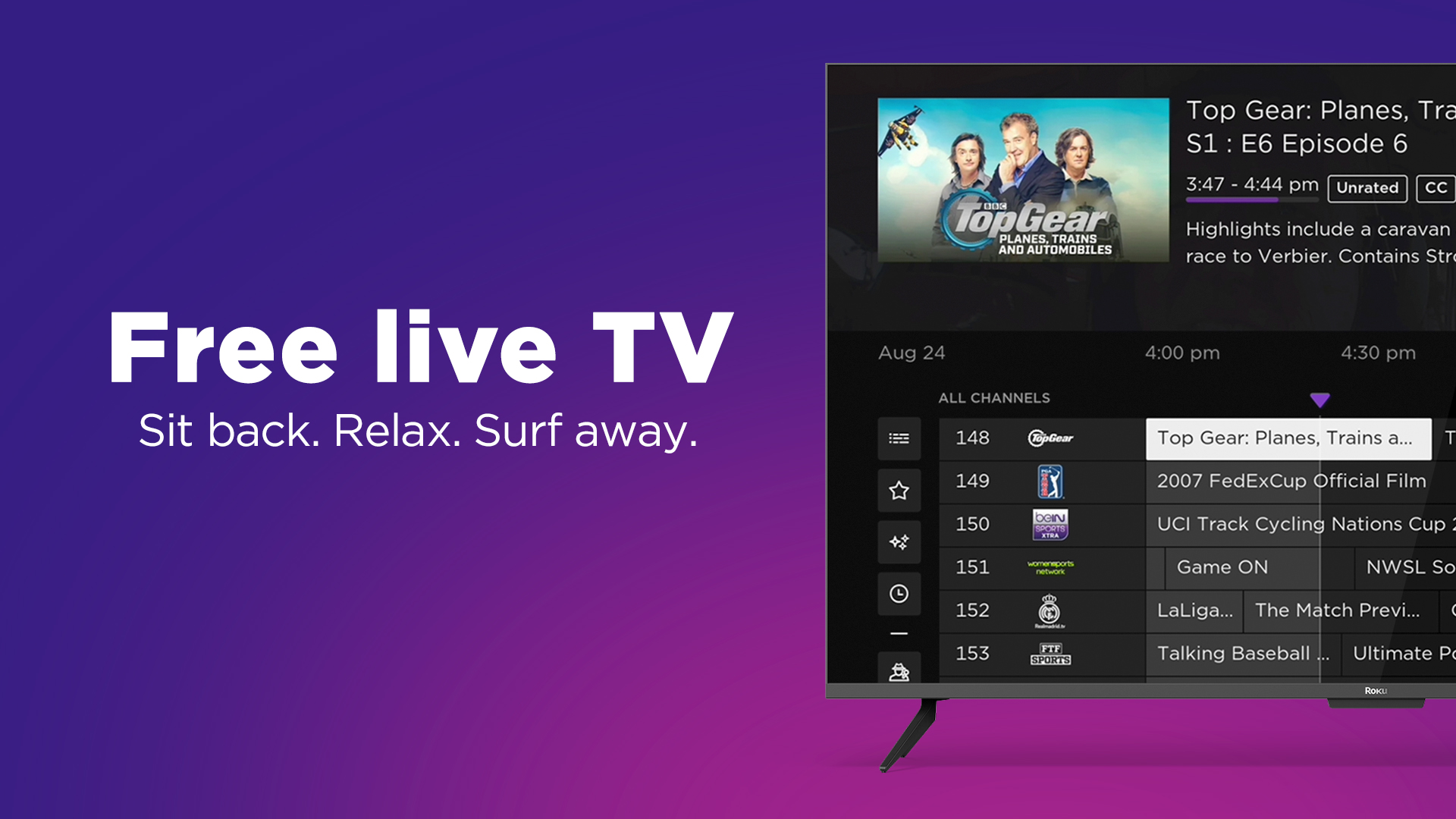
- The Roku Channel: Available on Roku devices and other platforms, this service provides a mix of free on-demand movies and TV shows, along with a significant number of live channels, including news, entertainment, and specific genre channels.
- Peacock (Free Tier): NBCUniversal’s streaming service offers a free tier that includes a rotating selection of movies, TV shows, and some live content, including news (NBC News NOW) and sports highlights.
- Local Channels with an Antenna (Digitally): While not strictly “streaming over the internet,” for truly free local live TV, a digital antenna (like an over-the-air or OTA antenna) remains a viable option for receiving major broadcast networks (ABC, CBS, FOX, NBC, PBS) in HD, entirely free of charge. Some devices (e.g., Tablo, HDHomeRun) can even integrate antenna signals into your streaming ecosystem, allowing you to watch and record local channels through your streaming device or app.
These free options are excellent for supplementing a paid service, catching specific content, or for those looking to significantly reduce their entertainment budget without giving up live TV entirely.
Understanding Channel Lineups, Add-ons, and Features
Beyond the core monthly price, delve into the specifics of each service:
- Channel Lineups: Don’t just check if your favorite channels are included, but also consider whether regional sports networks (RSNs) are available if sports are important to you, as these often vary by zip code and service.
- Add-ons: Many services offer premium add-ons for additional movie channels (e.g., Showtime, STARZ, HBO Max), sports packages, or genre-specific bundles. Factor these into your overall cost if they are essential to your viewing.
- DVR and On-Demand Features: While live TV is the focus, most services also include robust cloud DVRs, allowing you to record live shows and watch them later. Look at storage limits, how long recordings are kept, and the ability to fast-forward through commercials. Additionally, almost all services offer an extensive on-demand library of shows and movies that have previously aired, providing further value.
- Simultaneous Streams: Check how many devices can stream concurrently on one account. This is crucial for households with multiple viewers.
- Supported Devices: Ensure the service you choose has apps available for your preferred streaming devices (Smart TV, Roku, Fire TV, Apple TV, mobile devices, etc.).
By thoroughly researching these aspects, you can make an informed decision and select a live TV streaming service that perfectly matches your technical setup and viewing preferences.
Optimizing and Troubleshooting Your Streaming Experience
Even with the best equipment and subscriptions, occasional glitches can disrupt your live TV streaming experience. Understanding how to optimize your setup and troubleshoot common issues is crucial for maintaining a smooth, high-quality viewing experience.
Troubleshooting Common Streaming Issues
When your stream buffers, freezes, or exhibits poor quality, a systematic approach to troubleshooting can quickly identify and resolve the problem.
- Check Your Internet Connection: This is almost always the first suspect. Run a speed test (e.g., Speedtest.net) on a device connected to your home network. If speeds are lower than expected, try restarting your modem and router. Ensure no other heavy internet activities (large downloads, multiple 4K streams) are consuming excessive bandwidth.
- Restart Your Streaming Device: A simple restart can resolve many software glitches. Unplug the device from power for 30 seconds, then plug it back in.
- Update Apps and Device Software: Outdated software can lead to performance issues. Check for updates for your streaming app and your streaming device’s operating system.
- Clear App Cache/Data: Over time, streaming apps can accumulate cached data that might corrupt and cause issues. Go into your device’s settings (usually under “Apps” or “Storage”) and clear the cache for the problematic streaming app.
- Check Server Status: Occasionally, the issue might be on the streaming service’s end. Check their social media, official status pages, or websites like DownDetector to see if there are widespread outages.
- Reduce Wi-Fi Interference: If streaming wirelessly, obstacles, distance from the router, or interference from other devices (microwaves, cordless phones) can degrade signal quality. Try moving the device closer to the router, switching Wi-Fi channels on your router, or using a wired Ethernet connection if possible.
- Try a Different Device/App: If the problem persists with one app, try another streaming service or even a different device (e.g., switch from your Smart TV app to a Roku stick) to isolate whether the issue is with the app, the device, or your network.
Bandwidth Management and Data Usage Considerations
Live TV streaming, especially in HD or 4K, consumes significant internet bandwidth and can quickly eat into data caps if your internet service provider (ISP) imposes them.
- Monitor Data Usage: Most ISPs provide tools (via their website or mobile app) to monitor your monthly data consumption. Be aware of your cap to avoid overage charges.
- Adjust Streaming Quality: Most streaming apps allow you to manually adjust the video quality (e.g., from “Auto” to “High,” “Medium,” or “Low”). While lowering quality reduces visual fidelity, it can significantly decrease data consumption, especially useful when approaching a data cap or on a slower connection.
- Prioritize Traffic (QoS): Some modern routers offer Quality of Service (QoS) settings, allowing you to prioritize streaming traffic over other network activities, ensuring bandwidth is allocated where it’s most needed.
- Download On-Demand Content (When Available): For non-live content, if a service allows downloads for offline viewing, downloading over Wi-Fi can save mobile data when watching on the go.
Enhancing Security and Privacy in the Streaming Ecosystem
While streaming live TV is convenient, it’s essential to consider digital security and privacy, particularly when dealing with subscriptions and personal data.
- Strong, Unique Passwords: Use complex, unique passwords for all your streaming service accounts. A password manager can help manage these.
- Two-Factor Authentication (2FA): Enable 2FA whenever available. This adds an extra layer of security, requiring a code from your phone in addition to your password, making unauthorized access much harder.
- Be Wary of Phishing Scams: Fraudulent emails or messages attempting to trick you into revealing login credentials are common. Always verify the sender and URL before clicking links or entering personal information.
- Review Privacy Policies: Understand what data your chosen streaming services collect and how they use it. While often lengthy, being informed about their practices is important.
- VPN Usage: A Virtual Private Network (VPN) can enhance your privacy by encrypting your internet traffic, making it harder for your ISP or others to monitor your online activities. While VPNs can sometimes be used to bypass geo-restrictions, their primary security benefit is data encryption. Be aware that some streaming services actively block VPN usage due to licensing agreements.
- Manage Authorized Devices: Regularly review the list of authorized devices on your streaming service accounts and remove any unfamiliar or unused devices to prevent unauthorized access.
By being proactive in optimizing your setup and vigilant about security, you can ensure your live TV streaming experience is not only enjoyable but also safe and efficient.
The Future of Live TV Streaming: Beyond the Present
The rapid evolution of live TV streaming shows no signs of slowing down. As technology progresses and consumer expectations shift, the landscape will continue to adapt, offering even more personalized, interactive, and immersive ways to consume real-time content.
Personalization and AI Integration
The future of live TV streaming is deeply intertwined with personalization. Current services already offer recommendations based on viewing history, but this will become far more sophisticated. Artificial intelligence (AI) and machine learning will play a pivotal role in creating truly dynamic and individualized viewing experiences. Imagine a “live feed” that intelligently curates content specifically for you, blending traditional scheduled programming with custom clips, highlights, and news from various sources, all in real-time. AI could predict not just what you want to watch next, but what you might want to watch live at any given moment, presenting a tailored “channel” that evolves based on your mood, interests, and current events. This could extend to interactive elements, allowing viewers to customize camera angles for sports, dive deeper into statistics during a news broadcast, or even participate in live polls with real-time results integrated into the stream. The technology will move beyond simply delivering content to actively shaping a unique, engaging, and highly responsive live viewing journey for each individual.
The Blurring Lines Between Traditional and Digital Broadcast
As streaming technology matures, the distinction between “traditional broadcast” and “digital streaming” will become increasingly blurred, eventually fading entirely. The underlying delivery mechanism (over-the-air, cable, satellite) will become less relevant to the end-user, who will simply access content through an integrated, unified interface. We’re already seeing this with hybrid TV solutions and streaming services that emulate a traditional channel guide. In the future, “TV” will simply mean content, delivered seamlessly across all devices, regardless of its original source or real-time nature. This convergence will be driven by advancements in IP-based delivery, where all content, whether live or on-demand, is treated as data, allowing for unparalleled flexibility in packaging and presentation. The goal is a truly universal viewing platform where all content is available, searchable, and streamable without the user needing to understand the technical specifics of its origin. This also implies greater integration of local broadcast stations into streaming bundles, making the cord-cutting decision even easier for those who still value local news and events.
What’s Next for Live Content Delivery?
The horizon for live content delivery is packed with exciting possibilities. Beyond personalization and convergence, several emerging technologies are poised to reshape how we experience live TV.
- 5G and Edge Computing: The rollout of 5G networks, with their ultra-low latency and high bandwidth, will unlock new possibilities for mobile live TV streaming, providing reliable, high-quality experiences even in crowded areas or on the move. Coupled with edge computing, where processing occurs closer to the user, this could enable incredibly fast content delivery and support more interactive, localized live events.
- Cloud-Native Broadcasting: The shift from traditional hardware-centric broadcasting to cloud-native platforms will make content production and distribution more agile and cost-effective, potentially leading to more diverse and niche live content offerings.
- Immersive Experiences (VR/AR): While still in nascent stages for mass consumption, virtual and augmented reality could revolutionize live event viewing. Imagine watching a sports game from a courtside seat in VR, or having AR overlays provide real-time statistics and player information directly on your screen. This could transform passive viewing into an interactive, immersive experience.
- Blockchain for Content Rights and Royalties: Blockchain technology could bring transparency and efficiency to content rights management and royalty distribution, potentially impacting how content is licensed and monetized, and perhaps even fostering more creator-driven live content.
The future promises a live TV streaming experience that is more intelligent, seamless, and deeply integrated into our digital lives. As technological boundaries continue to dissolve, “how to stream live TV” will evolve from a technical query into a fundamental aspect of how we interact with the world of real-time media.
aViewFromTheCave is a participant in the Amazon Services LLC Associates Program, an affiliate advertising program designed to provide a means for sites to earn advertising fees by advertising and linking to Amazon.com. Amazon, the Amazon logo, AmazonSupply, and the AmazonSupply logo are trademarks of Amazon.com, Inc. or its affiliates. As an Amazon Associate we earn affiliate commissions from qualifying purchases.