
In the ever-evolving landscape of Android applications, users sometimes encounter file formats beyond the standard APK. One such format, the XAPK, has emerged as a way to package larger applications that might otherwise struggle with traditional APK distribution. While the Google Play Store primarily relies on APKs and app bundles, XAPK files offer a solution for developers and users alike who need to manage substantial app sizes, especially those containing extensive game data or high-resolution assets.
This comprehensive guide will demystify the XAPK file format, explain why you might encounter it, and provide a clear, step-by-step walkthrough on how to successfully install XAPK files on your Android device. We’ll also touch upon the associated benefits and potential considerations, ensuring you have all the information you need to expand your app library beyond the confines of the Play Store.
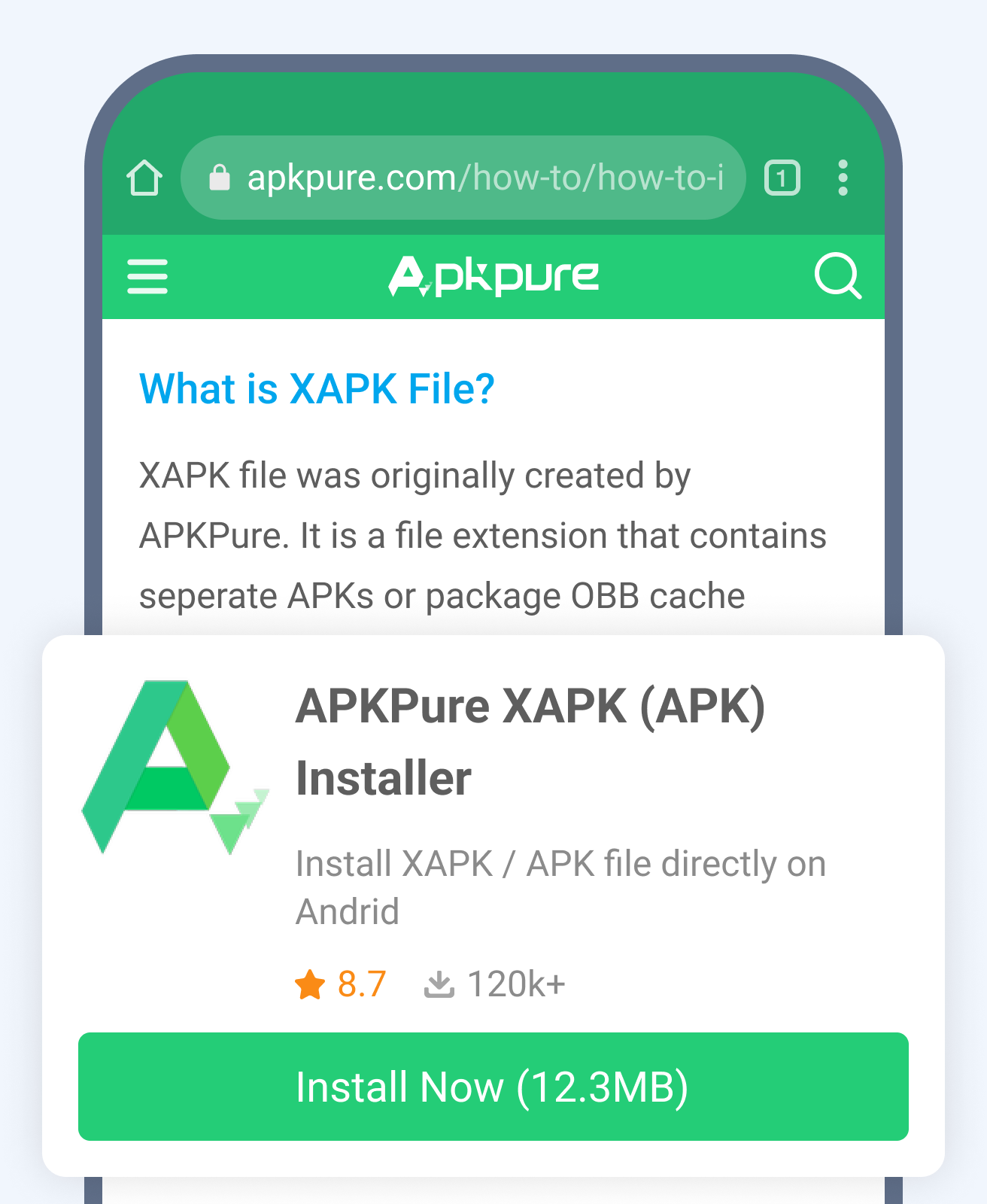
Understanding the XAPK File Format
Before diving into the installation process, it’s crucial to understand what an XAPK file is and how it differs from a standard APK.
What is an XAPK File?
At its core, an XAPK file is essentially a compressed archive that contains an APK file along with its associated OBB (Opaque Binary Blob) data. OBB files are used by Android applications to store large amounts of data that cannot be conveniently embedded within the APK itself. This includes things like high-resolution graphics, audio files, video assets, and other supplementary data required for the app to function correctly.
Think of it this way: an APK is like the main executable program, while the OBB files are the extensive libraries and resources that program needs to run smoothly and deliver its full experience. Packaging these together into an XAPK streamlines the distribution process for developers, especially for graphically intensive games or applications with a significant data footprint.
Why Would You Encounter XAPK Files?
You’re most likely to encounter XAPK files in situations where an application’s size exceeds the typical limits for direct download or where the developer wants to ensure all necessary components are delivered in a single package. Some common scenarios include:
- Large Games: Mobile games, particularly those with advanced graphics and extensive gameplay, often require substantial data. Developers might opt for XAPK to bundle the game’s APK with its large OBB files for easier distribution.
- Apps with Extensive Media: Beyond games, some productivity or utility apps might also incorporate large media assets that are best managed via XAPK.
- Regional or Beta Releases: Occasionally, developers might use XAPK for distributing beta versions of their apps or for regional releases where direct Play Store availability is limited or delayed.
- Unofficial App Stores or Websites: While the Google Play Store is the primary source for Android apps, you might find XAPK files on third-party app stores or websites that offer direct downloads.
Understanding the nature of XAPK files prepares you for the installation process, which, as we’ll see, involves a slightly different approach than simply tapping on an APK.
The Installation Process: Step-by-Step
Installing an XAPK file is not as straightforward as installing a standard APK because Android doesn’t natively support XAPK installation. You’ll need a specialized app to handle this. The most common and recommended method involves using a dedicated XAPK installer app.
Method 1: Using an XAPK Installer App
This is the most user-friendly and widely adopted method. Many free apps are available on the Google Play Store that are designed to manage and install XAPK files.
Step 1: Download an XAPK Installer App
- Open the Google Play Store on your Android device.
- Search for “XAPK installer” or “APK Extractor” (many of these apps also support XAPK installation).
- Popular and reliable options include “APK Installer,” “XAPK Installer,” or “Files by Google” (which can help manage files and sometimes assist in this process, though a dedicated installer is often better).
- Choose an app with good reviews and a high download count.
- Tap “Install” to download and install the chosen app.
Step 2: Download the XAPK File
- Locate the XAPK file you wish to install. This might be from a website, a shared link, or another source.
- Ensure you download the XAPK file to a location on your device that you can easily access, such as your “Downloads” folder.
Step 3: Enable Installation from Unknown Sources
Before you can install any app not downloaded from the Google Play Store, you need to allow your device to install applications from “unknown sources.”
- Go to your device’s “Settings.”
- Navigate to “Apps” or “Applications.”
- Find the “Special app access” or “Advanced settings” section.
- Look for “Install unknown apps” or “Unknown sources.”
- You’ll typically need to grant this permission to the specific XAPK installer app you downloaded in Step 1. Find the installer app in the list and toggle the “Allow from this source” option to “On.”
Note: The exact path to this setting can vary slightly depending on your Android version and device manufacturer (e.g., Samsung, Pixel, Xiaomi).
Step 4: Install the XAPK File Using the Installer App
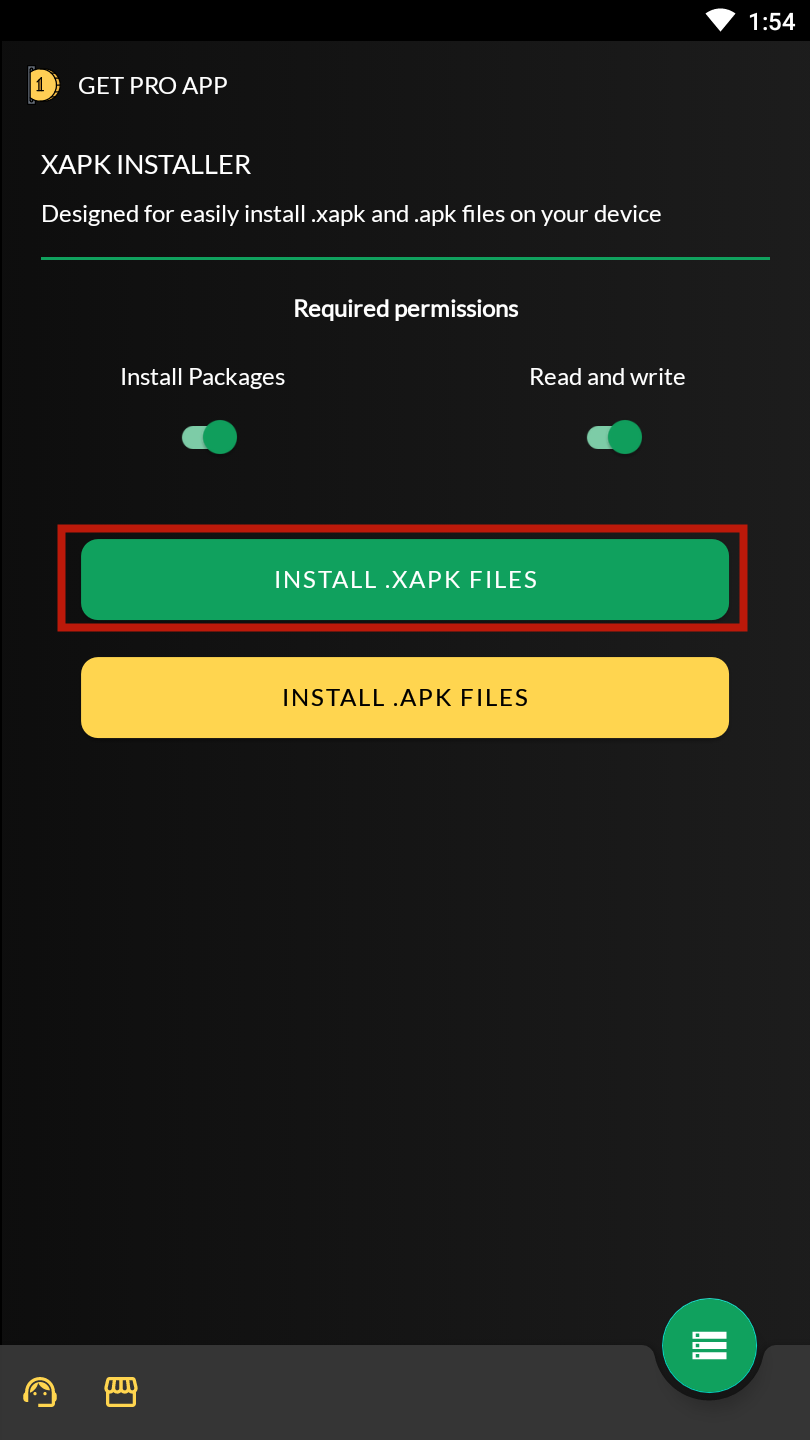
- Open the XAPK installer app you downloaded in Step 1.
- The app will usually scan your device for available XAPK files, or you might need to manually navigate to the folder where you saved the XAPK file.
- Once the XAPK file is located, tap on it within the installer app.
- The installer app will then process the XAPK file, extracting the APK and OBB data, and proceed with the installation.
- Follow any on-screen prompts. You might be asked to confirm the installation.

Step 5: Launch the Application
- Once the installation is complete, the app should appear in your app drawer like any other installed application.
- You can now launch it and enjoy your new app or game.
Method 2: Manual Installation (More Technical)
While using an XAPK installer app is recommended, it’s possible to install XAPK files manually. This method requires more technical comfort and involves renaming the file and manually placing the OBB data.
Step 1: Download the XAPK File
- Download the XAPK file and save it to your device, preferably in a clearly identifiable folder like “Downloads.”
Step 2: Rename the XAPK File
- An XAPK file is essentially a ZIP archive. You need to rename it to a
.zipextension to extract its contents. - Go to your device’s file manager (you might need to download one if your device doesn’t have a robust built-in option, like “Files by Google”).
- Locate the XAPK file.
- Tap and hold the file, then select the “Rename” option.
- Change the file extension from
.xapkto.zip. For example,my_app.xapkbecomesmy_app.zip. - Confirm the renaming if prompted.
Step 3: Extract the Contents of the ZIP File
- Now that you have a
.zipfile, you can extract its contents. - Tap on the
.zipfile. Your file manager might offer an “Extract” option. If not, you might need to use a dedicated file extraction app (many file managers have this built-in). - This extraction process will create a new folder containing the APK file and a folder named
OBB(or sometimesdata) which contains the OBB files.
Step 4: Install the APK File
- Inside the extracted folder, locate the
.apkfile. - Tap on the APK file to begin its installation.
- Crucially, before tapping the APK, ensure you have already enabled “Install unknown apps” for your file manager or browser (whichever is initiating the APK install).
- Follow the on-screen prompts to install the APK.
Step 5: Manually Move the OBB Data
This is the most critical step in the manual method. The XAPK installer apps do this automatically, but you need to do it yourself here.
- Go back to where you extracted the ZIP file. You should find an
OBBfolder (or a similar name) containing the necessary game data files. - Navigate to your device’s internal storage or SD card.
- You need to move the contents of the
OBBfolder to a specific directory. The standard path for OBB files is:
Android/obb/ - Inside the
Android/obb/folder, you’ll find subfolders for each installed application, named using their package name (e.g.,com.example.game). - If the folder for your specific app doesn’t exist yet, you’ll need to create it. The package name is usually found in the
AndroidManifest.xmlfile within the APK, or often it’s related to the app’s name. A common practice is to create a folder named after the app’s developer and then the app’s package name within that. For example, if the app’s package iscom.gamedeveloper.myawesomegame, you’d createAndroid/obb/com.gamedeveloper.myawesomegame/. - Copy the contents (the
.obbfiles) from the extractedOBBfolder into this newly created package-specific folder withinAndroid/obb/.
Note: Some apps might use the data/data/ folder for their data instead of obb/. This is less common for OBB data but can happen for other types of application data.
Step 6: Launch the Application
- Once the OBB files are correctly placed, you should be able to launch the app from your app drawer.
Benefits and Considerations of Using XAPK Files
While XAPK files offer flexibility, it’s important to be aware of their advantages and potential drawbacks.
Benefits:
- Simplified Distribution of Large Apps: Developers can package an entire application, including all its data, into a single, manageable file. This simplifies the download and installation process for users compared to downloading an APK and then separate OBB files.
- Offline Installation: For users with limited or intermittent internet access, XAPK files allow them to download the entire application and its data at once, enabling offline installation.
- Access to Apps Not on Play Store: XAPK files can be a gateway to apps that are not officially available on the Google Play Store, whether due to regional restrictions, beta testing, or other reasons.
Considerations and Risks:
- Security Concerns: This is arguably the most significant consideration. Downloading XAPK files from unofficial sources carries inherent risks. Unlike apps from the Google Play Store, which are subject to Google’s security checks, XAPK files from unknown websites could potentially contain malware, viruses, or spyware. Always exercise extreme caution and only download from trusted sources.
- Compatibility Issues: While XAPK is a common format, not all Android devices or versions might handle them seamlessly. Ensure your device’s Android version is compatible with the app you’re trying to install.
- Lack of Updates: Apps installed via XAPK from external sources will not automatically update through the Google Play Store. You will need to manually find and install updated XAPK files to keep the app current, which again exposes you to potential risks.
- Troubleshooting: If an app doesn’t install or function correctly, troubleshooting can be more complex than with standard APKs, especially if you’re not comfortable with file management.
Conclusion: Expanding Your Android Experience Safely
Installing XAPK files can be a valuable way to access a wider range of applications, especially for users who enjoy graphics-intensive games or apps with significant media content. By understanding the format and following the straightforward steps outlined in this guide, particularly the recommended method using an XAPK installer app, you can successfully expand your Android experience.
However, it’s paramount to prioritize your device’s security. Always download XAPK files from reputable websites and ensure you have a reliable XAPK installer app. By balancing the convenience of XAPK installation with vigilant security practices, you can confidently explore and enjoy the vast world of Android applications beyond the confines of the Google Play Store.
aViewFromTheCave is a participant in the Amazon Services LLC Associates Program, an affiliate advertising program designed to provide a means for sites to earn advertising fees by advertising and linking to Amazon.com. Amazon, the Amazon logo, AmazonSupply, and the AmazonSupply logo are trademarks of Amazon.com, Inc. or its affiliates. As an Amazon Associate we earn affiliate commissions from qualifying purchases.