
In the modern technological landscape, the ability to visualize mathematical relationships is no longer confined to the pages of a calculus textbook. Whether you are a software engineer optimizing an algorithm, a data scientist modeling predictive behaviors, or a student leveraging digital tools, graphing a function is a fundamental skill that bridges the gap between abstract theory and actionable insight. As software tools have evolved, the process of plotting coordinates has shifted from manual labor to sophisticated digital rendering, allowing for higher precision, interactivity, and scalability.
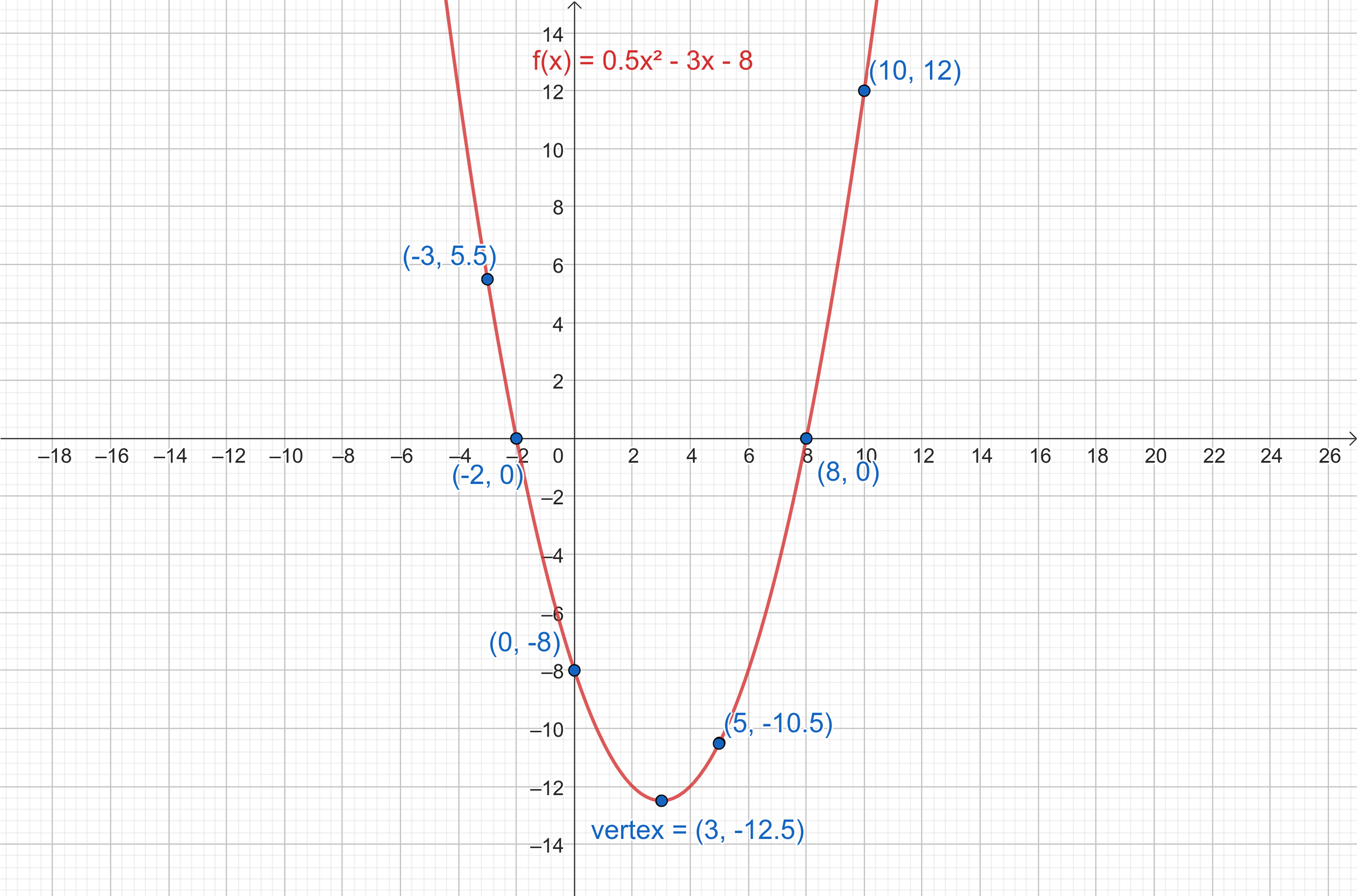
This guide explores the technical ecosystem of function graphing, detailing the software, programming libraries, and emerging AI tools that define how we visualize data and mathematics today.
The Evolution of Function Graphing: From Paper to Software
The transition from hand-drawn Cartesian planes to high-resolution digital displays represents a significant leap in computational efficiency. In a professional tech environment, graphing a function is rarely just about finding “y” given “x”; it is about understanding the behavior of systems, identifying limits, and communicating complex data structures.
The Shift to Digital Computation
Before the digital revolution, graphing a function required meticulous manual calculation, often resulting in human error and limited perspective. Today, digital computation allows us to plot thousands of points in milliseconds. This shift has democratized mathematics, making complex functions—such as high-degree polynomials or non-linear differential equations—accessible to anyone with a smartphone or a laptop. The “tech” behind these graphs involves rasterization and vector graphics, ensuring that as you zoom into a function, the resolution remains sharp and the mathematical integrity is preserved.
Why Accuracy Matters in Tech and Engineering
In fields like digital signal processing or structural engineering, a minor error in a function’s graph can lead to catastrophic failures. Modern software utilizes floating-point arithmetic to ensure that the visualization of a function is as accurate as the hardware allows. When we graph a function digitally, we are essentially asking a processor to evaluate an expression across a defined domain and map those results to a pixel grid. Understanding the underlying technology—such as how GPUs accelerate the rendering of 3D functions—is crucial for professionals working in high-performance computing.
Top Tech Tools for Graphing Mathematical Functions
The current market offers a variety of tools ranging from user-friendly web interfaces to heavy-duty scientific software. Choosing the right tool depends on the complexity of the function and the intended use case.
Web-Based Graphing Calculators: Desmos and GeoGebra
For quick visualizations and educational purposes, web-based tools like Desmos and GeoGebra have become the industry standard. These platforms use HTML5 and JavaScript to provide a seamless, interactive experience.
- Desmos: Known for its intuitive UI, Desmos allows users to type functions in standard mathematical notation. It excels at “sliders,” a feature that lets you vary parameters in real-time to see how they affect the graph’s shape.
- GeoGebra: While similar to Desmos, GeoGebra offers more robust features for geometry, algebra, and 3D graphing. It is a powerful tool for tech professionals who need to visualize spatial relationships or vector calculus.
Spreadsheet Software: Leveraging Excel and Google Sheets
While often viewed as business tools, spreadsheets are incredibly capable of graphing functions. By creating a column for the independent variable (x) and using formulas to calculate the dependent variable (y), users can generate dynamic scatter plots and line graphs. This method is particularly useful in tech project management for tracking resource allocation functions or burn-down rates, where the data is already stored in a tabular format.
Specialized Scientific Computing: MATLAB and WolframAlpha
When precision and symbolic computation are required, professionals turn to MATLAB or WolframAlpha.
- MATLAB: This is a high-level language and interactive environment used by millions of engineers and scientists. Graphing a function in MATLAB involves matrix-based computations, making it ideal for linear algebra and complex signal processing.
- WolframAlpha: Powered by the Wolfram Language, this “computational intelligence” engine doesn’t just graph functions; it interprets natural language. If you type “graph the derivative of sin(x) * e^x,” it computes the calculus and renders the graph simultaneously.
Advanced Visualization Using Programming Languages
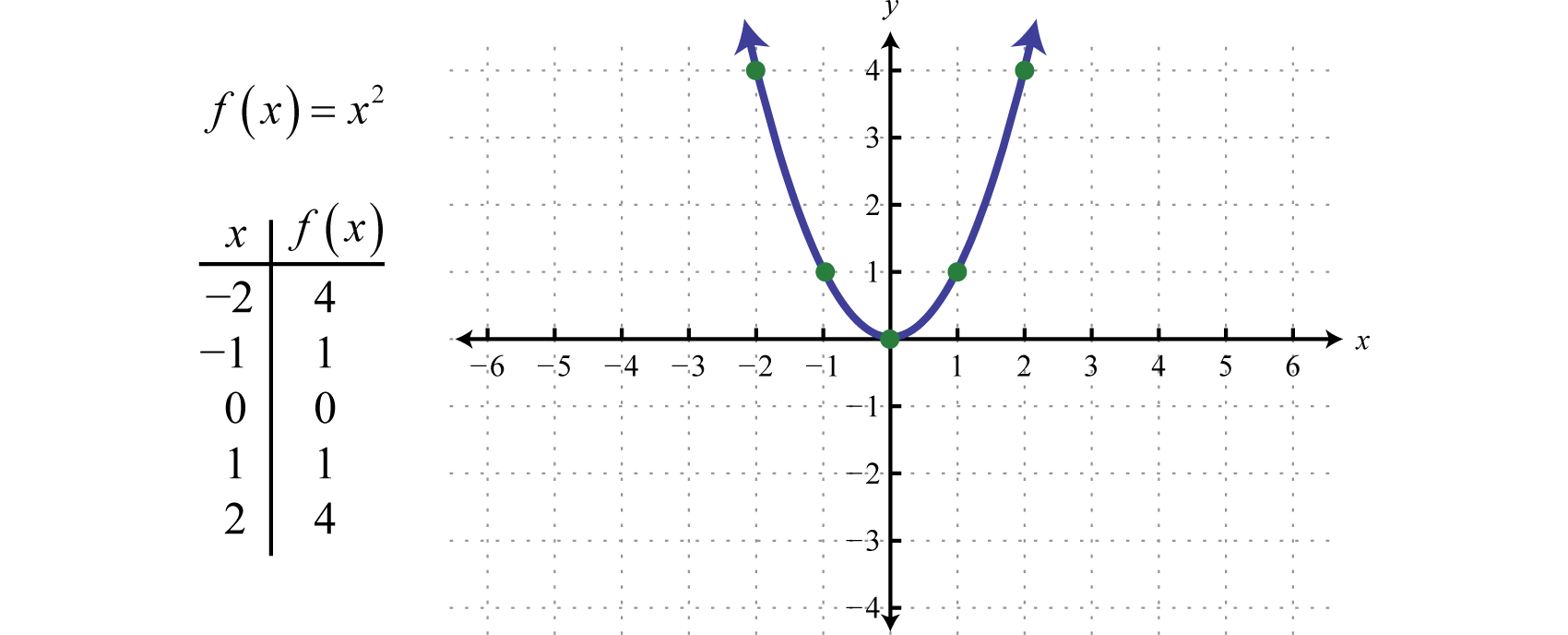
For developers and data scientists, the most powerful way to graph a function is through code. This allows for automation, integration into larger applications, and complete control over the visual output.
Python for Data Science: Matplotlib and Seaborn
Python has become the premier language for technical computing, largely due to its extensive library ecosystem.
- Matplotlib: This is the foundation of visualization in Python. To graph a function, a developer typically uses the
NumPylibrary to create a range of values andMatplotlibto plot them. The level of customization is unparalleled—from adjusting line weights to adding LaTeX-formatted annotations. - Seaborn: Built on top of Matplotlib, Seaborn is used for statistical graphics. It simplifies the process of graphing complex functions derived from large datasets, such as probability density functions or regression models.
R for Statistical Modeling
In the world of academia and data analysis, R is a powerhouse. Using the ggplot2 package, users can graph functions based on the “Grammar of Graphics.” This approach allows for layering different elements—points, lines, and coordinate systems—to create publication-quality visualizations. For tech professionals focusing on biostatistics or financial modeling, R provides a specialized environment that standard graphing calculators cannot match.
Interactive Graphs with JavaScript Libraries
If the goal is to embed a function graph into a web application, JavaScript is the go-to language. Libraries like D3.js and Chart.js allow developers to create highly interactive, browser-based visualizations. With D3.js, the graph becomes part of the Document Object Model (DOM), meaning every point on a function can respond to user input, such as mouse hovers or clicks, making it an essential tool for SaaS platforms and fintech dashboards.
Integrating AI and Machine Learning in Function Visualization
The intersection of Artificial Intelligence and mathematics is changing how we approach function graphing. We are moving away from purely “plotting” and toward “interpreting.”
AI-Powered Equation Solvers
Newer AI tools can now “read” a handwritten function via a camera and instantly generate a 2D or 3D graph. Apps like Photomath use computer vision and neural networks to recognize mathematical symbols. In a professional context, AI-driven tools can suggest the most relevant domain and range to highlight the “interesting” parts of a function, such as local extrema or asymptotes, which might be missed during manual setup.
Dynamic Pattern Recognition
In machine learning, “graphing a function” often refers to visualizing a loss function or a decision boundary. AI tools now provide real-time visualization of how a model learns. Tools like TensorBoard allow developers to graph the optimization function of a neural network as it trains. This is a critical part of the tech workflow, as it helps engineers diagnose issues like overfitting or vanishing gradients by observing the “shape” of the learning curve.
Best Practices for Digital Function Plotting
To produce professional-grade graphs, one must look beyond the equation and focus on the technical execution of the visualization.
Defining Domain and Range in Code
A common mistake in digital graphing is choosing an inappropriate domain (the set of x-values). If the domain is too wide, the nuances of the function’s behavior might be lost; if it is too narrow, you may miss critical intercepts or discontinuities. When graphing via code, it is best practice to use functions like linspace in Python to ensure a high sampling rate. This ensures that the line appears smooth rather than jagged, which is vital for high-resolution displays.
Managing Resolution and Sampling Rates
In the tech world, “aliasing” is a phenomenon where a signal (or function) is sampled too infrequently, leading to a distorted representation. When graphing high-frequency functions—such as a sine wave with a high coefficient—increasing the sampling rate is essential. Professionals must balance the computational load (the number of points to calculate) with the visual requirements of the project.
Aesthetic and Functional Design
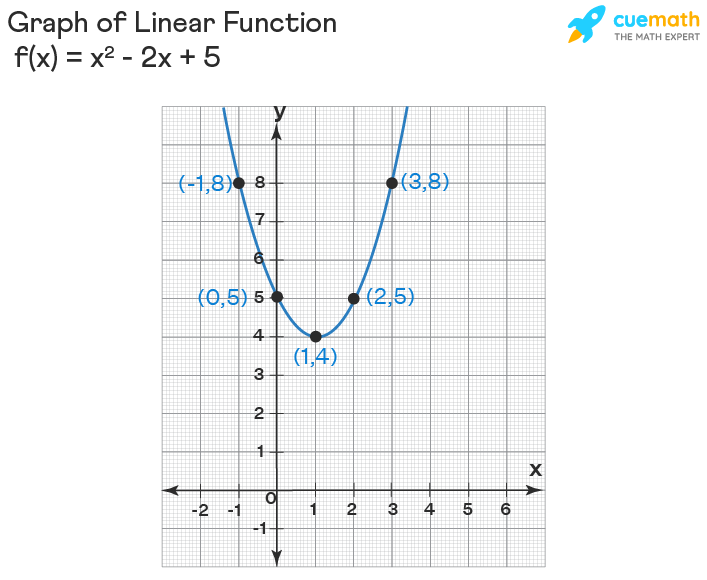
A graph is a communication tool. Using appropriate colors, labels, and legends is not just about aesthetics; it’s about clarity. In a professional software environment, utilizing themes (like “dark mode” compatible palettes) and ensuring that the graph is accessible to color-blind users are standard practices. Modern libraries allow for “SVG” exports, which are vector-based and can be scaled infinitely without losing quality, making them perfect for technical documentation and white papers.
By mastering these digital tools and methodologies, the act of graphing a function transforms from a simple math exercise into a sophisticated process of technical discovery. Whether through a line of Python code or a high-end scientific suite, the digital graph remains one of the most powerful tools in the modern technologist’s arsenal.
aViewFromTheCave is a participant in the Amazon Services LLC Associates Program, an affiliate advertising program designed to provide a means for sites to earn advertising fees by advertising and linking to Amazon.com. Amazon, the Amazon logo, AmazonSupply, and the AmazonSupply logo are trademarks of Amazon.com, Inc. or its affiliates. As an Amazon Associate we earn affiliate commissions from qualifying purchases.