
In the rapidly evolving landscape of K-12 education, technology has become an indispensable tool, transforming classrooms and learning environments. At the forefront of this digital shift is GoGuardian, a comprehensive suite of EdTech tools designed to enhance student engagement, ensure online safety, and provide educators with unprecedented insights into student device activity. Central to its utility are the student reports, which synthesize vast amounts of digital data into actionable intelligence. Understanding the specific types of information these reports contain is crucial for schools, IT administrators, educators, and parents alike, offering a window into the digital lives of students and the underlying technological infrastructure that supports their learning.
The Core Purpose and Technological Foundation of GoGuardian Reports
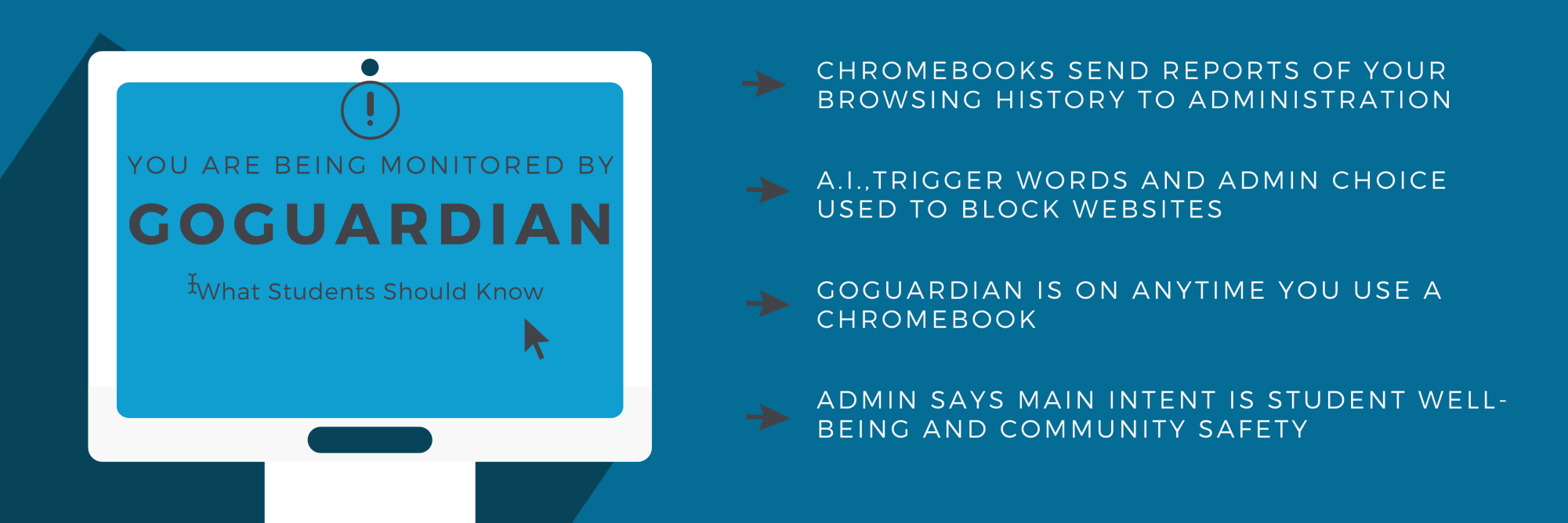
GoGuardian’s reporting capabilities are rooted in its fundamental mission: to create safer and more engaging learning experiences in a digital-first world. This mission is actualized through sophisticated software that monitors and analyzes student activity on school-managed devices. The reports serve as the culmination of this data collection, providing a structured overview that facilitates informed decision-making regarding student well-being, academic progress, and digital citizenship. From a technological perspective, GoGuardian employs a robust architecture involving browser extensions, device agents, and cloud-based analytics platforms. These components work in concert to capture, process, and present data in a digestible format. The software is continuously active during school-defined hours, acting as a digital sentinel on school-issued Chromebooks, Macs, and PCs, ensuring that online interactions align with educational objectives and safety protocols.
Bridging the Visibility Gap with Digital Monitoring
Traditional classrooms afforded educators a clear view of student activity, allowing for immediate intervention and personalized support. The digital classroom, however, introduced a visibility gap. Students could be “present” in a virtual sense, yet disengaged or encountering inappropriate content without an educator’s immediate awareness. GoGuardian reports are engineered to bridge this gap, leveraging technology to restore a degree of oversight in the digital realm. By tracking digital footprints, the reports provide a quantitative and qualitative understanding of how students interact with their devices, applications, and the internet. This isn’t about mere surveillance, but about providing the technological infrastructure for educators to understand digital learning behaviors and potential risks that might otherwise go unnoticed in a distributed learning environment.
Empowering Educators Through Actionable Data
The raw data collected by monitoring software is only valuable if it can be translated into actionable insights. GoGuardian’s reporting system excels in this by presenting complex data in intuitive dashboards and detailed summaries. For IT administrators, these reports can highlight network usage patterns, identify potential software conflicts, or flag unusual device activity that might indicate a security concern. For teachers, the reports offer data points that can inform pedagogical strategies, identify students who might be struggling with engagement, or pinpoint areas where digital literacy instruction is needed. The technological design emphasizes user-friendliness, ensuring that educators, regardless of their technical proficiency, can extract meaningful information to support their students effectively.
Deconstructing the Data: Key Categories of Information in Reports
GoGuardian student reports are comprehensive, encompassing several distinct categories of information designed to provide a holistic view of a student’s online activity during school hours. These categories are meticulously captured and processed to serve different analytical needs.
Activity & Engagement Metrics
Perhaps the most common and frequently accessed data points relate to student activity and engagement. These metrics are crucial for understanding how students utilize their school-assigned devices for learning.
Websites Visited & Time Spent
Reports detail every website a student accesses, including the URL and the duration of their visit. This granular data allows educators to see if students are focused on assigned tasks, are exploring educational resources, or are diverting their attention to non-academic sites. Trends in website usage can reveal patterns of engagement or distraction, which can be critical for intervention. The technology behind this relies on robust logging mechanisms within the browser extension or device agent, sending real-time data streams to GoGuardian’s cloud servers for aggregation and analysis.
Applications Used
Beyond web browsing, GoGuardian also logs the applications launched and used on student devices. This includes educational software, productivity tools, and even unauthorized applications. Monitoring application usage helps schools ensure that students are using approved software for learning and identifies potential issues with shadow IT or software installations that might violate school policy or pose security risks.
Search Terms Monitored
A particularly insightful feature is the capture of search queries. This information provides a direct look into a student’s immediate interests or areas of inquiry. It can help educators understand if students are actively researching topics related to assignments, struggling to find information, or searching for inappropriate content. The monitoring of search terms leverages keyword analysis algorithms to flag potentially concerning queries.
Safety & Alerting Data
One of GoGuardian’s most critical functions is its proactive safety features. The reports consolidate data related to potential harm, threats, and policy violations. This segment relies heavily on advanced AI and machine learning algorithms to identify and flag concerning content.
Self-Harm & Suicidal Ideation Alerts
GoGuardian’s sophisticated AI engine continuously scans student activity for keywords and phrases indicative of self-harm, suicidal ideation, or depression. When such content is detected, an immediate alert is generated and dispatched to designated school staff (e.g., counselors, administrators). The report will include the specific content that triggered the alert, the timestamp, and the user context, providing critical information for rapid intervention. This feature underscores the blend of technology and human intervention in ensuring student well-being.
Threats of Violence & Cyberbullying
Similarly, the system is designed to identify language that suggests threats of violence towards others, school property, or instances of cyberbullying. Machine learning models are trained on vast datasets to recognize patterns and nuances in language that signify these serious issues, differentiating them from harmless communication. Alerts provide detailed context, empowering schools to take preventative measures and support affected students.
Content Filtering Violations
Schools implement content filters to block access to inappropriate or dangerous websites. GoGuardian reports include instances where students attempt to bypass these filters or access blocked categories of content. This information helps IT departments refine their filtering policies and addresses student behaviors that could compromise the digital learning environment.
Device & User Context
Beyond the activity itself, GoGuardian reports provide essential contextual information that helps administrators and educators understand the “who, when, and where” of the digital interactions.
Device ID & User Account
Each entry in a student report is tied to a specific device identifier and the associated student user account. This ensures accuracy and accountability, making it clear which student performed which action on which school-issued device. This linkage is fundamental for managing individual student profiles and tracking their digital footprint over time.
Reporting Periods
Reports can be generated for specific timeframes, from daily summaries to weekly, monthly, or custom date ranges. This temporal flexibility allows educators to observe trends, evaluate the impact of interventions, and track progress over academic periods. The underlying database architecture efficiently stores and retrieves data based on these time parameters.

The Technology Behind the Insights: How GoGuardian Collects Data
The effectiveness of GoGuardian’s reports is a direct reflection of its robust data collection and processing technology.
Browser Extensions and Device Agents
GoGuardian’s primary data collection methods involve installing a browser extension (for Chromebooks and Chrome browser environments) and/or a desktop agent (for Windows and macOS devices). These lightweight software components run in the background, continuously monitoring web activity, application usage, and screen content (for certain features like Smart Alerts and Screen Monitoring). They capture data points locally and securely transmit them to GoGuardian’s cloud infrastructure. The design prioritizes minimal impact on device performance while ensuring comprehensive data capture.
Cloud-Based Processing and Machine Learning
Once data is transmitted, it’s ingested into GoGuardian’s secure, scalable cloud platform. Here, advanced analytics engines process the raw data. Machine learning algorithms play a pivotal role in sifting through vast amounts of information to identify patterns, detect anomalies, and recognize specific keywords or phrases associated with safety risks. Natural Language Processing (NLP) is particularly crucial for interpreting chat messages, search queries, and document content to flag potential self-harm or bullying indicators. This automated processing significantly reduces the burden on human staff, allowing them to focus on interventions rather than manual data review.
Data Encryption and Security Protocols
Given the sensitive nature of student data, GoGuardian employs industry-standard encryption protocols (e.g., TLS 1.2+, AES-256) for data in transit and at rest. Data centers are typically certified with compliance standards like SOC 2 Type II, ensuring robust physical and digital security measures. Access controls are stringent, limiting who can view student data, and schools maintain ultimate control over their data, including retention policies. This commitment to security is a cornerstone of the technology, building trust in a system that handles highly personal information.
Leveraging Reports for Enhanced Digital Learning Environments
The information contained within GoGuardian reports is not merely for monitoring; it’s a powerful dataset that, when used ethically and effectively, can significantly enhance the digital learning environment.
Informing Pedagogical Strategies
By understanding how students engage with digital content, educators can tailor lesson plans, identify effective online resources, and recognize where students might need additional support in navigating digital tools. Reports can reveal if a particular digital assignment led to widespread distraction or exceptional engagement, allowing teachers to refine their use of technology in the classroom.
Proactive Intervention and Student Support
The safety alerts are perhaps the most direct and impactful use of the reporting technology. Early detection of signs of self-harm, violence, or cyberbullying allows school staff to intervene quickly, providing essential support to students in crisis and preventing potential harm. This capability transforms devices from potential risks into tools for safeguarding student well-being.
Ensuring Digital Citizenship and Online Safety
Reports can highlight areas where students struggle with digital citizenship. For instance, frequent attempts to access blocked content or misuse of applications can signal a need for more explicit instruction on responsible online behavior, digital etiquette, and understanding the consequences of their digital actions. This data empowers educators to integrate digital literacy into the curriculum more effectively.
Navigating Privacy, Ethics, and Best Practices in EdTech
While the technological capabilities of GoGuardian reports are immense, their implementation necessitates a strong commitment to privacy, ethical considerations, and transparent communication.
FERPA and Student Data Privacy Compliance
Schools utilizing GoGuardian must ensure full compliance with relevant data privacy regulations, such as the Family Educational Rights and Privacy Act (FERPA) in the United States, and GDPR in Europe. GoGuardian is designed to support these compliance efforts, but the ultimate responsibility lies with the educational institution to establish clear policies regarding data collection, usage, and access. This includes informing parents and students about the data being collected and why.
Transparency with Stakeholders
Effective implementation of monitoring technology requires transparency with all stakeholders – students, parents, and staff. Clear communication about what data is collected, how it is used, who has access to it, and the purpose it serves builds trust and minimizes concerns about privacy invasion. Technology, in this context, must be seen as a tool for support and safety, not merely surveillance.
Balancing Monitoring with Trust and Autonomy
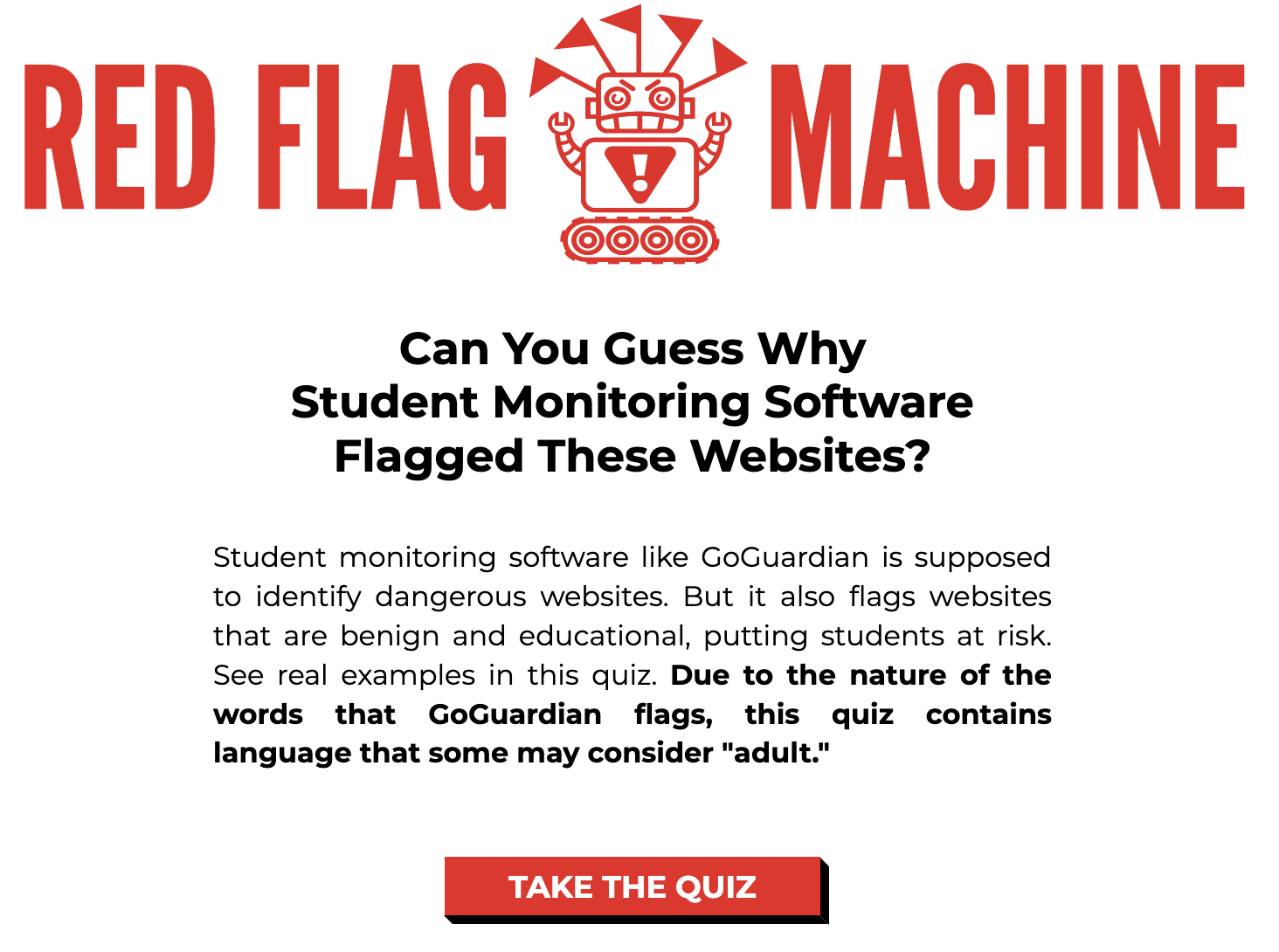
Striking a balance between ensuring student safety and fostering trust and autonomy is a critical ethical challenge. While GoGuardian reports provide valuable insights, it’s essential for schools to use this data judiciously, focusing on educational and safety outcomes rather than punitive measures. The goal is to create a digital environment where students feel safe to explore and learn, knowing that support systems are in place when needed, rather than feeling constantly watched. The technology is a means to an end: fostering a secure, productive, and supportive learning environment for all students in the digital age.
aViewFromTheCave is a participant in the Amazon Services LLC Associates Program, an affiliate advertising program designed to provide a means for sites to earn advertising fees by advertising and linking to Amazon.com. Amazon, the Amazon logo, AmazonSupply, and the AmazonSupply logo are trademarks of Amazon.com, Inc. or its affiliates. As an Amazon Associate we earn affiliate commissions from qualifying purchases.