
Digital illustration represents a profound evolution in artistic expression, moving traditional media and techniques onto a virtual canvas powered by advanced computing. Far from merely replicating physical art, it leverages sophisticated software, specialized hardware, and ever-evolving algorithms to unlock new creative possibilities, streamline workflows, and democratize the art creation process. Understanding digital illustration fundamentally requires exploring the technological ecosystem that underpins it, from the input devices and processing power to the intricate software environments and file formats that define its existence.
The Technological Foundation
At its core, digital illustration is a product of technological innovation, relying on a synergistic interplay of hardware and software to translate an artist’s vision into digital form. This foundation provides both the tools and the canvas for creation.
Hardware Essentials
The journey into digital illustration often begins with specific hardware designed to emulate and enhance the tactile experience of traditional art.
- Graphics Tablets: These are paramount, acting as the primary interface between the artist and the digital canvas. They range from basic, screen-less tablets (like Wacom Intuos or Huion H-series) that require looking at a monitor, to advanced pen displays (like Wacom Cintiq or XP-Pen Artist series) where the artist draws directly on a screen. The key feature is a pressure-sensitive stylus, mimicking the varied line weight and opacity achievable with traditional brushes or pencils, offering hundreds or even thousands of levels of pressure sensitivity.
- Computers: A robust computer, whether a desktop PC or a laptop, is indispensable. It must possess sufficient processing power (CPU), memory (RAM), and a capable graphics card (GPU) to handle complex software, large file sizes, and intricate brush strokes without lag. Modern illustration often involves numerous layers, high resolutions, and demanding effects, all of which tax system resources.
- Mobile Devices: With advancements in processing power and display technology, high-end tablets (like Apple iPad Pro with Apple Pencil or Samsung Galaxy Tab S-series with S Pen) have become powerful standalone tools for digital illustration. These offer portability and intuitive touch-based interfaces, making them popular for artists on the go.
- Input Devices: Beyond the stylus, specialized input devices like ergonomic keyboards, programmable macro pads, and even 3D mice enhance workflow efficiency by providing quick access to shortcuts and tools, reducing repetitive strain.
Software Ecosystem
The software is where the magic truly happens, transforming raw input into visual artistry. Digital illustration software broadly falls into two main categories, defined by how they render images:
- Raster-based Software: These programs work with pixels, the tiny squares of color that make up a digital image. Each stroke and color is recorded as changes to these pixels. This approach is ideal for painterly effects, intricate textures, and realistic rendering. Popular examples include Adobe Photoshop, Corel Painter, Clip Studio Paint, and Procreate. The drawback is that raster images lose quality when scaled up significantly, as the pixels become visible (pixelation).
- Vector-based Software: Instead of pixels, vector programs use mathematical equations to define lines, curves, and shapes. These “vectors” can be scaled to any size without losing fidelity or sharpness, making them perfect for logos, typography, crisp line art, and illustrations that need to be resized frequently (e.g., for billboards or web graphics). Adobe Illustrator, Affinity Designer, and Inkscape are prime examples.
Artists often use a combination of both, starting with vector for clean lines and then importing into raster software for detailed painting and texturing. - Specialized Software: Beyond these core types, there’s a burgeoning ecosystem of niche tools, from 3D sculpting applications (ZBrush, Blender) that integrate with 2D painting workflows to animation software (Adobe Animate, Toon Boom Harmony) that utilizes digital illustration principles for motion graphics.
The Digital Canvas
The digital canvas, unlike its physical counterpart, is a dynamic entity defined by technical specifications.
- Pixels and Resolution: Understanding pixels per inch (PPI) for screen display or dots per inch (DPI) for print is crucial. A higher resolution means more pixels packed into an area, leading to finer detail and smoother transitions. Choosing the correct resolution from the outset prevents quality issues down the line, especially when preparing work for print.
- Color Modes: Digital illustration employs various color modes like RGB (Red, Green, Blue) for screen display and CMYK (Cyan, Magenta, Yellow, Key/Black) for print. These different color spaces dictate how colors are mixed and displayed, requiring artists to manage color profiles carefully to ensure consistency across different outputs.
- Layers: A fundamental technological advantage is the use of layers. This non-destructive editing paradigm allows artists to separate elements of their illustration—sketch, line art, colors, shadows, highlights, backgrounds—onto individual, transparent layers. This provides immense flexibility for revisions, experimentation, and managing complexity, a capability impossible with traditional single-surface media.
Evolution and Accessibility
Digital illustration has not only transformed the how of art creation but also the who and where. It has made art more accessible and dynamic, constantly integrating new technological advancements.
From Traditional to Digital
The transition from traditional to digital art has been marked by significant shifts in workflow and inherent advantages.
- Efficiency: Digital tools offer unparalleled undo/redo capabilities, customizable brushes, instant color changes, and the ability to duplicate elements effortlessly. This drastically speeds up the iterative design process, allowing for more experimentation and refinement.
- Flexibility and Non-Destructive Editing: As mentioned with layers, the ability to make changes without permanently altering the original artwork is revolutionary. Artists can adjust colors, transform objects, and apply effects non-destructively, preserving their original work and enabling greater creative freedom.
- Distribution and Archiving: Digital illustrations are inherently easy to share, reproduce, and archive. They can be sent globally in an instant, printed repeatedly without loss of quality, and stored indefinitely, circumventing the physical limitations and potential degradation of traditional artworks.
Democratizing Creativity
Technology has significantly lowered the barriers to entry for aspiring illustrators.
- Cost-Effectiveness: While initial hardware investments exist, the long-term cost of digital art supplies is often lower than continually purchasing physical paints, papers, and brushes. Many powerful software options are available through affordable subscriptions, one-time purchases, or even open-source platforms.
- Learning Resources: The internet abounds with tutorials, online courses, and communities dedicated to digital art. This unprecedented access to knowledge and peer support allows individuals from diverse backgrounds to learn and master the craft, regardless of geographical location or formal art education.
- Global Reach: Digital platforms enable artists to showcase their work to a global audience, fostering new career paths and opportunities for collaboration and income generation that were once unimaginable.
The Rise of AI-Assisted Tools
A significant technological trend impacting digital illustration is the integration of Artificial Intelligence.
- Generative Art: AI tools like Midjourney, DALL-E, and Stable Diffusion can generate entire images from text prompts, serving as powerful idea generators or even primary art creation tools. While posing questions about authorship and originality, they represent a new frontier in visual content creation.
- Smart Brushes and Filters: AI is enhancing existing software with smart features: brushes that mimic specific textures more accurately, filters that intelligently apply stylistic changes, or tools that automatically refine line art or color selections.
- Upscaling and Enhancement: AI-powered algorithms can dramatically improve the resolution and detail of lower-quality images, making old or small digital illustrations suitable for large-scale printing or display.
- Workflow Automation: AI is beginning to automate repetitive tasks, such as background removal, image masking, or even suggesting color palettes, freeing artists to focus on more creative aspects.
Key Techniques and Workflows
Mastering digital illustration involves understanding and applying specific technological workflows and techniques unique to the medium.
Layer Management and Non-Destructive Editing
Beyond basic separation, advanced layer techniques are pivotal. Artists utilize clipping masks, which confine paint to specific shapes on a lower layer; alpha lock, which allows painting only on existing pixels; and blend modes, which determine how layers interact with each other (e.g., multiply for shadows, screen for highlights, overlay for color shifts). These methods offer precise control and allow for experimentation without altering base elements. Smart Objects in Photoshop, for instance, embed files that can be edited independently, preserving original quality and enabling non-destructive transformations.
Brushes, Textures, and Blending Modes
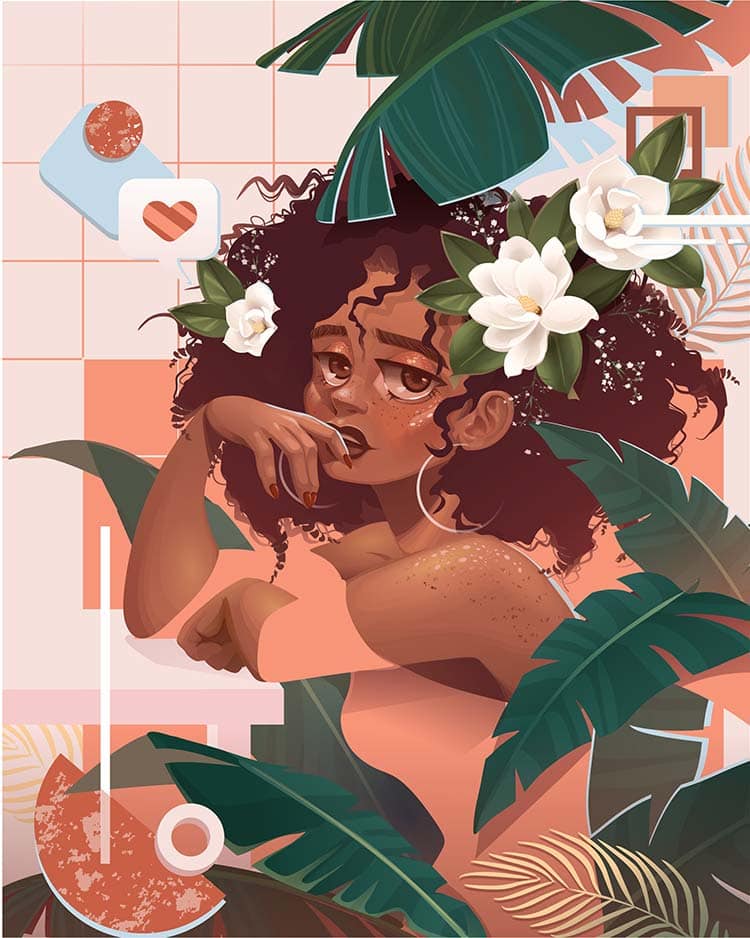
The digital brush engine is a marvel of software engineering. Artists can customize every aspect of a brush: size, hardness, opacity, flow, angle, scatter, and even apply dual brushes or texture maps. This allows for an infinite array of effects, from replicating the nuanced stroke of a watercolor brush to simulating the grit of a charcoal stick or the shimmer of metallic paint. Blending modes manipulate how colors interact when overlapped, enabling sophisticated lighting, shadow, and atmospheric effects that would be labor-intensive in traditional media.
Color Theory and Digital Palettes
Digital tools provide unprecedented control over color. Color pickers allow for precise selection of hue, saturation, and lightness. Digital palettes can be saved, shared, and generated algorithmically. Gradient tools create smooth color transitions automatically. Color adjustments, such as hue/saturation, levels, and curves, can be applied globally or locally, fine-tuning the mood and atmosphere of an illustration with a click, without re-painting.
Output and File Formats
The final stage often involves preparing the illustration for its intended use, which is dictated by technical specifications.
- Web Use: For online display, images are typically saved as JPEGs (for photographs and complex images) or PNGs (for images with transparency or sharp lines). GIFs are used for simple animations. Optimization for file size is crucial to ensure fast loading times without sacrificing too much visual quality.
- Print Use: Print-ready files often require higher resolutions (e.g., 300 DPI) and are typically saved in TIFF, PDF, or high-quality JPEG formats. Color profiles (e.g., CMYK) must be correctly embedded to ensure accurate color reproduction on physical presses.
- Animation and Video: For animated illustrations, files might be exported as image sequences (PNG, TGA) or directly as video formats (MP4, MOV), often with transparency (alpha channel) for compositing.
Impact on Modern Industries
Digital illustration has permeated nearly every industry requiring visual communication, becoming an indispensable tool for creativity and information dissemination.
Entertainment and Gaming
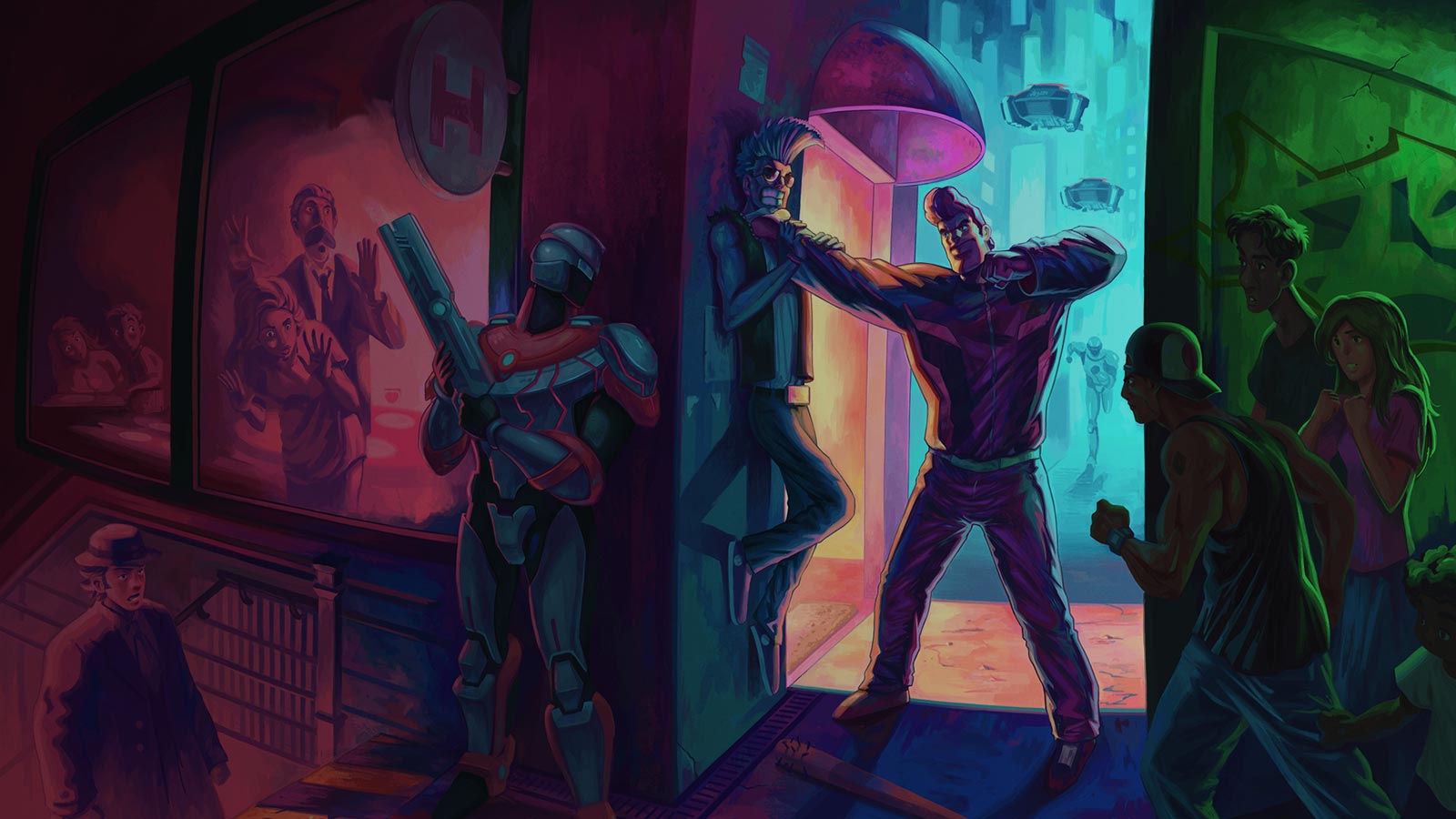
The entertainment sector, especially video games and animation, is heavily reliant on digital illustration. From initial concept art and character design to environment painting and texture creation, digital artists shape the visual identity of interactive worlds and animated narratives. UI/UX elements within games are often digitally illustrated, and storyboards are rapidly produced using digital tools.
Publishing and Media
Book covers, editorial illustrations for magazines and newspapers, children’s books, and graphic novels all benefit from the speed and versatility of digital illustration. Publishers can commission artists globally, receive digital files instantly, and easily adapt illustrations for various print and digital formats.
UI/UX and Web Design
In the realm of user interface (UI) and user experience (UX) design, digital illustration creates engaging icons, custom graphics, and stylized illustrations that enhance usability and brand identity. Web designers use digital illustrations to create unique visual branding for websites, apps, and digital platforms, making user journeys more intuitive and visually appealing.
Educational and Scientific Visualization
Digital illustration excels at simplifying complex information. Scientific illustrators create detailed anatomical diagrams, botanical plates, and geological cross-sections. Educational content producers use illustrations to make learning materials more engaging and understandable, from textbooks to interactive e-learning modules. The ability to create accurate, modifiable, and reproducible visuals is invaluable in these fields.
The Future of Digital Illustration
The trajectory of digital illustration is one of continuous technological integration and expansion, promising even more immersive and intelligent creative possibilities.
Immersive Technologies
Virtual Reality (VR) and Augmented Reality (AR) are opening new frontiers. Tools like Tilt Brush allow artists to paint in 3D space, creating immersive environments and sculptures. As VR/AR hardware becomes more widespread, digital illustration will evolve to include drawing and painting directly within these spatial computing environments, blurring the lines between 2D and 3D art.
Advanced AI Integration
Beyond generative art, AI will become a more integrated assistant, offering intelligent recommendations for composition, lighting, and style based on an artist’s preferences or project requirements. AI could potentially assist in creating dynamic illustrations that react to data or user input, or even develop personalized stylistic filters unique to each artist.
Collaborative Digital Environments
Cloud-based software and high-speed internet are facilitating real-time collaborative illustration, allowing multiple artists to work on the same piece simultaneously from different locations. This trend will likely deepen, leading to more integrated and robust platforms for shared creative projects, further enhancing efficiency and global teamwork.
Digital illustration, at its core, is a dynamic technological discipline that continues to evolve, pushing the boundaries of what is possible in visual art. Its future promises an even deeper integration with emerging technologies, transforming how art is created, consumed, and experienced.
aViewFromTheCave is a participant in the Amazon Services LLC Associates Program, an affiliate advertising program designed to provide a means for sites to earn advertising fees by advertising and linking to Amazon.com. Amazon, the Amazon logo, AmazonSupply, and the AmazonSupply logo are trademarks of Amazon.com, Inc. or its affiliates. As an Amazon Associate we earn affiliate commissions from qualifying purchases.