
In the vast lexicon of digital communication and computation, symbols serve as the fundamental building blocks for conveying instructions, expressing relationships, and manipulating data. Among these, the “less than” symbol, represented universally as <, holds a pivotal role, transcending its basic mathematical origins to become an indispensable operator across a myriad of technological applications. From the intricate logic of programming languages to the sophisticated algorithms driving artificial intelligence, understanding this symbol is not merely about arithmetic; it’s about grasping a core concept that underpins how technology processes information and makes decisions.
The Foundation of Comparison in Computing
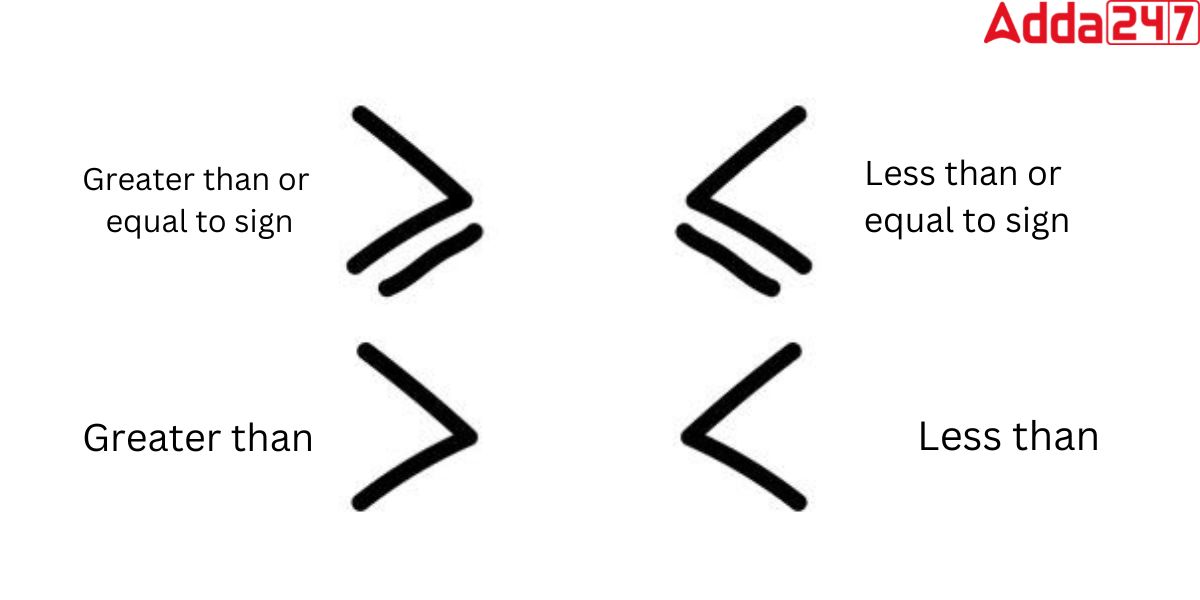
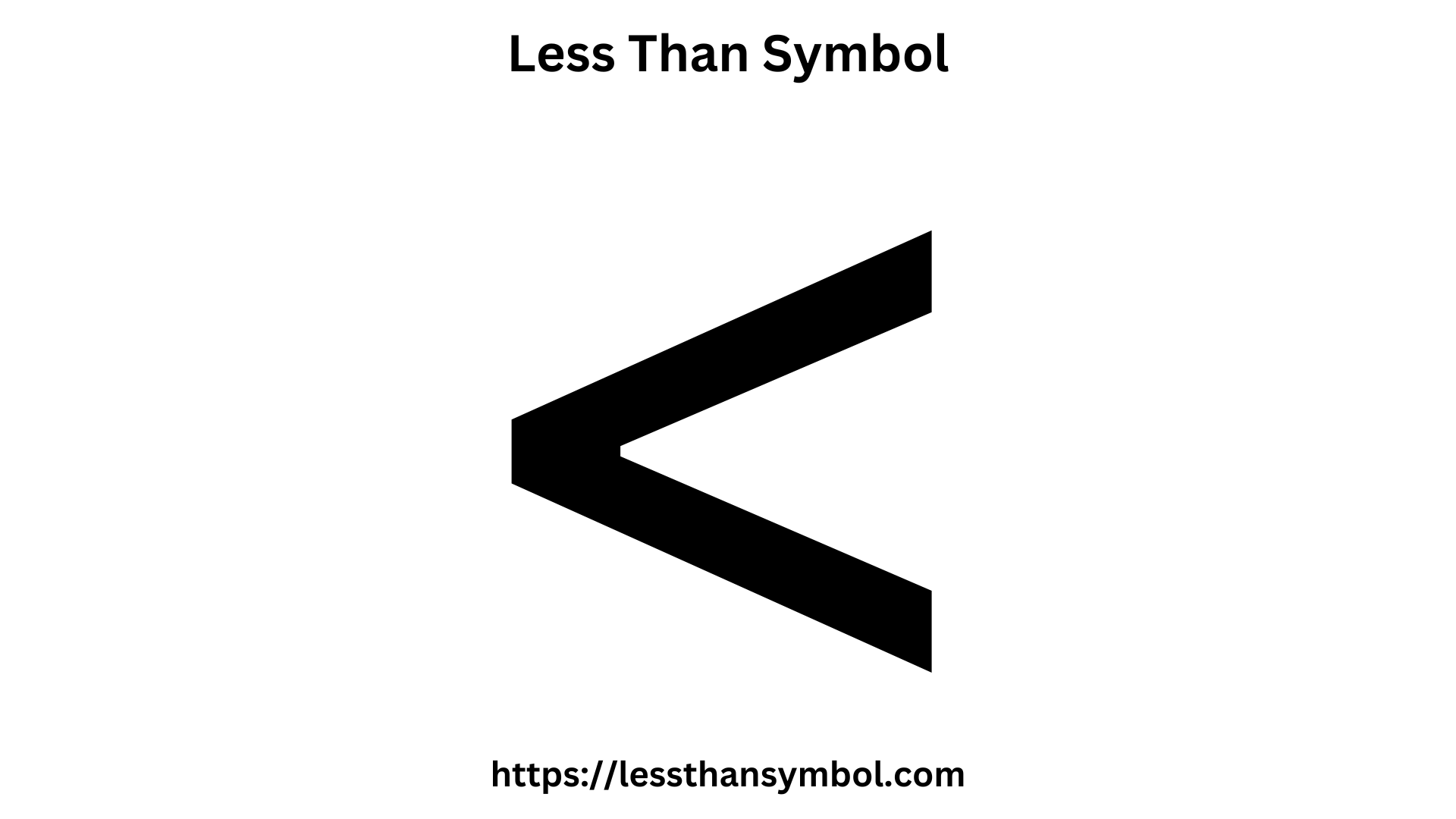
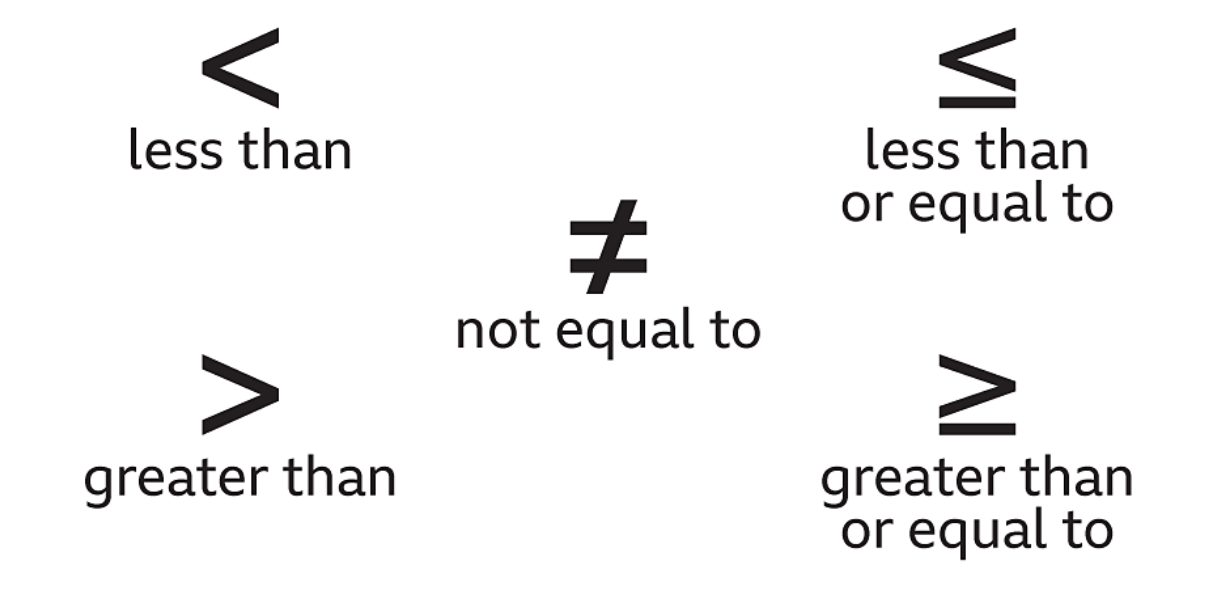
At its core, the < symbol denotes a relational comparison, asserting that the value or quantity on its left side is numerically or contextually smaller than the value or quantity on its right. This simple comparison is the bedrock upon which complex computational logic is built, enabling machines to evaluate conditions and act accordingly.
The < Symbol: A Universal Operator
The “less than” symbol, known formally as the “less-than sign,” has a history rooted in mathematics, introduced by the English mathematician Thomas Harriot in the early 17th century. Its journey into the digital age saw its adoption as an ASCII character, making it universally available across all computing platforms and text encodings. This standardization was crucial, allowing developers and users worldwide to rely on its consistent interpretation. It’s not just a character; it’s a command, a query, and a condition rolled into one concise mark.
Why Understanding Operators Matters in Tech
For anyone navigating the digital landscape, whether a burgeoning programmer, a data analyst, or even a sophisticated user of productivity software, a firm grasp of relational operators like < is paramount. These operators are the grammar of computational logic. Without them, software couldn’t make decisions, databases couldn’t filter information, and algorithms couldn’t learn or optimize. They allow systems to respond dynamically to input, manage workflows, and ensure data integrity, forming the invisible framework of interactivity and intelligence that defines modern technology.
Less Than in Programming Languages
Perhaps nowhere is the significance of the < symbol more evident than in the realm of programming. It is a cornerstone of control flow, enabling programs to make decisions and execute specific blocks of code based on conditions.
Conditional Logic and Flow Control
Every meaningful program needs to react to different situations. This reactivity is achieved through conditional statements, where the < symbol frequently appears. When a program encounters if (x < y), it evaluates whether the current value of x is indeed less than y. If this condition is true, a particular set of instructions is executed; otherwise, the program might proceed to an else block or continue its normal flow. This branching capability is fundamental to creating interactive applications, robust algorithms, and responsive user interfaces. It dictates whether a game character moves, if an alert message appears, or if a transaction is approved.
Examples: Python, JavaScript, SQL
The ubiquity of the < symbol can be observed across diverse programming paradigms:
-
Python: A highly popular language for web development, data science, and AI, Python uses
<extensively.age = 17 if age < 18: print("You are a minor.") else: print("You are an adult.")Here, the condition
age < 18determines the output. -
JavaScript: The language of the web, JavaScript leverages
<for client-side interactions and increasingly for server-side logic with Node.js.let score = 95; if (score < 60) { console.log("Failed."); } else if (score < 90) { // Note the use of multiple less than conditions console.log("Passed."); } else { console.log("Excellent!"); }This example demonstrates how nested or chained
if-else ifstatements utilize<to categorize scores. -
SQL (Structured Query Language): For managing and querying databases,
<is essential for filtering records.
sql

SELECT product_name, price

FROM products

WHERE price < 50.00;
This SQL query retrieves all product names and their prices where the price is less than $50.00, illustrating its direct application in data retrieval and manipulation.
In these examples, the simplicity of < belies its power, allowing developers to craft sophisticated logic that dictates how software behaves.
Applying Less Than in Data Analysis and Spreadsheets
Beyond traditional programming, the “less than” symbol is a workhorse in data analysis, particularly within spreadsheet software and specialized data manipulation tools. It enables users to sift through vast datasets, identify trends, and make informed decisions.
Filtering and Sorting Data
In data analysis, the ability to isolate specific subsets of data is crucial. The < operator provides a straightforward mechanism for this. Whether you’re working with customer demographics, sales figures, or scientific measurements, you might need to view only records where a certain value falls below a threshold.
For instance, a marketing analyst might want to identify all customers whose average monthly spending is < $100 to target them with specific promotions. A financial analyst might filter transactions where the amount is < $50 to review small value expenditures. Data visualization tools also heavily rely on such filtering criteria to display relevant subsets of information, ensuring that charts and graphs accurately reflect specific conditions.
Sorting algorithms, while more complex, often implicitly use comparison operators like < to determine the relative order of elements, arranging data in ascending or descending sequences based on numerical or alphabetical values.
Formulas and Functions in Excel/Google Sheets
Spreadsheet applications like Microsoft Excel and Google Sheets are powerful tools for data manipulation and analysis, and they extensively integrate comparison operators. The < symbol is a common feature within various formulas and conditional formatting rules.
-
Conditional Formatting: Users can set rules to automatically format cells whose values meet certain criteria. For example, you could highlight all cells in a “Stock Level” column where the value is
< 10, immediately drawing attention to critically low inventory items. This visual cue is invaluable for quick data interpretation. -
Logical Functions (e.g., IF, COUNTIF, SUMIF): These functions empower users to perform calculations or actions based on conditions.
IF(A1 < 50, "Below Threshold", "Above Threshold"): This formula checks if the value in cell A1 is less than 50. If true, it returns “Below Threshold”; otherwise, “Above Threshold”.COUNTIF(B:B, "<100"): This function counts the number of cells in column B that contain a value less than 100.SUMIF(C:C, "<0", D:D): This sums the values in column D only for rows where the corresponding value in column C is less than 0.
These applications demonstrate how the simple < symbol can be leveraged within powerful spreadsheet environments to automate analysis, flag important data points, and drive decision-making without requiring complex programming knowledge.
Beyond Basic Comparisons: AI and Algorithmic Thinking
In the advanced domains of artificial intelligence and algorithmic design, the “less than” symbol continues its fundamental role, albeit often abstracted within more complex mathematical frameworks. It contributes to how intelligent systems make decisions, learn from data, and optimize performance.
Machine Learning Thresholds and Metrics
In machine learning, models often generate scores or probabilities that need to be evaluated against specific thresholds. For instance, a binary classification model (e.g., spam detection) might output a probability that an email is spam. If this probability is < 0.5, the email might be classified as “not spam.” Similarly, in neural networks, activation functions often involve comparisons against thresholds to determine whether a neuron “fires.”
Performance metrics also rely on comparisons. When evaluating a model, you might compare its error rate to a target threshold, or determine if the loss function value is < a certain acceptable limit, indicating that the model has converged sufficiently. The precision and recall of a model often depend on where the decision boundary (a type of threshold) is set relative to the predicted probabilities.
Algorithmic Efficiency and Optimization
When designing algorithms, particularly for tasks involving sorting, searching, or resource allocation, the efficiency of operations is critical. Comparisons, including “less than,” are fundamental operations in many algorithms. For example, comparison sorts like quicksort or merge sort repeatedly use < to determine the relative order of elements.
In optimization problems, algorithms might seek to minimize a cost function. The process often involves iteratively adjusting parameters and checking if the new cost is < the previous best cost. If it is, the new parameters are accepted. This continuous comparison drives the algorithm towards an optimal solution, ensuring that computational resources are used effectively to achieve the best possible outcome.
Digital Security and the < Symbol
While seemingly innocuous, the < symbol also plays a subtle yet significant role in digital security, primarily in protecting systems from malicious input and ensuring proper access controls.
Input Validation and SQL Injection Prevention
A critical aspect of digital security is input validation, where systems rigorously check user-provided data to prevent vulnerabilities. The < symbol, along with other special characters, can be particularly dangerous if not handled correctly. In web applications, if user input containing < (or > for that matter) is directly rendered on a page without proper sanitization, it can lead to Cross-Site Scripting (XSS) attacks. Attackers can inject malicious scripts, tricking the browser into executing code. Security measures often involve “escaping” or rejecting input that contains characters like < to neutralize such threats.
Similarly, in databases, the presence of < within user input that is then incorporated into SQL queries can be part of a SQL Injection attack. An attacker might craft input like SELECT * FROM users WHERE id < 10 OR 1=1; to bypass authentication. Robust security practices dictate that all user inputs are sanitized and parameterized, ensuring that characters like < are treated as literal data rather than active SQL operators.
Access Control and Permission Logic
Access control systems rely heavily on conditional logic, where comparisons like “less than” might determine a user’s permissions or access level. For instance, a system might grant administrator privileges only to users whose security_level is < 5 (where a lower number indicates higher privilege). Or, a firewall might block network traffic if the packet_size is < minimum_acceptable_size, or if a user_id is < a certain threshold for guest access.
These examples underscore that even fundamental symbols like < are deeply embedded in the mechanisms that protect our digital assets and ensure the secure operation of technology infrastructure. Its correct interpretation and diligent application are not just about functionality, but about maintaining the integrity and security of the digital world.