
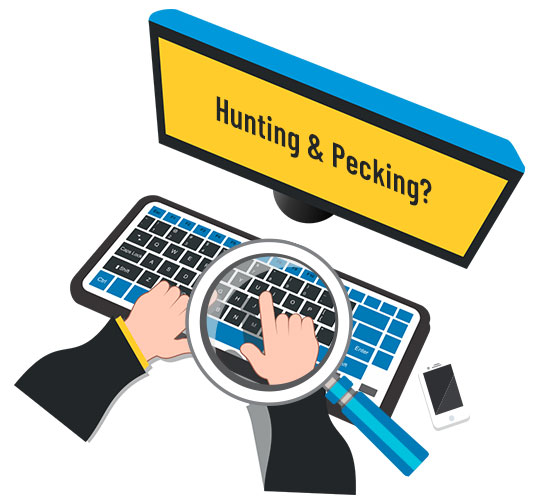
The term “hunt and peck” is a nostalgic yet enduring descriptor for a specific keyboarding style. While modern computing environments prioritize speed, ergonomic efficiency, and touch-typing, the hunt-and-peck method remains the primary way many individuals interact with their digital tools. At its core, this approach relies on visual feedback rather than muscle memory, requiring the user to visually scan the keyboard layout to locate each character before striking the key with a single finger—typically the index finger—on each hand. To understand what is used to hunt and peck, we must look at the hardware, the cognitive processes involved, and the technological evolution that has rendered this method a relic of a bygone typewriter era.
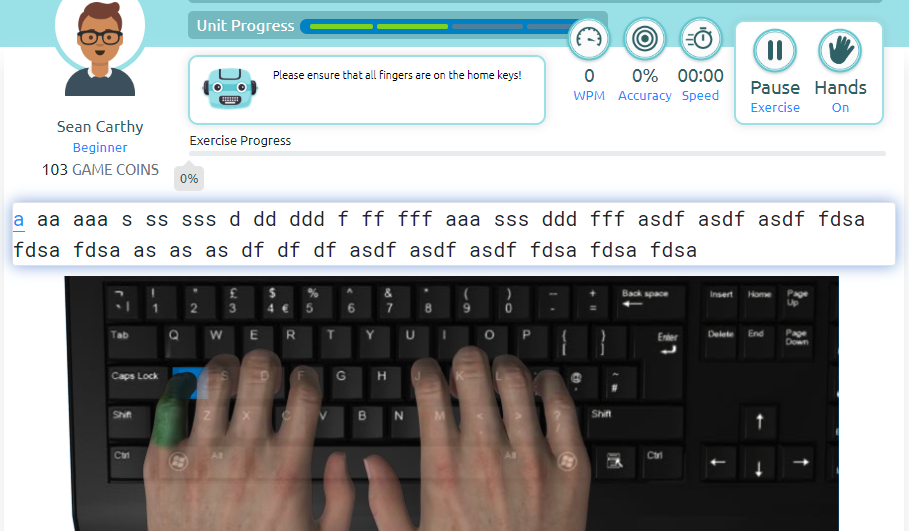
The Hardware Interface: Input Devices and Ergonomics
When we talk about the mechanics of hunting and pecking, the physical interface is the primary variable. The architecture of a keyboard significantly dictates how efficiently—or inefficiently—a user can navigate the layout.
Traditional QWERTY Keyboards
The QWERTY layout, designed in the 19th century to prevent mechanical typewriter jams, is the standard for almost every digital device today. For a hunt-and-peck user, the layout is often a source of frustration. Because the keys are not organized in a logical sequence (like alphabetical order), the “hunt” portion of the method requires a constant, active search. The keys are physically positioned in a staggered grid, which offers no tactile advantage for someone who isn’t touch-typing. High-profile mechanical keyboards, often favored by gamers and developers, can actually make hunting and pecking more difficult for novices because the deep travel distance of the keys requires more force and precision than the shallow, scissor-switch keys found on laptops.
The Role of Membrane and Chiclet Keys
Most hunt-and-peck typists gravitate toward lower-profile keyboards, such as those found on modern ultrabooks or standalone Apple Magic Keyboards. These “chiclet” style keys provide a wider surface area and a lower threshold for actuation. Because the hunt-and-peck user is looking down at the keys, the visual contrast—such as white letters on black keys or backlighting—becomes the most important feature. Backlit keyboards are particularly beneficial for this demographic, as they allow for easy identification of keys in low-light environments, reducing the cognitive load of searching for symbols and numbers.
Cognitive Dynamics and the “Hunt” Phase
The “hunt” in hunt and peck is fundamentally a visual-spatial search task. Unlike touch-typing, which is governed by the motor cortex and implicit memory, hunting and pecking is an exercise in visual scanning.
Visual-Motor Integration
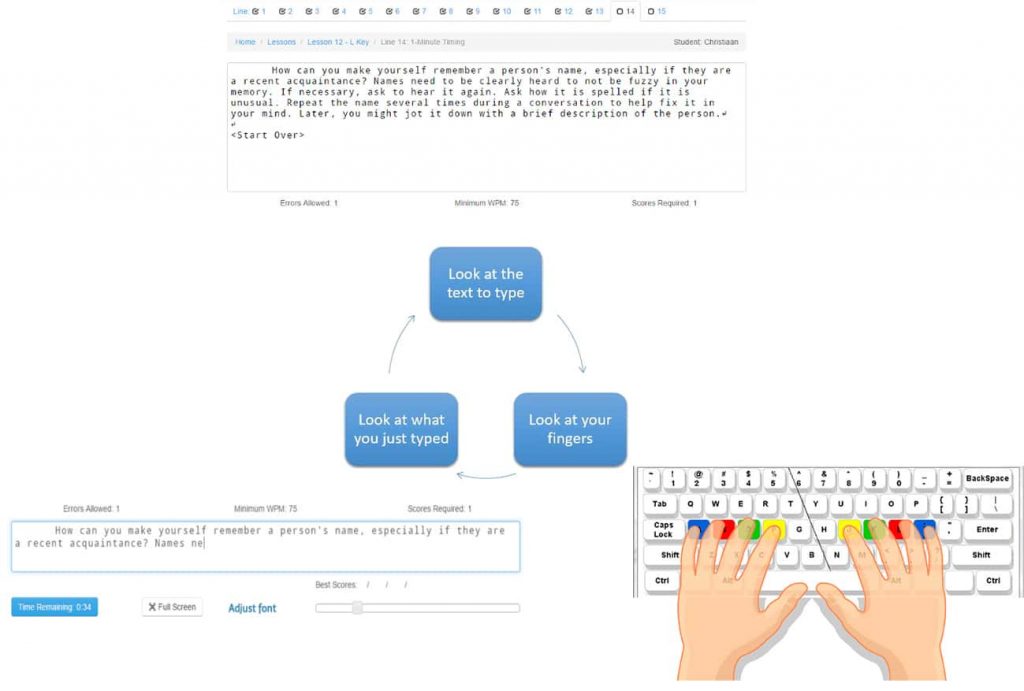
The brain of a hunt-and-peck user performs a constant loop: identify the desired character on the screen, scan the physical layout of the keyboard to find that specific character, and direct the index finger to that location. This requires significant visual-motor integration. As the user becomes more comfortable, this process develops into a “hybrid” method. Even people who do not formally touch-type eventually develop a level of familiarity that allows them to find common letters—like E, T, or A—without looking. However, they remain tethered to the visual confirmation of the key’s location for less common characters or special symbols.
Cognitive Load and Efficiency
Research in human-computer interaction suggests that the hunt-and-peck method imposes a much higher cognitive load than touch-typing. Because the user must divert their eyes from the screen to the keyboard, they are unable to proofread as they write. This leads to a fragmented workflow where the user must toggle their attention between the input device and the output display. The “peck” phase—the physical striking of the key—is usually inefficient, often involving high-force impacts that can lead to repetitive strain if the user is performing heavy data entry. Over time, this cognitive load can lead to quicker mental fatigue, as the brain is constantly processing spatial data rather than focusing purely on linguistic output.
The Evolution of Input: Beyond the Keyboard
As technology advances, the hunt-and-peck method is increasingly being challenged—and in some cases, replaced—by more intuitive input modalities. We are currently in a transition period where the physical keyboard is becoming optional.
Predictive Text and Autocorrect
The most significant technological mitigation for the hunt-and-peck user is predictive text. On mobile devices, the “hunt” is minimized because the software predicts the next likely word, allowing the user to tap once rather than spelling out the entire word. This has fundamentally changed how we interact with devices. On desktop operating systems, advanced text expansion tools and AI-driven grammar checkers act as a safety net. For a user who struggles with keyboard layout, these tools provide an essential crutch, correcting transposed letters and suggesting completions that bypass the need for precise keystrokes.
Voice-to-Text and Dictation
For those who find the hunt-and-peck method too slow, voice recognition software is the logical endgame. Tools like OpenAI’s Whisper, Apple’s Dictation, and Google’s speech-to-text engines have reached a level of accuracy that makes typing redundant for many applications. When a user dictates, the “hunt” is removed entirely, replaced by the natural flow of spoken language. This represents a paradigm shift: we are moving away from the need to know where keys are located toward a future where the device simply interprets the user’s intent. For the traditional hunt-and-peck user, learning to dictate is the most effective way to bridge the productivity gap.
Future Outlook: The End of Keyboard Dependency
As we look toward the future of technology, the dependence on the physical keyboard layout is waning. However, the hunt-and-peck method serves as a reminder of the importance of interface design. Technology companies are increasingly prioritizing “invisible” interfaces.
Adaptive Keyboards and Haptic Feedback
We are beginning to see the rise of haptic-feedback touchscreens and adaptive keyboards that change their layout based on the app being used. A keyboard that dynamically highlights the next logical keys or changes its configuration can assist the hunt-and-peck user by reducing the search area. Imagine a keyboard where the keys for a specific program, such as a video editor, light up only the tools required for the current task. This “context-aware” hardware could effectively eliminate the “hunt” by guiding the finger toward the right inputs, turning an inefficient process into a highly intuitive one.
The Human-Centric Design Philosophy
Ultimately, what is used to hunt and peck is more than just a keyboard; it is a search for an intuitive connection between human thought and digital expression. While schools continue to push for touch-typing proficiency, the reality is that software and hardware designers are working hard to make our lack of typing skill irrelevant. By focusing on predictive algorithms, natural language processing, and ergonomic input devices, the tech industry is ensuring that even the most casual hunt-and-peck user can remain productive.
The hunt-and-peck method is not merely a sign of a lack of skill; it is a testament to the fact that technology should adapt to the user, not the other way around. As we move toward voice-driven and gesture-based interfaces, the physical keyboard will likely retreat into the background, leaving the hunt-and-peck era as a nostalgic milestone in our long history of learning to communicate with machines. Whether one uses a mechanical keyboard, a laptop keypad, or a smartphone screen, the path forward is one where the “hunt” becomes increasingly unnecessary, replaced by the seamless intersection of human intent and digital execution.
aViewFromTheCave is a participant in the Amazon Services LLC Associates Program, an affiliate advertising program designed to provide a means for sites to earn advertising fees by advertising and linking to Amazon.com. Amazon, the Amazon logo, AmazonSupply, and the AmazonSupply logo are trademarks of Amazon.com, Inc. or its affiliates. As an Amazon Associate we earn affiliate commissions from qualifying purchases.