
In an increasingly digital world, the convenience of managing our finances from the palm of our hand has become not just a luxury, but an expectation. Mobile banking applications have revolutionized how we interact with our money, offering a suite of powerful tools that empower users with unprecedented control and accessibility. Among the many features designed to streamline financial tasks, the ability to quickly access your card number through your banking app stands out as a critical function for modern consumers. This guide will walk you through the process of locating your Wells Fargo card number within their mobile application, delve into the technological underpinnings of this feature, and discuss the broader implications for digital security and user experience.
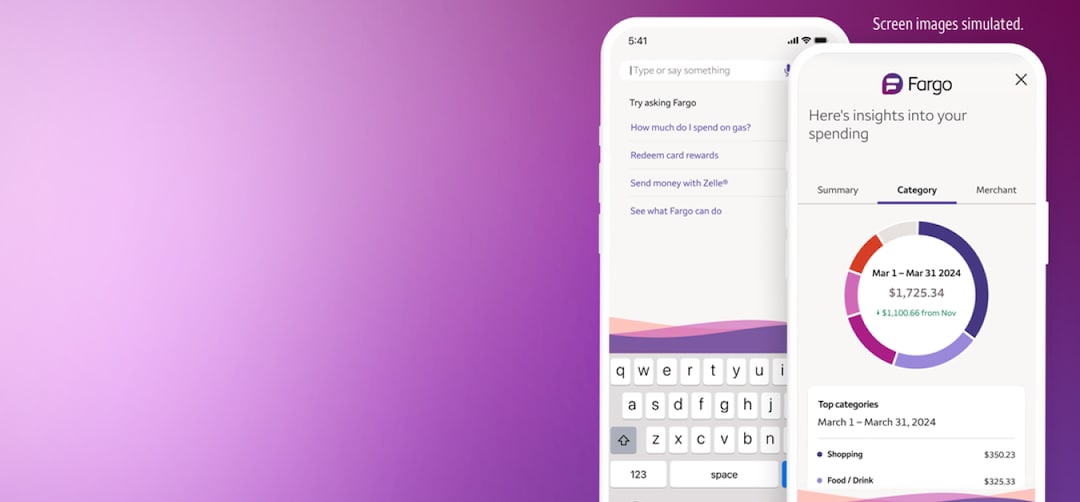
The Evolution of Digital Banking and Card Access
The journey from traditional brick-and-mortar banking to the sophisticated digital platforms we use today is a testament to the rapid advancements in financial technology. What began as a supplementary service has transformed into the primary mode of interaction for millions, reshaping our understanding of financial management and security.
From Physical Wallets to Digital Convenience
For decades, accessing your credit or debit card number meant physically retrieving the card from your wallet. This tactile interaction was a foundational element of consumer finance. However, with the advent of e-commerce, digital subscriptions, and online services, the need to constantly have your physical card on hand became a cumbersome bottleneck. The inability to recall a full 16-digit number, expiration date, and CVV code from memory often led to interrupted transactions or delayed payments.
The shift towards digital convenience began with secure online payment gateways, followed by the integration of card details into digital wallets like Apple Pay and Google Pay. These innovations laid the groundwork for financial institutions to offer direct access to card details within their own mobile applications, moving beyond mere transaction viewing to providing critical card management features. This evolution represents a significant leap in user empowerment, placing sensitive financial information securely at the user’s fingertips, accessible anytime, anywhere.
The Role of Mobile Apps in Modern Finance
Mobile banking apps are no longer just miniature versions of online banking portals. They are sophisticated, feature-rich ecosystems designed to offer a comprehensive financial management experience. For institutions like Wells Fargo, their app serves as the primary interface for millions of customers to check balances, pay bills, transfer funds, deposit checks, and crucially, manage their debit and credit cards.
The integration of features like viewing card numbers directly within the app highlights a deeper understanding of user needs in a digitally-driven economy. It acknowledges that physical cards can be misplaced, forgotten, or simply inconvenient to access during an online transaction. By providing secure, in-app access, Wells Fargo leverages technology to bridge the gap between the physical and digital realms of card usage, enhancing both convenience and the overall customer experience. This capability is a cornerstone of modern digital security, as it centralizes access to critical information behind multiple layers of authentication, arguably making it more secure than simply carrying a physical card.
Step-by-Step Guide: Accessing Your Card Number Securely
Retrieving your card number from the Wells Fargo app is a straightforward process designed with user-friendliness and security in mind. This section will walk you through the necessary steps to ensure you can access your card details whenever you need them.
Prerequisites for Access
Before you begin, ensure you meet the following requirements:
- A Wells Fargo Account: You must be an account holder with Wells Fargo and have a debit or credit card associated with that account.
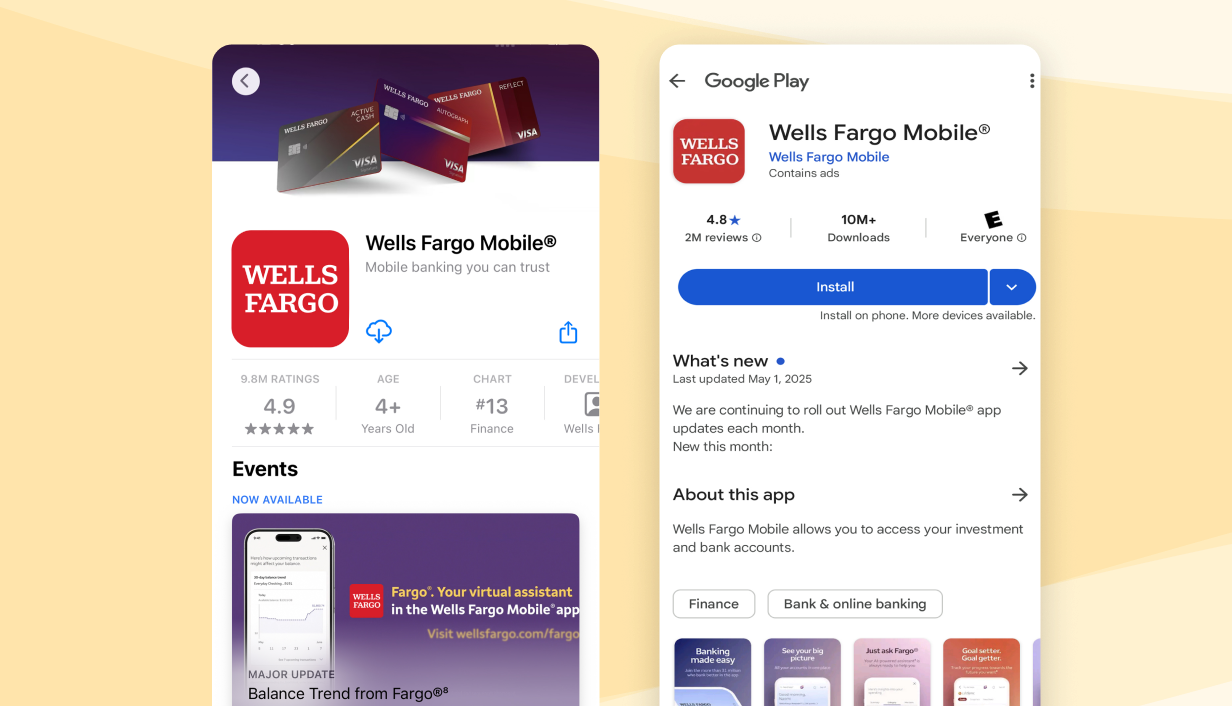
- Wells Fargo Mobile App Installed: Download the official Wells Fargo Mobile app from the Apple App Store (for iOS devices) or Google Play Store (for Android devices).
- Enrollment in Online Banking: You need to be enrolled in Wells Fargo Online Banking and have a valid username and password. The mobile app uses these credentials for login.
- Secure Device: Ensure you are using a trusted device (your personal smartphone or tablet) that is protected by a passcode, fingerprint, or facial recognition.
- Stable Internet Connection: A reliable internet connection (Wi-Fi or cellular data) is necessary to log in and retrieve information.
Navigating the Wells Fargo App Interface
Once you have the app installed and are ready to log in, follow these general steps:
- Launch the App: Tap the Wells Fargo icon on your device’s home screen.
- Log In: Enter your Wells Fargo Online Banking username and password. If enabled, you might also use Touch ID, Face ID, or your device’s biometric authentication for quicker access. This initial authentication layer is crucial for digital security, verifying your identity before you can access any sensitive information.
- Account Overview: After successful login, you will typically land on an account overview screen, displaying your various Wells Fargo accounts (checking, savings, credit cards, etc.).
- Select Your Card Account: Locate and tap on the specific credit or debit card account for which you want to view the card number. This will usually take you to a detailed view of that card’s transactions and information.
Retrieving Your Full Card Details
This is where the specific feature comes into play. The exact wording and placement might vary slightly with app updates, but the general pathway remains consistent:
- Look for “Card Details” or “Show Card Number”: Within the detailed view of your selected card, you will typically find an option labeled something like “Show Card Details,” “View Card Number,” “Manage Card,” or an icon representing a card. This option is often located near the top of the screen or within a “Card Services” or “Account Services” menu.
- Authentication Step: For enhanced security, the app will likely prompt you for an additional layer of authentication at this point. This could be re-entering your password, a biometric scan (fingerprint/face), or even a one-time passcode sent to your registered phone number or email. This secondary authentication ensures that even if someone gained access to your logged-in app, they couldn’t immediately view sensitive card details without further verification.
- View Card Number: Once successfully authenticated, your full 16-digit card number, expiration date (MM/YY), and the 3- or 4-digit Card Verification Value (CVV/CVC2/CID) will be displayed on the screen.
- Use and Close: You can now use this information for your online purchases or other needs. Remember to close the screen or navigate away once you’ve utilized the details, minimizing the exposure of this sensitive data. The app will usually obscure these details again automatically after a short period or if you navigate away.
Understanding the “Why”: When and Why You Might Need This Feature
While carrying your physical card is still common, the ability to access your card number digitally addresses several common scenarios in modern life, significantly enhancing convenience and security.
Online Purchases and Subscriptions
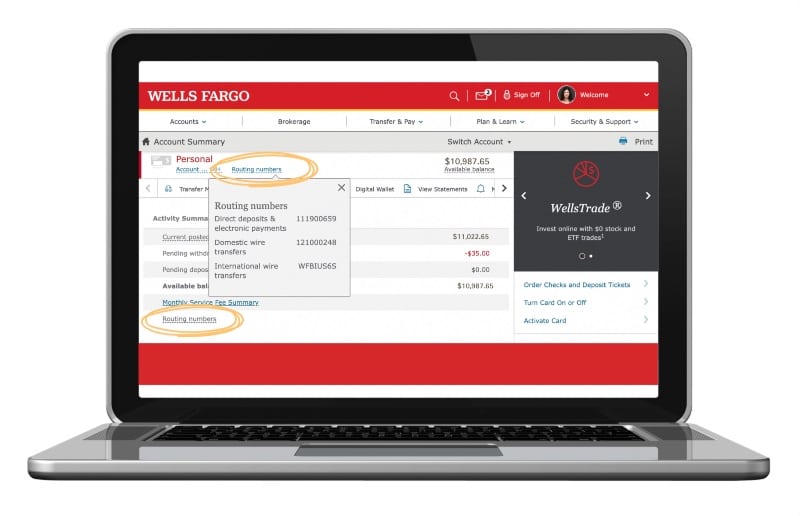
The most frequent use case for viewing your card number in-app is for online transactions. Whether you’re making a one-time purchase from an e-commerce site, subscribing to a streaming service, or setting up recurring payments for utilities, having instant access to your card details eliminates the need to fetch your physical card. This is particularly useful when shopping on a computer or a device where your card isn’t already stored in a digital wallet. The digital display provides all necessary information—card number, expiry date, and security code—for manual entry.
Activating New Services or Accounts
Beyond routine purchases, you might need your full card details when activating new financial services or accounts that require linking a payment method. This could include setting up a new peer-to-peer payment app, linking your card to a new investment platform, or even registering for a free trial that requires card information upfront. The app ensures you have the correct, up-to-date details without searching through physical documents or waiting for a new card to arrive in the mail.
Situations Requiring Manual Entry
There are still many scenarios where automated payment methods or digital wallets aren’t an option, and manual entry of card details is required. This could be for certain international websites, specialized service providers, or situations where a merchant’s system doesn’t integrate with modern payment solutions. In such cases, the Wells Fargo app acts as a digital safety net, providing the necessary information without the inherent risks associated with carrying multiple cards or writing down sensitive data. It transforms your smartphone into a secure vault for your payment information.
Prioritizing Digital Security and Best Practices
While the convenience of viewing your card number in the Wells Fargo app is immense, it’s crucial to understand the security implications and adopt best practices to protect your financial data. The technology is secure, but user vigilance is key.
Protecting Your Wells Fargo App and Device
Your mobile device is the gateway to your digital financial life. Therefore, securing it is paramount. Always use a strong, unique password or biometric authentication (fingerprint/face ID) to unlock your phone. Keep your operating system and the Wells Fargo app updated to ensure you have the latest security patches and features. Avoid jailbreaking or rooting your device, as this can compromise its inherent security measures. Furthermore, be mindful of public Wi-Fi networks; while many are encrypted, it’s always safer to access sensitive financial information on a trusted, secure network or via your cellular data.
Recognizing and Avoiding Phishing Scams
The rise of digital banking has unfortunately led to a corresponding increase in sophisticated phishing and social engineering scams. Attackers often try to trick users into revealing their login credentials or personal information by impersonating legitimate institutions like Wells Fargo. Be extremely cautious of unsolicited emails, texts, or phone calls asking for your banking details. Always verify the sender’s authenticity and never click on suspicious links. The Wells Fargo app will never ask you to re-enter your full card number outside of specific, authenticated in-app functions. If in doubt, directly type the official Wells Fargo website URL into your browser or open the app directly.
The Importance of Strong Passwords and Biometrics
The foundation of your digital security lies in robust authentication. For your Wells Fargo account, this means using a strong, unique password that combines letters, numbers, and symbols, and is not reused across multiple platforms. Enabling multi-factor authentication (MFA) or two-step verification (2SV) adds an extra layer of protection, requiring a second form of verification (like a code sent to your phone) even if your password is compromised. Biometric authentication (fingerprint or facial recognition) offers a convenient yet highly secure method of logging into your app, reducing reliance on easily guessable passwords. Regular password changes and vigilance against suspicious login attempts further solidify your digital defenses.
Beyond Card Numbers: The Broader Functionality of the Wells Fargo App
While accessing card numbers is a key feature, the Wells Fargo app’s utility extends far beyond this singular function, serving as a comprehensive digital financial assistant. Understanding its full capabilities helps users maximize their banking experience.
Managing Accounts and Transactions
The app provides a real-time overview of all your Wells Fargo accounts, including checking, savings, credit cards, mortgages, and investment accounts. Users can easily check balances, review transaction history, categorize spending, and even view pending transactions. This granular visibility allows for better budgeting and financial planning, giving users an immediate snapshot of their financial health. The ability to filter and search transactions also helps in quickly identifying specific expenditures or reconciling statements.
Bill Pay and Transfers
One of the most used features of any mobile banking app is the ability to pay bills and transfer funds. The Wells Fargo app allows users to set up one-time or recurring bill payments to various merchants and service providers. It also facilitates easy transfers between Wells Fargo accounts or to external bank accounts, often with instant processing for internal transfers. This eliminates the need for checks, envelopes, and postal services, streamlining financial obligations and saving valuable time. For many, it’s the primary way they manage their monthly financial outflows.
Fraud Alerts and Account Security Features
Beyond viewing card details, the app is a powerful tool for proactive security management. Wells Fargo offers customizable alerts that notify users of specific account activities, such as large transactions, international purchases, or even low balances. Users can also instantly lock or unlock their debit or credit cards within the app if they are misplaced or stolen, preventing unauthorized use without having to call customer service. Some advanced features might even allow users to dispute transactions or report fraud directly through the app, providing an immediate response mechanism to potential security threats. These features embody the app’s commitment to not just convenience, but also robust digital security, empowering users to be the first line of defense for their financial well-being.
In conclusion, the Wells Fargo app, like many contemporary banking applications, offers a highly secure and convenient way to access essential card details. This technological advancement reflects the ongoing evolution of digital banking, placing powerful financial tools directly into the hands of consumers. By understanding how to utilize these features responsibly and adhering to best digital security practices, users can fully leverage the app’s capabilities to manage their finances effectively and securely in our increasingly digital world.
aViewFromTheCave is a participant in the Amazon Services LLC Associates Program, an affiliate advertising program designed to provide a means for sites to earn advertising fees by advertising and linking to Amazon.com. Amazon, the Amazon logo, AmazonSupply, and the AmazonSupply logo are trademarks of Amazon.com, Inc. or its affiliates. As an Amazon Associate we earn affiliate commissions from qualifying purchases.