
In today’s rapidly evolving financial landscape, mobile banking and payment applications have become indispensable tools for managing personal finances. Chime and Cash App stand out as two prominent platforms, each offering unique features that cater to different aspects of our financial lives. Chime revolutionizes traditional banking with its fee-free approach and early payday features, while Cash App simplifies peer-to-peer payments, investing, and more. Given their distinct functionalities, users often find themselves needing to transfer funds between these two platforms. This guide will meticulously detail the process, offering insights into effective money management strategies and ensuring your financial flow remains uninterrupted.
Understanding the Financial Ecosystem: Chime and Cash App in Your Wallet
Before diving into the mechanics of transferring funds, it’s crucial to understand the roles Chime and Cash App play in your personal finance strategy. Each platform is designed with specific use cases in mind, and leveraging their strengths can significantly enhance your financial agility.
Chime: Your Mobile Banking Partner
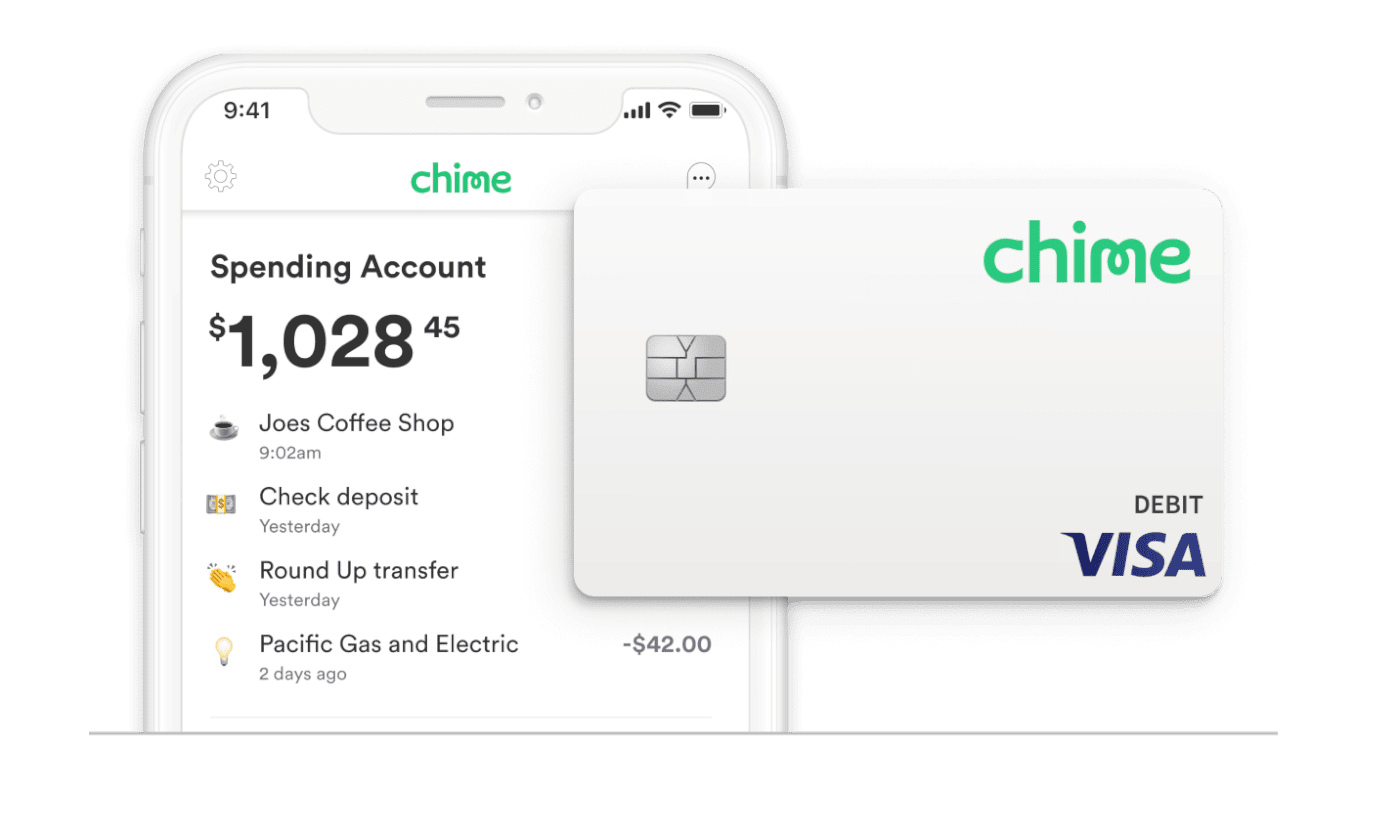
Chime has emerged as a leader in the challenger bank movement, offering a full suite of banking services without many of the fees associated with traditional banks. It operates as a financial technology company, partnering with banks to provide FDIC-insured accounts. Key features include:
- No Monthly Fees: Eliminating common banking charges like maintenance fees, overdraft fees (with SpotMe), and foreign transaction fees.
- Early Payday: Often allowing users to receive their paychecks up to two days early, a significant advantage for budget management.
- Automatic Savings Tools: Features like “Save When I Get Paid” and “Round Up” help users effortlessly build savings.
- Credit Builder Visa® Card: A secured credit card designed to help members improve their credit scores responsibly.
For many, Chime serves as their primary checking account, handling direct deposits, bill payments, and everyday spending. Its focus on accessibility and cost-effectiveness makes it an attractive option for those looking to modernize their banking experience.
Cash App: The Peer-to-Peer Payment and Beyond
Cash App, developed by Block, Inc. (formerly Square, Inc.), started primarily as a peer-to-peer (P2P) payment service, enabling users to send and receive money instantly with friends and family. However, it has evolved into a multifaceted financial tool that includes:
- P2P Transfers: Its core functionality, allowing instant money transfers using unique “$Cashtags.”
- Cash Card: A customizable Visa debit card linked to your Cash App balance, usable for everyday purchases.
- Investing: Facilitating commission-free buying and selling of stocks and Bitcoin directly within the app.
- Direct Deposit: Offering a routing and account number for users to receive paychecks directly into their Cash App balance.
Cash App excels in situations requiring quick payments, micro-investments, or managing a separate fund for specific purposes. Its user-friendly interface and integrated features make it a popular choice for a younger demographic and anyone seeking a streamlined digital wallet experience.
Why the Need for Transfers Between Them?
While both are powerful financial tools, their differing strengths often necessitate transfers. Common scenarios include:
- Consolidating Funds: Moving money from Chime to Cash App to pay a friend, invest in stocks, or fund a specific Cash App-related expense.
- Accessing Specific Features: Utilizing Cash App’s investing features with funds typically held in Chime.
- Managing Budgets: Separating funds for different purposes, e.g., using Chime for bills and direct deposit, and Cash App for discretionary spending or specific projects.
- Overcoming ATM Limitations: If a Cash App user needs cash and only has their Chime card accessible, they might transfer money to Cash App to withdraw it via their Cash Card if it has a higher limit or is more convenient.
Understanding these use cases highlights why a seamless transfer process is not just convenient but often essential for effective personal finance management in the digital age.
The Direct Transfer Conundrum: Limitations and Effective Workarounds
One of the common misconceptions users encounter is the expectation of a direct “send from Chime to Cash App” button. Unfortunately, such a direct push feature doesn’t inherently exist. This limitation stems from how these financial platforms are designed and regulated. Chime functions more like a traditional bank account, while Cash App acts as a digital wallet that can pull funds from external linked accounts or cards. The good news is that several reliable methods facilitate these transfers indirectly.
Direct Linking: The “Pull” Mechanism from Cash App
The most common and secure method to transfer funds from Chime to Cash App involves linking your Chime account to Cash App and then initiating a “pull” transaction from the Cash App side. This means Cash App requests funds from your Chime account, rather than Chime actively sending them.
This indirect approach leverages existing financial infrastructure, treating Chime as a linked external bank account within the Cash App ecosystem. It’s a standard practice across many financial apps that connect to traditional banking services.
Method 1: The Bank Account Linkage (Standard Transfer)
This method involves treating your Chime account as a linked bank account within Cash App. It’s generally free for standard transfers but can take 1-3 business days.
Linking Your Chime Account to Cash App
To successfully link your Chime account, you’ll need your Chime account and routing numbers. You can find these by logging into your Chime app or website, usually under “Settings” or “Move Money.”
- Open Cash App: Launch the Cash App on your mobile device.
- Navigate to the Banking Tab: Tap the banking icon (usually a house or bank building) on the main screen.
- Link Bank: Scroll down and select “Link Bank.”
- Enter Chime Information: Cash App will prompt you to search for your bank. You can usually find “Chime” directly. If not, select “No Bank Found” or “Link Bank Manually.”
- Manual Link (if needed): You’ll be asked for your bank’s routing number and account number. Enter your Chime routing number and then your Chime account number.
- Verify Account: Cash App will typically initiate a small deposit and withdrawal (micro-deposits) to verify the account, or you might be prompted to log in to your Chime account through a secure portal for instant verification. Follow the on-screen instructions.
Once verified, your Chime account will appear as a linked bank within your Cash App profile.
Initiating a Deposit from Chime to Cash App
With your Chime account linked, you can now add funds to your Cash App balance.
- Go to the Banking Tab: From the Cash App home screen, tap the banking icon.
- Select “Add Cash”: This option allows you to transfer money into your Cash App balance.
- Choose Amount: Enter the desired amount you wish to transfer.
- Select Linked Bank: Ensure your linked Chime account is selected as the source of funds.
- Confirm Transfer: Review the details and confirm the transaction.
Advantages and Considerations of This Method
- Cost-Effective: Standard transfers using this method are typically free of charge.
- Secure: Leverages established bank linking protocols, including verification steps.
- Suitable for Larger Transfers: Generally accommodates higher transfer limits compared to debit card instant transfers.
- Timeframe: The primary drawback is the transfer time, usually 1-3 business days. This isn’t ideal for urgent financial needs.
This method is best suited for planned transfers where immediate access to funds isn’t a critical requirement, such as funding your Cash App investing account or accumulating funds for a future purchase.
Method 2: The Debit Card Linkage (Instant Transfer)
For situations demanding immediate access to funds, linking your Chime debit card to Cash App provides a faster solution. This method treats your debit card as a funding source, allowing for instant transfers, though often with a small fee.
Linking Your Chime Debit Card to Cash App
This process is similar to linking a bank account but uses your card details instead.
- Open Cash App: Launch the Cash App.
- Navigate to the Banking Tab: Tap the banking icon on the main screen.
- Link Bank / Link Debit Card: You might see an option to “Link Debit Card” directly, or you can go through “Link Bank” and then select the debit card option.
- Enter Card Details: Input your Chime Visa® Debit Card number, expiration date, CVV, and billing zip code.
- Verify (if prompted): Cash App may require additional verification, such as a micro-transaction or a prompt to confirm details with your bank.
Once linked, your Chime debit card will appear as a payment method within Cash App.
Using the Debit Card for Instant Transfers
With your Chime debit card linked, initiating an instant transfer is straightforward.
- Go to the Banking Tab: From the Cash App home screen, tap the banking icon.
- Select “Add Cash”: Enter the amount you wish to transfer.
- Choose Linked Debit Card: Select your Chime debit card as the funding source.
- Confirm Instant Transfer: Cash App will usually notify you if an instant transfer fee applies. Review the fee and total amount, then confirm.
The funds should appear in your Cash App balance almost instantly.
When to Use This Method (Urgency vs. Cost)
- Urgent Needs: Ideal for situations where you need funds in your Cash App balance immediately, such as splitting a bill with friends on the spot or making an urgent investment.
- Potential Fees: Be aware that Cash App typically charges a small fee (e.g., 0.5% – 1.75%) for instant transfers using a linked debit card. This fee is clearly displayed before you confirm the transaction.
- Lower Limits: Debit card transfers might have lower daily or weekly limits compared to bank account transfers.
Evaluate the urgency of your transfer against the potential cost. For small, time-sensitive transfers, the fee might be negligible. For larger, less urgent transfers, the bank account method is often more financially prudent.
Beyond Basic Transfers: Optimizing Your Financial Flow
Successfully transferring funds is just one aspect of effective personal finance. To truly optimize your experience with Chime and Cash App, consider broader financial strategies, security, and how these tools fit into your overall money management plan.
Understanding Transfer Limits and Fees
Both Chime and Cash App have their own set of limits and potential fees:
- Cash App Limits: These vary by account verification level. Unverified accounts have lower limits for sending and receiving. Verified accounts (with SSN) generally have higher limits for both. Instant transfer fees apply when using a linked debit card.
- Chime Limits: While Chime itself doesn’t typically charge fees for linking out or for standard transfers from a linked account, it does have daily ATM withdrawal limits and daily/spending limits on its debit card.
- Review Fees: Always double-check the transaction details on Cash App before confirming an instant transfer to understand any applicable fees.
Being aware of these financial parameters prevents unexpected delays or charges, allowing you to plan your transfers efficiently.
Security Best Practices for Digital Transfers
The convenience of digital transfers also comes with a responsibility for security.
- Two-Factor Authentication (2FA): Enable 2FA on both your Chime and Cash App accounts for an extra layer of protection.
- Strong, Unique Passwords: Use complex passwords that are different for each financial application.
- Monitor Transactions: Regularly review your transaction history on both apps to detect any unauthorized activity.
- Beware of Scams: Be cautious of phishing attempts or requests for your login credentials. Neither Chime nor Cash App will ask for your password via email or text.
- Public Wi-Fi: Avoid conducting financial transactions on unsecured public Wi-Fi networks.
Prioritizing security safeguards your funds and personal information in the digital realm.
When to Choose Chime vs. Cash App for Specific Needs
Understanding the optimal use case for each app can help streamline your financial life:
- Use Chime For:
- Direct Deposit: Getting paid up to two days early.
- Bill Payments: Managing recurring bills with no fees.
- Long-term Savings: Utilizing automated savings features.
- Primary Banking: As your main checking account for everyday expenses.
- Use Cash App For:
- Peer-to-Peer Payments: Instantly sending or requesting money from friends and family.
- Micro-Investing: Buying small amounts of stocks or Bitcoin.
- Specific Budget Categories: Creating a separate fund for discretionary spending or specific projects.
- Cash Card Perks: Utilizing “Boosts” for discounts at specific merchants.
Integrating both apps strategically means you get the best of both worlds – the stability and comprehensive features of a modern banking solution with Chime, and the agility and niche functionalities of a digital wallet with Cash App.
Long-Term Financial Planning with Fintech Tools
Chime and Cash App are more than just transaction platforms; they are components of a broader fintech ecosystem that can support your long-term financial goals. By understanding how to move money efficiently between them, you gain greater control over your funds, enabling you to:
- Respond to opportunities: Quickly fund investments on Cash App with savings from Chime.
- Manage emergencies: Transfer funds to wherever they are needed most in a pinch.
- Optimize cash flow: Strategically shift money to minimize fees and maximize benefits.
Mastering the art of transferring funds between Chime and Cash App isn’t just about moving money; it’s about empowering your personal financial strategy, allowing you to leverage the strengths of each platform for a more organized, efficient, and ultimately, healthier financial life.
aViewFromTheCave is a participant in the Amazon Services LLC Associates Program, an affiliate advertising program designed to provide a means for sites to earn advertising fees by advertising and linking to Amazon.com. Amazon, the Amazon logo, AmazonSupply, and the AmazonSupply logo are trademarks of Amazon.com, Inc. or its affiliates. As an Amazon Associate we earn affiliate commissions from qualifying purchases.