
In an increasingly digital financial landscape, managing your money with ease and flexibility is paramount. Among the plethora of financial tools available, Cash App has carved out a significant niche, offering a streamlined platform for sending, spending, saving, and investing. Central to its utility is the Cash App Card – a free, customizable Visa debit card linked directly to your Cash App balance, allowing you to spend funds virtually anywhere Visa debit cards are accepted. However, a common question for many users, especially those accustomed to traditional banking, is: “How do I add physical cash to my Cash App Card?” This article delves into the practical steps and financial considerations for effectively funding your Cash App Card, integrating this popular financial tool into your broader personal finance strategy.

Understanding Your Cash App Card and Its Role in Personal Finance
Before diving into the mechanics of adding cash, it’s essential to appreciate the Cash App Card’s utility. Unlike a traditional bank account debit card, the Cash App Card operates solely on your Cash App balance. This distinction is crucial for understanding how funds are managed and loaded. It serves as a direct gateway to the money held within your Cash App account, making it an indispensable tool for many, particularly those seeking alternative or supplementary banking solutions.
The Evolution of Digital Wallets and the Cash App Card’s Place
The rise of digital wallets and peer-to-peer payment services has transformed how individuals manage their day-to-day finances. Cash App stands out by combining payment transfers with a spending card, offering a cohesive experience. For many, it’s a primary means of managing discretionary spending, receiving payments from side hustles, or facilitating transactions with friends and family. The Cash App Card extends this digital convenience into the physical world, allowing users to make purchases in brick-and-mortar stores, withdraw cash from ATMs, and generally participate in the wider economy without needing a traditional bank account or physical cash on hand. This integration of digital funds with real-world spending power underscores its significance as a modern financial instrument.
Why Load Cash Onto Your Cash App Card? Convenience, Budgeting, and Inclusivity
The primary motivation for adding physical cash to your Cash App Card often stems from a desire for convenience and enhanced financial control. For individuals who receive income in cash, or who prefer to budget by converting physical cash into digital funds, this feature is invaluable. It eliminates the need for a separate bank account to deposit cash, streamlining the process directly into a spendable balance. Furthermore, for the unbanked or underbanked population, the ability to convert physical cash into a digital, spendable format through Cash App offers a vital pathway to participate in the digital economy, access online services, and manage funds more securely than carrying large amounts of physical currency. From a budgeting perspective, loading a specific amount of cash onto your card can serve as a powerful envelope system, helping users stick to spending limits for various categories.
Step-by-Step Guide to Adding Cash via Retail Stores
The most direct and widely available method for adding physical cash to your Cash App Card is through participating retail stores. Cash App has partnered with numerous establishments, making this process accessible for a broad user base. This method bridges the gap between the physical and digital, allowing you to convert tangible currency into a digital balance ready for immediate use.
Locating Participating Retailers
Cash App’s in-app map feature is your best friend when it comes to finding a location to deposit cash. Most major retailers, including popular chains like Walmart, Walgreens, CVS, 7-Eleven, Dollar General, and Family Dollar, are often part of the network. To find one near you:
- Open the Cash App: Launch the application on your smartphone.
- Tap the Banking Tab: This is usually represented by a house icon or a dollar sign ($) on the bottom navigation bar.
- Select “Paper Money”: This option specifically caters to cash deposits.
- Use the Map Feature: Cash App will display a map showing nearby locations where you can add paper money. It’s advisable to check the operating hours of these locations before heading out.
Confirming the availability of this service and any potential limits or fees with the specific retailer beforehand can prevent any inconvenience. While Cash App outlines the general process, individual store policies might vary slightly.
The Process at the Register: A Seamless Transaction
Once you’ve located a participating retailer, the actual process of adding cash is straightforward and designed to mimic a regular purchase.
- Inform the Cashier: When you get to the register, tell the cashier you want to “add cash to your Cash App” or “deposit money into your Cash App.” Some retailers might use specific terminology like “Cash App deposit” or “load cash to Cash App.”
- Generate Your Deposit Barcode:
- On your Cash App, tap the Banking tab.
- Select “Paper Money.”
- Choose “Show Barcode” (or a similar option). A unique barcode will be generated on your screen.
- Allow the Cashier to Scan: Present your phone with the barcode to the cashier. They will scan it, much like they would a product.
- Hand Over the Cash: Give the cashier the exact amount of cash you wish to deposit. It’s important to note that most retailers do not offer change for Cash App deposits, so ensure you have the precise amount.
- Confirm the Deposit: The cashier will process the transaction. You should receive an immediate confirmation on your Cash App that the funds have been added to your balance. The money is typically available for use instantly.
It’s crucial to ensure the cashier scans the barcode before you hand over the cash and to verify the amount on your screen matches the cash you are depositing. Keep your receipt from the retailer as proof of the transaction until you see the funds reflected in your Cash App balance.
Essential Tips for a Smooth Transaction
To ensure a hassle-free experience when adding cash to your Cash App Card, consider these tips:
- Have the Exact Amount: Retailers generally cannot provide change for Cash App deposits. Bring the precise sum you intend to add.
- Check Daily Limits: Cash App imposes daily and weekly limits on paper money deposits. Currently, this is often set around $500 per deposit and $1,000 within any 7-day period, though limits can vary and are subject to change. Always check the most up-to-date limits within the app.
- Understand Potential Fees: While Cash App itself doesn’t charge for this service, some retailers might impose a small convenience fee (e.g., $1-$5) for facilitating the deposit. This fee will be deducted from your deposit amount or added on top. Confirm any fees with the cashier before proceeding.
- Keep Your Phone Charged: A dead battery can halt your transaction.
- Good Internet Connection: Ensure you have a stable internet connection for the app to generate the barcode and confirm the deposit.
Exploring Alternative Funding Methods for Your Cash App Balance
While adding physical cash at a retailer is a direct method, it’s not the only way to fund your Cash App balance, which in turn fuels your Cash App Card. Understanding these alternatives provides a holistic view of managing your funds within the Cash App ecosystem and can cater to different financial scenarios.
Linking Your Bank Account: The Digital Lifeline
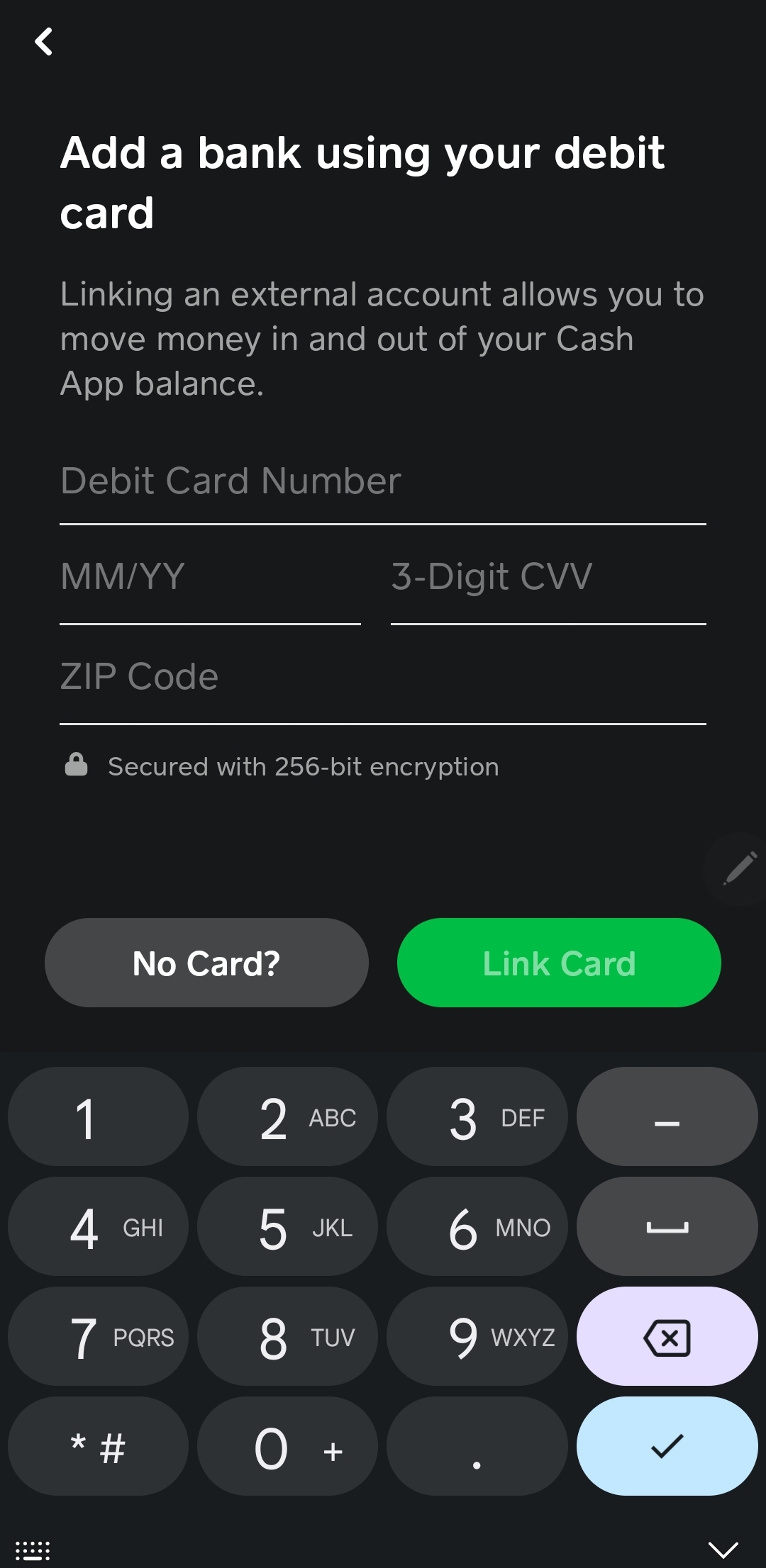
For most users, linking an external bank account is the most common and versatile way to add funds to Cash App. This method allows for seamless transfers directly from your bank to your Cash App balance, typically within minutes or 1-3 business days, depending on whether you opt for instant or standard deposits.
- Process: Go to the Banking tab, select “Add Cash,” and choose your linked bank account as the source. You’ll enter the desired amount, confirm with your PIN or Touch ID, and the transfer initiates.
- Benefits: This offers unparalleled convenience, especially for those who primarily manage their finances digitally. It’s also usually free for standard transfers, though instant transfers may incur a small fee.
Direct Deposit for Paychecks and Government Benefits
Cash App offers a unique feature that allows users to set up direct deposit for their paychecks, tax refunds, unemployment benefits, and other government disbursements directly into their Cash App balance. This functionality significantly enhances Cash App’s role as a primary financial tool, reducing reliance on traditional bank accounts.
- Process: Within the Banking tab, find the “Direct Deposit” section. You’ll be provided with a routing number and account number unique to your Cash App. You then provide these details to your employer or benefit provider, just as you would with a regular bank account.
- Benefits: This method ensures that funds are available directly within your Cash App, ready for immediate use via your Cash App Card or for sending to others. It’s a powerful option for managing regular income.
Receiving Funds from Other Cash App Users
One of Cash App’s core functionalities is peer-to-peer payments. If someone owes you money, or you’re splitting a bill, they can send funds directly to your Cash App balance using your $Cashtag, phone number, or email.
- Process: The sender simply enters your identifier, the amount, and sends the payment.
- Benefits: These transfers are instant and free between Cash App users, making it an incredibly efficient way to receive money that immediately becomes available on your Cash App Card.
Navigating Fees, Limits, and Security Considerations
While Cash App offers immense convenience, especially when it comes to adding and managing funds, it’s crucial for users to be aware of the financial nuances involved. Understanding fees, transaction limits, and robust security practices is key to leveraging the platform effectively and responsibly.
Understanding Transaction Fees
Fees are an important aspect of any financial service. While many basic Cash App transactions are free, certain services may incur charges:
- Retail Cash Deposits: As mentioned, some third-party retailers might charge a small fee (e.g., $1-$5) for facilitating a paper money deposit. This fee is typically imposed by the retailer, not Cash App, and is either deducted from your deposit or added to the transaction total.
- Instant Deposits to Bank Account: If you transfer money from your Cash App balance to a linked bank account instantly, Cash App charges a 0.5%–1.75% fee. Standard deposits (1-3 business days) are free.
- ATM Withdrawals: Using your Cash App Card at an ATM generally incurs a $2.50 fee from Cash App, plus any fees charged by the ATM operator.
- Credit Card Transfers: Adding money to Cash App using a linked credit card typically incurs a 3% fee. This is why linking a debit card or bank account is often preferred for funding.
Always review the transaction details within the app before confirming to understand any associated costs.
Daily and Weekly Deposit Limits
Cash App, like most financial platforms, implements limits on deposits and withdrawals to protect users and comply with financial regulations. For paper money deposits at retailers, typical limits are:
- Daily Limit: Often around $500 per deposit.
- Weekly Limit: Approximately $1,000 within any 7-day period.
These limits are subject to change and can vary based on account verification status. Verified accounts (those that have provided full name, date of birth, and the last four digits of their SSN) generally have higher limits for sending and receiving money compared to unverified accounts. It’s always best to check the most current limits directly within your Cash App settings. Being aware of these limits helps in planning your financial transactions and avoiding unexpected roadblocks.
Safeguarding Your Funds and Personal Information
Security is paramount in digital finance. Cash App employs several measures to protect your funds and data, but user vigilance is equally important:
- PIN/Touch ID/Face ID: Always secure your Cash App with a strong PIN, Touch ID, or Face ID to prevent unauthorized access.
- Two-Factor Authentication (2FA): Enable 2FA for an added layer of security. This requires a code from your phone or email to log in from a new device.
- Be Wary of Scams: Cash App is a frequent target for scammers. Be skeptical of unsolicited requests for money, offers that seem too good to be true, or messages asking for your login credentials. Cash App support will never ask for your PIN or full login information.
- Monitor Transactions: Regularly review your transaction history within the app to identify any suspicious activity.
- Protect Your Card: Treat your Cash App Card like any other debit card. Report it immediately if lost or stolen using the in-app controls to disable it.
- Strong Passwords: Use unique, complex passwords for your Cash App and linked email accounts.
By combining Cash App’s built-in security features with proactive user practices, you can significantly enhance the safety of your funds and personal financial information.
Maximizing Your Cash App Card for Personal Finance Management
The Cash App Card is more than just a way to spend money; it’s a tool that, when used strategically, can significantly enhance your personal finance management. Integrating it thoughtfully into your financial ecosystem can lead to better budgeting, controlled spending, and streamlined transactions.
Budgeting and Expense Tracking with Cash App
For many, budgeting starts with separating funds. The Cash App Card can be an excellent instrument for managing a specific budget category, such as groceries, entertainment, or discretionary spending.
- Digital Envelope System: Load a predetermined amount of cash onto your Cash App balance (via retail deposit or bank transfer) specifically for a budget category. Once those funds are exhausted, you know you’ve reached your limit for that period.
- Transaction History: Cash App provides a clear, concise transaction history, making it easy to review your spending patterns and identify where your money is going. This transparency is crucial for effective budget adherence.
- Instant Notifications: Receive real-time notifications for every transaction, helping you stay aware of your balance and expenditures as they happen.
By using the Cash App Card as a dedicated spending card for certain budget items, you can gain greater control over your cash flow and avoid overspending from your primary bank account.
Leveraging Cash App for Everyday Spending
The Cash App Card functions like a standard Visa debit card, making it ideal for everyday purchases online and in physical stores. Its broad acceptance ensures that your digital balance can be spent almost anywhere.
- Boosts: Cash App offers a unique “Boosts” feature, providing instant discounts at selected merchants when you use your Cash App Card. These Boosts can range from discounts on coffee to savings at specific retailers, effectively stretching your dollar further. Regularly checking and activating relevant Boosts can lead to significant savings over time.
- Seamless Transactions: The card supports contactless payments (tap-to-pay) and can be added to mobile wallets like Apple Pay or Google Pay, offering convenience and speed at checkout.
Integrating your Cash App Card into your daily spending habits, especially by taking advantage of Boosts, transforms it from a mere payment tool into a money-saving asset.

Integrating Cash App into Your Broader Financial Ecosystem
While Cash App can serve as a primary financial tool for some, for many, it’s part of a larger financial ecosystem. Thoughtful integration is key to maximizing its benefits without creating financial silos.
- Complementary to Traditional Banking: Use Cash App for specific purposes—like managing a side hustle’s income, peer-to-peer payments, or budgeting for discretionary spending—while maintaining a traditional bank account for larger savings, investments, or recurring bills that require more complex banking services.
- Streamlined Payments: Leverage Cash App for quick payments to friends, family, or small businesses, keeping your primary bank account information more private.
- Financial Flexibility: The ability to add cash at retailers, receive direct deposits, and link bank accounts offers unparalleled flexibility in how you manage and access your funds. This adaptability is invaluable in today’s dynamic financial environment.
In conclusion, adding cash to your Cash App Card is a straightforward process, primarily facilitated through participating retail partners. By understanding the step-by-step procedure, being mindful of fees and limits, and adopting robust security practices, you can effectively utilize this feature. Furthermore, by integrating your Cash App Card strategically into your personal finance management—from budgeting to leveraging its unique features like “Boosts”—you can harness its full potential as a modern, efficient, and flexible financial tool.
aViewFromTheCave is a participant in the Amazon Services LLC Associates Program, an affiliate advertising program designed to provide a means for sites to earn advertising fees by advertising and linking to Amazon.com. Amazon, the Amazon logo, AmazonSupply, and the AmazonSupply logo are trademarks of Amazon.com, Inc. or its affiliates. As an Amazon Associate we earn affiliate commissions from qualifying purchases.