
In the rapidly evolving landscape of digital finance, applications like Cash App have become indispensable tools for millions, facilitating seamless money transfers, payments, and even investments. However, the true utility and security of such platforms hinge significantly on one often-overlooked aspect: keeping the app consistently updated. An outdated Cash App isn’t just missing out on the latest features; it can be a security vulnerability, a performance bottleneck, and a source of frustration. This comprehensive guide will walk you through the process of updating your Cash App, elucidates the critical reasons why these updates matter, and offers insights into maintaining a secure and efficient digital financial experience.
The Imperative of Regular Cash App Updates
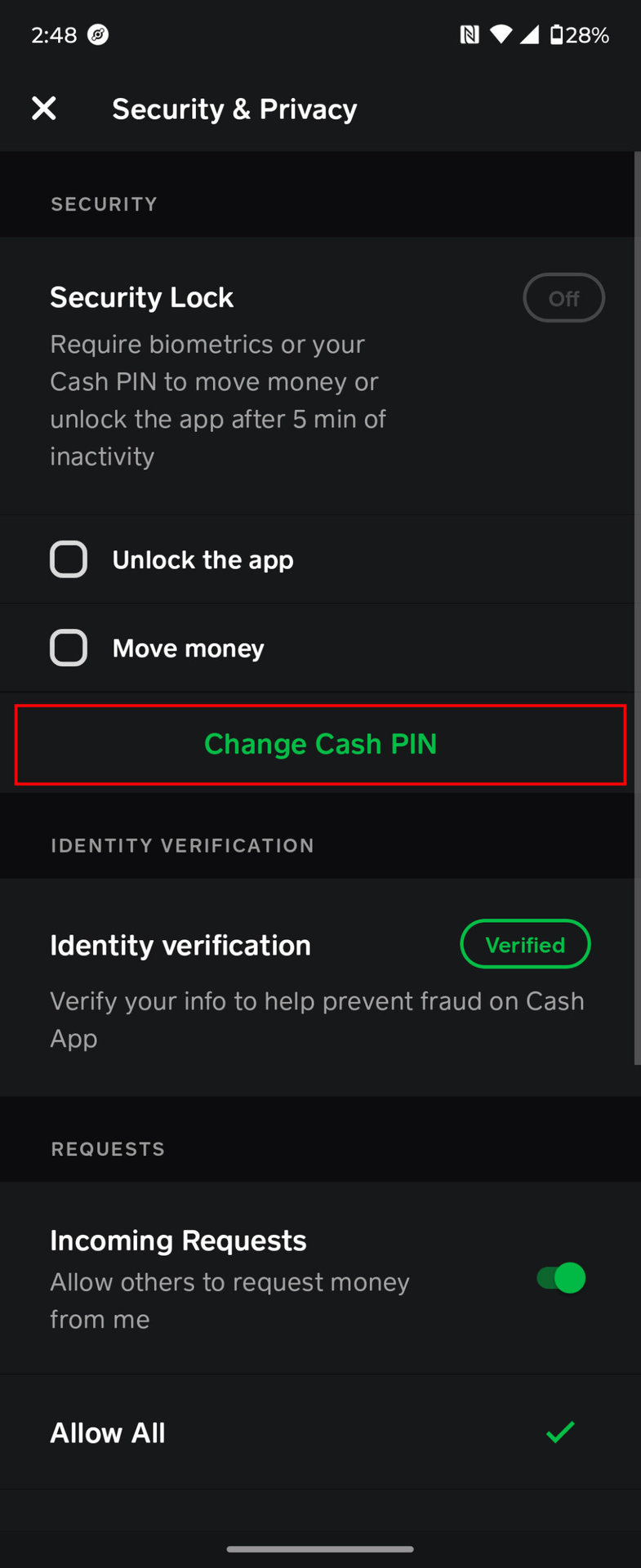
Ignoring update notifications for any app, particularly financial ones, is akin to leaving your front door unlocked. Software developers constantly work to refine their products, and each update is a crucial patch in the fabric of your digital interaction. For an app like Cash App, these updates are not merely cosmetic; they are foundational to its functionality, security, and user experience.
Fortifying Your Digital Security
The digital world is a constant battleground between developers and malicious actors. Every day, new vulnerabilities are discovered, and sophisticated phishing and hacking techniques emerge. Software updates are the primary defense mechanism against these evolving threats. Cash App updates frequently include critical security patches designed to:
- Counter new malware and viruses: Developers identify and neutralize emerging threats that could compromise your financial data.
- Enhance encryption protocols: Stronger encryption ensures that your transactions and personal information remain private and secure from interception.
- Fix authentication loopholes: Updates often close gaps that could potentially allow unauthorized access to your account, reinforcing features like PIN protection and two-factor authentication.
By keeping your Cash App updated, you ensure that you are operating with the latest protective measures, significantly reducing your risk of fraud or data breaches.
Unlocking New Features and Enhanced Usability
Beyond security, updates are the gateway to innovation. Cash App continually introduces new functionalities, services, and improvements to its existing features, all delivered through updates. These can range from minor tweaks to major overhauls that fundamentally enhance how you interact with the app. Examples include:
- Expanded service offerings: Access to new investment options, direct deposit features, or specific payment capabilities.
- Improved user interface: More intuitive navigation, cleaner designs, and streamlined workflows make the app easier and more pleasant to use.
- Performance enhancements: Updates often optimize the app’s code, leading to faster loading times, smoother transitions, and reduced battery consumption.
Staying current ensures you can take full advantage of everything Cash App has to offer, making your financial management more efficient and robust.
Resolving Bugs and Improving Stability
No software is perfect, and bugs can occasionally surface, leading to crashes, freezes, or incorrect functionality. These glitches, while often minor, can be incredibly disruptive, especially when you need to make an urgent payment or check your balance. Updates are meticulously designed to:
- Squash known bugs: Developers release fixes for identified issues that might be causing instability or incorrect behavior within the app.
- Improve overall stability: By addressing underlying code issues, updates can prevent future crashes and ensure a more reliable and consistent user experience.
- Optimize resource usage: Updates can make the app run more smoothly on your device, reducing strain on your phone’s processor and memory.
Regular updates ensure that your Cash App experience is as stable and error-free as possible, providing reliability when you need it most.
A Comprehensive Guide to Updating Your Cash App
Updating Cash App is a straightforward process, largely dependent on your device’s operating system. Whether you’re an iOS or Android user, the steps are designed to be intuitive and quick.
Updating on iOS Devices via the App Store
For iPhone and iPad users, the Apple App Store is your central hub for all app management, including updates.
- Open the App Store: Locate and tap the blue App Store icon on your device’s home screen.
- Access Your Profile: Tap your profile picture or initials in the top-right corner of the screen. This will take you to your Account page.
- Scroll to Available Updates: On the Account page, scroll down to see a list of “Pending Updates” or “Upcoming Automatic Updates.”
- Find and Update Cash App: Look for “Cash App” in the list. If an update is available, you will see an “UPDATE” button next to it. Tap this button to initiate the download and installation. If you don’t see Cash App listed, it means your app is already up to date, or automatic updates are enabled and have already done the job.
- Verify the Update (Optional but Recommended): After the update completes, open Cash App and navigate to its settings or “Profile” tab. Often, the version number is displayed at the bottom of the screen or in an “About” section, allowing you to confirm the latest version.
Updating on Android Devices via the Google Play Store
Android users will follow a similar process through the Google Play Store.
- Open the Google Play Store: Tap the colorful triangular Google Play Store icon on your device.
- Access Your Profile Menu: Tap your profile icon, typically found in the top-right corner of the search bar. This will open a drop-down menu.
- Navigate to “Manage apps & device”: From the menu, select “Manage apps & device.”
- Check for Updates: On the “Overview” tab, you’ll see a section for “Updates available.” Tap on “See details” or “Update all” if you have multiple apps needing updates.
- Find and Update Cash App: Locate “Cash App” in the list of available updates. Tap the “Update” button next to it to begin the update process. If Cash App isn’t listed, it’s either fully updated or set to update automatically.
- Confirm the Update (Optional): Once updated, open Cash App. The version number can typically be found within the app’s settings or “Profile” menu, confirming that the latest version is installed.
Leveraging Automatic Updates for Convenience
Both iOS and Android devices offer the option to enable automatic app updates, a highly recommended feature for financial apps like Cash App.
- For iOS: Go to
Settings > App Store, and under “Automatic Downloads,” ensure “App Updates” is toggled on. - For Android: Open the
Google Play Store, tap your profile icon, thenSettings > Network preferences > Auto-update apps. You can choose to auto-update over Wi-Fi only or over any network.
Enabling automatic updates ensures that your Cash App (and other critical apps) stays current without manual intervention, providing continuous security and feature access with minimal effort.
Addressing Common Update Obstacles
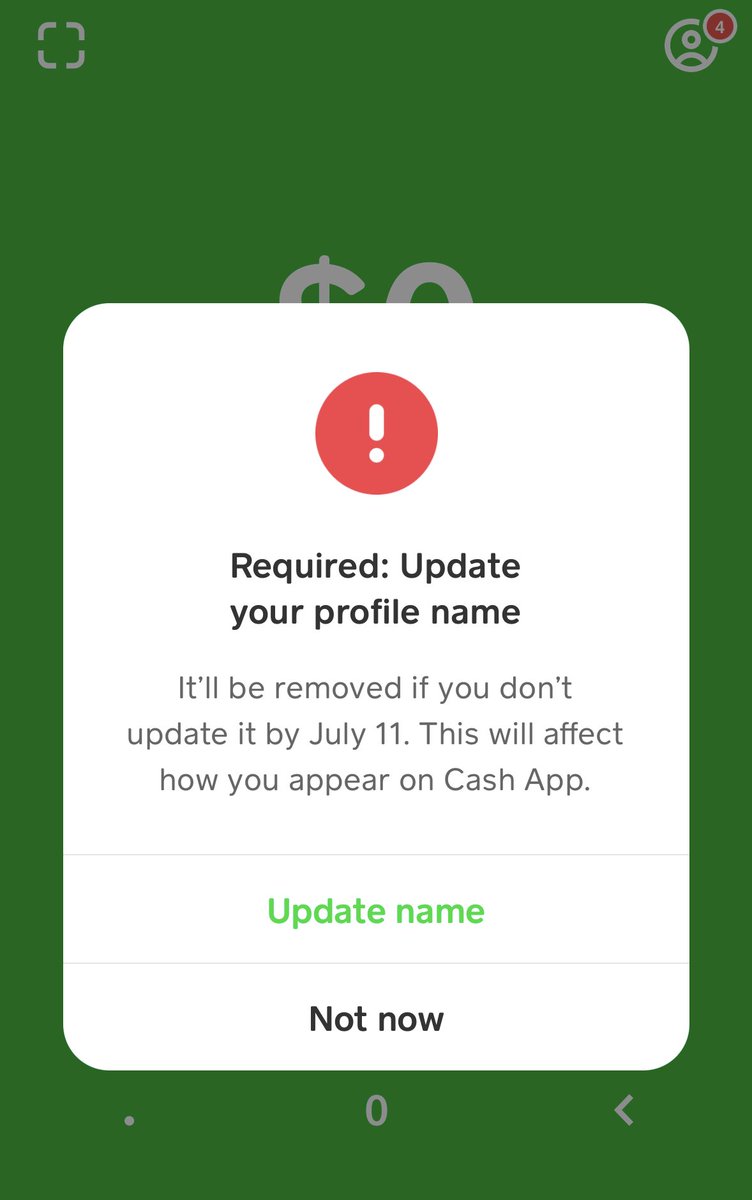
While the update process is generally smooth, you might occasionally encounter a hitch. Understanding common issues and their solutions can save you time and frustration.
When the ‘Update’ Option is Absent
If you don’t see an “Update” button for Cash App in your app store, it typically means one of two things:
- Your app is already up to date: This is the most common reason. If automatic updates are enabled, your device might have already installed the latest version in the background.
- The update is not yet rolled out to your region/device: Sometimes, developers release updates in phases. Check back later.
- A temporary app store glitch: Try refreshing the app store page or restarting your device.
Overcoming Storage and Connectivity Challenges
Updates require both sufficient storage space and a stable internet connection.
- Insufficient Storage: If your device is low on storage, the update might fail. Free up space by deleting old photos, videos, or unused apps. Then, try updating again.
- Poor Network Connection: A weak or unstable Wi-Fi or cellular data connection can interrupt downloads. Move to an area with better signal, connect to a more reliable Wi-Fi network, or ensure you have enough data on your plan.
What to Do if the Update Fails
In rare cases, an update might fail or become stuck.
- Restart Your Device: A simple reboot can often resolve temporary software glitches that might be preventing the update.
- Clear App Store Cache (Android): Go to
Settings > Apps & notifications > See all apps > Google Play Store > Storage & cache > Clear cache, then try updating again. - Reinstall the App (Last Resort): If all else fails, consider uninstalling Cash App and then reinstalling it from scratch. Before doing this, ensure you remember your Cash App login credentials. Reinstalling will automatically download the latest version.
Beyond the Update: Maximizing Your Cash App Experience
While keeping Cash App updated is paramount, it’s part of a broader strategy for maintaining digital financial health. A few additional practices can further enhance your security and user experience.
Proactive App Maintenance Practices
Beyond updates, regular maintenance can keep Cash App running smoothly.
- Clear Cache: Periodically clearing Cash App’s cache (especially on Android devices via
Settings > Apps > Cash App > Storage & cache > Clear cache) can resolve minor performance issues without deleting important data. On iOS, offloading the app and then reinstalling achieves a similar effect. - Review Permissions: Regularly check the permissions you’ve granted Cash App (and other apps) to ensure they align with your comfort level and security expectations.
Implementing Robust Security Measures
The best software security is complemented by strong personal security habits.
- Strong, Unique Passwords/PINs: Use a complex, unique PIN or password for your Cash App account. Avoid easily guessable combinations.
- Enable Two-Factor Authentication (2FA): If Cash App offers it, enable 2FA. This adds an extra layer of security, requiring a second verification step (like a code from your phone) in addition to your password.
- Monitor Account Activity: Regularly review your Cash App transaction history for any unauthorized activity. Report suspicious transactions immediately.
Staying Informed with Cash App Communications
Cash App often communicates important updates, security advisories, and new feature announcements through in-app notifications, emails, or official blog posts. Pay attention to these communications. They are designed to keep you informed about critical developments that could affect your usage or security. Subscribing to their official newsletter or following their social media channels can also be beneficial.
Conclusion
Updating your Cash App is not just a technical chore; it’s a fundamental aspect of digital security, performance optimization, and unlocking the full potential of your financial tools. By committing to regular updates and adopting proactive security measures, you safeguard your financial information, enjoy the latest features, and ensure a smooth, reliable experience with one of today’s most popular payment applications. Make updating a regular part of your digital routine, and navigate the world of digital finance with confidence and peace of mind.
aViewFromTheCave is a participant in the Amazon Services LLC Associates Program, an affiliate advertising program designed to provide a means for sites to earn advertising fees by advertising and linking to Amazon.com. Amazon, the Amazon logo, AmazonSupply, and the AmazonSupply logo are trademarks of Amazon.com, Inc. or its affiliates. As an Amazon Associate we earn affiliate commissions from qualifying purchases.