
In the intricate architecture of modern computing, where hardware components seamlessly interface with sophisticated software applications, a crucial, often unseen, element facilitates this synergy: the device driver. Among these, the VGA driver holds a particular significance, especially when delving into the foundational aspects of visual output. Understanding VGA drivers is not merely an academic exercise; it provides essential insight into how our computers communicate with displays, from initial boot-up to rendering complex graphics. This exploration delves into the core function of VGA drivers, their historical context, contemporary relevance, and how they underpin the visual experience on virtually every computing device.
The Fundamental Role of Drivers in Computing
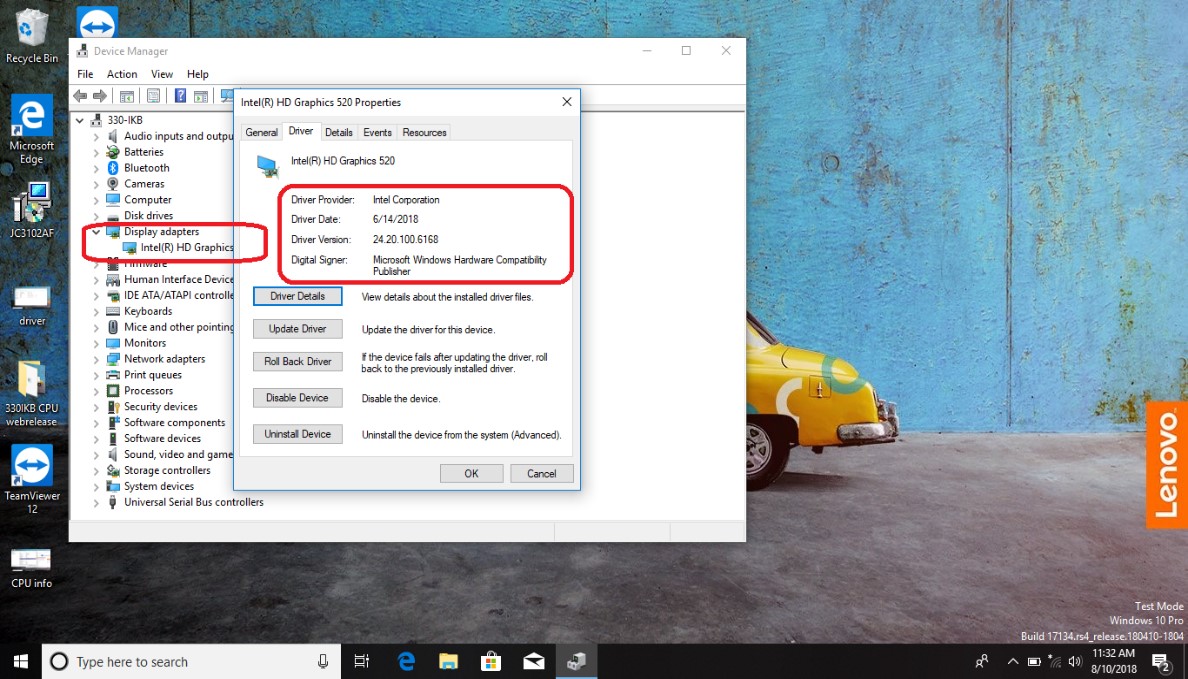
At its core, a device driver is a specific type of software that enables hardware devices to communicate with a computer’s operating system (OS). Without drivers, the OS would not know how to interact with peripherals or internal components, rendering them inert. This intermediary software layer translates the generic commands of the OS into specific instructions that a particular piece of hardware can understand and execute.
Bridging Hardware and Software
Imagine a situation where a computer’s central processing unit (CPU) needs to send data to a printer. The CPU generates data, but the printer has its own unique control language and operational protocols. A printer driver acts as the translator, taking the CPU’s generic print commands and converting them into the precise electrical signals and data packets that the specific printer model requires to print a document. This principle applies universally across all hardware, from mice and keyboards to network cards and, critically, graphics adapters. Drivers ensure that hardware and software speak the same language, facilitating a coherent and functional computing environment.
The Operating System’s Conductor
The operating system acts as the conductor of an orchestra, managing all the hardware components and software applications. For this symphony to play harmoniously, the OS needs a score for each instrument—this score is the driver. When you plug in a new device or install new hardware, the OS attempts to find or install the appropriate driver. Once installed, the driver becomes part of the OS’s ecosystem, allowing it to efficiently allocate resources, manage data flow, and respond to requests from both the hardware and the applications that rely on it. This robust framework is what allows users to interact with their machines intuitively, without needing to understand the underlying complexities of hardware communication.
Unpacking VGA: A Legacy in Graphics
VGA, or Video Graphics Array, represents a pivotal moment in the history of computer graphics. Introduced by IBM in 1987, it set a new standard for display technology, offering a significant leap forward in resolution and color depth compared to its predecessors. While modern graphics technologies have far surpassed VGA in terms of capabilities, the term “VGA” often persists in driver contexts as a reference to basic display functionality and compatibility.
From Analog to Digital Display
VGA was originally an analog standard, meaning it transmitted video signals as continuous electrical waves, much like traditional television signals. It provided a standard resolution of 640×480 pixels with 16 colors, or 320×200 pixels with 256 colors. At the time, this was revolutionary, enabling more detailed and colorful graphical user interfaces. The VGA connector, a 15-pin D-sub connector, became ubiquitous and is still found on many monitors and projectors today, even though the internal signal processing has largely transitioned to digital. This enduring presence highlights VGA’s foundational impact on display technology and its role as a backward-compatible standard.
The Standard vs. Dedicated Graphics
In the early days, a “VGA card” often referred to the entire graphics adapter. As technology evolved, the term broadened. Today, most computers come with either integrated graphics (built into the CPU) or discrete graphics cards (separate, powerful processing units). Regardless of the underlying hardware, the concept of a “VGA mode” or “basic VGA driver” persists. This refers to a fallback display mode that ensures a computer can always output a basic image to a monitor, even if the specific, high-performance driver for the dedicated graphics hardware is not yet installed or has failed. It’s a critical safety net that allows users to troubleshoot or install the correct drivers when encountering display issues.
The Specifics of VGA Drivers
A VGA driver, therefore, isn’t always referring to a driver for a discrete VGA card from the 1980s. More often, it refers to the software component that enables basic visual output on any modern display adapter, ensuring that the computer can display something even without advanced graphics capabilities.
Enabling Basic Display Functionality
When a computer first boots up, or if there’s an issue with the primary graphics driver, the operating system often defaults to a generic VGA driver. This driver is typically built into the OS itself or the system’s firmware (BIOS/UEFI). Its sole purpose is to provide fundamental display capabilities, allowing the user to see text, basic graphics, and navigate the operating system environment at a low resolution and color depth. This “safe mode” for display ensures that users can access their system to install necessary software, update drivers, or diagnose problems, preventing a completely blank screen scenario. It’s a testament to the robust design principles that ensure system resilience.
Generic vs. Manufacturer-Specific Drivers
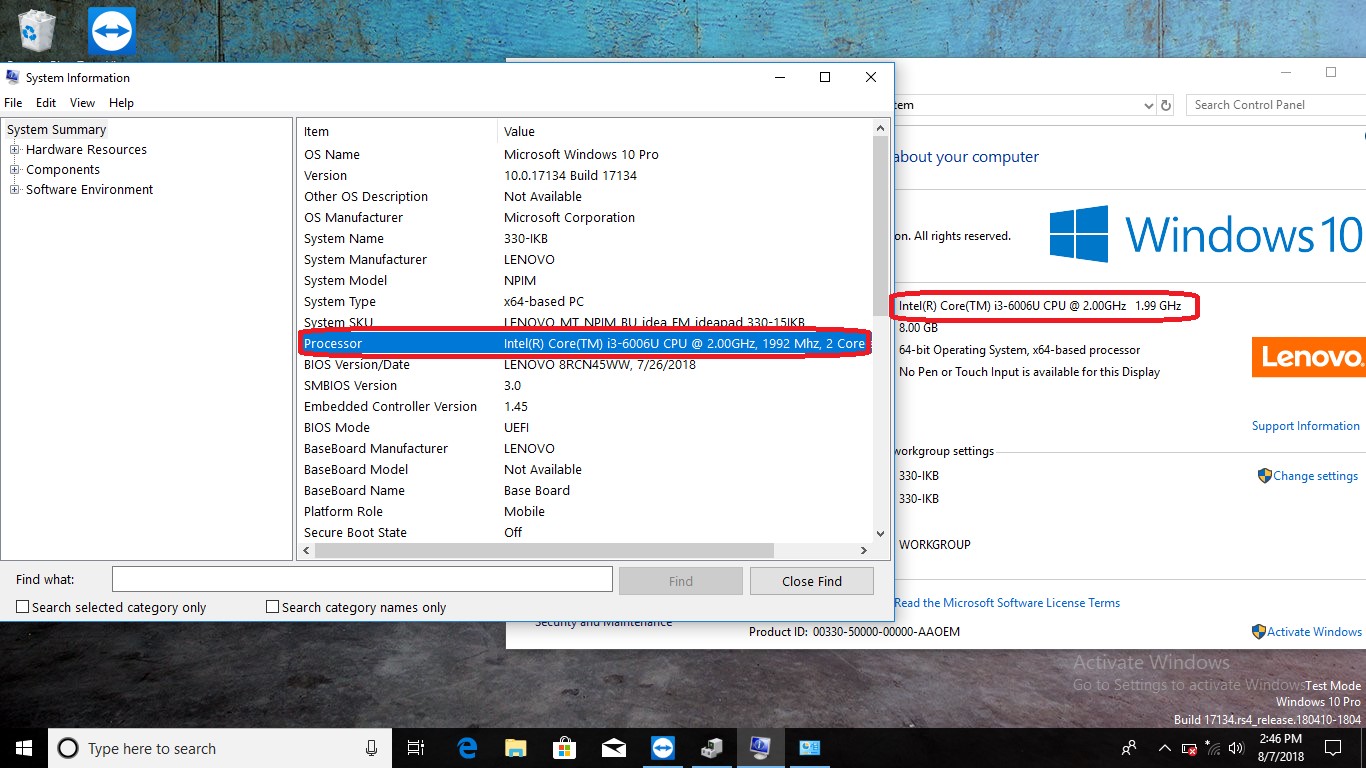
There’s a critical distinction between generic VGA drivers and manufacturer-specific graphics drivers. A generic VGA driver provides bare-bones functionality, focusing on universal compatibility. It allows the display adapter to operate in a standard mode, but without any of its advanced features, performance optimizations, or full resolution support.
In contrast, a manufacturer-specific driver (e.g., for an NVIDIA, AMD, or Intel integrated GPU) is tailored precisely for that particular hardware. These drivers unlock the full potential of the graphics adapter, enabling high resolutions, advanced color depths, 3D acceleration, video decoding, and specialized features specific to the hardware’s architecture. They are continuously updated by the manufacturer to improve performance, fix bugs, and support new software and games. Without these specific drivers, even the most powerful graphics card would largely function no better than a basic VGA adapter.
Why They’re Still Relevant Today
Even with the advent of sophisticated graphics processing units (GPUs) and high-resolution displays, the concept of a VGA driver remains relevant for several reasons. Firstly, as a fallback mechanism, it guarantees basic video output, which is invaluable for system recovery and initial setup. Secondly, in virtualized environments or older systems, a basic VGA driver might be all that is needed or available. Thirdly, understanding its role highlights the foundational requirements for graphics rendering, reminding us that even the most advanced graphics pipelines begin with a simple interface for screen output. Its legacy persists not just in hardware connectors, but in the conceptual architecture of display driver management.
Driver Installation, Updates, and Troubleshooting
Managing drivers is a regular, albeit often background, task for any computer user. Ensuring that your graphics drivers are current and correctly installed is paramount for optimal performance, stability, and access to the latest features.
Automatic Updates and Device Manager
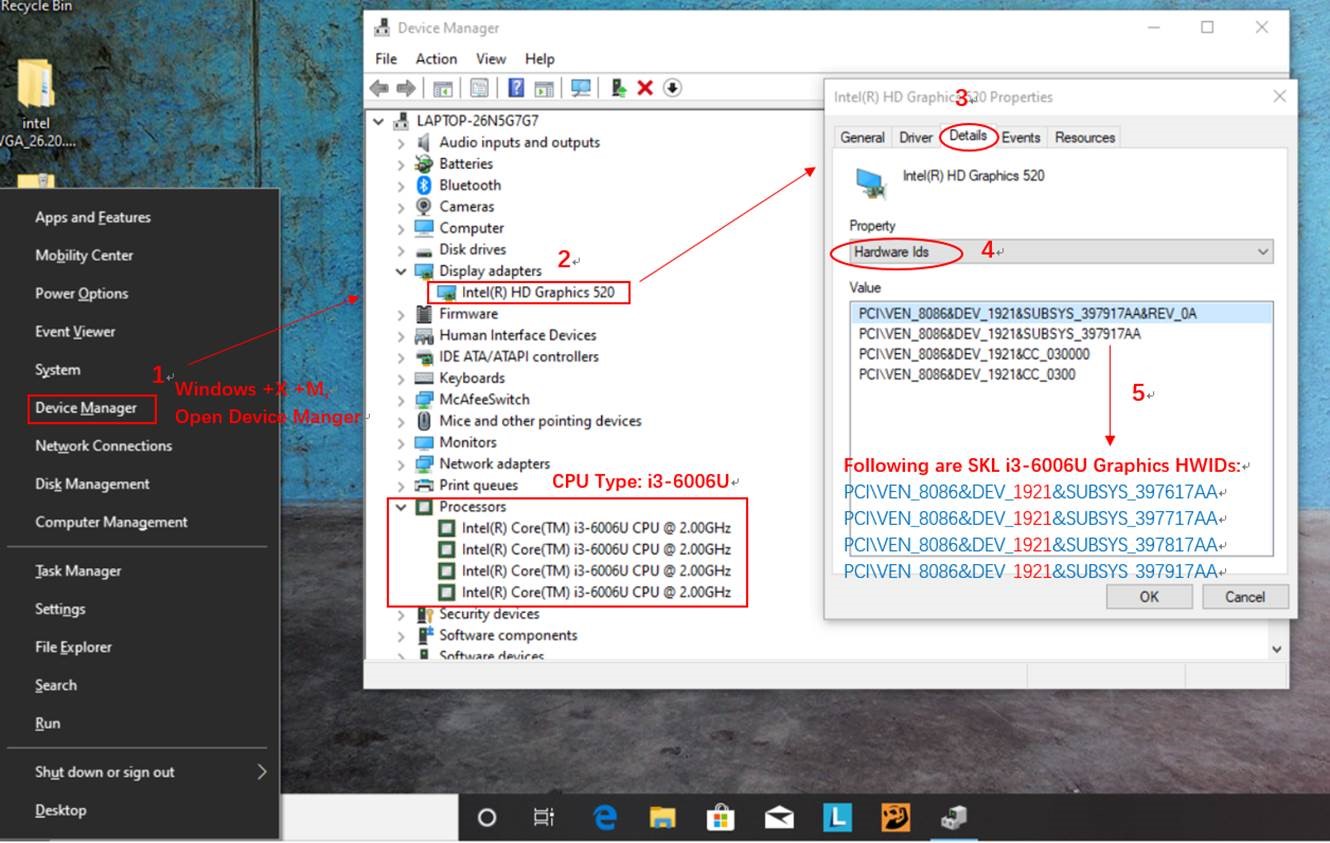
Modern operating systems, such as Windows, macOS, and various Linux distributions, incorporate sophisticated mechanisms for driver management. Windows Update, for instance, often automatically detects and installs suitable drivers for various hardware components, including integrated graphics. The Device Manager in Windows provides a centralized interface for viewing, updating, disabling, or uninstalling drivers. Users can right-click on their display adapter (listed under “Display adapters”) and select “Update driver” to prompt the system to search for newer versions online or locally. While convenient, these automatic updates sometimes install generic or slightly older versions, prompting users to seek out manufacturer-specific updates for peak performance.
Manual Installation from Manufacturer Websites
For the best performance, especially with discrete graphics cards, it is almost always recommended to download the latest drivers directly from the manufacturer’s official website. NVIDIA, AMD, and Intel consistently release optimized drivers that not only enhance performance in new games and applications but also address security vulnerabilities and stability issues. This process typically involves identifying your specific GPU model, navigating to the support or driver download section of the manufacturer’s website, downloading the installer, and following the on-screen instructions. A clean installation, often an option within the installer, is frequently recommended to remove any remnants of older drivers and prevent conflicts.
Common Issues and Resolutions
Incorrect or outdated graphics drivers are a frequent cause of display-related problems. Symptoms can range from low resolution, incorrect color display, flickering screens, and crashes during graphically intensive tasks (like gaming or video editing), to complete loss of video output.
Troubleshooting often begins by checking Device Manager for any warning symbols next to the display adapter. Reinstalling the driver, rolling back to a previous version, or performing a clean installation of the latest manufacturer-specific driver are common remedies. In severe cases, booting into Safe Mode (which uses a generic VGA driver) allows users to rectify driver issues without being hindered by display problems. Understanding the role of the VGA driver as a fallback option can be critical in these troubleshooting scenarios.
Beyond VGA: Modern Graphics and Future Implications
While the term “VGA driver” itself refers to a specific, foundational aspect of display technology, the field of computer graphics has evolved exponentially. Today’s graphics drivers are complex pieces of software that manage a vast array of sophisticated features, far beyond what VGA ever envisioned.
The Evolution to DirectX and OpenGL
Modern graphics APIs (Application Programming Interfaces) like Microsoft’s DirectX and the Khronos Group’s OpenGL (and its successor, Vulkan) are the true powerhouses behind contemporary visual computing. These APIs provide a standardized set of functions and protocols that allow software developers to create highly optimized graphics applications, from photorealistic games to scientific visualizations. Graphics drivers for modern GPUs are designed to fully leverage these APIs, translating complex rendering commands into the specific instructions that the graphics hardware can process at incredibly high speeds. This intricate dance between driver, API, and hardware is what enables the stunning visual fidelity we experience today.
Integrated vs. Discrete Graphics Processors
Today’s computing landscape is broadly divided between integrated graphics processors (IGPs) and discrete GPUs. Integrated graphics, commonly found in laptops and entry-level desktop PCs, are built directly into the CPU chip. Their drivers manage shared system memory for graphics tasks and provide a balance of performance and power efficiency. Discrete GPUs, on the other hand, are powerful, dedicated processors with their own high-speed memory, designed for demanding tasks like high-end gaming, professional video editing, and AI computation. Their drivers are far more complex, optimizing for raw performance, intricate shader effects, and parallel processing. Both types of graphics solutions still rely on drivers to communicate with the operating system, ensuring optimal performance and functionality tailored to their specific hardware capabilities.
The Continuous Need for Driver Management
The relentless pace of innovation in graphics hardware and software ensures that driver development remains a critical and ongoing process. As new games are released, new operating system features emerge, and new graphics technologies are introduced (like ray tracing or AI upscaling), graphics card manufacturers continuously update their drivers. Users who want the best performance, compatibility, and access to the latest features must commit to keeping their graphics drivers updated. The foundational concept of a “VGA driver” may seem rudimentary in this context, but it serves as a powerful reminder of how far display technology has come, and the indispensable role that specialized software plays in bridging the gap between raw hardware and the rich visual experiences we now take for granted.
aViewFromTheCave is a participant in the Amazon Services LLC Associates Program, an affiliate advertising program designed to provide a means for sites to earn advertising fees by advertising and linking to Amazon.com. Amazon, the Amazon logo, AmazonSupply, and the AmazonSupply logo are trademarks of Amazon.com, Inc. or its affiliates. As an Amazon Associate we earn affiliate commissions from qualifying purchases.