
In an increasingly digitized world, where entertainment options are as diverse as they are abundant, streaming services have fundamentally reshaped how we consume media. Among the myriad choices, YouTube TV has emerged as a formidable contender in the live TV streaming arena, offering a compelling alternative to traditional cable. Yet, for many consumers, the paramount question isn’t just about what’s offered, but “How much is YouTube TV, especially its ‘premium’ features, and what financial value does it truly deliver?” Understanding the cost structure of YouTube TV, from its base subscription to its various add-ons and enhanced features, is crucial for any budget-conscious individual or household looking to optimize their entertainment spending. This article will dissect the pricing model, explore the concept of “premium” within YouTube TV, and provide a comprehensive financial perspective to help you make an informed decision about integrating it into your personal finance strategy.

Understanding the Core YouTube TV Subscription Cost: The Foundation of Your Entertainment Budget
At its heart, YouTube TV aims to replicate the cable TV experience, but with the flexibility and modern conveniences of streaming. Before delving into what might constitute “premium,” it’s essential to establish the baseline cost and what that initial investment entails. The pricing of YouTube TV, like many subscription services, is subject to occasional adjustments, but its core offering remains consistent in its value proposition.
The Standard Plan: What’s Included and What You’re Paying For
The current standard subscription for YouTube TV typically hovers around the $72.99 per month mark, though this can vary slightly based on promotional offers and regional taxes. For this monthly fee, subscribers gain access to a comprehensive package that often includes:
- 100+ Live Channels: This extensive lineup covers a wide spectrum of programming, from major broadcast networks like ABC, CBS, FOX, and NBC, to popular cable channels such as ESPN, TNT, HGTV, CNN, Fox News, and many more. The specific channel availability can sometimes be influenced by your geographic location due to local broadcasting agreements.
- Unlimited Cloud DVR: This is arguably one of YouTube TV’s most attractive features. Subscribers can record as many shows and movies as they wish, with recordings stored for nine months. This eliminates the storage constraints often associated with physical DVRs and allows for unparalleled flexibility in watching content on your own schedule.
- Three Simultaneous Streams: The base plan permits up to three different devices to stream content concurrently, making it ideal for households with multiple viewers or diverse entertainment preferences. This feature alone adds significant financial value compared to services that charge extra for additional streams.
- Six Accounts Per Household: While only three streams can be active at once, up to six individual Google accounts can be linked to a single YouTube TV subscription. Each account gets its own personalized library, recommendations, and DVR, providing a customized experience for every member of the family without increasing the base cost.
Considering the breadth of channels, the robust DVR capabilities, and the multi-user/multi-stream functionality, the standard plan offers significant financial value when compared to traditional cable packages that often come with higher monthly fees, equipment rental costs, and less flexible DVR options.
Regional Variations, Taxes, and Hidden Fees: A Closer Look at the Final Bill
While $72.99 per month serves as a general benchmark, the final amount you pay can fluctuate. State and local taxes are frequently added to the base price, and these vary significantly by jurisdiction. For instance, a subscriber in one state might pay an extra 5% in sales tax, while another in a different state might pay a higher percentage or specific telecom-related fees.
Crucially, YouTube TV prides itself on transparency, largely avoiding the hidden fees that can plague cable bills, such as broadcast TV fees, regional sports fees, or DVR service charges that inflate the advertised price. The price you see on the YouTube TV website, plus applicable taxes, is generally what you can expect to pay, making it easier to budget accurately for this expense within your personal finances. It’s always advisable to check the exact pricing for your specific ZIP code on the YouTube TV website to get the most accurate monthly expenditure.
Promotional Offers and Introductory Pricing: Initial Savings and Long-Term Value
Like many subscription services vying for market share, YouTube TV frequently offers promotional pricing for new subscribers. These can range from a reduced monthly rate for the first one to three months (e.g., $54.99 for the first three months) to extended free trials (e.g., 14 or 21 days instead of the standard 7 days).
These introductory offers can present an excellent opportunity to test the service at a lower financial commitment or even for free. From a personal finance perspective, leveraging these promotions wisely can result in significant initial savings. However, it’s vital to remember that these are temporary discounts. Subscribers should always factor in the full, post-promotional price when calculating the long-term financial impact on their budget. Relying solely on introductory offers without planning for the regular cost can lead to unexpected budget strains down the line.
Unpacking YouTube TV’s “Premium” Features and Add-ons: Elevating Your Experience for an Extra Cost
The term “premium” within the context of YouTube TV doesn’t refer to a single, higher-tier subscription package in the traditional sense. Instead, it encompasses a variety of optional add-ons and enhancements that allow subscribers to customize their viewing experience beyond the standard offering, each coming with its own additional monthly cost. These are the true “premium” layers you can stack onto your base subscription.
The Allure of 4K Plus: Enhanced Viewing for an Extra Fee
One of the most significant “premium” features offered by YouTube TV is the 4K Plus add-on. This optional enhancement, typically priced at an additional $9.99 per month (though sometimes offered at a lower introductory rate), delivers several distinct advantages:
- 4K Resolution Content: As the name suggests, 4K Plus grants access to live and on-demand content in stunning 4K ultra-high definition, provided the content is available in that resolution. This is particularly appealing for sports enthusiasts and those with compatible 4K televisions who desire the highest possible visual fidelity.
- Unlimited Simultaneous Streams at Home: This is a considerable upgrade for larger households. While the base plan allows three streams anywhere, 4K Plus removes the limit on simultaneous streams within your home network. This means every family member can watch different content at the same time on various devices, all on the same account, without interruption.
- Offline Downloads: Another valuable perk for those who travel or have inconsistent internet access. 4K Plus allows you to download DVR recordings to your mobile device for offline viewing, transforming commutes and trips into private screening opportunities.
From a financial perspective, the 4K Plus add-on represents a significant investment on top of the base subscription. Whether it’s “worth it” depends entirely on your specific viewing habits, the number of simultaneous users in your household, and your desire for 4K content. For a single user who rarely watches in 4K or for a smaller household, the additional $9.99 might be an unnecessary expense. For large families or avid sports fans with a 4K setup, the enhanced streaming capabilities and resolution could justify the additional cost as a valuable premium experience.
Expanding Your Channel Lineup: Entertainment and Sports Packages
Beyond the 4K Plus add-on, YouTube TV allows subscribers to further personalize their channel lineup by adding individual premium channels or themed packages for an extra monthly fee. This is where the service truly mirrors an à la carte model, giving you financial control over your entertainment bundle.
- Premium Entertainment Channels: You can subscribe to popular premium networks like Max (formerly HBO Max), Showtime, Starz, Cinemax, and others directly through your YouTube TV account. Each of these typically costs between $5 and $15 per month on top of your base subscription, similar to their standalone pricing. This consolidates your billing and simplifies access.
- Sports Add-ons: For sports fanatics, YouTube TV offers specialized sports packages that include channels not present in the base plan. Examples might include NBA League Pass, NFL Sunday Ticket (now exclusively on YouTube TV and YouTube Premium), and various international sports networks. These packages can range from a few dollars to much higher amounts, especially for season-long passes like NFL Sunday Ticket, which represents a significant annual financial outlay for dedicated fans.
- Niche Content and International Options: Depending on regional availability, you might find options for international language packages, niche interest channels, or family-focused add-ons, each incurring an additional monthly charge.
Carefully considering these add-ons is critical for financial management. Each selection incrementally increases your monthly bill. Before adding any, evaluate whether you genuinely need the content and how frequently you’ll watch it. Sometimes, subscribing to a standalone streaming service (e.g., Max directly) might offer more flexibility or even a different promotional price than bundling it through YouTube TV, requiring a bit of comparative financial analysis.
Comparing YouTube TV’s Value Against Alternatives: A Financial Perspective
The true “cost” of YouTube TV isn’t just its price tag; it’s also how that price compares to other entertainment options available to consumers. A savvy financial decision involves a thorough comparison with both traditional services and other streaming competitors.
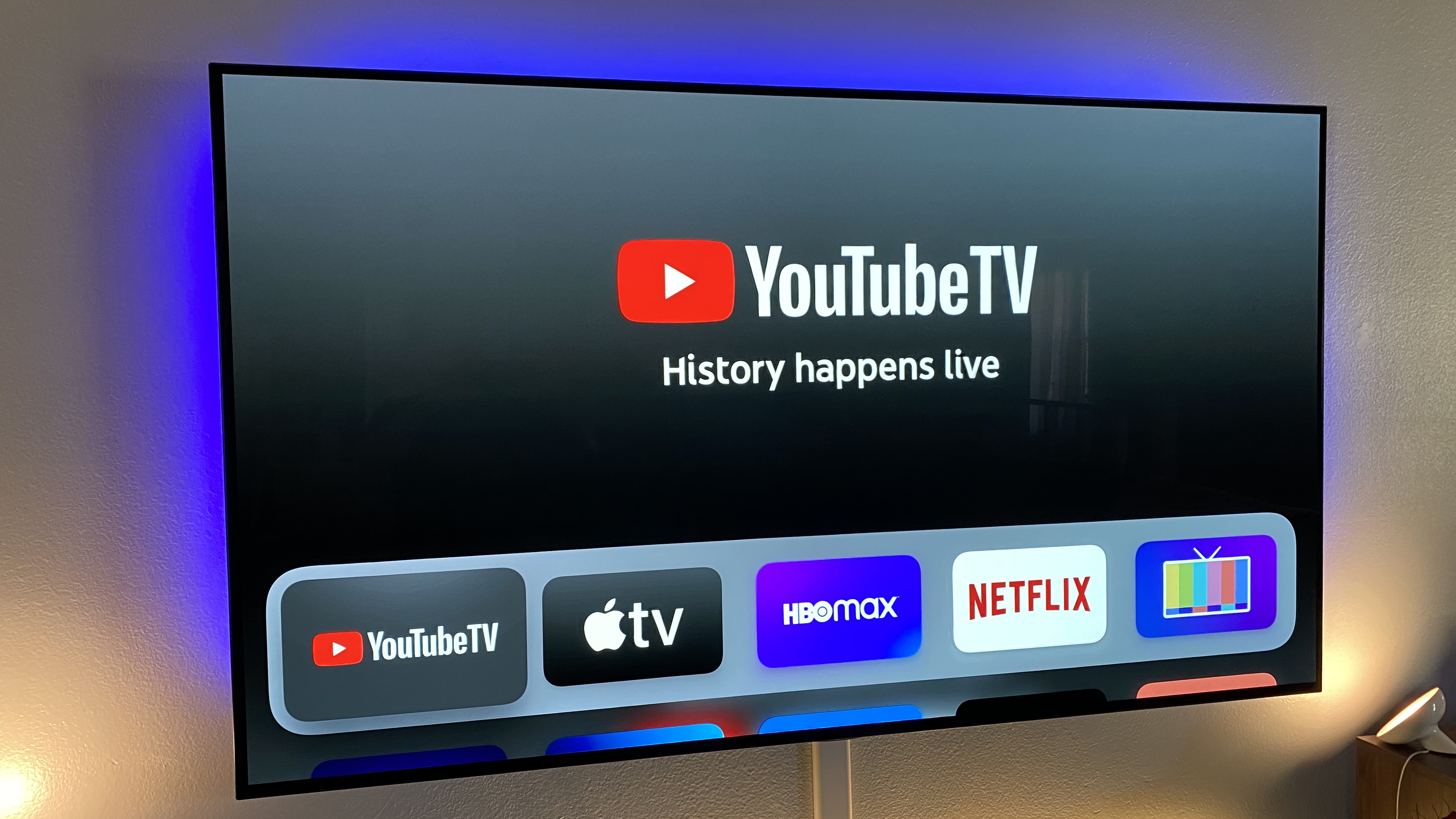
Traditional Cable vs. YouTube TV: A Cost-Benefit Analysis
For many, YouTube TV is a “cord-cutting” solution, a direct replacement for traditional cable. Financially, the comparison often heavily favors YouTube TV:
- Lower Monthly Fees: Traditional cable packages, especially those with similar channel counts, often start at $80-$100 and can quickly escalate with extra fees. YouTube TV’s base cost is generally lower.
- No Equipment Rental Fees: Cable companies typically charge $10-$20 per month for each set-top box or DVR. YouTube TV, being app-based, eliminates these costs entirely.
- Transparent Pricing: As mentioned, YouTube TV’s pricing is straightforward. Cable bills are notorious for their hidden fees (broadcast fees, regional sports fees, franchise fees, etc.) that inflate the advertised price by 20-40%.
- Flexible Contracts: YouTube TV is a month-to-month service with no long-term contracts. Cable often locks you into 12 or 24-month agreements, making it costly to cancel early.
While a basic cable package might appear cheaper initially, a line-by-line financial comparison nearly always reveals YouTube TV to be the more cost-effective option for similar features and content. The savings can be significant, potentially hundreds of dollars per year.
Other Live TV Streaming Services: Hulu + Live TV, Sling TV, FuboTV
YouTube TV operates in a competitive landscape, with several other live TV streaming services vying for subscribers’ budgets:
- Hulu + Live TV: Often priced similarly to YouTube TV (currently around $76.99/month, which includes Hulu (with ads), Disney+, and ESPN+). It offers a comparable channel lineup and DVR, making it a direct competitor. The value proposition here includes the bundled Disney/ESPN content, which could represent significant savings if you were already subscribing to those services separately.
- Sling TV: Known for its more à la carte approach and lower starting prices (around $40-$55/month for its base Orange or Blue packages, or $55-$70 for combined). Sling TV is often a more budget-friendly option, but it typically offers fewer channels and less robust DVR features in its lower tiers. It’s a great choice for those looking to save money and only need a subset of popular channels.
- FuboTV: Heavily focused on sports, FuboTV’s base plans start around $79.99/month and include a vast array of sports channels. While it offers entertainment too, its primary financial value is for sports fanatics. Its channel lineup might not be as balanced for general entertainment as YouTube TV or Hulu + Live TV.
When comparing these services, it’s crucial to look beyond the base price and consider the specific channels, DVR limits, and simultaneous streams included at each price point. A service that costs $10 less but lacks channels you frequently watch, or limits your DVR, might not be a financial saving in the long run if it leads to dissatisfaction or additional subscriptions elsewhere.
The ‘À La Carte’ Approach: Bundling Standalone Streaming Services
Another financial strategy is to forego live TV entirely and opt for a bundle of standalone on-demand streaming services like Netflix, Disney+, Max, Amazon Prime Video, etc.
- Potential Savings: If your primary viewing consists of movies and TV shows rather than live news or sports, this approach can be considerably cheaper. A combination of 3-4 major on-demand services might cost $30-$50 per month, significantly less than YouTube TV.
- Lack of Live Content: The major drawback is the absence of live linear channels, which means no live sports, local news, or award shows as they happen.
- Content Overlap: Some content might overlap, and managing multiple subscriptions can be cumbersome, though most people now use aggregation apps.
Ultimately, the best financial decision depends on your viewing habits. If live TV is a priority, YouTube TV (or a similar live streaming service) offers a strong value proposition compared to cable. If on-demand content suffices, an à la carte approach to standalone services will likely be more budget-friendly.
Maximizing Your YouTube TV Investment: Strategies for Financial Optimization
Once you’ve decided that YouTube TV, with or without its premium add-ons, fits your financial goals, there are still ways to ensure you’re getting the absolute most value for your money. Strategic management of your subscription can further optimize your entertainment budget.
Budgeting for Streaming: Incorporating YouTube TV into Your Personal Finances
Integrating YouTube TV into your monthly budget is straightforward, given its transparent pricing. Treat it as a fixed monthly expense, similar to your utility bills or rent. Allocate a specific line item in your personal finance software or spreadsheet for “Entertainment Subscriptions” or “Streaming Services.”
- Automate Payments: Set up automatic payments to avoid service interruptions and ensure timely billing.
- Review Regularly: Periodically review your streaming expenditures. If your budget feels strained, consider whether all add-ons are still necessary or if a cheaper alternative could meet your needs.
- Factor in Annual Price Hikes: Be aware that streaming services, including YouTube TV, occasionally increase their prices. While unpredictable, it’s wise to maintain a small buffer in your entertainment budget for such eventualities.
Leveraging Free Trials and Promotions Wisely
Always take advantage of free trials before committing to a full subscription, especially for add-ons. Use the trial period to thoroughly test the service, evaluate the channel lineup, and ensure it meets your expectations.
- Set Reminders: Mark your calendar or set phone reminders a few days before a free trial ends to decide whether to continue or cancel. This prevents unintended charges for a service you don’t want.
- Stack Promotions (if possible): Sometimes, YouTube TV might offer a discounted introductory rate on the base service and a free trial for an add-on. Strategically combine these to maximize initial savings.
Sharing the Cost: Family Plans and Account Management
One of YouTube TV’s most financially advantageous features is its family sharing capability. Up to six household members can have their own Google account linked to a single subscription. While this doesn’t explicitly allow sharing the cost with individuals outside your household due to terms of service (which define a “household” based on a single physical address), it dramatically reduces the per-person cost within a legitimate household.
- Communicate Usage: If you have multiple users, discuss how everyone is utilizing the service, especially concerning the three simultaneous streams limit (or unlimited with 4K Plus).
- Manage Profiles: Ensure each person uses their own profile to maintain personalized DVR recordings and recommendations.

When to Cut the Cord (or Re-Evaluate Your Bundle): Assessing Ongoing Value
The decision to subscribe to YouTube TV, or any streaming service, should not be set in stone. Your entertainment needs and financial situation can change.
- Annual Review: At least once a year, conduct a “streaming audit.” Review your YouTube TV usage. Are you still watching enough live TV to justify the cost? Have your favorite shows moved to another platform?
- Consider Seasonal Use: If you primarily subscribe for a specific sports season, consider subscribing only for those months and canceling during the off-season to save money. YouTube TV’s month-to-month flexibility makes this a viable financial strategy.
- Look for New Deals: The streaming landscape is constantly evolving. Periodically check for new competitive offers or alternative services that might provide better value for your current needs. Don’t be afraid to switch providers if a better financial deal or content offering emerges.
In conclusion, YouTube TV’s “premium” is not a single, all-encompassing tier but rather a customizable suite of options and add-ons that allow subscribers to tailor their experience—and their monthly bill. By understanding its core costs, the financial implications of its add-ons, and how it stacks up against competitors, consumers can make astute financial decisions that align their entertainment choices with their personal finance goals, ensuring they derive maximum value from their streaming investment.
aViewFromTheCave is a participant in the Amazon Services LLC Associates Program, an affiliate advertising program designed to provide a means for sites to earn advertising fees by advertising and linking to Amazon.com. Amazon, the Amazon logo, AmazonSupply, and the AmazonSupply logo are trademarks of Amazon.com, Inc. or its affiliates. As an Amazon Associate we earn affiliate commissions from qualifying purchases.