
Navigating the landscape of personal finance tools is a critical step towards effective tax preparation, and for many, TurboTax stands out as a preferred solution. Whether you’re a first-time filer, managing complex investments, or running a small business, understanding where and how to acquire the right version of TurboTax can significantly streamline your annual tax ritual. This guide delves into the various purchasing avenues, edition choices, and strategic considerations to ensure you make an informed decision tailored to your financial needs.
Understanding TurboTax Editions: Choosing the Right Fit for Your Financial Needs
Before even considering where to purchase TurboTax, the most crucial step is to identify which edition best suits your tax situation. Each version is designed to cater to different levels of complexity, ensuring you don’t overpay for features you don’t need or miss out on critical functionalities.

TurboTax Free Edition
This version is ideal for individuals with simple tax situations, typically involving W-2 income, limited deductions, and the standard deduction. It’s often suitable for young professionals, students, or those without complex investments or self-employment income. While the federal filing is free, state filing may incur an additional cost, depending on where you purchase it.
TurboTax Deluxe
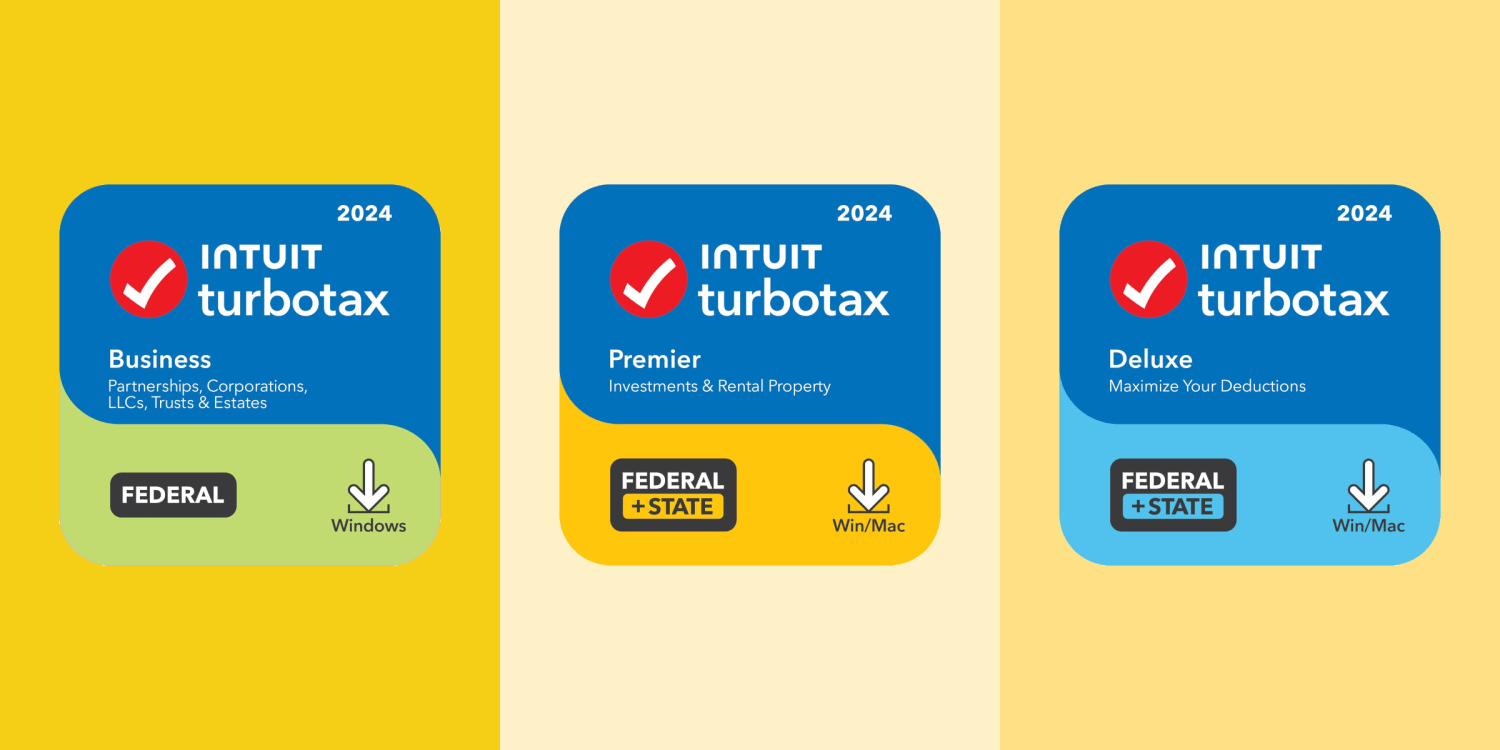
The most popular choice, TurboTax Deluxe, is designed for homeowners and individuals looking to maximize deductions. It includes features for itemizing deductions, such as mortgage interest, property taxes, and charitable contributions. If you own a home, have significant medical expenses, or plan to itemize, Deluxe is generally the entry point you’ll need.
TurboTax Premier
Tailored for investors and rental property owners, Premier steps up the game with advanced features for managing stocks, bonds, mutual funds, employee stock plans, and rental income and expenses. If your financial portfolio includes these elements, Premier offers the specialized guidance required to accurately report your earnings and deductions.
TurboTax Self-Employed
For freelancers, independent contractors, small business owners, and gig economy workers, TurboTax Self-Employed is indispensable. It guides you through reporting business income and expenses, identifying industry-specific deductions, and calculating estimated taxes. This edition is crucial for maximizing write-offs and navigating the complexities of Schedule C.
TurboTax Live and Full Service Options
Beyond the standard software, TurboTax offers “Live” options that provide on-demand access to tax experts (CPAs or Enrolled Agents) to answer questions or review your return before filing. The “Full Service” option takes it a step further, where a tax expert prepares and files your return for you, making it ideal for those who prefer a hands-off approach or have exceptionally complex returns. These options are available across the various editions (Deluxe, Premier, Self-Employed) and represent an additional layer of professional financial guidance.
Primary Purchase Channels: Official Sources and Trusted Retailers
Once you’ve pinpointed the correct TurboTax edition, the next step is identifying reputable places to make your purchase. Multiple channels exist, each offering slight variations in price, format, and bundled offers.
Direct from Intuit (TurboTax Official Website)
Purchasing directly from the TurboTax website (turbotax.intuit.com) is arguably the most straightforward and secure method. This ensures you receive the latest version of the software, direct access to customer support, and often includes exclusive online-only discounts, especially during the early tax season. When you purchase directly, you typically get online access to the software, with download options for desktop versions. This channel also provides the clearest path for upgrading to Live or Full Service options.
Major Online Retailers
Prominent online retailers like Amazon, Best Buy, and Walmart.com are reliable sources for TurboTax. They frequently offer competitive pricing, especially during sale events, and provide both downloadable versions and physical CD-ROMs.
- Amazon: Known for its wide selection, competitive pricing, and user reviews. Prime members often benefit from faster shipping for physical copies.
- Best Buy: Specializes in software and electronics, often providing attractive bundles or discounts if purchased with other tech items.
- Walmart.com: Offers a broad reach and often matches or beats competitor pricing, with options for online purchase and in-store pickup for physical copies.
Brick-and-Mortar Stores
For those who prefer a physical product or immediate acquisition, major retail chains carry TurboTax CD-ROM versions.
- Walmart & Target: These general merchandise stores stock various TurboTax editions, particularly during the peak tax season. Their pricing is often competitive, mirroring online counterparts.
- Office Depot/OfficeMax & Staples: As office supply specialists, these stores reliably carry a full range of TurboTax products, including physical software boxes and occasionally offer business-focused bundles.
- Costco & Sam’s Club: Warehouse clubs often offer TurboTax at a slightly lower price point for their members, sometimes including state filing software or other bonuses. These are excellent options for value-conscious consumers.
Financial Institutions and Credit Unions
Some banks, credit unions, and other financial institutions partner with TurboTax to offer discounts or even free access to certain editions for their account holders. It’s always worth checking with your primary financial institution to see if they have any ongoing promotions or exclusive member benefits for TurboTax purchases. These offers are particularly valuable as they leverage existing relationships.
Navigating Purchase Options: Downloads, CDs, and Online Access
TurboTax is available in different formats, each with its own set of advantages depending on your preferences for accessibility, installation, and storage.
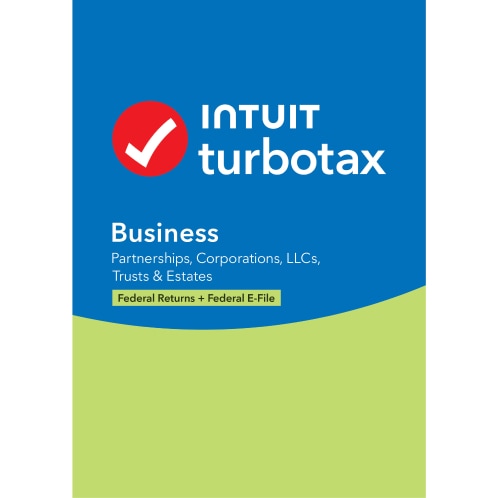
Online Access: Cloud-Based Convenience
The most common and often recommended method is accessing TurboTax directly through its web interface. This cloud-based approach means you can work on your taxes from any computer or device with an internet connection, without needing to install software. Your data is securely saved online, and updates are automatically applied. This format is subscription-based for the tax year, meaning you pay for access to the service for that specific tax period.
Software Download: Desktop Installation
For users who prefer to have the software installed directly on their computer, many retailers and the TurboTax website offer a digital download option. This provides a traditional desktop application experience, which some users find more stable or reassuring for data storage (as the data resides on their local machine). Updates are typically downloaded and applied automatically, similar to the online version. This is usually a one-time purchase for the year’s software.
Physical CD/DVD: Traditional Installation
While becoming less common, physical CD-ROM versions of TurboTax are still available at brick-and-mortar stores and some online retailers. This option requires a computer with a CD/DVD drive for installation. It functions identically to the software download version once installed. This format is often favored by users with slower internet connections or those who prefer a tangible product as a backup. Again, this is a one-time purchase for the year’s software.
Subscription vs. One-Time Purchase
It’s important to distinguish between the online, cloud-based version (often considered a subscription for the tax year) and the desktop software (a one-time purchase for a specific tax year’s version). The online version provides flexibility across devices, while the desktop version offers local installation and potentially the ability to file multiple returns from one purchase (depending on the license terms, usually up to 5 federal e-files). Understand which model you prefer based on your usage and financial planning.
Maximizing Value: Tips for Smart Purchasing
Beyond simply knowing where to buy, strategic purchasing can lead to significant savings and added benefits.
Early Bird Discounts and Pre-Order Deals
The absolute best time to purchase TurboTax is often at the beginning of the tax season (typically November through January). Intuit and its retail partners frequently offer substantial early bird discounts and pre-order promotions to incentivize early adoption. Waiting until closer to the April deadline usually means paying full price.
Bundles and Promotions
Keep an eye out for bundled offers. Retailers might include TurboTax with antivirus software, office suites, or gift cards. Similarly, some versions may include free state tax filing, or a certain number of e-files, which can add significant value. Compare these bundles across different retailers.
Employer or Financial Institution Discounts
As mentioned earlier, always check if your employer, bank, credit union, or any professional organizations you belong to offer exclusive discounts or free versions of TurboTax. These partnerships can provide excellent savings that aren’t available to the general public.
Leveraging Loyalty Programs and Credit Card Rewards
If you frequently shop at a particular retailer, utilize their loyalty programs (e.g., Best Buy Rewards, Target Circle). Purchasing TurboTax through these channels can earn you points, cashback, or future discounts. Similarly, use a credit card that offers rewards points or cashback on software or online purchases to get a small percentage back on your expenditure.
Understanding State Tax Filing Costs
While federal tax filing might be free or included with your purchased edition, state tax filing often comes at an additional cost, particularly for online versions. When comparing prices, ensure you factor in the total cost, including any necessary state returns. Desktop software sometimes includes one free state download, but verify the specifics.
Post-Purchase Considerations: What Comes Next?
Acquiring TurboTax is just the first step. Understanding the post-purchase process ensures a smooth and secure tax preparation experience.
Installation and Account Setup
If you purchased a downloadable or CD version, follow the on-screen instructions for installation. For online versions, you’ll simply log in to your TurboTax account (or create one) to begin. Ensure your account is secured with a strong, unique password and, if available, enable two-factor authentication.
Data Import and Security
TurboTax allows for the import of W-2s, 1099s, and investment data directly from many employers and financial institutions, significantly reducing manual data entry errors. Always ensure you are on a secure connection when importing sensitive financial data. Review TurboTax’s privacy policy and security measures to understand how your data is protected.
Support and Resources
Should you encounter any issues or have questions, remember that Intuit provides various support channels, including online FAQs, community forums, and direct customer support. If you opted for a Live or Full Service version, you’ll have access to tax professionals to guide you through more complex scenarios or review your completed return. Keep your purchase confirmation or license key handy for any support inquiries.
By taking a strategic approach to purchasing TurboTax, considering both the edition and the vendor, you can not only find the most suitable tool for your financial situation but also ensure a cost-effective and secure start to your tax preparation journey.
aViewFromTheCave is a participant in the Amazon Services LLC Associates Program, an affiliate advertising program designed to provide a means for sites to earn advertising fees by advertising and linking to Amazon.com. Amazon, the Amazon logo, AmazonSupply, and the AmazonSupply logo are trademarks of Amazon.com, Inc. or its affiliates. As an Amazon Associate we earn affiliate commissions from qualifying purchases.