
Managing your Amazon credit card responsibly is a cornerstone of sound personal finance. Whether you hold the Amazon Store Card or the Amazon Prime Rewards Visa Signature Card, understanding the diverse payment methods and employing strategic financial practices is crucial for maintaining good credit, avoiding fees, and maximizing your card’s benefits. This comprehensive guide delves into the various avenues available for payment, alongside expert insights to empower your financial decisions.
Understanding Your Amazon Credit Card and Its Issuers
Before delving into payment methods, it’s essential to recognize which Amazon credit card you possess, as this dictates the financial institution responsible for its management and, consequently, your payment portal.

Amazon Store Card vs. Amazon Prime Rewards Visa Signature Card
Amazon offers primarily two distinct credit products:
- Amazon Store Card: This card is designed exclusively for purchases on Amazon.com and its affiliated sites. It is issued and managed by Synchrony Bank. Holders often benefit from special financing options on eligible Amazon purchases.
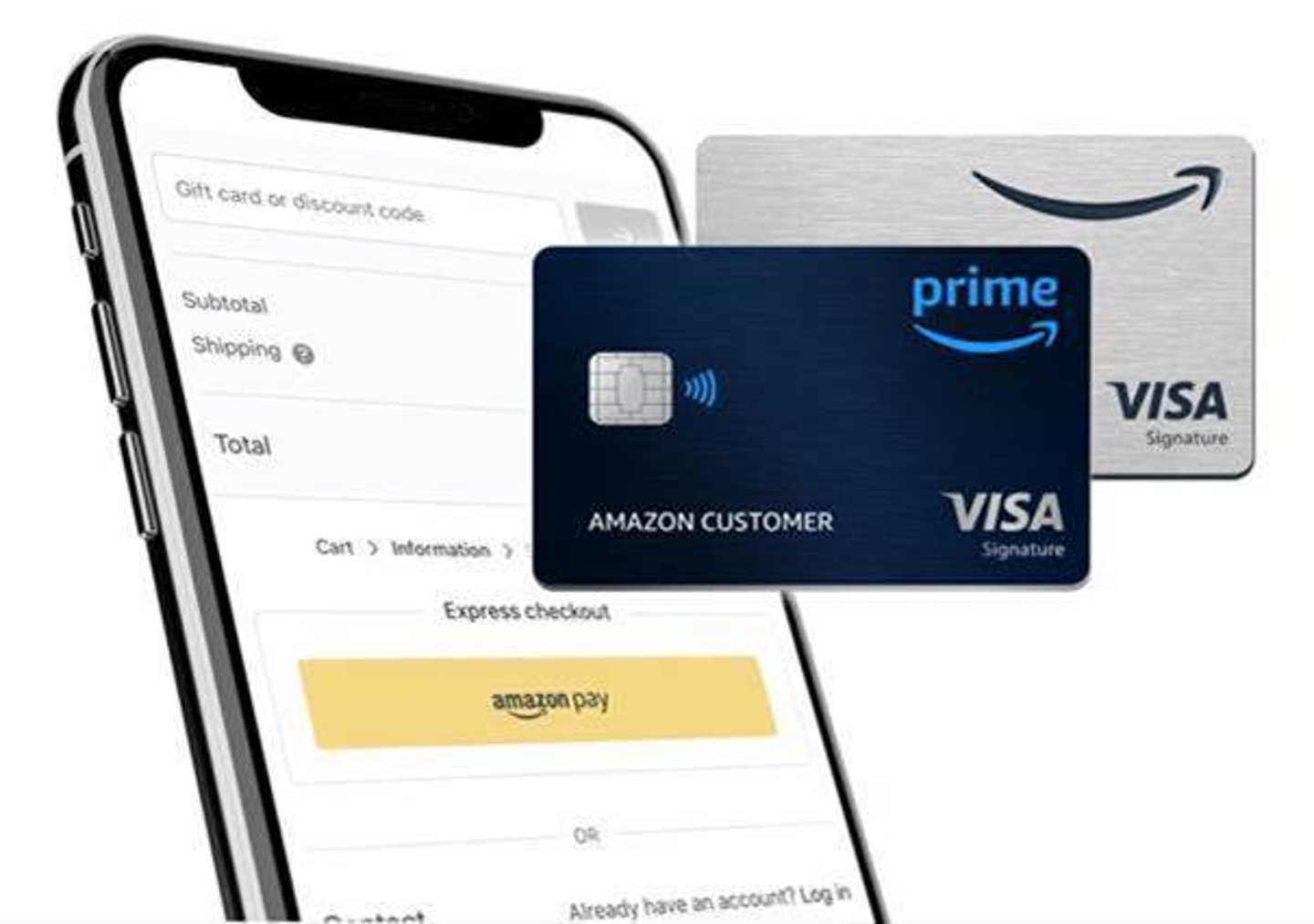
- Amazon Prime Rewards Visa Signature Card: This is a general-purpose credit card accepted wherever Visa is, offering higher rewards for Amazon and Whole Foods Market purchases, dining, and gas. It is issued by Chase Bank.
The distinction between Synchrony Bank and Chase Bank is paramount because each issuer maintains its own separate online portal and customer service channels for payments and account management. Attempting to pay your Chase-issued Visa card through Synchrony’s portal, or vice-versa, will lead to frustration and potential late payments.
Importance of Knowing Your Issuer
Identifying your card’s issuer is the critical first step in directing your payment correctly. Your monthly statements, the back of your physical card, and your cardholder agreement will clearly indicate whether Synchrony Bank or Chase Bank is your provider. This knowledge ensures you navigate to the appropriate financial platform, preventing payment delays and the associated financial penalties.
Multiple Avenues for Making Payments
Both Synchrony Bank and Chase Bank offer several convenient methods to pay your Amazon credit card, catering to different preferences and urgency levels.
Online Payment via Issuer’s Portal
The most widely recommended and efficient method for paying your Amazon credit card is through the respective issuer’s online portal. This method offers unparalleled convenience, speed, and tracking capabilities.
- For the Amazon Store Card (Synchrony Bank): Navigate to
mysynchrony.com. If you haven’t already, you’ll need to register your account using your card number or account number. Once logged in, look for a “Payments” or “Make a Payment” section. You can typically link your checking or savings account (using your bank’s routing and account numbers) to schedule one-time payments or set up recurring payments. - For the Amazon Prime Rewards Visa Signature Card (Chase Bank): Access your account via
chase.com. Log in to your Chase online banking profile. Within your credit card account summary, you’ll find options to “Make a Payment.” Similar to Synchrony, you can link external bank accounts or use a Chase checking account to initiate payments, schedule them for a future date, or set up automatic payments.
Benefits: Online payments are processed quickly (though funds may take 1-3 business days to fully clear), provide instant confirmation, and allow you to view your payment history and current balance effortlessly. This method minimizes the risk of late fees due to postal delays.
Payments Through the Amazon Website/App
While you can manage some aspects of your Amazon credit card directly through your Amazon account (such as viewing your balance or linking your card for purchases), direct payment scheduling from the Amazon website or app is often limited. Typically, if you attempt to pay from Amazon, you will be redirected to your card issuer’s website (Synchrony or Chase) to complete the transaction. Think of the Amazon platform more as a gateway to your card information rather than a direct payment processor for the credit card itself. Always verify that you are on the secure website of your specific card issuer before entering sensitive financial information.
Phone Payments
If you prefer to speak with a representative or are experiencing technical difficulties online, paying by phone is a viable option.
- Synchrony Bank: Call the customer service number provided on your Amazon Store Card statement (often 1-866-634-8379).
- Chase Bank: Call the customer service number for your Amazon Prime Rewards Visa Signature Card, also found on your statement (often 1-800-432-3117).
Pros: Direct interaction can be helpful for resolving specific account issues or clarifying payment details.
Cons: You may experience longer wait times, and some issuers charge a small fee for expedited payments made over the phone, especially if you need a payment posted immediately.
Mail Payments
For those who prefer traditional methods, you can pay your Amazon credit card by mail using a check or money order.
- The mailing address for payments will be clearly listed on your monthly statement. It’s crucial to include your payment stub and write your account number clearly on your check or money order to ensure it’s applied correctly.
Cons: Mail payments are the slowest method, risking late fees if not sent well in advance of your due date. Factors like postal service delays are outside your control. This method offers no immediate confirmation of receipt until the payment clears.
In-Person Payments (Limited Options)
In-person payment options are generally more restricted.
- For Chase-issued cards: You may be able to make a payment at any Chase Bank branch. Ensure you have your credit card statement or card number readily available.
- For Synchrony-issued cards: Synchrony Bank does not operate physical branches for direct customer payments. While some third-party services might allow money order payments, these are not direct bank payments and can incur additional fees and processing delays.
For the vast majority of cardholders, online payments remain the most convenient and financially prudent choice.
Strategic Payment Practices for Financial Health
Paying your Amazon credit card is more than just fulfilling an obligation; it’s a critical component of your overall financial strategy. Adopting intelligent payment practices can save you money, improve your credit score, and provide greater financial flexibility.
Pay More Than the Minimum
Always strive to pay your full statement balance by the due date. If that’s not feasible, pay as much as you possibly can above the minimum payment. Paying only the minimum amount, especially on high-interest credit cards, means more of your payment goes towards interest, and less towards the principal balance. This prolongs your debt, increases the total cost of your purchases, and keeps you entangled in debt longer. Each dollar above the minimum accelerates your path to being debt-free and reduces the amount of interest you’ll pay over time.
Set Up Autopay
Autopay is a powerful tool to prevent missed payments and safeguard your credit score. Both Synchrony and Chase allow you to set up automatic payments from your linked bank account. You can typically choose to pay the full statement balance, the minimum payment, or a fixed amount each month.
Benefits: Autopay guarantees on-time payments, which is a significant factor in your credit score. It helps you avoid late fees, which can quickly accumulate and can trigger a penalty APR (a higher interest rate) on your card.
Caveats: Always ensure you have sufficient funds in your linked bank account to cover the autopayment. Regularly review your statements even with autopay enabled to monitor spending and identify any discrepancies.
Monitor Your Statements Regularly
Make it a habit to review your monthly statements for your Amazon credit card. This financial vigilance allows you to:
- Catch errors or fraudulent charges: Early detection protects your finances.
- Track your spending: Understand where your money is going and identify areas for adjustment in your budget.
- Understand interest charges and fees: See exactly how much interest you’re paying and any associated fees.
- Verify payments: Ensure your previous payments have been processed and credited correctly.
Understand Your Due Date and Billing Cycle
Familiarize yourself with your credit card’s billing cycle and payment due date. Payments are typically due approximately 21-25 days after the close of your billing cycle. Understanding this timing helps you:
- Avoid interest charges: By paying your entire statement balance by the due date, you can often avoid interest charges altogether, effectively utilizing your card’s grace period.
- Plan your payments: Schedule your payments a few business days before the due date to account for processing times and prevent last-minute stress.
Consequences of Late or Missed Payments
The financial repercussions of late or missed payments can be severe and far-reaching:
- Late Fees: Issuers levy a fee for payments received after the due date.
- Increased Interest Rates (Penalty APR): Many credit card agreements include a penalty APR, which can significantly increase your interest rate on existing and future balances after a late payment.
- Negative Impact on Credit Score: Payment history is the most significant factor in your credit score. A single late payment reported to credit bureaus can drop your score by several points, making it harder to secure loans, mortgages, or even rent apartments in the future.
- Loss of Promotional Offers: You may forfeit any special financing or promotional rewards rates if you miss a payment.
Troubleshooting Common Payment Issues
Even with the best intentions, payment issues can arise. Knowing how to address them quickly is key to minimizing financial impact.
Payment Not Showing Up
If you’ve made a payment online but it hasn’t reflected on your balance, don’t panic. Online payments typically take 1-3 business days to fully process and post to your account. Check your payment history on the issuer’s portal for confirmation. If several business days have passed, contact your credit card issuer’s customer service with your payment confirmation number and the date of the transaction.
Insufficient Funds (Returned Payments)
A payment returned due to insufficient funds (NSF) in your bank account is a serious matter.
- Fees: You will likely incur an NSF fee from both your bank and your credit card issuer.
- Late Payment: The payment will be considered late if not re-submitted and cleared by the due date.
- Credit Impact: Repeated returned payments can negatively affect your credit score and potentially lead to your issuer closing your account.
Always ensure adequate funds are available before scheduling a payment.
Technical Difficulties with Online Portals
If you encounter issues logging in or submitting a payment online:
- Try clearing your browser’s cache and cookies.
- Attempt to access the portal from a different web browser or device.
- Ensure your internet connection is stable.
- If problems persist, contact your card issuer’s technical support or customer service.
Security Concerns
Always ensure you are on the legitimate, secure website of Synchrony Bank (mysynchrony.com) or Chase Bank (chase.com) when making payments. Look for “HTTPS” in the URL and a padlock icon, indicating an encrypted connection. Be wary of phishing emails or suspicious links that might attempt to trick you into revealing your account information on a fake site. Never share your passwords or full card numbers in response to unsolicited requests.
Maximizing Your Amazon Credit Card Benefits
Paying your Amazon credit card goes hand-in-hand with leveraging its full potential as a financial tool. Responsible payment habits directly contribute to unlocking and retaining these benefits.
Earning and Redeeming Rewards
Both Amazon credit cards offer valuable rewards:
- The Amazon Store Card often provides promotional financing or direct cash back on Amazon purchases.
- The Amazon Prime Rewards Visa Signature Card offers cash back (as points) on a broader range of purchases, with higher rates on Amazon, Whole Foods, dining, and gas.
By consistently paying your balance on time, you ensure you remain in good standing, eligible to earn and redeem these rewards. Missed payments can sometimes lead to forfeiture of rewards or prevent new rewards from accruing. Strategically paying off balances, especially during promotional periods, allows you to benefit fully from the cash back or deferred interest offers.
Utilizing Promotional Offers
Amazon credit cards frequently come with promotional offers, such as 0% APR financing on specific purchases or bonus rewards points. Adhering to your payment schedule is critical during these periods. If you have a 0% APR offer, making at least the minimum payment on time is usually required to maintain the promotional rate. If you miss a payment, the deferred interest might be retroactively applied, turning a seemingly free financing deal into a costly one.

Building and Maintaining Good Credit
The most profound financial benefit of diligently paying your Amazon credit card on time and in full (or more than the minimum) is its impact on your credit health. Consistent, timely payments:
- Improve your credit score: A strong payment history is the largest component of your FICO score.
- Lower your credit utilization: Paying down your balance keeps your credit utilization ratio low, another crucial factor in your score.
- Build a strong financial reputation: This opens doors to better interest rates on future loans (mortgages, auto loans), higher credit limits, and easier access to other financial products, ultimately strengthening your long-term financial stability.
Paying your Amazon credit card responsibly is a simple yet powerful financial habit that underpins your creditworthiness and helps you derive the maximum value from your card.
aViewFromTheCave is a participant in the Amazon Services LLC Associates Program, an affiliate advertising program designed to provide a means for sites to earn advertising fees by advertising and linking to Amazon.com. Amazon, the Amazon logo, AmazonSupply, and the AmazonSupply logo are trademarks of Amazon.com, Inc. or its affiliates. As an Amazon Associate we earn affiliate commissions from qualifying purchases.