
In the modern landscape of personal finance, the transition from physical currency to digital wallets has been nothing short of revolutionary. Cash App, developed by Block, Inc., has emerged as a cornerstone of this shift, offering users a seamless way to send, receive, invest, and manage their money. However, with the speed of digital transactions comes the necessity for absolute certainty. Knowing exactly how to confirm a payment on Cash App is not merely a technical skill; it is a fundamental aspect of digital financial literacy. Ensuring that funds have reached their intended destination or that an incoming transfer has been securely added to your balance is critical for maintaining accurate personal ledgers and avoiding the pitfalls of digital fraud.

Understanding the Cash App Interface and Financial Ledger
To effectively manage your money within Cash App, you must first understand how the platform categorizes and displays financial data. Unlike traditional banking, which may have a multi-day delay for “pending” transactions to clear, Cash App is designed for near-instantaneous movement. This velocity requires a proactive approach to confirmation.
The “Activity” tab is the nerve center of your Cash App financial history. Represented by a clock icon (or sometimes a speech bubble icon in newer versions) in the bottom right corner of the main screen, this tab serves as your personal ledger. Every transaction—whether it is a peer-to-peer transfer, a Bitcoin purchase, a stock trade, or a Cash Card swipe—is logged here.
When you open the Activity tab, you are presented with a chronological list of transactions. To confirm a specific payment, you must locate the entry in question. A payment is considered “confirmed” when its status is marked as “Completed.” If a transaction does not appear here, it has likely not been initiated, or there is a connectivity issue preventing the app from syncing with the cloud-based ledger. For any individual looking to maintain tight control over their personal finance, a daily or weekly audit of this tab is a recommended practice.
Detailed Procedures for Confirming and Tracking Transactions
The process of confirming a payment differs slightly depending on whether you are the sender or the recipient. Each role requires specific verification steps to ensure the financial integrity of the exchange.
Confirming a Sent Payment
When you send money, your primary goal is to ensure the funds have left your balance and been successfully delivered to the recipient’s account.
- Check the Activity Tab: Immediately after sending, navigate to the Activity tab.
- Review the Status: Tap on the specific payment. Look for the “Completed” status. If the status says “Pending,” the money is in transit or is being held for security review.
- Verify the Recipient: Confirm that the $Cashtag, name, or phone number matches the intended party. In the world of digital finance, once a payment is “Completed,” it is often irreversible.
- Receipts: For professional or high-value transactions, you can tap the three dots (…) in the top right corner of the transaction details to “Download Web Receipt.” This serves as official documentation of the transfer.
Confirming a Received Payment
Receiving money often requires a more active confirmation step, especially if you are transacting with someone for the first time.
- Push Notifications: Ensure your notifications are enabled. Cash App typically sends an immediate alert when funds hit your account.
- The “Accept” Requirement: If a person who has never sent you money before initiates a payment, the funds may not automatically deposit. In your Activity tab, you will see a button labeled “Accept” next to the transaction. You must tap this to confirm the payment and pull the funds into your balance.
- Balance Update: Always cross-reference the Activity tab entry with your total balance shown on the “Money” or “Banking” tab (the house or dollar amount icon on the bottom left). If the balance has increased by the transaction amount, the payment is confirmed.
Managing “Pending” Status and Payment Delays
In a perfect financial ecosystem, every transaction would be instantaneous. However, digital finance is subject to security protocols, network latency, and bank verification processes. Encountering a “Pending” status can be a source of anxiety, but it is often a standard safety feature.
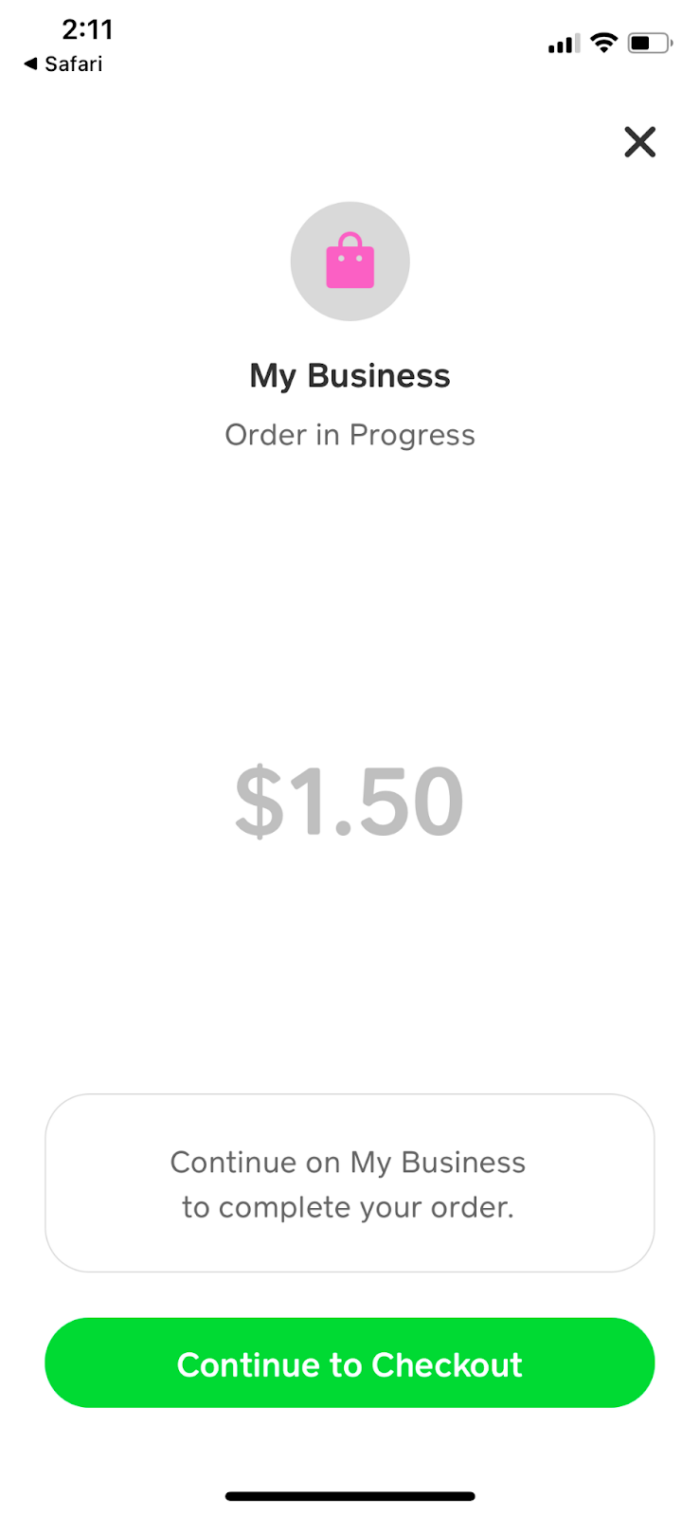
A pending payment on Cash App usually indicates that action is required from either the sender or the recipient. In some cases, Cash App’s automated security systems flag a transaction for manual review to protect the user from potential fraud. If a payment is pending, the funds are held in a state of limbo—they have been debited from the sender but not yet credited to the recipient.
To resolve a pending status:
- Review the Transaction Details: Tap the pending entry in your Activity tab. Cash App often provides specific instructions, such as “Verify your identity” or “Accept the payment.”
- Check Your Internet Connection: Sometimes the app UI fails to update due to poor data connectivity. A simple refresh or switching from Wi-Fi to cellular data can update the status.
- Bank Delays: If you are “Cashing Out” to a linked debit card or bank account, the “Pending” status may be on the side of your traditional financial institution. Standard transfers can take 1–3 business days, while Instant Deposits are usually finalized within minutes, though they carry a small fee.
Critical Security Protocols for Verified Financial Transactions
Confirming a payment is not just about the status of the funds; it is about verifying the safety of the transaction itself. Because Cash App transactions are often “instant” and “final,” users must implement a multi-layered security strategy to protect their capital.
The Importance of the Cashtag
Every user has a unique identifier known as a $Cashtag. Before confirming any payment, you must verify this identifier with the recipient through a secondary communication channel (like a phone call or secure message). Scammers often create accounts with names similar to trusted businesses or friends, hoping you will overlook a single misplaced letter.
Security Lock and Biometrics
Within the app’s settings, you should enable the “Security Lock.” This feature requires your PIN or biometric data (Touch ID or Face ID) before any payment can be authorized. This serves as a “pre-confirmation” step, ensuring that no unauthorized transfers can occur even if your device is unlocked.
Identifying “Payment Received” Scams
A common tactic used by bad actors involves sending fake emails or text messages that mimic Cash App’s official branding, stating that a payment has been received and asking you to click a link to “confirm” or “claim” it. It is vital to remember: Official confirmations only happen within the app. Never trust an external notification without verifying it against your internal Activity tab. If the money isn’t in your Activity tab, the notification is a forgery.
Optimizing Your Cash App for Better Financial Oversight
To ensure that confirming payments becomes a seamless part of your financial routine, you should optimize how the app communicates with you. Digital financial tools are most effective when they provide real-time feedback.
Notification Management
Navigate to your profile icon, select “Notifications,” and ensure that both “Push” and “Email” notifications are active. This creates a redundant trail of confirmation. An email receipt acts as a permanent record outside the app environment, which is invaluable for tax purposes or business expense tracking.
Regular Statement Reviews
For those using Cash App as a primary financial tool—perhaps for side hustle income or frequent peer-to-peer reimbursements—relying solely on the Activity tab might not be enough. Cash App allows users to download monthly statements. By reviewing these documents, you can confirm that all monthly payments reconcile with your personal budget and that no “phantom” transactions have occurred.
Linking the Cash Card
If you use the physical Cash Card, confirming payments becomes a matter of tracking your spending in real-time. Every time the card is swiped, a notification is sent, and the transaction is logged. This provides a clear audit trail for your daily expenditures, allowing you to confirm that merchants are charging the correct amounts and that any “Boosts” (discounts) have been applied correctly to the final transaction total.
In conclusion, confirming a payment on Cash App is a multi-step process that involves checking the Activity tab, verifying transaction statuses, and maintaining a high level of security awareness. By treating the app with the same rigor as a traditional bank account, you can leverage the speed of fintech while maintaining the security and oversight necessary for sound personal financial management. Whether you are accepting a payment from a friend or sending funds for a business service, the “Completed” status in your ledger is your ultimate assurance that your money is exactly where it needs to be.
aViewFromTheCave is a participant in the Amazon Services LLC Associates Program, an affiliate advertising program designed to provide a means for sites to earn advertising fees by advertising and linking to Amazon.com. Amazon, the Amazon logo, AmazonSupply, and the AmazonSupply logo are trademarks of Amazon.com, Inc. or its affiliates. As an Amazon Associate we earn affiliate commissions from qualifying purchases.