
In the vast and ever-evolving landscape of digital entertainment, video games stand out as a prime example of interactive artistry and technological prowess. Yet, even the most meticulously crafted games can be transformed, expanded, and personalized far beyond their original design, thanks to the vibrant world of “mods.” Mods, short for modifications, are user-created content that alters a game’s appearance, mechanics, content, or overall experience. For enthusiasts and casual players alike, diving into modding can unlock an entirely new dimension of gameplay, extending the longevity and replayability of beloved titles. This guide aims to demystify the process, providing a comprehensive, step-by-step tutorial on how to safely and effectively download and install mods, ensuring a smooth and optimized journey into enhanced gaming. Tailored for those keen on leveraging technology to enrich their digital lives, we’ll navigate the technical nuances, highlight best practices, and emphasize digital security throughout.
Understanding the World of Mods: Why Mod Your Games?
Before we delve into the mechanics, it’s crucial to grasp what mods entail and why they’ve become such an integral part of the gaming ecosystem. From indie gems to sprawling AAA titles, mods offer a dynamic layer of customization that often far outstrips the developers’ initial vision.
What Exactly Are Mods?
At its core, a mod is an alteration to a video game’s data, files, or code, typically created by players rather than the original developers. These modifications can range from minor tweaks to complete overhauls. Visually, mods can introduce new textures, character models, environmental details, or even entire graphic overhauls that make older games look brand new. From a gameplay perspective, mods might add new quests, characters, items, weapons, or change fundamental game mechanics, difficulty settings, or user interfaces. Some mods are purely cosmetic, designed to enhance immersion or aesthetics, while others fundamentally change how a game is played, offering new challenges or narrative paths. The sheer variety underscores the creative power of gaming communities and the open nature of many modern game engines, which allow for such extensive user-generated content.
Why Mod Your Games? The Appeal and Benefits
The reasons players embrace modding are as diverse as the mods themselves. Primarily, modding extends the lifespan of a game, offering fresh content and challenges long after the official updates cease. For many, it’s about personalization – tailoring the gaming experience to individual preferences, whether that means a more challenging combat system, a simplified crafting interface, or simply a new outfit for their favorite character. Mods can also fix bugs that developers never addressed, optimize performance on certain hardware, or even restore cut content.
Beyond individual benefits, modding fosters a strong community spirit. Players collaborate, share their creations, and provide support, effectively creating a decentralized development ecosystem around a game. This vibrant community aspect aligns perfectly with modern tech trends focusing on user-generated content and collaborative platforms. From a tech perspective, engaging with mods can also be a valuable learning experience, familiarizing users with file management, software dependencies, and basic troubleshooting – skills that translate well beyond gaming into broader digital literacy. The ability to transform a digital product into something uniquely yours is a powerful draw, reflecting a broader trend in technology towards customization and user control over digital environments.
Essential Preparations Before You Begin
Embarking on your modding journey without proper preparation is akin to starting a complex software installation without reading the manual. While exciting, modding carries inherent risks, primarily related to game stability, data integrity, and potential software conflicts. A proactive approach is crucial for a smooth and secure experience, aligning with best practices in digital security and productivity.
Backing Up Your Game Files: A Non-Negotiable Step
This cannot be stressed enough: always back up your game files and save data before installing any mods. This is your primary defense against corrupt installations, unplayable games, or lost progress. Think of it as creating a system restore point for your game. If a mod causes crashes, performance issues, or conflicts, you can simply revert to your clean, unmodded version without losing hours of gameplay or needing to reinstall the entire game.
The process typically involves locating your game’s installation directory (often in Program Files (x86)Steamsteamappscommon for Steam games, or similar locations for other launchers) and your save game directory (which can be in My Documents, AppData, or within the game installation folder itself). Simply copy these folders to a safe location on your hard drive, an external drive, or cloud storage. This simple act is a fundamental aspect of responsible digital data management and can save you immense frustration and time, embodying a core principle of digital security: data redundancy. For larger games, creating a full backup can consume significant storage, but it’s a small price to pay for peace of mind.
Understanding Modding Prerequisites (Game Versions, Dependencies)
Many mods are designed for specific versions of a game or require other mods to function correctly – these are known as “dependencies.” Neglecting these prerequisites is a common source of modding issues. Before downloading, carefully read the mod’s description, installation instructions, and compatibility notes. Check if the mod requires a specific game patch, DLC, or another foundational mod (often called a “framework” or “API” mod) to be installed first.
For example, many major modding communities for games like Skyrim or Fallout rely on script extenders (e.g., SKSE for Skyrim) that allow mods to access more of the game’s internal functions. Installing mods without these extenders will lead to them not working or causing crashes. Furthermore, some mods might only be compatible with the base game, while others are designed for specific editions (e.g., Special Edition vs. Legendary Edition). Being meticulous in verifying these details ensures that your installed mods have a stable foundation to operate on, preventing compatibility nightmares and enhancing your productivity by reducing time spent troubleshooting. This careful pre-analysis is a hallmark of efficient software deployment.
Safely Sourcing and Downloading Your Mods
The internet is a treasure trove of mods, but like any digital frontier, it also harbors potential risks. Sourcing mods safely is paramount not only for the stability of your game but also for the security of your entire system. This section focuses on identifying trustworthy platforms and understanding the nuances of digital downloads.
Identifying Reputable Modding Communities and Websites
The first rule of modding is to only download mods from well-established, reputable sources. Avoid obscure websites, direct links from forums without verification, or torrent sites, as these are common vectors for malware. The most reliable sources are typically large, dedicated modding communities with robust moderation and extensive user bases.
Examples include:
- Nexus Mods: Arguably the largest and most popular modding site, hosting mods for hundreds of games. It features a sophisticated system for tracking downloads, endorsements, bug reports, and a strong community.
- Mod DB: Another long-standing platform, offering a wide array of mods, particularly for older or less common titles.
- Steam Workshop: Integrated directly into Steam, offering a streamlined “subscribe and play” experience for games that support it (e.g., Garry’s Mod, Terraria, Cities: Skylines). While often safer due to Steam’s oversight, quality and compatibility can still vary.
- Official Game Forums/Developer Websites: Sometimes, developers host or link to approved mods on their official channels.
- Specific Game Wikis/Communities: For games with very active modding scenes (e.g., Minecraft, Kerbal Space Program), dedicated wikis or fan-run community sites often provide curated lists and direct links to trusted sources.
These platforms provide a degree of vetting and community oversight that is crucial for digital security, allowing you to gauge a mod’s reliability through user reviews, download counts, and active developer support.
Navigating File Types and Download Procedures
Once you’ve found a reputable source, understanding the common file types and download procedures is the next step. Most mods are distributed as compressed archives (ZIP, RAR, 7Z files). You’ll need appropriate unzipping software like 7-Zip or WinRAR to extract their contents.
Download Procedures:
- Manual Download: Most sites will offer a manual download option, providing a direct link to the compressed mod file. Always check the file size – unusually small or large files for what’s described might be a red flag.
- Mod Manager Download: Many major modding sites, especially Nexus Mods, integrate with their own mod managers (e.g., Nexus Mod Manager, Vortex). This allows for one-click downloading and often simpler installation, streamlining your workflow. This approach aligns with productivity tools in software management, automating tasks and reducing manual errors.
- Steam Workshop Subscription: For games supporting it, simply clicking “Subscribe” on a mod’s page in the Steam Workshop will automatically download and install it the next time you launch the game. This is the most user-friendly method but offers less granular control.
Always ensure you’re downloading the correct file for your game version and system architecture. The tech details here are critical: a 32-bit mod won’t work on a 64-bit game (or vice-versa) if not explicitly supported, and attempting to force it can lead to instability.
The Importance of Security Scans and User Reviews
Before extracting or installing any downloaded mod, take a moment for two critical security checks:
- Virus Scan: Even from reputable sources, it’s wise to scan downloaded archives with your antivirus software. While rare, malicious files can occasionally slip through, or a creator’s computer might have been compromised. This simple step is a fundamental layer of digital security and cyber hygiene.
- User Reviews and Comments: Scrutinize the mod’s comment section and endorsement ratios on its download page. Look for feedback regarding stability, performance, compatibility issues, and general quality. If many users report crashes, bugs, or malware, it’s a strong indicator to avoid that mod. Conversely, a mod with thousands of positive endorsements and active community support is generally a safe bet. This crowdsourced intelligence acts as an invaluable quality control mechanism, a hallmark of robust online communities.
The Mod Installation Process: Manual vs. Managers
With your mods downloaded and verified, the next phase is installation. There are two primary methods: manual installation and using a mod manager. Each has its advantages and is suited to different levels of user comfort and game complexity.
Manual Installation: The Classic Approach
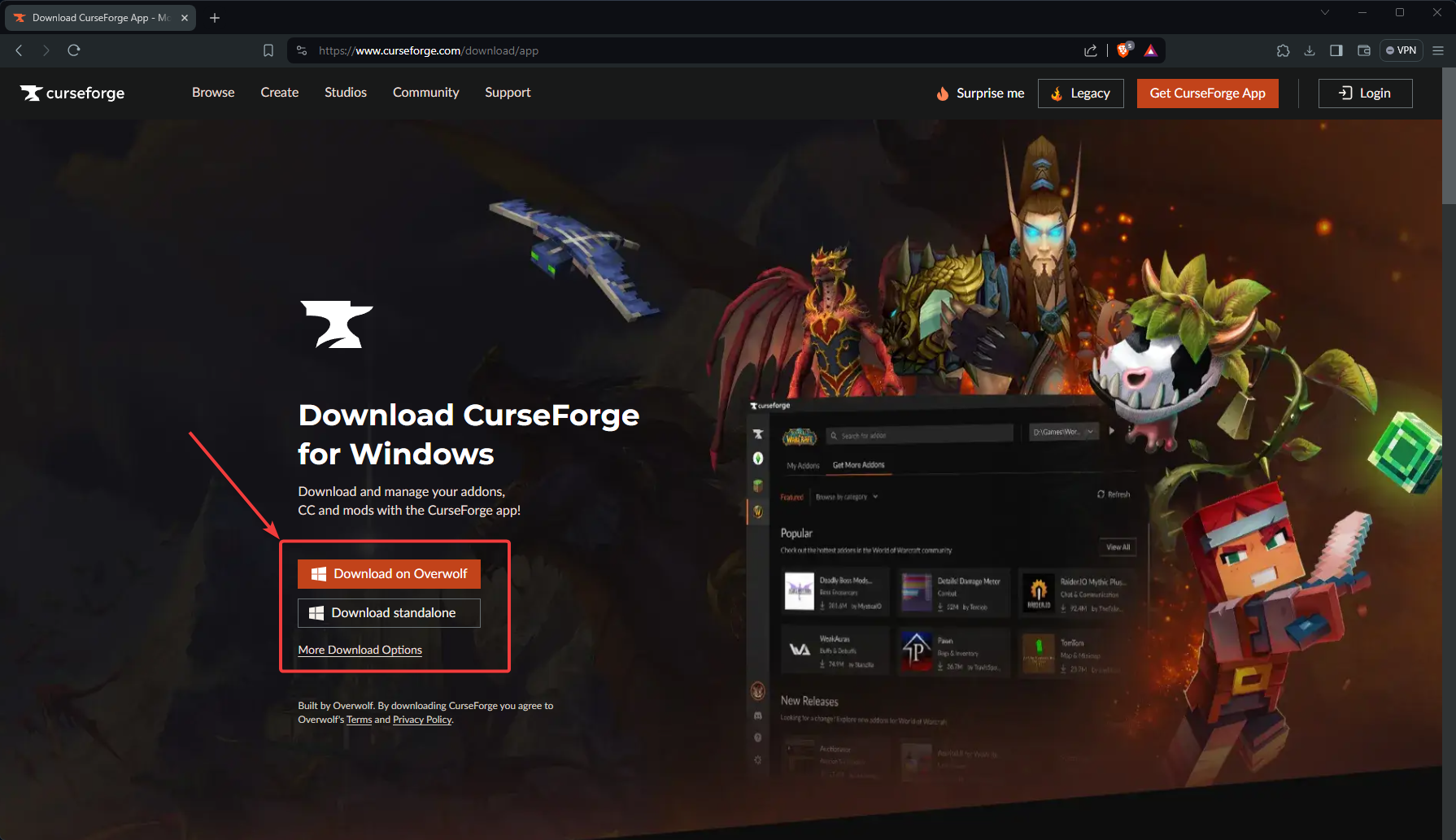
Manual installation involves directly copying and pasting mod files into your game’s directory. This method offers granular control and helps you understand the underlying file structure of your game. It’s often necessary for older games, smaller mods, or those not supported by mod managers.
General Steps for Manual Installation:
- Extract the Mod Files: Use 7-Zip or WinRAR to extract the downloaded mod archive to a temporary folder (e.g., on your desktop).
- Read Instructions Carefully: Inside the extracted folder, there’s usually a
readme.txtfile or similar documentation. Always read this. It will contain specific instructions on where to place the files. - Locate Your Game Directory: Navigate to your game’s installation folder.
- Copy Files: Copy the mod’s files (often
.esp,.esm,.dllfiles, texture folders, script folders, etc.) into the specified locations within your game directory. This is typically theDatafolder for many Bethesda games, or specific subfolders for others. - Activate (If Necessary): Some games require you to activate the mod after copying. This might be done through an in-game mod menu, a separate launcher, or by editing a configuration file.
While providing ultimate control, manual installation can be prone to human error, especially with complex mods or multiple installations. Overwriting incorrect files or misplacing folders can lead to game instability. It’s a method that requires precision and a good understanding of file systems, aligning with the technical skills valued in tech literacy.
Embracing Mod Managers: Streamlining Your Experience
For games with extensive modding communities and complex modification setups (e.g., The Elder Scrolls series, Fallout series, Minecraft), mod managers are indispensable productivity tools. They automate many of the intricate steps of mod installation, uninstallation, and conflict resolution, making the process significantly easier and safer.
Popular Mod Managers:
- Vortex (Nexus Mods): A modern, powerful mod manager that supports a vast range of games. It handles installation, updates, conflict detection, and virtual deployment, meaning it doesn’t directly alter your game’s core files, making uninstallation cleaner.
- Mod Organizer 2 (MO2): Highly regarded for its robust virtual file system, MO2 keeps your game directory completely clean. Mods are installed into separate folders and then “virtualized” into the game environment when launched, making troubleshooting and mod switching incredibly easy. It has a steeper learning curve but offers unparalleled control.
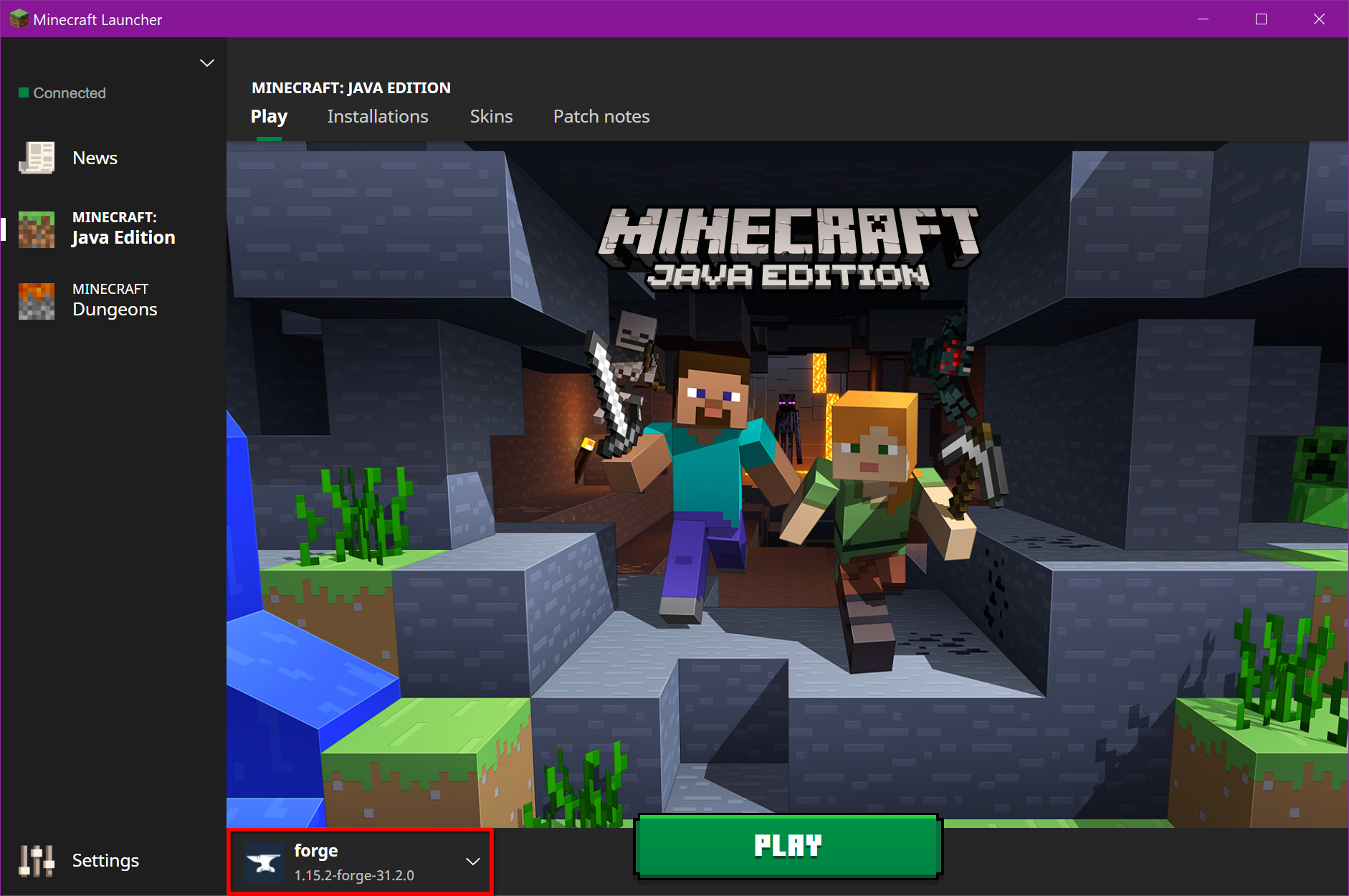
- Minecraft Forge/Fabric: Essential for Minecraft modding, these are API loaders that enable many mods to run.
- Other Game-Specific Managers: Many games have their own dedicated mod managers developed by the community.
Benefits of Mod Managers:
- Automated Installation/Uninstallation: Simplifies adding and removing mods.
- Conflict Detection/Resolution: Identifies potential clashes between mods and helps resolve them, preventing crashes.
- Load Order Management: Automatically or semi-automatically optimizes the order in which mods load, which is critical for stability.
- Virtual Installation: Many managers install mods into a separate directory, leaving your game’s original files untouched, which is excellent for troubleshooting and safe removal.
Using a mod manager is a powerful lesson in software management and automation. It transforms a potentially laborious and error-prone process into a streamlined workflow, significantly boosting the “productivity” aspect of your modding endeavors.
Tackling Load Orders and Compatibility Issues
One of the most common challenges in modding, especially with multiple mods, is managing the “load order” and resolving “compatibility issues.”
- Load Order: This refers to the sequence in which your game loads different mod files. If two mods modify the same game asset or script, the one loaded later will usually “win” and override the earlier one. An incorrect load order can lead to unexpected behavior, missing textures, or crashes. Mod managers typically have built-in tools (like LOOT for Bethesda games) to optimize load orders, but sometimes manual tweaking based on mod descriptions and community advice is necessary.
- Compatibility Issues: These arise when two or more mods are designed in a way that inherently conflicts with each other, often because they try to change the same game data in incompatible ways. Even with a correct load order, some mods simply cannot coexist. Mod descriptions often list known incompatibilities. Tools like xEdit (for Bethesda games) allow advanced users to create “patches” to merge conflicting records, demonstrating a deeper dive into software modification and conflict resolution. This aspect highlights the complexity of managing multiple software components and the need for meticulous configuration.
Troubleshooting Common Modding Challenges
Even with careful preparation and the best tools, you’ll likely encounter issues. Modding is an iterative process of experimentation and problem-solving. Understanding common problems and how to approach them is key to a productive modding experience.
Dealing with Crashes and Performance Issues
Game crashes and significant performance drops are the most immediate and frustrating symptoms of modding problems.
- Crashes to Desktop (CTD): Often indicate a severe conflict, missing dependency, or a corrupt mod.
- First step: Disable recently installed mods, one by one or in small batches, to identify the culprit.
- Check Load Order: Ensure your load order is optimized.
- Verify Game Files: Use your game launcher (Steam, Epic Games, etc.) to verify the integrity of game files. This can repair any original files accidentally corrupted or overwritten by mods.
- Performance Drops: Can be caused by graphically intensive mods, too many script-heavy mods, or simply exceeding your system’s capabilities.
- Monitor Resources: Use tools like MSI Afterburner or your OS Task Manager to monitor CPU, GPU, and RAM usage.
- Adjust Graphics Settings: Lower in-game graphics settings if mods are pushing your system too hard.
- Disable Visual Mods: Temporarily disable texture packs, ENBs, or other visual enhancements to see if performance improves.
Troubleshooting these issues hones your diagnostic skills, a valuable asset in any tech-related field, transforming a simple game into a practical lab for IT problem-solving.
Resolving Mod Conflicts and Dependencies
When mods don’t play nice, or a crucial component is missing, errors can range from minor visual glitches to total game unplayability.
- Missing Masters/Dependencies: An error message indicating a “missing master” means a mod requires another mod (a “master file”) to function, and that master isn’t installed or isn’t active. Refer back to the mod’s description for its prerequisites.
- Conflict Resolution:
- Mod Managers: Utilize conflict detection tools within your mod manager. They’ll highlight which mods are overwriting others.
- Manual Prioritization: Sometimes, you might need to manually adjust the load order based on which mod’s changes you prefer.
- Patching: For advanced users, creating compatibility patches using tools like xEdit or SSEEdit can merge conflicting records, allowing multiple mods to work together seamlessly. This is a complex but powerful method of software integration.
- Reading Error Logs: Many games or mod loaders generate log files that record errors. Learning to interpret these logs can provide direct clues to the source of a problem, much like debugging in software development.
Best Practices for a Smooth Modding Journey
Successful modding isn’t just about installation; it’s about maintenance, community engagement, and adopting smart habits that make the entire experience enjoyable and sustainable. These practices align with long-term digital productivity and effective management of digital assets.
Keeping Mods Updated and Organized
Mods, like any software, are frequently updated. Developers release new versions to fix bugs, add features, improve compatibility, or update them for new game patches.
- Regular Checks: Periodically check the mod pages on your chosen platform for updates. Mod managers like Vortex and MO2 can often notify you of available updates.
- Read Update Notes: Before updating, always read the update notes. Sometimes, updates require a clean save game, specific reinstallation steps, or have new dependencies.
- Version Control: Keep older versions of crucial mods (or their backups) if an update proves unstable. Mod managers usually handle this gracefully.
- Organized Folders: If managing manually, keep your downloaded mod archives in well-labeled folders outside your game directory. This makes it easier to find and reinstall them.
Maintaining an updated and organized mod library saves significant time and effort in the long run, embodying principles of efficient software asset management.
Engaging with the Modding Community
The modding community is one of your greatest assets. It’s a vast network of experienced users and mod creators eager to help.
- Forum Participation: If you encounter a problem you can’t solve, search the mod’s comment section, forums, or dedicated subreddits. Chances are, someone else has faced the same issue.
- Polite Inquiry: When asking for help, provide clear details: your game version, a list of your installed mods, your load order, and any specific error messages. Screenshots are often helpful. Being polite and concise increases your chances of getting useful assistance.
- Support Mod Creators: If you enjoy a mod, endorse it, leave a positive comment, or even donate to the creator if they have a donation link. This encourages further development and contributes to the health of the community.
This aspect underscores the collaborative nature of the digital world, where collective intelligence and shared knowledge are powerful tools for problem-solving and innovation.

When to Seek Professional Help (or Give Up on a Mod)
While “professional help” in modding usually means tapping into highly experienced community members, there comes a point when a mod might just not be worth the trouble.
- Persistent Issues: If a mod consistently crashes your game, despite your best efforts at troubleshooting and seeking community advice, it might be fundamentally unstable or incompatible with your specific setup.
- Time vs. Reward: Evaluate how much time you’re spending trying to fix a mod versus the enjoyment it provides. Sometimes, the most productive decision is to simply uninstall a problematic mod and move on.
- Game Stability Over Features: Prioritize game stability. A broken game, no matter how many cool features it promises, isn’t fun.
Knowing when to cut your losses is an important skill in software management, recognizing that not every component can be seamlessly integrated and that resources (your time and patience) are finite.
Modding is a rewarding journey that expands the horizons of your gaming experience, turning passive consumption into active creation and customization. By approaching it with a blend of curiosity, methodical execution, and a strong emphasis on digital security and best practices, you can unlock endless new possibilities within your favorite games. Happy modding!
aViewFromTheCave is a participant in the Amazon Services LLC Associates Program, an affiliate advertising program designed to provide a means for sites to earn advertising fees by advertising and linking to Amazon.com. Amazon, the Amazon logo, AmazonSupply, and the AmazonSupply logo are trademarks of Amazon.com, Inc. or its affiliates. As an Amazon Associate we earn affiliate commissions from qualifying purchases.