
In an era defined by the rapid advancement of the Internet of Things (IoT) and smart home ecosystems, security cameras have evolved from graining analog monitors into sophisticated digital assets. For the modern tech enthusiast or homeowner, the process of installing a security camera system is no longer just about mounting a bracket; it is an exercise in network configuration, hardware optimization, and digital security. This comprehensive guide explores the technical intricacies of deploying a robust surveillance system, ensuring that your hardware is positioned for maximum efficacy and your data is shielded from digital vulnerabilities.

Planning Your Digital Surveillance Infrastructure
Before drilling holes or purchasing equipment, a technical assessment of your property is essential. The effectiveness of a security system is dictated by its underlying infrastructure—specifically how data is transmitted and stored.
Assessing Strategic Monitoring Points and Field of View (FoV)
The first step in any technical deployment is mapping the coverage area. You must consider the Field of View (FoV) of your chosen lenses. Most consumer-grade smart cameras offer a wide-angle FoV ranging from 110 to 160 degrees. While a wider FoV covers more ground, it can lead to “fisheye” distortion at the edges, which might obscure critical details like license plates or facial features.
When planning placement, prioritize entry points (doors and windows) and high-traffic “choke points.” For a tech-forward installation, consider the height and angle to minimize infrared (IR) reflection—a common issue where the camera’s own night-vision lights bounce off nearby walls, blinding the sensor.
Choosing Between Wired (PoE) and Wireless (Wi-Fi) Ecosystems
The most significant architectural decision you will make is the power and data delivery method.
- Power over Ethernet (PoE): This is the gold standard for professional-grade tech installations. A single Cat5e or Cat6 cable provides both power and high-speed data. PoE systems are incredibly stable, offer the highest resolutions (4K and beyond) without latency, and are immune to Wi-Fi jammers.
- Wireless (Wi-Fi): Wi-Fi cameras are easier to install but require a robust wireless mesh network to maintain high-bitrate video streams. When opting for wireless, you must account for “signal attenuation”—the degradation of the signal as it passes through brick, concrete, or metal. High-end Wi-Fi 6 cameras are now entering the market, offering better efficiency and less congestion on busy home networks.
Data Storage Solutions: NVR vs. Cloud
Where your data lives is a matter of both performance and privacy. A Network Video Recorder (NVR) allows for local, high-capacity storage on hard drives (usually surveillance-grade drives like Western Digital Purple or Seagate SkyHawk). This keeps your data off the internet, providing better privacy. Conversely, Cloud storage offers convenience and off-site redundancy, ensuring that even if a thief steals the camera, the footage remains accessible. Many modern tech setups utilize a hybrid approach: local recording for 24/7 footage and cloud clips for motion-triggered events.
Step-by-Step Hardware Installation and Configuration
Once the planning phase is complete, the physical installation requires precision to ensure the hardware operates within its designed thermal and optical parameters.
Mounting and Positioning for Optimal Sensor Performance
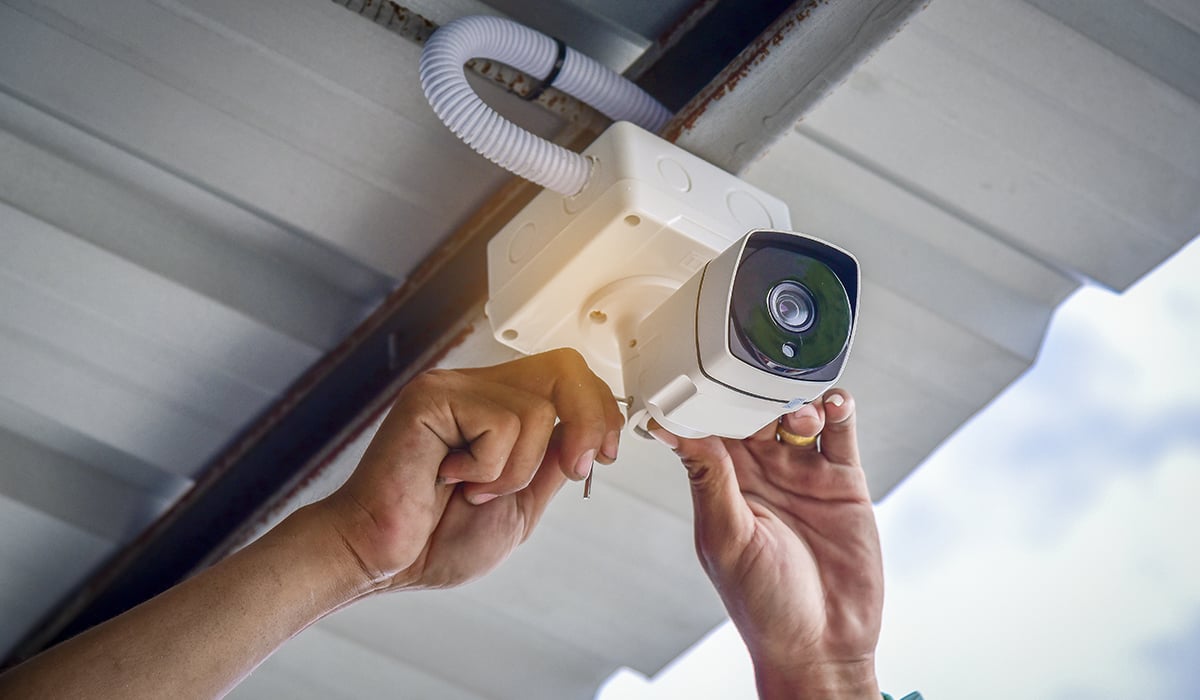
Modern camera sensors are sensitive pieces of technology. When mounting, ensure the camera is out of reach to prevent physical tampering (ideally 8–10 feet high). For outdoor units, utilize weather-sealed junction boxes to protect the connection points from moisture and corrosion, which can cause electrical shorts or signal degradation over time.
Ensure the sensor is not pointed directly at a light source. High Dynamic Range (HDR) technology in modern cameras helps balance shadows and highlights, but direct sunlight can still “wash out” the CMOS sensor, leading to permanent degradation of the pixel array over years of exposure.
Power Management and Cable Routing
For a PoE system, cable management is a technical art. Use a PoE switch that supports the 802.3af or 802.3at standards to ensure adequate wattage is delivered to each node. When routing cables through an attic or crawlspace, avoid running data lines parallel to high-voltage AC power lines. This prevents electromagnetic interference (EMI) from inducing “noise” into your video feed, which manifests as flickering or digital artifacts.
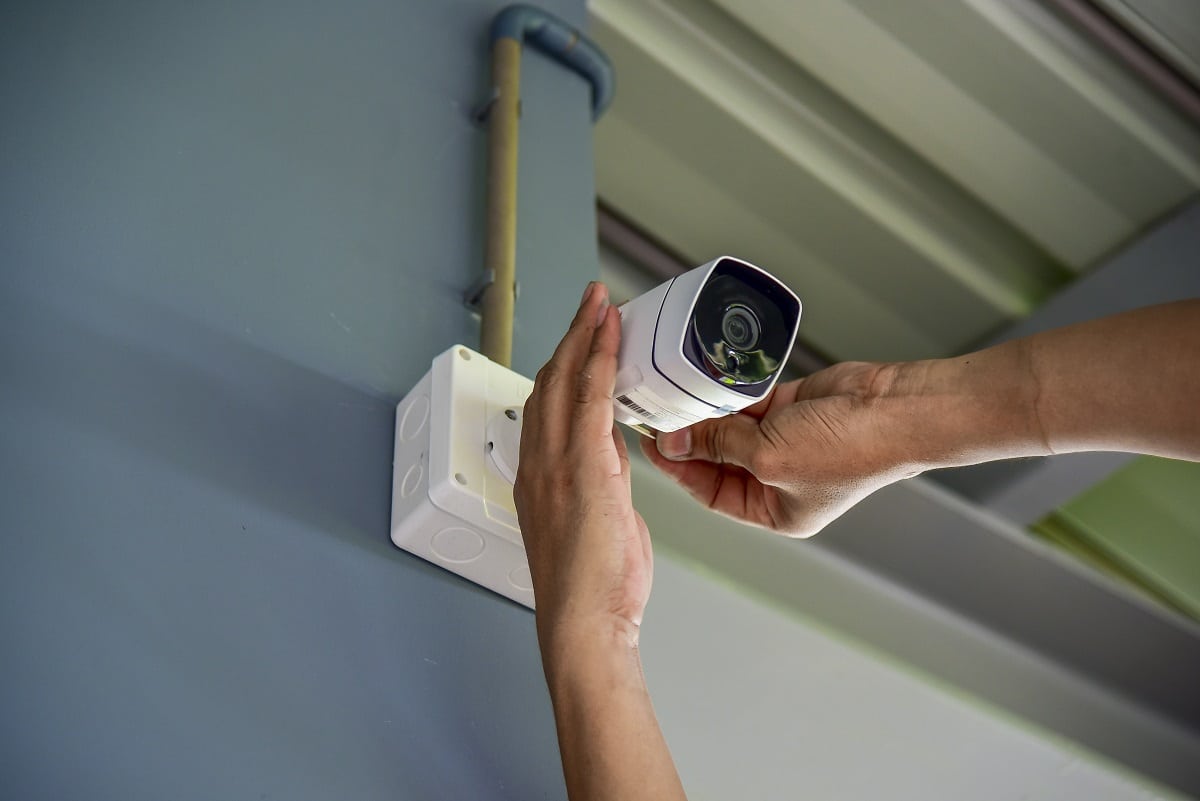
If you are using battery-powered wireless cameras, consider the duty cycle. High-traffic areas will deplete batteries quickly. In these scenarios, integrating small solar panel peripherals can provide a continuous trickle charge, turning a high-maintenance gadget into a set-it-and-forget-it security asset.
Software Setup and Network Security Protocols
The physical installation is only half the battle. In the “Tech” niche, the digital configuration is what separates a vulnerable gadget from a secure professional system.
Configuring NVRs and Integration Software
Once the cameras are powered on, they must be assigned to a management platform. Most modern systems use the ONVIF (Open Network Video Interface Forum) protocol, which allows cameras from different manufacturers to communicate with a centralized NVR or software like Blue Iris or Scrypted.
During setup, you will need to configure the “Sub-stream” and “Main-stream.” The Main-stream is the high-resolution feed used for recording and detailed analysis, while the Sub-stream is a lower-bandwidth version used for remote viewing on mobile devices to prevent buffering.
Strengthening Digital Defenses: Firmware and Encryption
An unsecured security camera is a major liability. The first step after installation is to change all default passwords. Many “botnet” attacks specifically target IoT devices with factory-set credentials.
Furthermore, you should:
- Update Firmware: Manufacturers frequently release patches to fix security vulnerabilities.
- Enable End-to-End Encryption: If your system uses cloud storage, ensure AES-128 or AES-256 encryption is active.
- VLAN Isolation: For advanced users, placing security cameras on a separate Virtual Local Area Network (VLAN) prevents a compromised camera from acting as a gateway into your primary computer or NAS (Network Attached Storage).
Leveraging AI and Advanced Monitoring Features
We are currently in a transition period where security cameras are moving from “passive recording” to “active intelligence.” Modern systems utilize edge computing—processing data on the camera itself rather than in the cloud—to provide real-time insights.
Integrating Motion Detection and AI Analytics
Traditional motion detection relied on simple pixel changes, leading to endless false alarms from shadows or blowing leaves. Modern AI-driven cameras use “Human and Vehicle Detection.” This technology utilizes neural networks to identify the specific shapes of people and cars, only sending an alert when a legitimate threat is detected.
When configuring your software, set up “Tripwire” or “Intrusion Zones.” These are digital lines drawn on the video feed that trigger an alarm only if a person crosses them in a specific direction. This is a far more sophisticated application of the technology than simple motion sensing.
Mobile App Integration and Remote Access Optimization
The ability to view your feed from anywhere in the world is a staple of modern digital security. However, this often involves “port forwarding,” which can expose your home network to the open internet. A more secure, tech-savvy approach is to use a VPN (Virtual Private Network) to tunnel into your home network or to use a P2P (Peer-to-Peer) encrypted service provided by the manufacturer.
Optimizing remote access also involves managing bandwidth. If your home upload speed is limited, you should configure your app to utilize H.265 (High-Efficiency Video Coding) instead of the older H.264. H.265 provides the same visual quality at roughly half the bitrate, ensuring a smooth 4K stream even on a mobile LTE connection.
Conclusion: The Future of Proactive Digital Surveillance
Installing a security camera system today is a multidisciplinary task that merges hardware engineering with sophisticated networking and artificial intelligence. By focusing on a “Tech-first” approach—prioritizing wired stability, cybersecurity protocols, and AI analytics—you transform a simple monitoring tool into a proactive digital sentry.
As we look toward the future, the integration of security cameras with broader smart home ecosystems (like Home Assistant or Apple HomeKit) will only deepen. The goal is no longer just to record what happened after a crime, but to utilize real-time data and digital intelligence to prevent incidents before they occur. With the right installation techniques and a focus on digital integrity, your security system becomes a powerful, high-tech shield for your physical and digital life.
aViewFromTheCave is a participant in the Amazon Services LLC Associates Program, an affiliate advertising program designed to provide a means for sites to earn advertising fees by advertising and linking to Amazon.com. Amazon, the Amazon logo, AmazonSupply, and the AmazonSupply logo are trademarks of Amazon.com, Inc. or its affiliates. As an Amazon Associate we earn affiliate commissions from qualifying purchases.