
In the rapidly evolving landscape of mobile software, few applications have achieved the architectural impact of TikTok. Beyond its status as a social media phenomenon, the application represents a sophisticated feat of software engineering, utilizing advanced algorithms, real-time data processing, and high-efficiency content delivery networks (CDNs). For users looking to integrate this platform into their digital ecosystem, a successful installation is more than just a simple click; it involves understanding system compatibility, security protocols, and optimization strategies to ensure a seamless experience. This guide provides a comprehensive technical walkthrough for installing TikTok across various platforms, focusing on software integrity and system security.

1. System Requirements and Architectural Prerequisites
Before initiating the installation process, it is vital to understand the technical requirements that allow TikTok to function at peak performance. Because the app relies heavily on real-time video rendering and AI-driven filters, the underlying hardware and software must meet specific benchmarks.
Compatible Operating Systems (iOS and Android)
TikTok is primarily designed for mobile architectures, specifically ARM-based processors. For Apple users, the application generally requires iOS 12.0 or later. This ensures the device supports the Metal graphics API, which is crucial for the smooth rendering of high-frame-rate video. On the Android side, the platform is broader but requires at least Android 5.0 (Lollipop). However, for an optimal experience with augmented reality (AR) features, Android 10 or higher is recommended to leverage the latest Camera2 API and neural processing capabilities.
Hardware Prerequisites for Optimal Performance
The “For You” page (FYP) uses a sophisticated recommendation engine that processes metadata in real-time. To handle this without lag, a device should ideally have at least 3GB of RAM. Furthermore, video caching is a significant component of the app’s architecture. Users should ensure they have a minimum of 500MB of free internal storage for the initial installation, though 2GB is recommended to accommodate the growing cache and high-definition video assets that are downloaded as you scroll.
Network Configuration and Latency
Technically, TikTok functions by streaming small packets of video data. A stable connection with a minimum download speed of 5 Mbps is necessary for standard definition, while 25 Mbps is preferred for 1080p content. Understanding your network’s NAT type and ensuring that firewalls do not block TikTok’s specific ports can prevent “network error” prompts during the installation or initial login phase.
2. Step-by-Step Installation Protocols
The installation path varies depending on the operating system and the user’s regional software environment. Adhering to official channels is the most secure method to ensure the integrity of the application package.
Downloading from Official App Stores
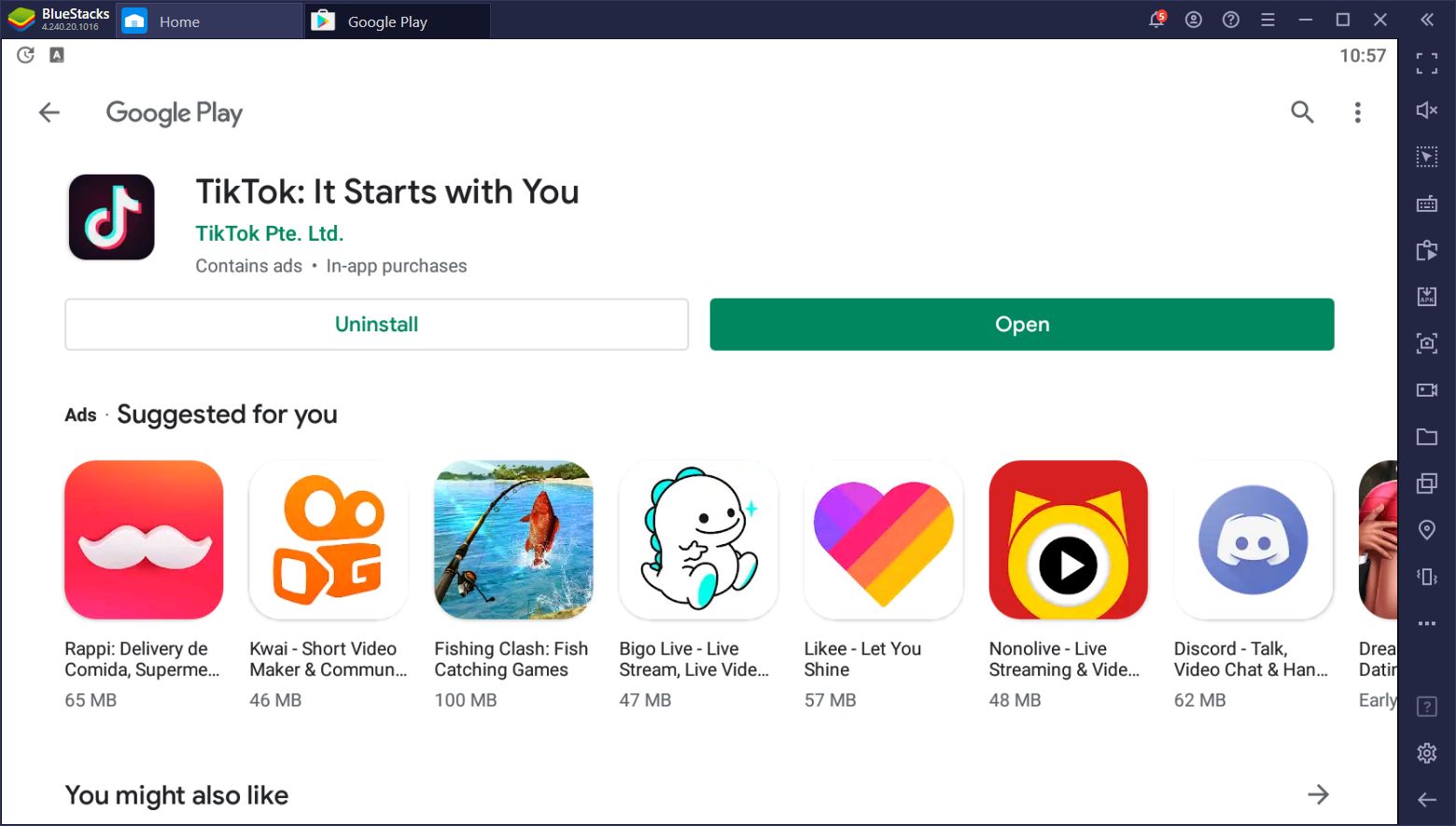
The most secure way to install TikTok is through the Apple App Store or Google Play Store. These platforms sign the application with a digital certificate, verifying that the code has not been tampered with.
- Search and Validation: Open the store and search for “TikTok.” Ensure the developer is listed as “TikTok Ltd.” or “ByteDance.”
- Authentication: Depending on your device settings, you may need to authenticate the download via FaceID, TouchID, or a Google Password. This step establishes a secure link between your device ID and the application version.
- Automated Extraction: Once the download completes, the OS automatically extracts the IPA (iOS) or APK (Android) file into the protected system partition.
Sideloading and Third-Party Installations: The Technical Risks
In certain enterprise environments or regions where app stores are restricted, users often turn to sideloading. This involves downloading an APK file from a third-party repository and manually installing it. From a technical and security standpoint, this is high-risk. Sideloaded apps bypass the “Sandboxing” checks performed by official stores, potentially exposing the device to malware or “man-in-the-middle” attacks. If sideloading is necessary, it is imperative to verify the SHA-256 hash of the APK to ensure it matches the official release from the developer.
TikTok Lite vs. Standard Version
For users with entry-level hardware or limited data plans, TikTok offers a “Lite” version. This is a streamlined APK with a smaller footprint (approx. 30MB vs 300MB+). Technically, the Lite version reduces background data polling and uses a simplified UI rendering engine, which consumes significantly fewer CPU cycles and preserves battery life on older devices.
3. Configuring Security and Privacy Settings
Once the installation is complete, the “Tech-First” approach dictates a rigorous review of the app’s permissions and security configurations. Modern mobile operating systems operate on the “Principle of Least Privilege,” and users should configure TikTok accordingly.
Account Verification and Two-Factor Authentication (2FA)
Security begins at the login screen. It is highly recommended to use an OAuth provider (like Apple, Google, or Twitter) or a dedicated email/phone combination. Once the account is created, enabling Two-Factor Authentication (2FA) is non-negotiable for digital security. This adds a layer of encryption that requires a time-based one-time password (TOTP) or an SMS code, preventing unauthorized access even if the primary credentials are compromised.
Permission Management and Data Privacy
During the first launch, the app will request access to various system components. Understanding the technical necessity of these is key:
- Camera and Microphone: Necessary for content creation but can be set to “Only while using the app.”
- Contacts: Used for social graph mapping. Technically, this uploads a hashed version of your contact list to TikTok’s servers. Users concerned with privacy may choose to deny this permission.
- Location Services: Used for regional content delivery. Modern OS versions allow for “Approximate Location,” which provides the app with enough data to serve local content without pinpointing the user’s exact GPS coordinates.
Managing the Cache and Data Saver Mode
Within the app’s “Settings and Privacy” menu, users can find the “Free up space” tool. Technically, this manages the local database and cached video fragments. Regularly clearing the cache can prevent the app from bloating and slowing down the host OS. Additionally, enabling “Data Saver” reduces the resolution of incoming video streams, decreasing the load on the device’s network interface card (NIC).
4. Troubleshooting Common Technical Errors
Installation does not always go perfectly. Hardware-software conflicts or corrupted packets can lead to several common technical hurdles.
Resolving “App Not Installed” and Compatibility Issues
The “App Not Installed” error on Android is usually a sign of a signature conflict. This occurs if a previous version of the app was uninstalled incorrectly or if there is a mismatch between the APK architecture (e.g., trying to install an ARM64-v8a build on a 32-bit ARMv7 device). The solution is to clear the Google Play Store cache and ensure all previous TikTok data folders are deleted from the /Android/data/ directory.
Managing Storage Constraints and “Out of Space” Errors
Because TikTok is a media-heavy application, it requires significant “swap space” during the installation process. Even if the app is only 300MB, the OS may require 1GB of free space to decompress and verify the package. Users should utilize system tools to offload unused apps or clear “System Data” (on iOS) to create the necessary buffer for the installation to finalize.
Software Patches and Version Control
Developers frequently release patches to address zero-day vulnerabilities or API changes within the OS. If TikTok crashes upon launch, it is often due to an outdated version of “Android System WebView” or an incompatible iOS beta profile. Ensuring that both the app and the system software are updated to their latest stable releases is the primary technical fix for stability issues.
5. The Technical Infrastructure of the TikTok Ecosystem
Understanding what happens after you install the app provides insight into why the installation process is so resource-intensive. TikTok is not just a player; it is a complex client-side interface for a massive AI infrastructure.
The Algorithm and Real-Time Data Processing
The moment the app is installed and opened, it begins a high-velocity data exchange. The recommendation engine uses machine learning models (specifically deep neural networks) to analyze user interaction—down to the millisecond a user spends watching a frame. This requires the app to constantly communicate with backend servers via REST APIs and WebSockets to update the user’s preference profile in real-time.
Cloud Integration and Content Delivery Networks (CDNs)
To provide a lag-free experience globally, TikTok utilizes a vast network of CDNs. When you install and use the app, your device automatically pings the nearest Edge Server. This reduces the physical distance the data packets must travel, lowering latency. The technical sophistication of these CDNs is what allows 4K video to load almost instantaneously, a feat that requires the app to have a robust “pre-fetching” logic built into its core code.
Security Enclaves and Data Encryption
On a technical level, TikTok utilizes Transport Layer Security (TLS) for all data in transit, ensuring that your interactions are encrypted from the device to the server. Furthermore, on modern devices, the app utilizes the “Secure Enclave” or “Trusted Execution Environment” (TEE) to handle sensitive cryptographic keys. This ensures that even if the OS is compromised, the app’s core security tokens remain isolated.
In conclusion, installing TikTok is a gateway into one of the most technologically advanced software ecosystems in the world. By following professional installation protocols—ensuring hardware compatibility, prioritizing official download channels, and configuring strict security permissions—users can enjoy a high-performance, secure experience. As the app continues to evolve with features like AI-generated content and integrated e-commerce, maintaining a clean and optimized technical setup will remain paramount for any digital user.
aViewFromTheCave is a participant in the Amazon Services LLC Associates Program, an affiliate advertising program designed to provide a means for sites to earn advertising fees by advertising and linking to Amazon.com. Amazon, the Amazon logo, AmazonSupply, and the AmazonSupply logo are trademarks of Amazon.com, Inc. or its affiliates. As an Amazon Associate we earn affiliate commissions from qualifying purchases.