
In the world of computing, few components are as vital—yet as frequently misunderstood—as RAM. Whether you are browsing for a new smartphone, building a high-end gaming PC, or simply trying to understand why your laptop slows down when you have too many browser tabs open, the conversation inevitably circles back to Random Access Memory.
RAM is the silent workhorse of the digital age. It sits at the intersection of hardware and software, acting as the high-speed bridge that allows your processor to interact with your data in real-time. Without sufficient or efficient RAM, even the most powerful processor becomes bottlenecked, resulting in a sluggish user experience. This article explores the intricate mechanics of RAM, its role in modern technology, and how it dictates the performance of the tools we use every day.
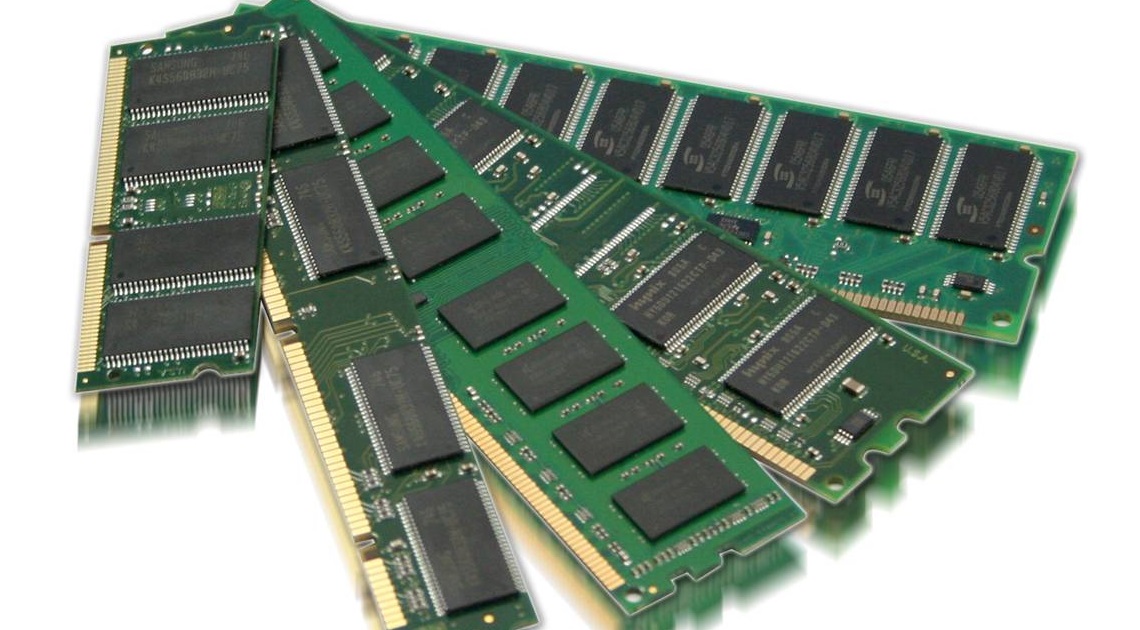
What is RAM? Decoding the Computer’s Short-Term Memory
To understand what RAM does, it is helpful to use a cognitive analogy: if your computer’s hard drive (SSD or HDD) is its long-term memory, RAM is its short-term memory. It is a form of computer data storage that stores data and machine code currently being used.
The Difference Between RAM and Storage
Many casual tech users confuse RAM with storage capacity. While both are measured in Gigabytes (GB), they serve vastly different purposes. Storage is where your files—photos, operating system, and applications—reside when the device is turned off. It is “non-volatile,” meaning the data persists without power.
RAM, conversely, is “volatile.” As soon as the power is cut, everything stored in RAM is wiped clean. Its purpose is not to hold onto data for years, but to hold onto data for milliseconds. Because RAM is significantly faster than even the quickest Solid State Drives (SSDs), the computer uses it to keep active data “at its fingertips” for the CPU to access instantly.
How Volatile Memory Works
The technical brilliance of RAM lies in its “Random Access” nature. In older storage formats like magnetic tape, the system had to spool through data sequentially to find what it needed. In RAM, the CPU can jump to any “cell” of data at the same speed, regardless of where that data is physically located on the chip. This near-instantaneous retrieval is what allows an operating system to feel snappy and responsive. When you click an icon, the data is pulled from the slow storage and placed into the fast RAM; from there, the CPU executes the instructions.
The Mechanics of Performance: How RAM Influences Speed and Multitasking
The primary function of RAM is to facilitate multitasking. Every application you open, every background process running in Windows or macOS, and every browser tab you keep active occupies a slice of your RAM.
The “Workbench” Analogy
Imagine you are a carpenter working in a shop. Your “Storage” is the massive cabinet at the back of the room where you keep hundreds of tools and pieces of wood. Your “RAM” is the workbench right in front of you.
If you have a tiny workbench, you can only work on one small project at a time. If you want to start a second project, you have to take the first one off the bench, put it back in the cabinet, and clear space. This takes time and slows you down. However, if you have a massive workbench (lots of RAM), you can have your blueprints, your saw, your drill, and three different projects laid out simultaneously. You can move from one to the other instantly without ever having to walk back to the cabinet.
The Role of RAM in Modern Software and AI
Modern software is increasingly “memory-hungry.” Web browsers like Google Chrome are notorious for consuming large amounts of RAM because they treat every single tab as a separate process to ensure stability.
Furthermore, the rise of Artificial Intelligence (AI) and Machine Learning (ML) tools has placed even greater demands on memory. AI models, such as Large Language Models (LLMs) running locally, require massive amounts of data to be held in “active” memory to process queries. In this context, RAM isn’t just about how many tabs you can open; it’s about the complexity of the computations your system can handle without crashing or slowing to a crawl.
Exploring the Technical Standards: From DDR4 to DDR5 and Beyond
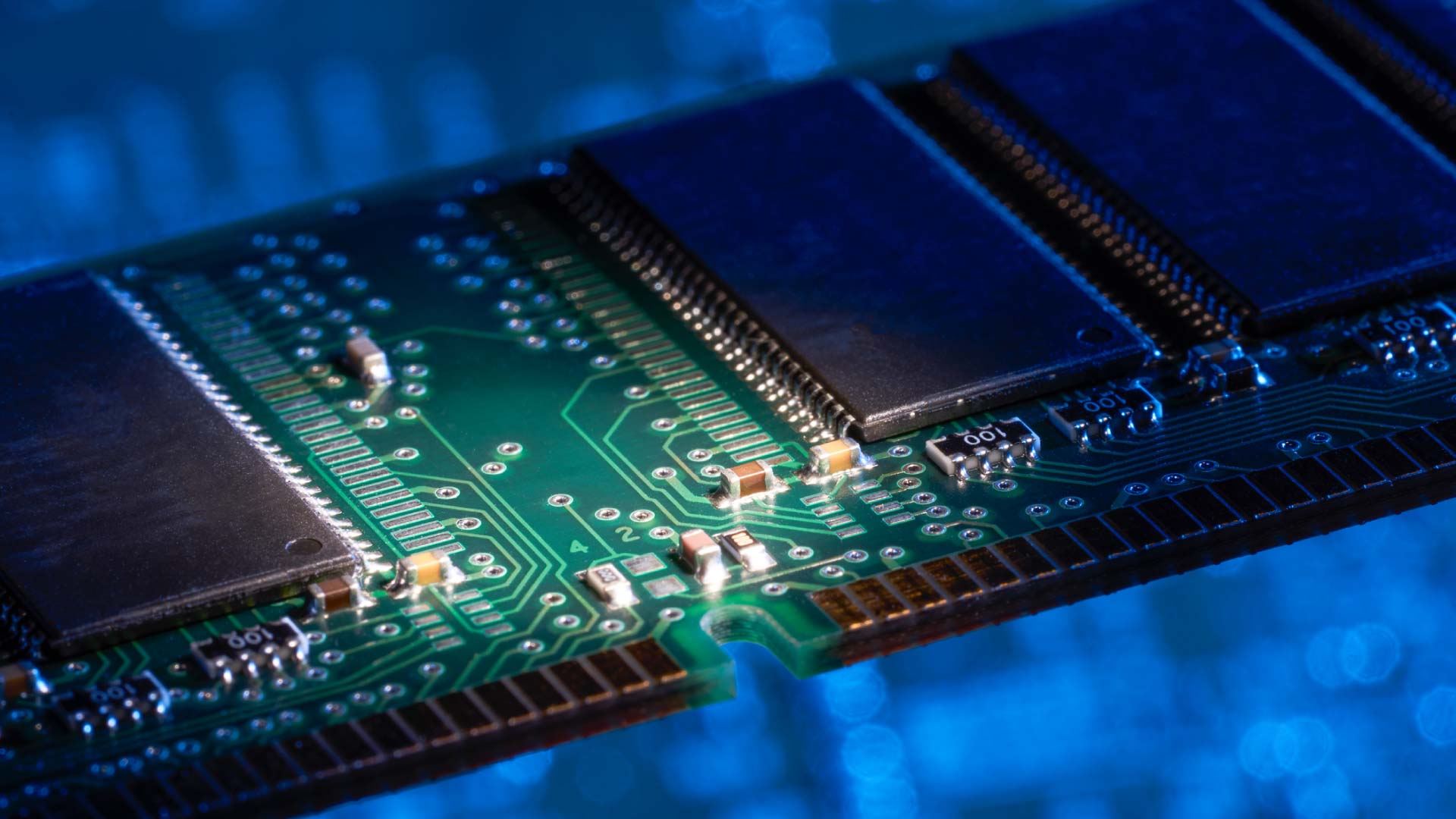
Not all RAM is created equal. As technology evolves, the standards for how memory communicates with the rest of the system also change. We are currently in a transition period between the aging DDR4 standard and the cutting-edge DDR5.
Speed, Latency, and Bandwidth Explained
When looking at RAM specifications, you will often see terms like “3200MHz” or “6000MT/s.” These refer to the frequency or data rate—essentially how many times per second the RAM can move data.
- Bandwidth: This is the volume of data that can be read or written at once. Higher bandwidth is crucial for tasks like video editing and 3D rendering.
- Latency: This is the delay between a command being issued and the data being delivered. Even if you have a high-speed “highway” (bandwidth), if there is a long “stoplight” (latency) at the entrance, performance will suffer.
DDR5, the newest standard, offers significantly higher bandwidth than DDR4, allowing for faster data processing in modern CPUs that have many cores.
LPDDR and Mobile Efficiency
In smartphones and ultra-thin laptops, manufacturers use “LPDDR” (Low Power Double Data Rate) memory. These chips are designed to provide high speeds while consuming as little battery as possible. In mobile tech, RAM management is a sophisticated dance between performance and power preservation. This is why a smartphone with 8GB of RAM can sometimes feel as fast as a desktop—the software is highly optimized to “flush” the memory frequently to save power.
Determining Your Needs: How Much RAM is Enough for Today’s Workloads?
The most common question in tech is: “How much RAM do I actually need?” The answer depends entirely on your use case, but the standards have shifted significantly in the last five years.
The Baseline: 8GB to 16GB for General Productivity
For a long time, 8GB was considered the “sweet spot” for general computing. However, in the current tech landscape, 8GB is now the absolute bare minimum. For students, office workers, and casual web browsers, 8GB allows for basic multitasking.
16GB has become the new industry standard for a “good” experience. With 16GB, you can have dozens of browser tabs open, run Microsoft Teams or Zoom in the background, and edit a high-resolution photo without the system needing to use “Virtual Memory” (which is when the computer uses a portion of your slow hard drive as emergency RAM).
High-Performance Computing: 32GB+ for Creative Professionals and Gamers
For those in the tech industry, creative fields, or high-end gaming, 32GB or even 64GB is becoming the norm.
- Gaming: Modern AAA games often recommend 16GB, but having 32GB ensures that background apps (like Discord or streaming software) don’t cause frame-rate drops.
- Video Production: Editing 4K or 8K video requires the system to load massive video files into memory for real-time scrubbing and effects.
- Virtualization and Coding: Software developers who run virtual machines or Docker containers need vast amounts of RAM to simulate multiple operating systems simultaneously.
The Future of Memory Technology: VRAM and Integrated Architectures
As we look toward the future of hardware, the definition of RAM is expanding. We are seeing a move toward more integrated and specialized forms of memory.
The Rise of Unified Memory in Silicon Chips
A major trend in technology—led by Apple’s M-series chips and followed by advancements from Intel and AMD—is “Unified Memory Architecture.” In traditional systems, the CPU and the GPU (Graphics Processing Unit) have separate pools of RAM. In a unified architecture, the CPU and GPU share a single, ultra-fast pool of memory. This allows data to be shared between the two processors without the need to copy it back and forth, drastically increasing efficiency for graphical tasks and AI processing.
Future-Proofing Your Next Hardware Investment
The tech industry is also seeing the emergence of VRAM (Video RAM) becoming more critical for AI. As users look to run AI tools locally, the amount of memory on the graphics card becomes just as important as the system RAM.
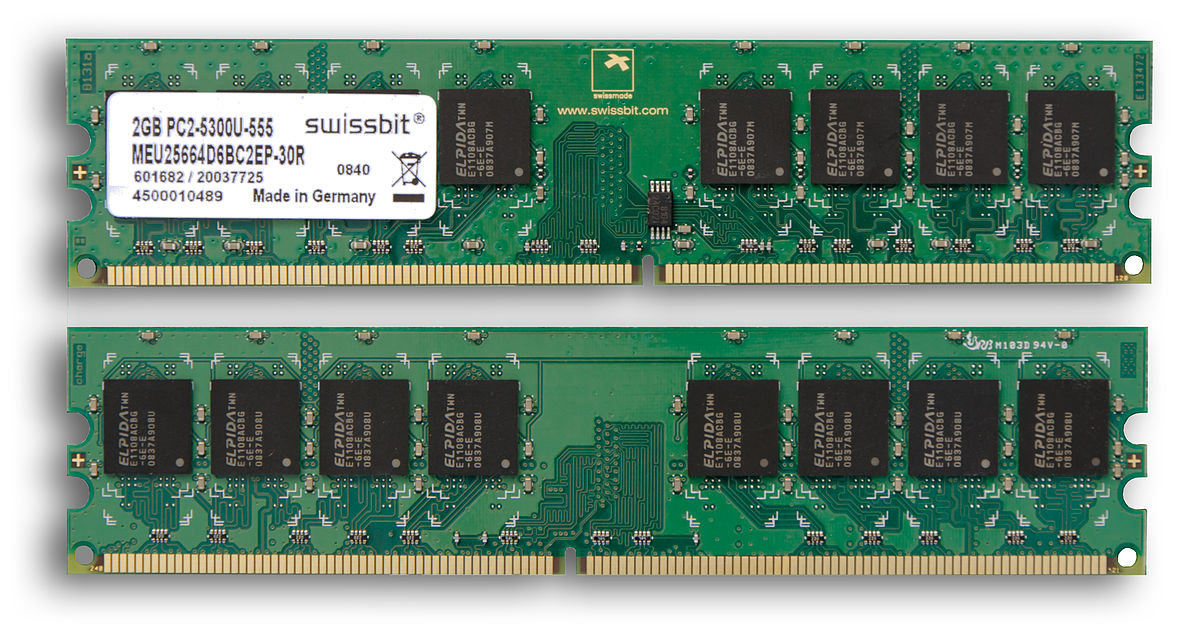
When choosing a device today, future-proofing is essential. Unlike a decade ago, many modern laptops (especially ultra-portables) have RAM that is soldered to the motherboard, meaning it cannot be upgraded later. In the current tech climate, opting for slightly more RAM than you currently need is a wise investment, as software will only continue to become more complex and data-heavy.
In conclusion, RAM is much more than just a number on a spec sheet. It is the fundamental “working space” of your digital life. From enabling the seamless multitasking we take for granted to powering the next generation of AI-driven software, RAM remains a cornerstone of technological performance. Understanding how it works allows you to make better-informed decisions about the gadgets you buy and how you maintain the ones you already own.
aViewFromTheCave is a participant in the Amazon Services LLC Associates Program, an affiliate advertising program designed to provide a means for sites to earn advertising fees by advertising and linking to Amazon.com. Amazon, the Amazon logo, AmazonSupply, and the AmazonSupply logo are trademarks of Amazon.com, Inc. or its affiliates. As an Amazon Associate we earn affiliate commissions from qualifying purchases.