
In the rapidly evolving landscape of cloud computing, serverless architectures have emerged as a powerful paradigm for building and deploying applications. At the forefront of this movement is the Serverless Framework, often abbreviated as “SLS.” This robust tool simplifies the process of deploying and managing serverless applications across various cloud providers. However, for developers new to this ecosystem, a common question arises: “Do you need to install dependencies for SLS package?” This article aims to demystify this crucial aspect of serverless development, exploring the intricacies of dependency management within the Serverless Framework and its implications for your projects.
The Serverless Framework is designed to abstract away much of the underlying infrastructure complexity, allowing developers to focus on writing code. When you talk about “packaging” your Serverless Framework project, you’re essentially preparing your application code, its configuration, and its dependencies to be deployed to the cloud. This packaging process is where the question of dependencies becomes paramount. Understanding what constitutes a dependency in this context, why it’s necessary, and how the Serverless Framework handles it is key to successful and efficient serverless deployments.
This exploration will not only address the direct question of dependency installation but will also delve into the broader implications for developers, touching upon aspects of technology, project management, and even financial considerations in the long run.
Understanding Dependencies in the Serverless Context
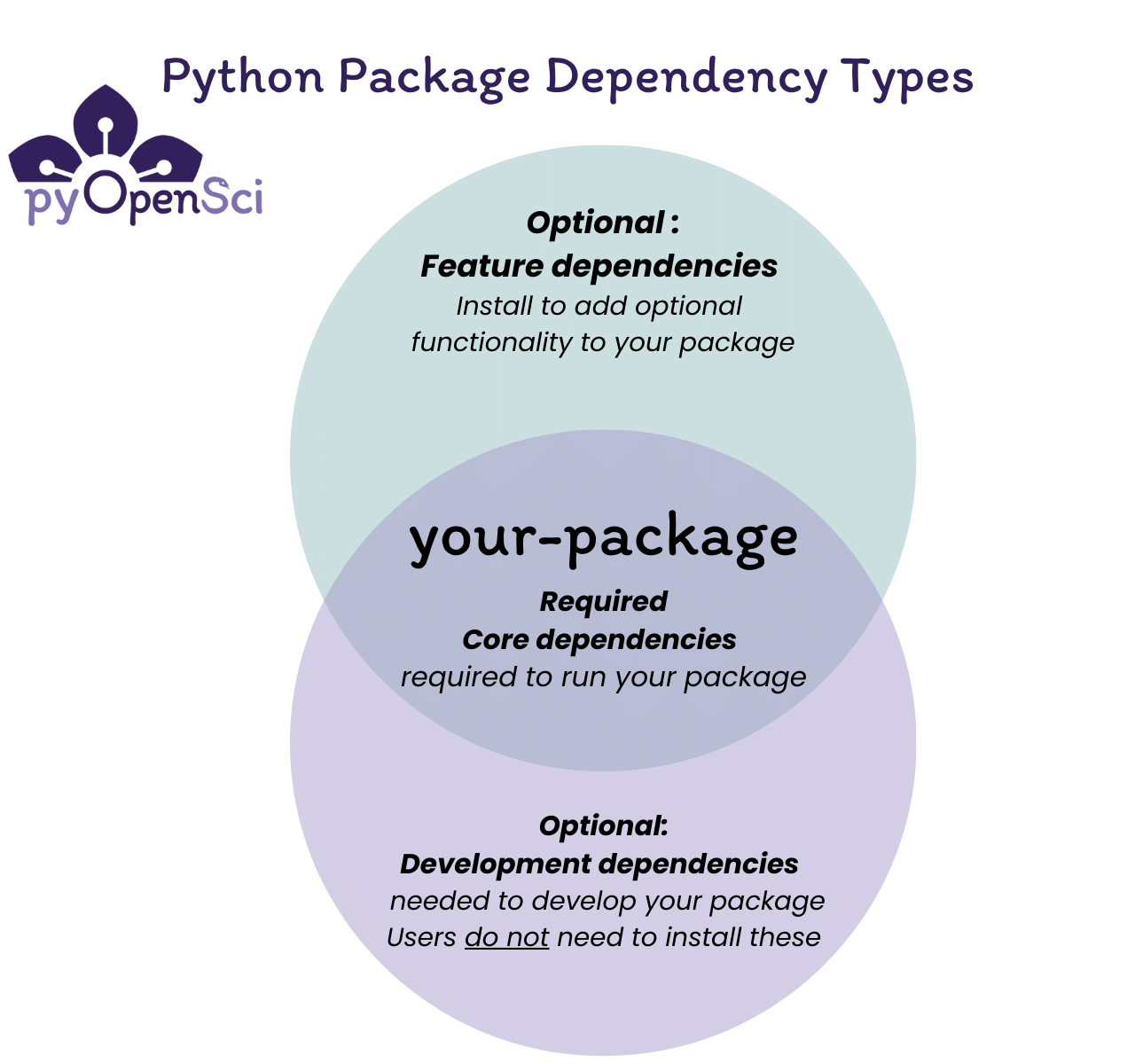
Before we can definitively answer whether you need to install dependencies for an SLS package, it’s essential to define what “dependencies” mean in this specific context. When developing any software application, dependencies are external libraries, modules, or packages that your code relies on to function correctly. These could be anything from utility functions, database connectors, API clients, or even entire frameworks.
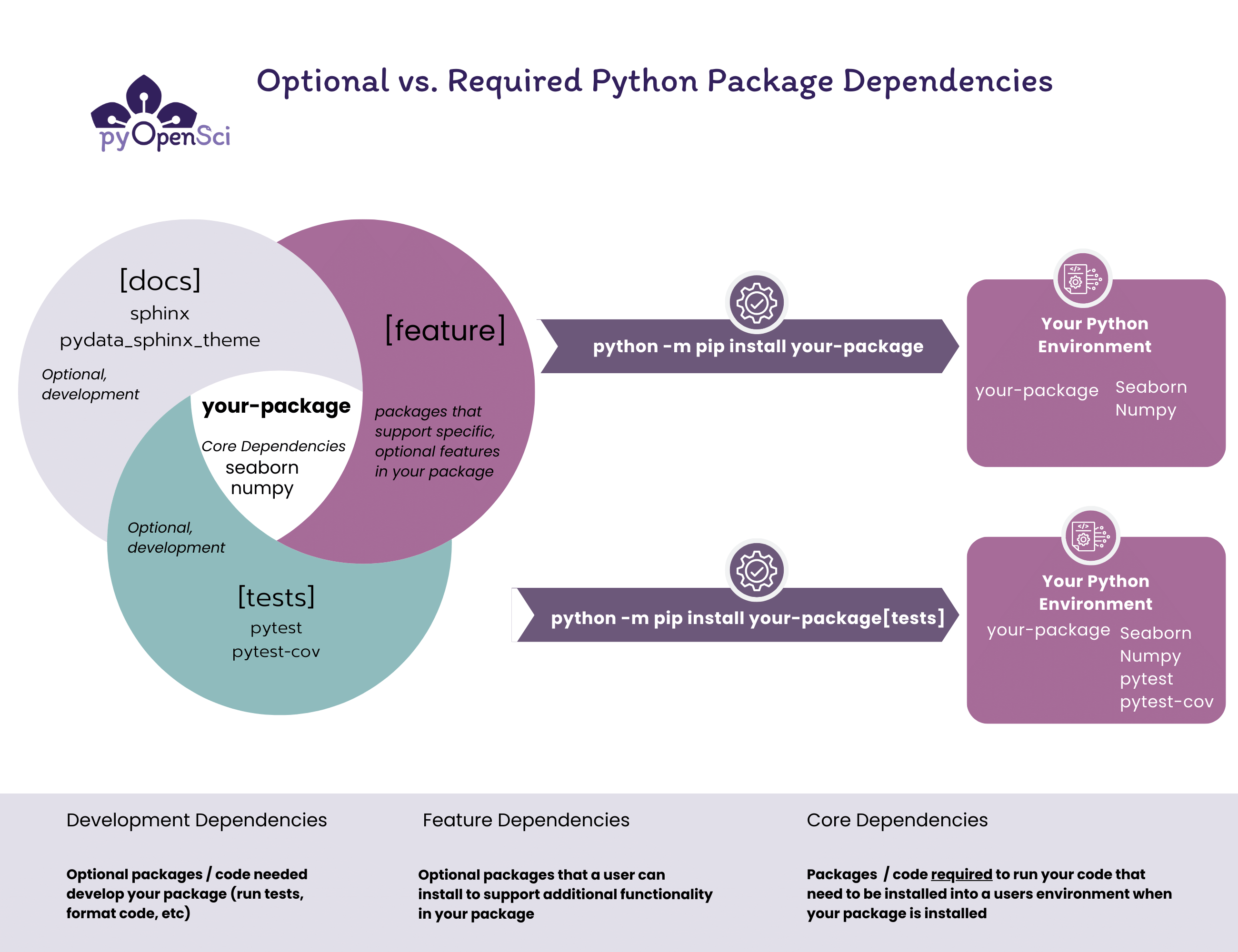
In the realm of serverless, particularly with Node.js (a popular choice for serverless functions), these dependencies are typically managed using a package manager like npm (Node Package Manager) or Yarn. You define these dependencies in a package.json file within your project’s root directory. When you run npm install or yarn install, these managers download and install the specified dependencies into a node_modules folder.
The Role of package.json and node_modules
The package.json file serves as the manifest for your Node.js project. It lists all the direct dependencies your application needs, along with their version ranges. It also specifies development dependencies, which are tools used during development and testing but are not required for the application to run in production.
The node_modules directory is where all these installed dependencies reside. This directory can grow quite large, especially for complex applications with many dependencies. The Serverless Framework, when packaging your application for deployment, needs to ensure that all the necessary code and its runtime dependencies are available to your serverless functions in the cloud environment.
Why Dependencies Matter for SLS Packaging
The core principle of serverless is that your code runs in an isolated environment (e.g., AWS Lambda, Azure Functions, Google Cloud Functions) without you managing the underlying servers. When you deploy your application using the Serverless Framework, it bundles your code and its required dependencies into a deployment artifact. This artifact is then uploaded to the cloud provider.
Therefore, the answer to our primary question is a resounding yes, you generally need to ensure your dependencies are installed and included in your SLS package. If your serverless functions rely on external libraries or modules that are not part of the standard runtime environment provided by the cloud provider, these dependencies must be packaged with your code. Failing to do so will result in runtime errors because the cloud environment won’t have access to the missing code.
The Serverless Framework’s Approach to Dependency Management
The Serverless Framework provides mechanisms to handle dependencies efficiently, ensuring that only what’s necessary is included in the deployment package. This is crucial for optimizing deployment times, reducing package sizes, and ultimately managing costs.
The serverless.yml Configuration
The serverless.yml file is the central configuration file for your Serverless Framework project. It defines your services, functions, events, and crucially, how your project is packaged. Within this file, you can specify packaging options and how dependencies should be handled.
One of the key aspects is how the Serverless Framework interacts with your package.json. When you run commands like serverless deploy or serverless package, the framework typically looks for your package.json and node_modules to understand your project’s dependencies. It then includes the relevant files from node_modules into the deployment artifact.
Automatic Inclusion and Exclusion
By default, the Serverless Framework is quite intelligent. If you have a package.json file in your project root and have run npm install or yarn install, the framework will often automatically include your production dependencies from the node_modules directory in the package.
However, there are scenarios where you might want to explicitly control what gets included or excluded. For instance:
- Development Dependencies: You typically don’t want to include development dependencies (like testing frameworks or linters) in your production deployment package. The Serverless Framework often handles this exclusion automatically, or you can configure it.
- Large Dependencies: Some dependencies can be very large, significantly increasing your package size. You might choose to exclude certain large, non-essential development dependencies or even carefully select production dependencies.
- External Providers: In some advanced scenarios, certain dependencies might be provided by the runtime environment itself (e.g., built-in Node.js modules). You wouldn’t need to package these.
- Custom Packaging: For more complex setups, you might need to define custom packaging scripts or patterns to include or exclude specific files and directories.
The serverless-webpack Plugin (and Similar)
For more sophisticated dependency management, especially in larger projects or those involving front-end assets, plugins like serverless-webpack are invaluable. Webpack is a module bundler that can optimize your code and its dependencies, creating smaller, more efficient bundles.
When you integrate serverless-webpack with your Serverless Framework project, Webpack can analyze your code, identify all its dependencies (including transitive ones), and bundle them into a single, optimized output file. This can lead to:
- Reduced Package Size: By resolving and bundling dependencies effectively, Webpack can often produce smaller deployment packages compared to simply copying the entire
node_modulesfolder. - Improved Performance: Optimized bundles can sometimes lead to faster cold starts for your serverless functions.
- Enhanced Control: Webpack provides fine-grained control over what gets included and how it’s processed.
Using such plugins often means you don’t explicitly “install dependencies for the SLS package” in the same way you might think of a traditional application. Instead, you configure your build process (e.g., Webpack) within the Serverless Framework’s ecosystem, and it handles the packaging of dependencies as part of its build output.
Practical Steps and Best Practices for SLS Dependency Management
Navigating dependency management in serverless projects can seem daunting, but adopting a systematic approach and following best practices will save you time, reduce errors, and improve the efficiency of your deployments.
Ensuring Dependencies are Installed Locally
The most fundamental step is to ensure that your project’s dependencies are installed in your local development environment before you attempt to package or deploy.
- Initialize your project: If you haven’t already, initialize your Node.js project with
npm initoryarn init. This creates yourpackage.jsonfile. - Install dependencies: Use
npm install <package-name>oryarn add <package-name>to install the libraries your code needs. These will be added to yourdependenciesinpackage.json. - Install development dependencies: Use
npm install <package-name> --save-devoryarn add <package-name> --devfor tools only needed during development. - Run
npm installoryarn install: After cloning a project or updatingpackage.json, always runnpm installoryarn installin your project’s root directory. This populates yournode_modulesfolder.
Configuring Packaging in serverless.yml
While the Serverless Framework often does a good job by default, explicit configuration provides clarity and control.
package.individually: This option, when set totruewithin a function definition, packages each function separately. This can be beneficial for larger services, as it prevents a single large package for the entire service and can optimize deployments.package.excludeandpackage.include: These options allow you to specify patterns for files or directories to be excluded from or included in the package. This is extremely useful for ignoring development artifacts, large test data, or including specific configuration files.
For example, to exclude your node_modules directory if you’re using a bundler like Webpack that handles all dependencies:
package:
  individually: true
  exclude:
    - node_modules/** # Exclude node_modules if a bundler handles it
Or, to specifically include a configuration directory:
package:
  include:
    - config/** # Include custom configuration files
Version Management and Security
- Semantic Versioning (SemVer): Adhere to SemVer for your dependencies. This helps in managing updates and understanding the impact of new versions.
- Dependency Auditing: Regularly audit your dependencies for security vulnerabilities. Tools like
npm auditoryarn auditcan help identify known issues. - Pinning Versions: While using version ranges offers flexibility, for critical production deployments, consider pinning specific versions of your dependencies to ensure reproducible builds and prevent unexpected breakage from minor or patch updates.
Monetizing Efficiency: The Financial Angle
While not directly about installing dependencies, understanding dependency management has significant financial implications in the serverless world:
- Package Size and Cost: Cloud providers often charge based on the size of your deployment package and the duration your functions run. Larger packages can lead to longer upload times and potentially higher invocation costs if they impact cold start times. Efficient dependency management, by excluding unnecessary packages, directly contributes to cost savings.
- Build Times and Developer Productivity: Complex dependency trees and slow installation processes can bog down development cycles. Faster build times mean quicker iterations and happier developers, which translates to better resource utilization and potentially faster time-to-market.
- Runtime Performance: The number and size of your dependencies can affect the runtime performance of your serverless functions. Functions that take longer to initialize or execute can lead to increased compute costs. Optimizing dependencies can reduce execution time and, therefore, cost.
Conclusion: Yes, but Smartly
So, do you need to install dependencies for an SLS package? The unequivocal answer is yes, if your code relies on them and they are not part of the standard runtime environment. Your serverless functions need access to all the code they require to execute successfully.
However, the “how” is as important as the “if.” The Serverless Framework, coupled with modern tooling like npm/Yarn and bundlers like Webpack, provides sophisticated ways to manage these dependencies. The key is not just to install them but to:
- Install them correctly locally using your package manager.
- Configure the Serverless Framework to package them efficiently, excluding what’s unnecessary.
- Leverage plugins that optimize dependency bundling.
- Maintain awareness of versioning, security, and the financial impact of your dependency choices.
By understanding and mastering dependency management within the Serverless Framework, you pave the way for robust, scalable, and cost-effective serverless applications. It’s a fundamental aspect of building modern, cloud-native solutions, impacting everything from your development workflow to your bottom line.
aViewFromTheCave is a participant in the Amazon Services LLC Associates Program, an affiliate advertising program designed to provide a means for sites to earn advertising fees by advertising and linking to Amazon.com. Amazon, the Amazon logo, AmazonSupply, and the AmazonSupply logo are trademarks of Amazon.com, Inc. or its affiliates. As an Amazon Associate we earn affiliate commissions from qualifying purchases.