
In the ecosystem of digital communication, the email subject line is often dismissed as a mere label or a brief summary of a message’s content. However, from a technical perspective, the subject line is a critical component of the email header—a piece of metadata that dictates how mail transfer agents (MTAs), email clients, and security protocols interact with a message. Understanding what a subject line is requires looking beyond the text and into the software architecture, algorithms, and security frameworks that govern modern inbox environments.

The Technical Anatomy of an Email Subject Line
To understand the subject line, one must first understand the structure of an email. An email consists of two main parts: the envelope and the content. Within the content, there is a further distinction between the body and the header. The subject line resides within the header section, specifically defined by the RFC 5322 standard.
Metadata and Header Protocols
The subject line is technically a “field” within the header block of an electronic mail message. When an email is sent, the Simple Mail Transfer Protocol (SMTP) transmits the header information first. The subject line provides the first layer of data that a receiving server processes. It is not just text; it is an instruction to the recipient’s email client on how to categorize, display, and prioritize the incoming data packet.
Character Encoding and UTF-8
In the early days of computing, subject lines were limited to standard ASCII characters. Today, the technology has evolved to support internationalization through UTF-8 encoding. This allows for the inclusion of non-Latin scripts and emojis. Behind the scenes, the email software must “encode” these characters so that they can be transmitted over systems that might only support 7-bit ASCII. When you see an emoji in a subject line, the underlying code is often a string like =?UTF-8?Q?...?=, which the email client (the software) renders back into a visual icon for the user.
Display Truncation across Software Clients
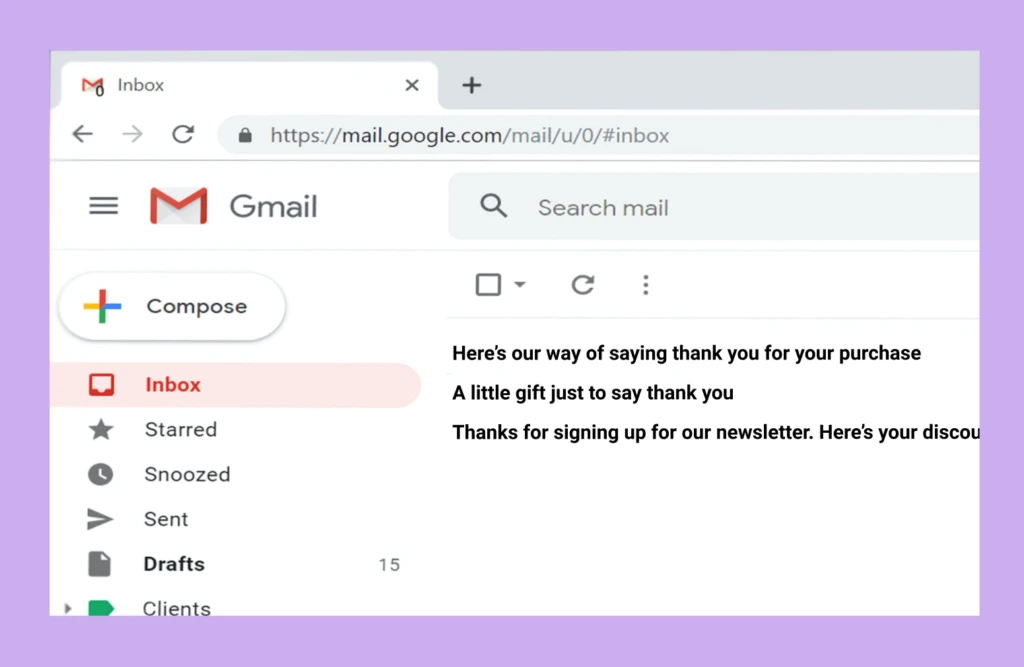
Different software environments—such as Microsoft Outlook, Apple Mail, or Gmail—handle the display of the subject line metadata differently. This is known as truncation. From a technical standpoint, developers must account for pixel width rather than just character count. Mobile applications typically truncate subject lines at 25–30 characters, while desktop clients may show up to 60 or more. The logic used by the software to decide where to “cut” the text is a vital consideration in UI/UX design for email platforms.
Subject Lines and the Mechanics of Spam Filters
The subject line is the primary target for Bayesian filtering and other heuristic analysis tools used by Internet Service Providers (ISPs) to protect users from unwanted content. The relationship between the subject line and digital security is profound.
Natural Language Processing (NLP) in Filtering
Modern spam filters use sophisticated Natural Language Processing (NLP) to analyze the syntax and intent of a subject line. If the software detects patterns associated with “phishing” or “malware delivery”—such as excessive use of capital letters, specific “trigger” words, or deceptive punctuation—the message’s “spam score” increases. This score is a mathematical probability calculated by the mail server to determine if the email should be delivered to the inbox or diverted to the junk folder.
The Role of SPF, DKIM, and DMARC
While the subject line is a text string, its deliverability is tied to authentication protocols like SPF (Sender Policy Framework), DKIM (DomainKeys Identified Mail), and DMARC. If a subject line contains high-value keywords (like “Invoice” or “Security Alert”) but fails DKIM signature verification, the receiving software will likely flag it as a spoofing attempt. The subject line acts as the “claim” of the email, and the technical protocols act as the “verification.”
Algorithmic Trigger Warnings
Software engineers who build email marketing tools or internal corporate communication systems must stay ahead of “blocklists.” These are databases of subject line patterns and IP addresses known for sending malicious code. If a subject line matches a pattern currently being propagated by a global botnet, the email software will block the transmission at the gateway level, often before the recipient’s client even “sees” the message.
AI and Automation in Subject Line Optimization
The rise of Artificial Intelligence (AI) and Machine Learning (ML) has transformed the subject line from a static piece of text into a dynamic, data-driven variable.

Large Language Models (LLMs) and Generation
Tools like OpenAI’s GPT-4 or Google’s Gemini are now integrated into many Enterprise Resource Planning (ERP) and Customer Relationship Management (CRM) systems. These AI tools analyze historical data—looking at millions of data points regarding open rates and interaction timestamps—to generate subject lines optimized for specific software environments. They don’t just write; they calculate the highest probability of user engagement based on previous algorithmic performance.
Automated A/B Testing Engines
Advanced email software platforms utilize automated A/B testing (or multivariate testing). In this technical process, the software sends two versions of an email with different subject lines to a small percentage of the total recipient list (the “test group”). The software then monitors the “Open” telemetry data in real-time. Once a statistically significant “winner” is identified by the algorithm, the system automatically sends the winning subject line to the remainder of the list. This is a purely programmatic approach to communication.
Predictive Analytics and Personalization Tokens
Subject lines often contain “tokens” or placeholders, such as {{first_name}}. When the email server processes the send-out, it performs a database query to replace that token with the corresponding string from the user’s profile. AI-driven systems take this further by using predictive analytics to change the subject line based on the recipient’s time zone, device type, or past software interactions, ensuring the metadata is tailored to the individual’s technical environment.
Security and the Threat of Subject Line Spoofing
Because the subject line is the first thing a user sees, it is a primary vector for social engineering and cybersecurity threats. Technical safeguards are essential to mitigate these risks.
Phishing Tactics and Deceptive Headers
Cybercriminals often use “Subject Line Injection” to bypass security filters. This involves manipulating the IMAP or SMTP commands to insert malicious code or deceptive text into the header. A common tactic is to use a subject line that mimics a system notification (e.g., “Critical Update Required”) to trick the user into interacting with a malicious link in the body.
Email Client Protective Features
Modern email software now includes “Visual Indicators” or “Safety Tips” that correlate the subject line with the sender’s reputation. For instance, if a subject line claims to be from a “Bank,” but the software detects that the sender’s domain does not match the bank’s official records, it may display a warning banner. This is a sophisticated cross-referencing task performed by the email client’s security engine.
User Behavior Analytics (UBA)
In corporate environments, IT security teams use User Behavior Analytics to monitor how employees interact with specific subject lines. If a high number of users report a specific subject line as “Phishing” through a plugin (like the PhishMe button), the mail server can automatically “claw back” or delete that specific email from all other inboxes within the organization’s tenant (e.g., Microsoft 365 or Google Workspace).
Future Trends in Email Protocol and Display
The technology surrounding the email subject line continues to evolve, moving toward more interactive and visually rich formats.
BIMI and Brand Indicators
Brand Indicators for Message Identification (BIMI) is a technical standard that allows companies to display their logo next to the subject line in the inbox. This requires a verified VMC (Verified Mark Certificate). While it seems like a branding exercise, it is a deeply technical security layer that validates the subject line’s authenticity using the domain’s DNS records.
Dynamic Content and AMP for Email
Google’s AMP (Accelerated Mobile Pages) for Email allows for dynamic content within the inbox. While the subject line remains a string in the header, developers are exploring ways to make it more reactive. We are seeing a move toward “Summary Cards” where the email client extracts data from the subject line and body to create an interactive preview (like a flight status or package tracking) that sits above the subject line itself.
The Shift Toward Dark Mode and Accessibility
As operating systems shift toward “Dark Mode,” the rendering engines of email clients must adjust how they display subject lines and their accompanying “preview text” (the snippet of the email body shown in the inbox). Technical accessibility standards (such as WCAG) also dictate that subject lines must be readable by screen readers. This means software developers must ensure that emojis and special characters in subject lines are assigned the correct ARIA (Accessible Rich Internet Applications) labels so that visually impaired users can navigate their inboxes efficiently.
In conclusion, a subject line is far more than a simple title. It is a vital piece of metadata that exists at the intersection of software protocols, cybersecurity, and artificial intelligence. Whether it is being scanned by a spam filter’s heuristic engine or generated by a large language model, the subject line remains the most influential string of code in the world of digital messaging. As email technology continues to advance, the subject line will remain the primary gateway through which all data must pass.
aViewFromTheCave is a participant in the Amazon Services LLC Associates Program, an affiliate advertising program designed to provide a means for sites to earn advertising fees by advertising and linking to Amazon.com. Amazon, the Amazon logo, AmazonSupply, and the AmazonSupply logo are trademarks of Amazon.com, Inc. or its affiliates. As an Amazon Associate we earn affiliate commissions from qualifying purchases.