
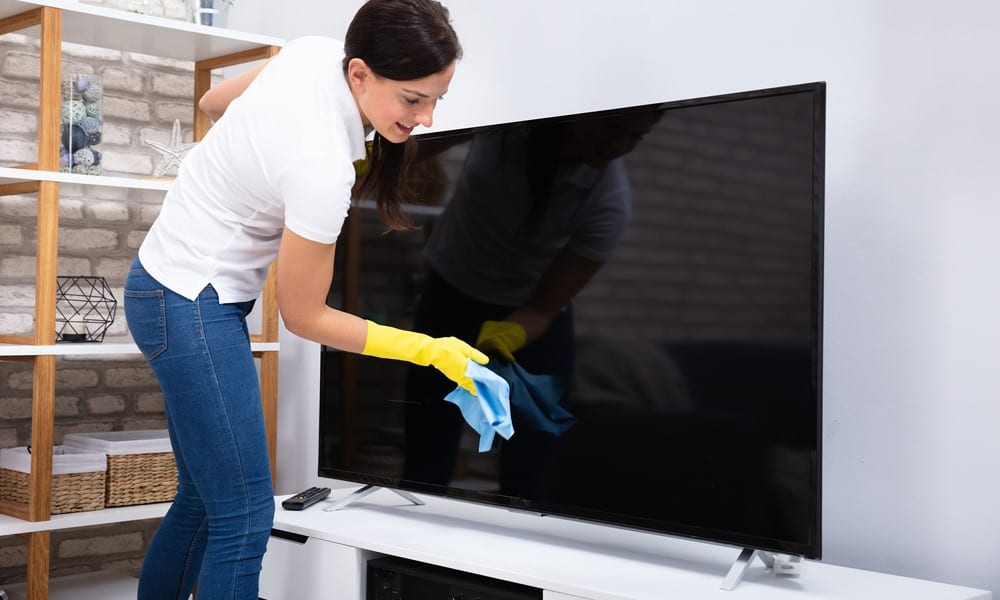
Cleaning your television screen might seem like a straightforward task, but it’s one that often leads to more problems than it solves if approached incorrectly. With the evolution of display technology – from older CRT models to modern OLED and QLED panels – the materials and coatings used on screens have become increasingly delicate. Mishandling can result in permanent damage, such as scratches, streaks, or even pixel damage. This guide will demystify the process, ensuring you can maintain a pristine display without compromising its integrity. We’ll delve into the specific materials you should use, the techniques to employ, and what to absolutely avoid, all within the realm of Tech.
The Science Behind a Clean Screen: Understanding Display Technology
Modern televisions are sophisticated pieces of technology, and understanding their construction is key to effective cleaning. The screens themselves are not just simple glass panes. They are intricate layers designed to manipulate light and create the vibrant images we enjoy.
Anti-Glare and Anti-Reflective Coatings: The Delicate Surface
Most contemporary flat-panel TVs (LCD, LED, OLED, QLED, etc.) feature specialized coatings applied to the surface of the panel. These coatings serve crucial functions:
- Anti-Glare (AG) Coatings: These coatings are designed to diffuse incoming light, reducing distracting reflections from ambient light sources like windows or lamps. They help maintain image clarity by scattering light rather than allowing it to bounce directly back into your eyes.
- Anti-Reflective (AR) Coatings: These are often more advanced than AG coatings and actively reduce the amount of light that is reflected off the screen. They work by creating an interference pattern that cancels out reflected light.
These coatings are incredibly thin and can be easily scratched or worn away by abrasive materials or harsh chemicals. Once damaged, they cannot be repaired, and the screen’s visual performance will be permanently affected. This means any cleaning solution or tool must be gentle enough not to disturb these sensitive layers.
The Underlying Panel Structure: Pixels and Electronics
Beneath the protective outer layer lies the actual display panel, composed of millions of tiny pixels. These pixels are responsible for generating the light and color that form the image. While not directly exposed during typical cleaning, aggressive pressure or liquid ingress can damage the delicate electronics that control these pixels, leading to dead pixels, color distortion, or even complete screen failure. Therefore, the cleaning method must also consider the structural integrity of the panel and its internal components.
Differences Across Display Types: Are All Screens Created Equal?
While the general principles apply across most flat-panel TVs, there can be subtle differences depending on the display technology:
- LCD/LED TVs: These rely on a backlight and liquid crystals to control light. The front surface is typically a plastic or glass panel with coatings.
- OLED TVs: These screens are self-emissive, meaning each pixel generates its own light. The materials are often even more sensitive, with thinner layers and a greater susceptibility to permanent burn-in if not handled properly.
- QLED TVs: These use quantum dots to enhance color and brightness. Similar to LED, the front surface will have protective coatings.
Regardless of the specific technology, the overarching theme is that the front surface is the most vulnerable part. Treating it with caution and the right materials is paramount.
The Essential Toolkit: What You Should Use to Clean Your TV Screen
The good news is that you don’t need specialized, expensive cleaning kits. In fact, the most effective and safest methods often involve readily available, simple items. The key is to use materials that are soft, non-abrasive, and compatible with the delicate coatings on your screen.
Microfiber Cloths: The Undisputed Champion
If there’s one item that should be the cornerstone of your TV screen cleaning arsenal, it’s a high-quality microfiber cloth.
- Why Microfiber? Microfiber cloths are made from synthetic fibers that are significantly thinner than natural fibers like cotton. These fine fibers are woven in a way that creates a larger surface area, allowing them to trap dust, dirt, and oils effectively. The soft, lint-free nature of microfiber means it won’t scratch the screen or leave behind annoying fibers.
- Choosing the Right Microfiber: Opt for cloths specifically designed for electronics or optical lenses. These are typically very fine-weave and exceptionally soft. Avoid generic cleaning cloths that might have a rougher texture or could shed lint. It’s also a good idea to have at least two cloths: one for damp cleaning and another for drying or polishing.
- Maintenance: Always wash your microfiber cloths separately from other laundry, without fabric softener, as softener can clog the fibers and reduce their effectiveness. Air drying is best.
Distilled Water: The Safest Cleaning Solution
For most routine cleaning of dust and smudges, distilled water is all you need.
- Why Distilled Water? Tap water contains minerals and impurities that can leave behind streaks, spots, or a hazy film on your screen once it dries. Distilled water, on the other hand, has had these minerals and impurities removed, ensuring a streak-free finish.
- How to Use It: Lightly dampen a clean microfiber cloth with distilled water. Never spray water directly onto the screen. Wring out the cloth thoroughly so it is damp, not wet. You want enough moisture to lift grime, but not so much that liquid can seep into the edges of the screen or behind the bezel.
Specialized Screen Cleaners: When Water Isn’t Enough
For stubborn smudges, fingerprints, or greasy residues that distilled water can’t tackle, a specially formulated screen cleaner designed for electronics can be used.
- What to Look For:
- Alcohol-Free: Many common cleaning agents contain alcohol (like isopropyl alcohol) or ammonia, which can damage screen coatings and plastics. Always choose a cleaner that explicitly states it is alcohol-free and ammonia-free.
- Formulated for Electronics: Reputable brands offer cleaners specifically designed for sensitive electronic displays. These are typically pH-neutral and gentle.
- Antistatic Properties: Some cleaners include antistatic agents, which can help repel dust after cleaning, keeping your screen cleaner for longer.
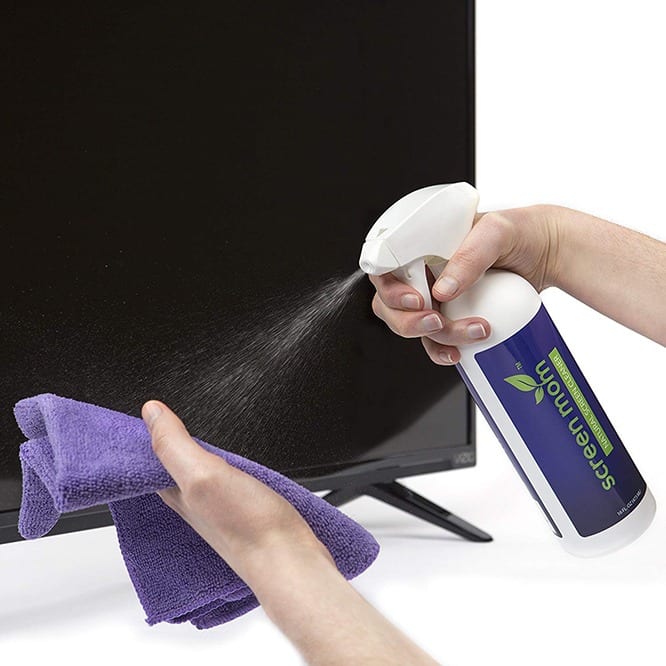
- How to Use It: Again, never spray the cleaner directly onto the TV screen. Spray a small amount onto your microfiber cloth, making it lightly damp. Then, gently wipe the screen. Always follow the manufacturer’s instructions on the cleaning product.
The Don’ts: What to Avoid at All Costs
Just as important as knowing what to use is understanding what not to use. The wrong cleaning agents or tools can cause irreversible damage to your expensive television.
Abrasive Materials: The Scratching Menace
Any material that has even a slightly rough texture can scratch the delicate surface of your TV screen.
- Paper Towels and Tissues: These might seem soft, but their rough fibers can easily cause micro-scratches over time, dulling the screen’s finish and making it more susceptible to damage. They also tend to leave behind lint.
- Rough Cloths and Sponges: Standard kitchen sponges, scouring pads, or rough cleaning cloths are far too abrasive. Even seemingly soft cloths like old t-shirts can be too coarse.
- Your Fingernails: While not a cleaning tool, be mindful of accidentally dragging your fingernails across the screen when trying to wipe away a stubborn mark.
Harsh Chemicals: The Corrosive Culprits
Many household cleaners contain chemicals that are detrimental to electronic screen coatings.
- Window Cleaners (e.g., Windex): These commonly contain ammonia, which can strip away protective coatings and etch the screen surface.
- All-Purpose Cleaners: These are designed for tougher grime on surfaces like countertops and often contain strong solvents and abrasives that are unsuitable for delicate screens.
- Solvents (Acetone, Benzene, Toluene): These are highly aggressive chemicals that will almost certainly damage your screen.
- Household Bleach: Extremely corrosive and will cause significant damage.
- Soaps and Detergents: While milder than solvents, soaps can leave a residue and potentially harm coatings if not formulated specifically for screens.
Spraying Directly Onto the Screen: The Liquid Infiltration Risk
This is a cardinal rule of TV screen cleaning. Spraying any liquid directly onto the screen poses a significant risk of liquid seeping into the internal components of the TV.
- Why it’s Dangerous: Liquids can short-circuit delicate electronics, corrode internal connections, and cause permanent damage, often leading to costly repairs or a completely dead TV. Even if the liquid doesn’t immediately cause a malfunction, it can leave behind mineral deposits or residues that are difficult to remove.
Excessive Pressure: The Crushing Concern
Applying too much force when cleaning can damage the pixels or the panel itself.
- Gentle is Key: The goal is to lift dust and smudges, not to scrub them away. Use light, consistent pressure. Think of it as caressing the screen, not scrubbing it.
Mastering the Technique: Step-by-Step Cleaning for a Flawless Display
Following a systematic approach ensures you achieve the best results while minimizing any risk of damage.
Step 1: Preparation and Initial Dusting
- Power Off: Always turn off your TV and unplug it. This not only ensures electrical safety but also makes it easier to see dust and smudges against a dark screen. Allow the screen to cool if it has been on for a while, as cleaning a warm screen can sometimes exacerbate streaks.
- Dry Dusting: Take a dry, clean microfiber cloth and gently wipe the screen in a consistent direction. Start from the top and work your way down, using horizontal or vertical strokes. Avoid circular motions at this stage, as they can push dust into a pattern that’s harder to remove. This initial dry pass will remove loose dust particles, preventing them from turning into mud when you introduce moisture.
Step 2: Damp Cleaning for Smudges and Grime
- Prepare the Cloth: If dry dusting wasn’t sufficient, lightly dampen a separate, clean microfiber cloth with distilled water. Wring it out thoroughly until it is barely damp. Alternatively, if using a specialized screen cleaner, spray a small amount onto the cloth.
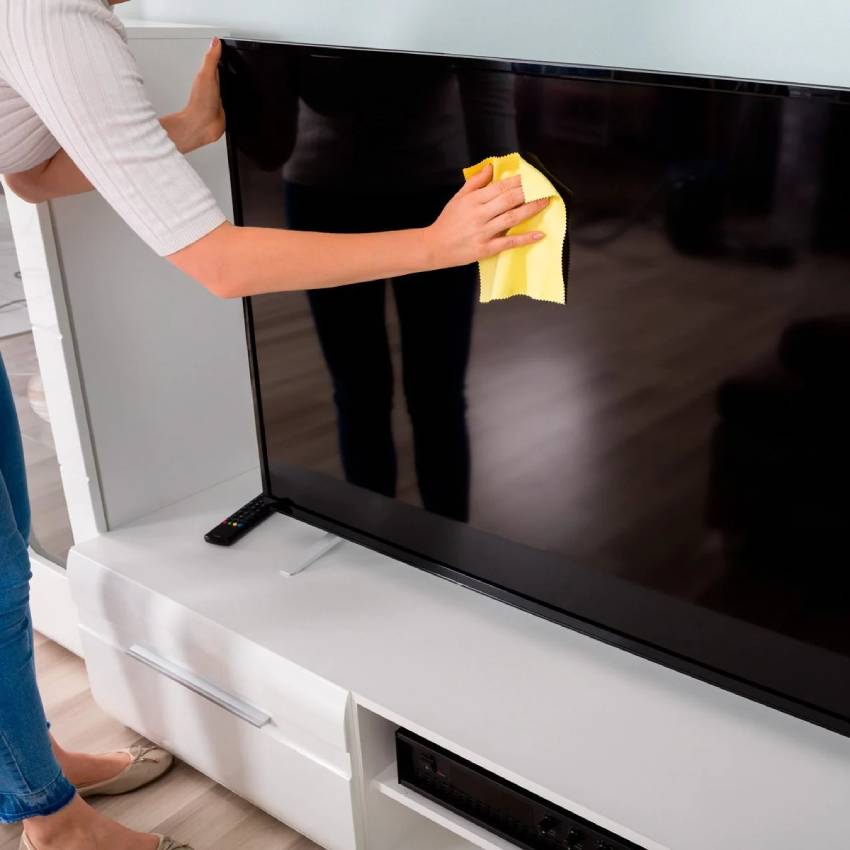
- Gentle Wiping: Gently wipe the screen using light, consistent pressure. Again, use broad, sweeping motions, either horizontally or vertically. For stubborn spots, you can gently go over the area a few times, but avoid pressing hard.
- Work in Sections: If you have a large screen, it can be helpful to work in small sections to prevent the damp cloth from drying out before you’ve finished.
Step 3: Drying and Polishing
- Dry the Screen: Immediately after damp cleaning, take a third, dry, clean microfiber cloth and gently dry the screen. Use the same sweeping motions as before. This step is crucial for preventing water spots and streaks.
- Buffing (If Necessary): If any faint streaks remain after drying, you can use a fresh, dry section of the microfiber cloth to gently buff the area. Again, use light pressure and consistent strokes.
Step 4: Dealing with Stubborn Stains
For very persistent stains like dried-on food splatters or wax, you might need to employ a bit more care.
- Repeat Dampening: You can repeat the damp-cleaning step. Sometimes, allowing the damp cloth to rest on the stain for a few seconds can help loosen it before gently wiping.
- Specialized Cleaner (Last Resort): If distilled water and gentle wiping still don’t work, use your alcohol-free, ammonia-free screen cleaner as described above. Apply sparingly to the cloth and gently work on the stain.
- Patience is Key: Avoid the temptation to scrub aggressively. If a stain doesn’t come off easily, it might be better to live with it than risk damaging the screen.
By adhering to these guidelines, you can ensure your TV screen remains a crystal-clear window to your favorite content for years to come, all within the scope of effective Tech maintenance.
aViewFromTheCave is a participant in the Amazon Services LLC Associates Program, an affiliate advertising program designed to provide a means for sites to earn advertising fees by advertising and linking to Amazon.com. Amazon, the Amazon logo, AmazonSupply, and the AmazonSupply logo are trademarks of Amazon.com, Inc. or its affiliates. As an Amazon Associate we earn affiliate commissions from qualifying purchases.