
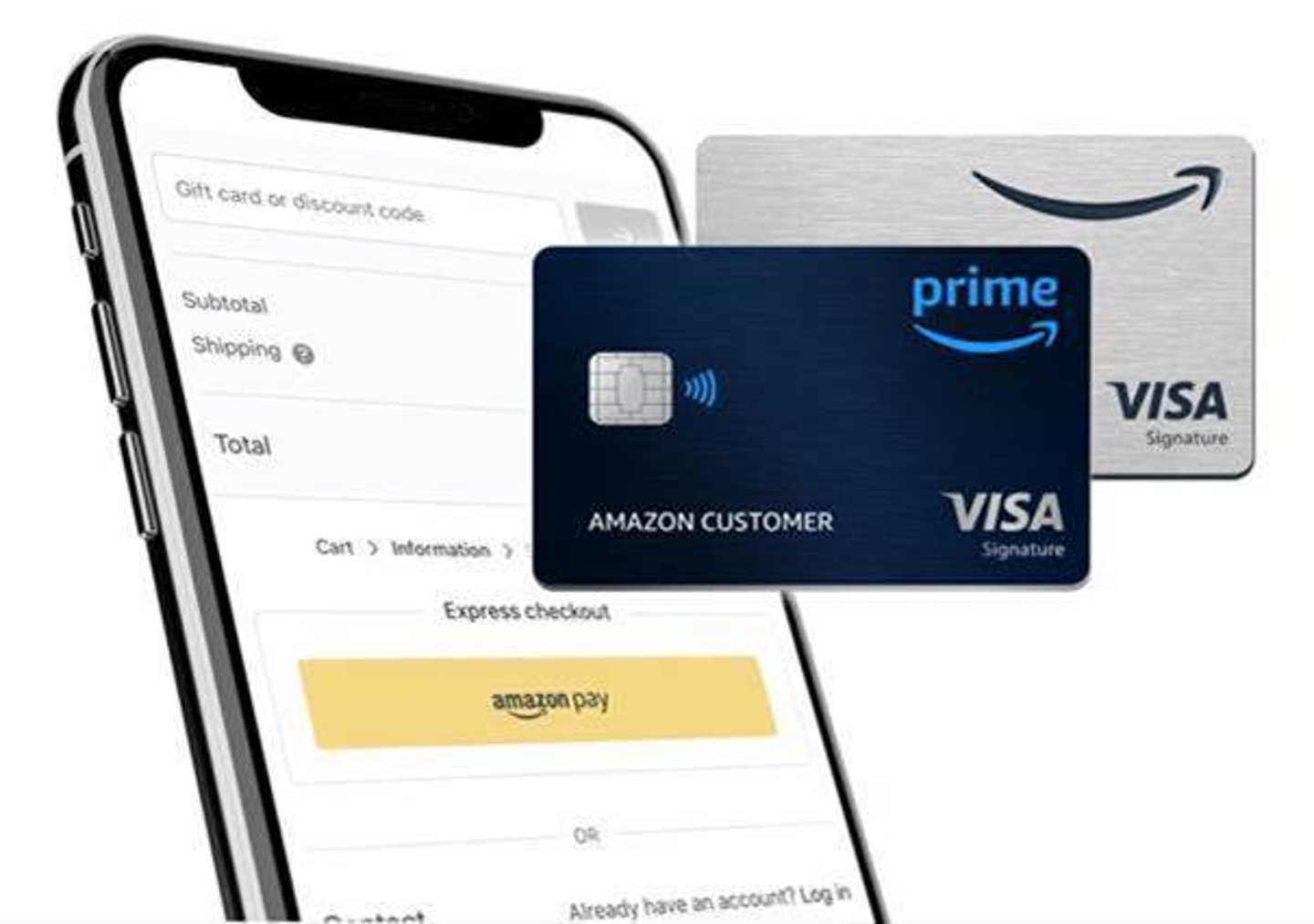
Managing your finances effectively is a cornerstone of sound personal finance, and understanding how to pay your credit card bills on time is a crucial skill. This is especially true for the Amazon credit card, a popular payment tool that offers a range of benefits for frequent shoppers. This guide will walk you through the various methods available to pay your Amazon credit card bill, ensuring you can do so conveniently, securely, and without incurring late fees or damaging your credit score.
The Amazon credit card, often issued by Synchrony Bank, is designed to reward Amazon shoppers with points, cashback, and other perks. To maximize these benefits and avoid financial pitfalls, prompt and accurate payment is essential. Whether you’re a seasoned credit card user or new to managing debt, this comprehensive guide will equip you with the knowledge to navigate your Amazon credit card payments with confidence.
Understanding Your Amazon Credit Card Statement
Before you can pay your Amazon credit card bill, it’s imperative to understand the information presented on your monthly statement. This document is your financial roadmap, detailing your spending, payment history, and the amount you owe. Familiarizing yourself with its components will empower you to make informed decisions about your payments and manage your account proactively.
Key Components of Your Statement
Your Amazon credit card statement is a detailed summary of your account activity for the billing period. It typically includes several critical pieces of information:
- Account Summary: This section provides an overview of your account, including your account number (often partially masked for security), the statement closing date, and the previous balance.
- Payment Due Date: This is the most critical date on your statement. Missing this date can result in late fees and negative impacts on your credit score. It’s vital to note this date and plan your payment accordingly.
- Minimum Payment Due: This is the smallest amount you can pay to keep your account in good standing and avoid late fees. However, paying only the minimum will accrue significant interest charges over time, making your debt more expensive.
- Statement Balance: This is the total amount owed on your account as of the statement closing date. This figure includes all purchases, cash advances, balance transfers, fees, and interest charges, minus any payments or credits applied during the billing cycle.
- New Purchases: A detailed list of all transactions made during the billing period, including the date, merchant name, and amount. For Amazon credit cards, this will often include purchases made on Amazon.com and other retailers where the card is accepted.
- Payments and Credits: This section outlines any payments you’ve made or credits (like refunds or rewards redemptions) that have been applied to your account during the billing cycle.
- Interest Charged: If you carry a balance from one billing cycle to the next, you will incur interest charges. This section details the amount of interest applied and often provides a breakdown by purchase type.
- Fees: Any fees associated with your account, such as late payment fees, over-limit fees, or annual fees, will be listed here.
- Rewards Summary: For the Amazon credit card, this section will typically show the rewards you’ve earned during the billing period, such as cashback or points, and the total rewards balance available.
Understanding each of these components will allow you to track your spending, monitor for any discrepancies, and ensure you are paying the correct amount to avoid unnecessary charges.
Differentiating Statement Balance vs. New Balance
It’s crucial to understand the difference between your statement balance and your new balance (which might be reflected on your next statement). Your statement balance is the amount due by the payment due date for the current billing cycle. If you pay this amount in full by the due date, you typically won’t be charged interest on new purchases.
The new balance on your next statement will reflect any purchases made after your current statement closing date, plus any unpaid portion of your current statement balance and any new interest and fees. To avoid interest charges, always aim to pay your statement balance in full by its due date. If you can’t pay the full statement balance, paying more than the minimum payment due is highly recommended to reduce the amount of interest you accrue.
Convenient Payment Methods for Your Amazon Credit Card
Modern banking and credit card services offer a variety of payment options to suit different preferences and lifestyles. The Amazon credit card is no exception, providing several convenient and secure ways to settle your bill. Choosing the method that best fits your routine can help ensure timely payments and a smoother financial experience.
Online Payment Options
The most common and often the most efficient way to pay your Amazon credit card bill is through online channels. These methods offer speed, convenience, and often provide immediate confirmation of your payment.
1. Synchrony Bank Online Portal
Your Amazon credit card is managed through Synchrony Bank. Therefore, the primary and most recommended online method for payment is through the official Synchrony Bank website for your specific Amazon card.
- Registration and Login: If you haven’t already, you’ll need to register for online access on the Synchrony Bank website. This typically involves providing your account number, personal identification details, and creating a username and password. Once registered, you can log in to your account to manage your card.
- Making a One-Time Payment: Within your online account, you’ll find options to make a one-time payment. You can typically enter the amount you wish to pay (minimum, statement balance, or a custom amount) and select the bank account from which you want to draw the funds.
- Setting Up Automatic Payments (Autopay): For consistent and hassle-free payments, consider setting up automatic payments. You can choose to have the minimum payment, statement balance, or a fixed amount debited from your bank account each month on a specified date. Autopay is an excellent way to ensure you never miss a due date, provided you maintain sufficient funds in your linked bank account.
- Payment History and Confirmation: The online portal allows you to view your payment history, track pending payments, and retrieve payment confirmations. This provides a clear record of your transactions.
2. Mobile App Payment
Synchrony Bank often provides a dedicated mobile app or integrates payment capabilities into its web portal, accessible via mobile browsers. While not all card issuers have a standalone app for specific co-branded cards, managing your Synchrony-issued Amazon card via their mobile-friendly website is usually straightforward.
- Accessing Your Account on the Go: If a mobile app is available or the website is optimized for mobile, you can check your balance, view transactions, and make payments directly from your smartphone or tablet. This offers ultimate flexibility for paying your bill whenever and wherever you are.
- Notifications and Alerts: Mobile platforms often allow for push notifications, which can alert you to upcoming due dates or confirm successful payments, further enhancing your ability to stay on top of your financial obligations.

Phone Payment Option
For those who prefer speaking with a representative or do not have regular internet access, paying by phone is a viable alternative.
- Customer Service Number: The customer service number for your Amazon credit card can typically be found on the back of your credit card, on your monthly statement, or on the Synchrony Bank website.
- Automated System vs. Live Agent: When you call, you’ll likely interact with an automated system that guides you through the payment process. You can usually provide your bank account details and payment amount to process the transaction. If you encounter issues or have specific questions, you can often request to speak with a live customer service representative.
- Potential Fees: While often free, be aware that some credit card companies may charge a small fee for processing payments over the phone, especially if you opt for a payment made by a live agent. Always inquire about potential fees before proceeding.
Offline Payment Methods: Mail and In-Person
While digital methods are dominant, traditional offline payment options are still available for those who prefer them or as a backup.
Mailing a Payment
Mailing a check or money order is a classic method for paying bills.
- Finding the Payment Address: The correct mailing address for payments will be clearly indicated on your monthly statement and usually on the Synchrony Bank website. Using the wrong address can lead to significant delays in payment processing.
- Processing Time: It’s crucial to factor in mailing time and processing time when opting for this method. Send your payment at least 10-14 business days before the due date to ensure it’s received and credited to your account on time.
- Payment Details: Ensure your check or money order is made payable to the correct entity (e.g., Synchrony Bank or the specific Amazon credit card name), and clearly write your Amazon credit card account number on the memo line.
In-Person Payments
In some rare cases, depending on the issuer’s partnerships, there might be options for in-person payments. However, for most Synchrony Bank-issued cards like the Amazon credit card, direct in-person payments at a bank branch are typically not an option. The primary way to pay “in person” would be through a bill payment service at a retail location if such a partnership exists. It’s always best to check with Synchrony Bank directly for any such arrangements.
Tips for Managing Your Amazon Credit Card Payments Effectively
Paying your Amazon credit card bill is more than just a transaction; it’s an integral part of your overall financial health. By adopting smart payment strategies and staying organized, you can harness the benefits of your card while avoiding common pitfalls.
Setting Payment Reminders
In today’s busy world, it’s easy for due dates to slip your mind. Proactive reminders are your best defense against late payments.
- Calendar Alerts: Set up recurring alerts on your smartphone, computer, or smart home device a few days before your payment is due.
- Bank and Credit Card Notifications: Many banks and credit card issuers offer email or text message alerts for upcoming due dates. Ensure these notifications are enabled in your account settings.
- Autopay as a Safety Net: As mentioned earlier, setting up automatic payments for at least the minimum amount due can act as a crucial safety net. However, remember to monitor your account regularly to ensure sufficient funds are available and to consider paying more than the minimum if possible.
Understanding the Impact of Payments on Your Credit Score
Your payment history is the most significant factor influencing your credit score. Making timely payments demonstrates to lenders that you are a responsible borrower.
- On-Time Payments: Consistently paying your Amazon credit card bill on or before the due date is fundamental to building and maintaining a good credit score.
- Late Payments: Even a single late payment can negatively impact your credit score. The longer the payment is overdue, the more severe the damage. Late payments can remain on your credit report for up to seven years.
- Credit Utilization: While not directly about how you pay, how much you pay and your overall balance affects your credit utilization ratio, another key credit score component. Paying down your balance helps keep this ratio low, which is beneficial for your credit score.
What to Do If You Miss a Payment
Life happens, and sometimes a payment is missed. The key is to act quickly to mitigate the damage.
- Pay Immediately: As soon as you realize you’ve missed a payment, make the payment immediately. Contact Synchrony Bank customer service to explain the situation and inquire about any grace periods or potential fee waivers.
- Contact Customer Service: Don’t hesitate to reach out to Synchrony Bank. They may be willing to waive a late fee as a courtesy, especially if you have a good payment history. However, this is not guaranteed.
- Understand the Consequences: Be aware that even if a fee is waived, the late payment may still be reported to credit bureaus, which can affect your score.
By understanding your statement, utilizing the available payment methods, and employing these management tips, you can ensure your Amazon credit card payments are handled efficiently and contribute positively to your financial well-being.
aViewFromTheCave is a participant in the Amazon Services LLC Associates Program, an affiliate advertising program designed to provide a means for sites to earn advertising fees by advertising and linking to Amazon.com. Amazon, the Amazon logo, AmazonSupply, and the AmazonSupply logo are trademarks of Amazon.com, Inc. or its affiliates. As an Amazon Associate we earn affiliate commissions from qualifying purchases.