
The landscape of digital entertainment has undergone a seismic shift over the last decade, transitioning from traditional cable packages to a fragmented world of individual streaming applications. In the center of this evolution stands Apple TV—a term that frequently confuses consumers because it refers to a hardware device, a software application, and a premium content subscription service simultaneously.
When users ask, “What can I watch on Apple TV?” they are often looking for more than just a list of shows; they are seeking to understand how Apple’s sophisticated software ecosystem integrates various media sources into a singular, high-performance interface. This guide explores the technological infrastructure of the Apple TV environment, the exclusive content available through Apple TV+, and how the platform leverages advanced software to redefine the home cinema experience.
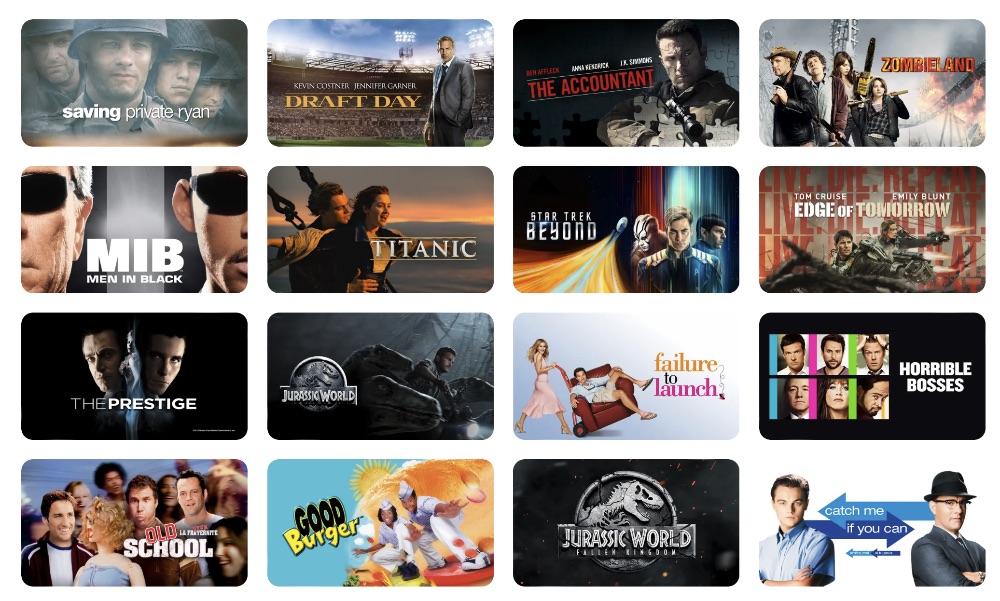
Decoding the Apple TV Landscape: Hardware vs. Software
To understand what you can watch, it is first necessary to distinguish between the three pillars of the Apple TV brand. Apple has built a multi-layered ecosystem that serves different technical purposes, all aimed at streamlining the user experience.
Apple TV+: The Premium Subscription Service
Apple TV+ is the company’s subscription-based “Video on Demand” (VOD) service. Unlike Netflix or Hulu, which often act as libraries for licensed content from various studios, Apple TV+ is almost exclusively dedicated to “Apple Originals.” From a tech perspective, Apple TV+ is notable for having some of the highest bitrates in the industry. This means that even if two services offer 4K resolution, the “data density” of an Apple TV+ stream is often higher, resulting in fewer compression artifacts and a more “filmic” look.
The Apple TV App: The Centralized Hub
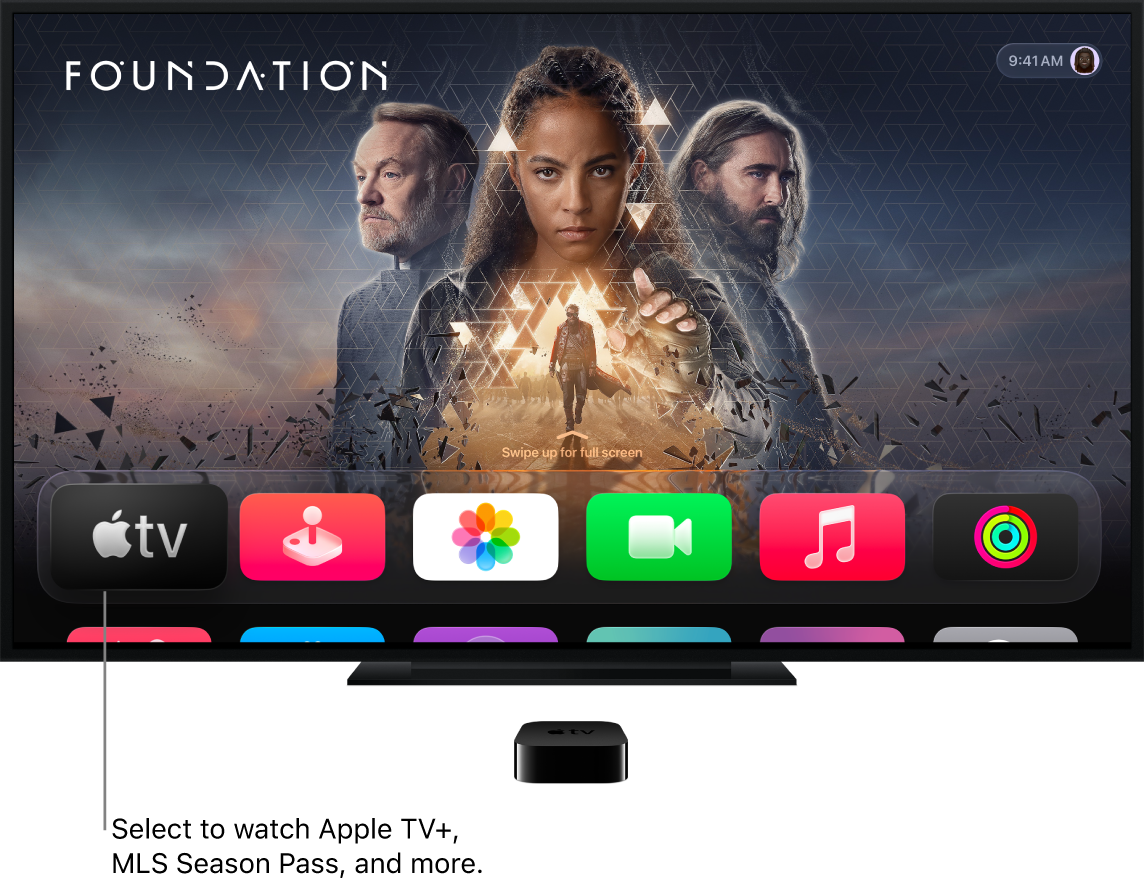
The Apple TV App is a software aggregator available on iPhones, iPads, Macs, and various smart TVs. Its primary function is “Universal Search and Integration.” It acts as a sophisticated dashboard that pulls in metadata from other apps like Disney+, HBO Max, and Amazon Prime Video. This allows users to search for a movie once and see every platform it is currently streaming on, eliminating the need to jump between individual apps to find content.
Apple TV 4K: The Hardware Powerhouse
The Apple TV 4K is the physical set-top box powered by Apple’s silicon (such as the A15 Bionic chip). While you can watch Apple content on a smart TV app, the hardware provides the most robust technical environment. It handles high-frame-rate HDR, manages complex audio processing for Spatial Audio, and serves as a Thread-enabled smart home hub. For the tech enthusiast, the hardware is the best way to consume the software.
Apple TV+ Originals: High-Budget Production and Exclusive Tech Features
Apple’s strategy for its original content differs significantly from its competitors. Rather than focusing on a massive volume of content, Apple emphasizes “prestige” television and film, utilizing cutting-edge production technology to ensure every frame meets a specific aesthetic standard.
Award-Winning Series and Cinematic Quality
The content library of Apple TV+ is defined by high-concept sci-fi and character-driven dramas. Shows like Severance and Silo have gained critical acclaim not just for their writing, but for their visual effects and production design. From a technical standpoint, Apple mandates that its originals be filmed with approved high-end digital cinema cameras (like those from Arri or Sony) to ensure that the 4K Dolby Vision delivery is native and uncompromised. This commitment to technical quality makes Apple TV+ a “demo” service for people who have invested in high-end OLED televisions.
Major League Soccer (MLS) and Live Sports Integration
One of the most significant technical hurdles for streaming services is live sports, which requires low-latency delivery and high frame rates to prevent “motion blur.” Apple has addressed this by becoming the exclusive home of MLS Season Pass. By controlling the entire tech stack—from the cameras on the field to the app on your screen—Apple provides a consistent 1080p or 4K feed at 60 frames per second (fps). This is a major technological upgrade over traditional broadcast television, which often struggles with interlaced signals and compression during fast-moving sports action.
Documentary and Family-Centric Content
Apple has also utilized its platform to showcase advanced nature cinematography. Series like Prehistoric Planet utilize state-of-the-art CGI and photogrammetry, powered by the same rendering technologies used in modern high-end gaming. This focus on “visual spectacle” content serves to reinforce the Apple brand as a leader in digital fidelity.
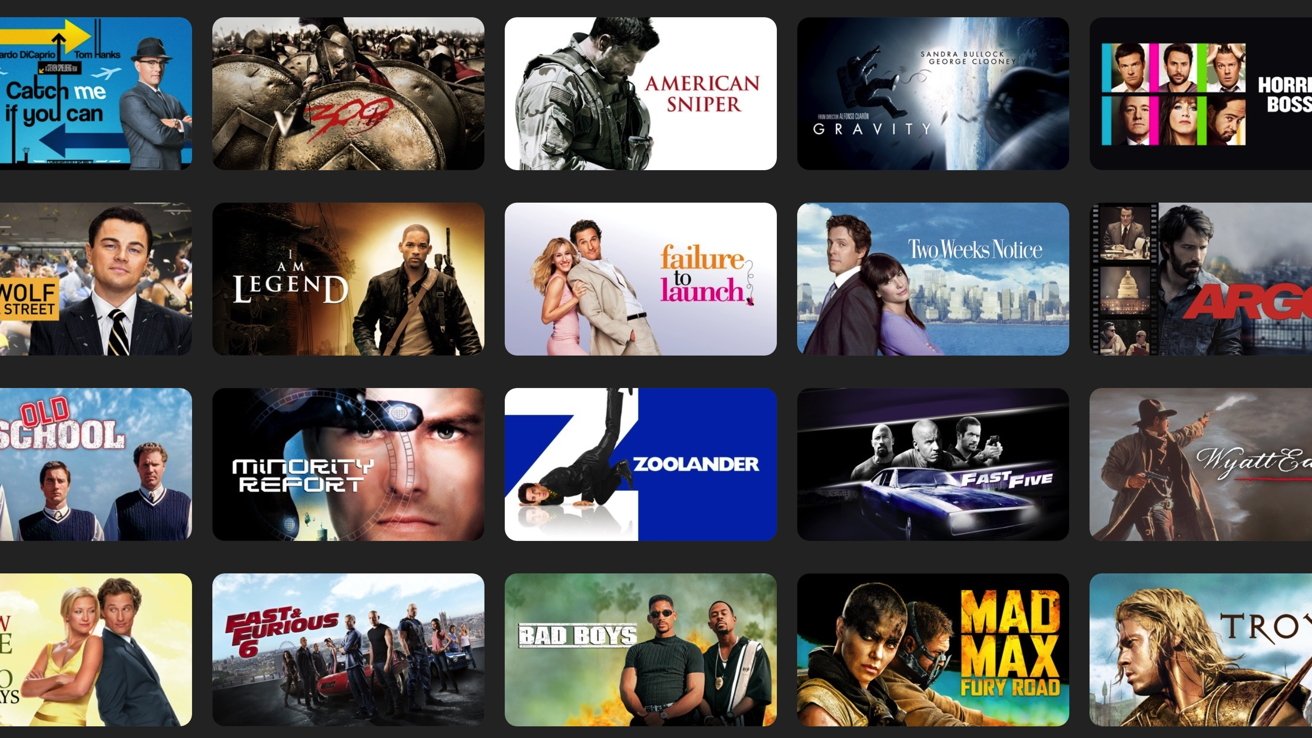
The Universal Search and Integration Experience
The true power of the Apple TV software lies in its ability to organize a chaotic digital library. In a market where users are overwhelmed by choices, Apple’s software engineering provides a streamlined solution for content discovery.
“Up Next” and Cross-Platform Syncing
The “Up Next” row is the heart of the Apple TV app. It utilizes a synchronized database that tracks your progress across multiple streaming services. If you start a movie on Disney+ and pause it, that movie appears at the front of your “Up Next” queue within the Apple TV app. This cross-app communication is facilitated by Apple’s API integrations, allowing for a seamless transition between different content providers. It removes the friction of remembering which show belongs to which subscription.
Integrating Third-Party Channels
Beyond the Apple TV+ subscription, the app offers “Apple TV Channels.” This allows users to subscribe to services like Paramount+, AMC+, or MUBI directly through the Apple interface. The technical benefit here is twofold: billing is centralized through one Apple ID, and the content is hosted on Apple’s high-speed Content Delivery Networks (CDNs). By watching these channels through the Apple TV app rather than their native apps, users often experience faster loading times and more consistent video quality.
The Rental and Purchase Store
For movies that aren’t available on a subscription service, Apple maintains one of the largest digital storefronts in the world. The transition from iTunes Movies to the Apple TV app consolidated this experience. When you buy a movie in the Apple TV app, you aren’t just getting a file; you are getting a license that often includes “iTunes Extras”—interactive menus, behind-the-scenes footage, and commentary tracks that mimic the physical Blu-ray experience in a digital format.
Technical Excellence: Optimizing Your Viewing Experience
For the tech-savvy viewer, what you watch is only half the story; how you watch it is equally important. Apple TV leverages hardware and software synergy to provide features that other streaming devices cannot match.
4K Dolby Vision and HDR10+
The Apple TV 4K hardware supports every major High Dynamic Range (HDR) format. While many devices support standard HDR10, Apple’s support for Dolby Vision ensures that the metadata is processed scene-by-scene (or even frame-by-frame). This results in more accurate color reproduction and better shadow detail. Furthermore, the “Color Balance” feature allows users to use their iPhone’s FaceID camera as a light sensor to calibrate their TV’s color output, ensuring that what you see matches the director’s original intent.
Spatial Audio and HomePod Integration
The audio processing in the Apple TV ecosystem is industry-leading. By utilizing computational audio, the Apple TV 4K can output Dolby Atmos soundscapes. When paired with AirPods Pro or Max, it enables “Personalized Spatial Audio,” which uses head-tracking technology to keep the soundstage anchored to the screen even as you move your head. For those with a home theater setup, two HomePods can be wirelessly paired to the Apple TV to create a virtualized surround sound system that rivals many wired soundbars.
The tvOS Ecosystem and App Store
Finally, the “what can I watch” question extends to the App Store. Because the Apple TV hardware runs on tvOS (a fork of iOS), it has access to a massive library of third-party apps. This includes niche streaming services like Criterion Channel, fitness apps through Apple Fitness+, and even high-end gaming via Apple Arcade. The inclusion of the A-series chips allows the Apple TV to handle complex graphics and high-speed data processing that would crash the built-in processors of most “Smart TVs.”
Conclusion
The answer to “What can I watch on Apple TV?” is multifaceted. On the surface, it is a curated library of award-winning original movies and series. Beneath that, it is a sophisticated technological hub that organizes your entire digital life into a single, intuitive interface.
By prioritizing high bitrates, advanced HDR formats, and seamless cross-platform integration, Apple has created a streaming environment that appeals to both the casual viewer and the hardcore technophile. Whether you are accessing the prestige dramas of Apple TV+, the live-action excitement of MLS, or your own library of purchased 4K films, the Apple TV ecosystem ensures that the technology behind the screen is as impressive as the content on it. As the industry moves toward more integrated digital experiences, the Apple TV model of “hardware-software-service” synergy remains the benchmark for the modern home theater.
aViewFromTheCave is a participant in the Amazon Services LLC Associates Program, an affiliate advertising program designed to provide a means for sites to earn advertising fees by advertising and linking to Amazon.com. Amazon, the Amazon logo, AmazonSupply, and the AmazonSupply logo are trademarks of Amazon.com, Inc. or its affiliates. As an Amazon Associate we earn affiliate commissions from qualifying purchases.