
In the early days of the World Wide Web, the internet was a “stateless” environment. Every time a user clicked a link or moved to a new page, the server treated them as a total stranger, with no memory of their previous actions. While this was simple from a programming perspective, it made complex tasks—like maintaining a shopping cart or staying logged into a profile—nearly impossible. Enter the “cookie.” Developed in 1994 by Netscape programmer Lou Montulli, the HTTP cookie was designed to give the internet a memory.

Today, online cookies are the invisible backbone of the modern web experience. However, as our digital lives become more complex, these small files have evolved from simple convenience tools into controversial instruments of tracking and security vulnerabilities. To truly understand the state of modern technology, one must understand what cookies are, how they function at a technical level, and why they are currently at the center of a global debate over digital privacy and security.
The Technical Framework: How Online Cookies Work
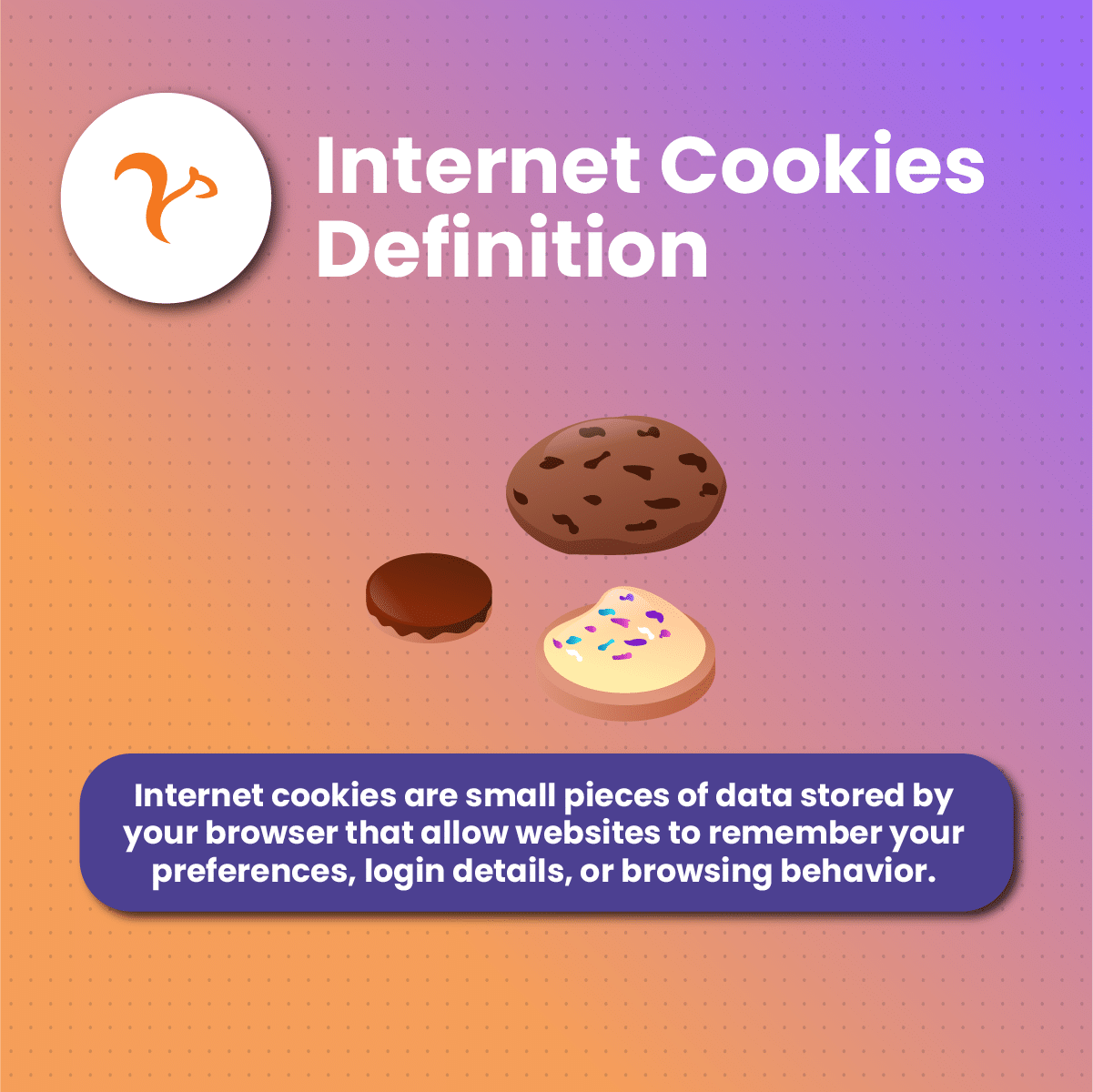
At its most basic level, an online cookie is a small piece of data—a text file—sent from a website and stored on the user’s computer by the user’s web browser while the user is browsing. When the user loads that website again, the browser sends the cookie back to the server to notify the website of the user’s previous activity.
The Client-Server Handshake
The lifecycle of a cookie begins with an HTTP header. When you visit a website, the server responds with a Set-Cookie header. This header contains the name of the cookie, its value, and several attributes that dictate how the browser should handle it. The browser then stores this data in a local database. On every subsequent request to that same domain, the browser automatically attaches the Cookie header to the outgoing request. This “handshake” allows the server to identify the user session without requiring constant re-authentication.
Session vs. Persistent Cookies
Technically, cookies are categorized based on their expiration date. Session cookies are temporary. They are stored in the computer’s volatile memory (RAM) and are deleted as soon as the browser is closed. These are typically used for “stateless” transitions, such as remembering what you put in a retail cart during a single session.
Persistent cookies, on the other hand, are written to the device’s permanent storage (the hard drive or SSD). They contain an expiration date set by the server. These cookies allow a website to “remember” you for weeks, months, or even years, enabling features like “Remember Me” login boxes or recurring site preferences.
First-Party vs. Third-Party Cookies
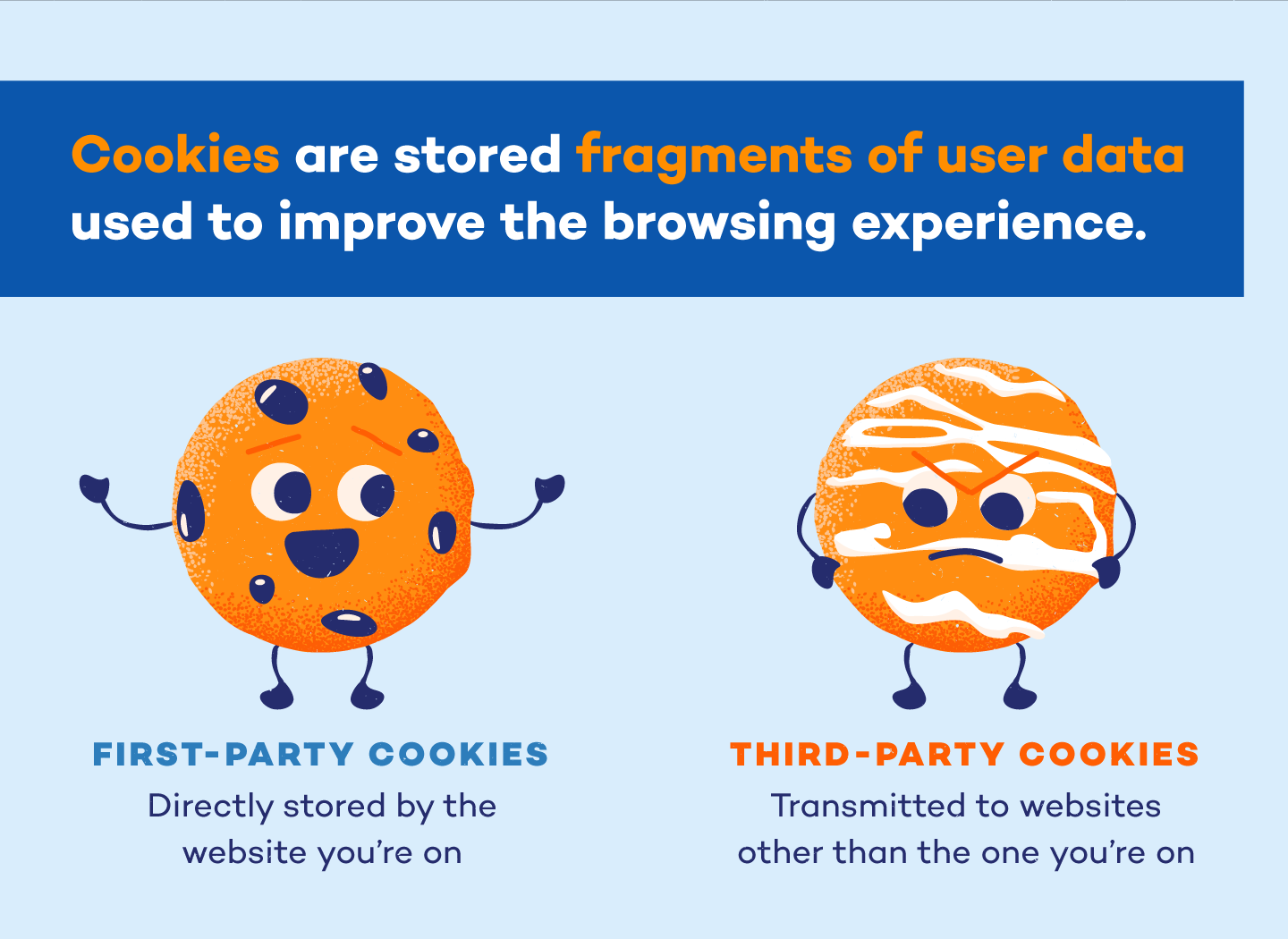
The distinction between first-party and third-party cookies is perhaps the most significant in the realm of digital security. A first-party cookie is created by the domain you are currently visiting. These are generally considered “good” or “necessary” because they enable the core functionality of the site.
A third-party cookie is generated by a domain other than the one you are currently viewing. This often happens via scripts or tags from advertisers or social media platforms embedded in the site. Because these cookies can follow a user across different websites that use the same advertising network, they allow for “cross-site tracking,” which has become a primary concern for privacy advocates.
The Utility of Cookies in the Modern Web Ecosystem
Cookies are often discussed in a negative light, but the modern internet would be functionally broken without them. They serve as the connective tissue between a user’s intent and the server’s response.
Session Management and Authentication
The most critical use of cookies is session management. When you log into a service like Gmail or Slack, the server generates a unique session ID and sends it to your browser via a cookie. As long as that cookie is present, you remain logged in. Without this mechanism, you would be forced to enter your username and password every time you clicked a new link or refreshed the page. In the tech world, this is a fundamental requirement for User Experience (UX) and software scalability.
Personalization and User Experience
Cookies allow developers to build “stateful” applications. This means a website can remember your preferred language, your UI theme (dark mode vs. light mode), or your localized weather settings. By storing these preferences in a cookie, the server can deliver a customized experience immediately upon the page loading, reducing the need for the user to re-configure their environment repeatedly.
Performance Analytics and Optimization
From a software engineering perspective, cookies are essential for telemetry and A/B testing. Developers use cookies to track how users interact with a site—which buttons they click, how long they stay on a page, and where they drop off. Tools like Google Analytics use cookies to aggregate this data, allowing tech teams to optimize site performance, fix bugs, and improve the underlying codebase based on real-world usage patterns.
Security Risks and Digital Vulnerabilities
While cookies provide immense utility, they are also significant vectors for cyberattacks. Because cookies are used to prove a user’s identity, they are high-value targets for hackers.
Session Hijacking and Sidejacking
Session hijacking occurs when an attacker steals a user’s session cookie. If a hacker gains access to your session ID, they can “impersonate” you to the server without ever needing your password. This is often achieved through “Packet Sniffing” on unsecured public Wi-Fi networks (Sidejacking) or through sophisticated malware that scrapes browser data. To combat this, modern tech standards require the use of the Secure flag (which ensures cookies are only sent over encrypted HTTPS connections) and the HttpOnly flag (which prevents client-side scripts from accessing the cookie).
Cross-Site Scripting (XSS)
Cross-Site Scripting is one of the most common web vulnerabilities. It involves an attacker injecting malicious scripts into a trusted website. If the website does not have proper security headers, these scripts can read the cookies stored in the user’s browser and send them to the attacker’s server. This is why modern web development emphasizes “Content Security Policy” (CSP) and sanitizing user inputs to prevent unauthorized script execution.
The Tracking Dilemma and User Surveillance
Beyond active hacking, there is the “legal” security concern: privacy. Third-party tracking cookies have enabled a global surveillance economy. By aggregating data from thousands of websites, data brokers can build a frighteningly accurate profile of a user’s health, political leanings, and financial status. This has led to a tech-arms race between advertisers and browser developers, with privacy-focused browsers like Brave and Firefox blocking third-party cookies by default.
The Shifting Landscape: The “Death” of the Cookie and Future Tech
We are currently witnessing a seismic shift in how the web handles identity. The “Cookiepocalypse”—the phase-out of third-party cookies—is fundamentally changing the architecture of the internet.
GDPR, CCPA, and Legal Compliance
Global regulations like the General Data Protection Regulation (GDPR) in Europe and the California Consumer Privacy Act (CCPA) have forced a redesign of the web. These laws mandate that websites must obtain explicit consent before dropping non-essential cookies. This has led to the ubiquitous “Cookie Consent” banners we see today. From a technical standpoint, this requires developers to implement “Consent Management Platforms” (CMPs) that can dynamically enable or disable scripts based on user choice.
Google’s Privacy Sandbox and Federated Learning
In response to privacy pressures, Google (via the Chrome browser) is developing the “Privacy Sandbox.” The goal is to replace tracking cookies with new APIs that allow for targeted advertising without revealing individual user identities. One such proposal was FLoC (Federated Learning of Cohorts), which grouped users based on interests rather than tracking them individually. While controversial, these technologies represent the tech industry’s attempt to balance the economic need for advertising with the technical necessity of user privacy.
Alternatives: Local Storage and Fingerprinting
As cookies become more restricted, developers are turning to alternatives. Web Storage (LocalStorage and SessionStorage) allows for much larger amounts of data to be stored on the client side compared to the 4KB limit of a cookie. Unlike cookies, this data is never sent to the server automatically, making it more secure but less useful for session management.
On the darker side of tech is Device Fingerprinting. This technique identifies a user by collecting a “fingerprint” of their hardware, browser version, installed fonts, and screen resolution. Unlike cookies, fingerprints cannot be easily deleted, making them a significant concern for the future of digital anonymity.
Best Practices for Managing Your Digital Footprint
In an era where data is the new oil, managing your cookies is a vital component of digital hygiene. For tech-savvy users and casual browsers alike, understanding how to control these files is key to maintaining security.
Browser Hygiene and Configuration
Most modern browsers allow for granular control over cookies. Users should regularly clear their cache and cookies to remove outdated or potentially malicious files. Furthermore, enabling “Block Third-Party Cookies” in browser settings is one of the most effective ways to stop cross-site tracking without breaking the functionality of the websites you actually visit.
Utilizing Privacy-Focused Tools
Beyond standard browser settings, tools like “uBlock Origin” or “Privacy Badger” can provide an extra layer of defense by identifying and blocking trackers in real-time. For those seeking maximum security, using a VPN (Virtual Private Network) in conjunction with “Incognito Mode” can help mask your IP address and ensure that cookies are wiped the moment your session ends.
Conclusion
Online cookies are a perfect example of the dual nature of technology: they are both an essential tool for progress and a potential threat to privacy. They turned the web from a collection of static pages into a dynamic, personalized, and functional ecosystem. Yet, the same mechanisms that allow a site to remember your name also allow a corporation to track your movements across the digital globe.
As we move into a post-cookie era, the responsibility falls on both developers and users. Developers must prioritize “Privacy by Design,” utilizing secure flags and minimizing data collection. Users, meanwhile, must stay informed about the technical tools at their disposal to protect their digital identity. Understanding online cookies is no longer just for web developers—it is a foundational skill for anyone navigating the modern digital landscape.
aViewFromTheCave is a participant in the Amazon Services LLC Associates Program, an affiliate advertising program designed to provide a means for sites to earn advertising fees by advertising and linking to Amazon.com. Amazon, the Amazon logo, AmazonSupply, and the AmazonSupply logo are trademarks of Amazon.com, Inc. or its affiliates. As an Amazon Associate we earn affiliate commissions from qualifying purchases.