
In the rapidly evolving world of technology, terms and acronyms are frequently tossed around with the assumption that everyone understands their nuances. Among the most ubiquitous of these is “MB.” Whether you are browsing for a new smartphone, checking your monthly data plan, or trying to attach a file to an email, the “MB” is a constant companion. But what exactly is an MB, and why does it remain a fundamental unit of measurement in an era where we increasingly talk about Gigabytes (GB) and Terabytes (TB)?
At its core, MB stands for Megabyte. It is a unit of digital information storage and transmission that has served as the benchmark for data measurement for decades. To understand the MB is to understand the language of computers, the mechanics of the internet, and the limitations of our hardware. This article explores the technical foundations of the megabyte, its historical significance, its practical applications in today’s tech ecosystem, and how to manage it effectively in a data-driven world.

1. Decoding the Megabyte: Definitions and Standards
To truly grasp what a megabyte is, one must look beneath the surface at the mathematical architecture of computing. Computers do not process information the way humans do; they operate on a binary system—a series of 1s and 0s.
The Relationship Between Bits and Bytes
Before reaching the “Mega” level, we must start with the smallest unit: the bit. A bit (binary digit) is the most basic unit of data, representing a logical state of either 0 or 1. However, a single bit cannot convey much information. To create meaningful data, bits are grouped into “bytes.”
Conventionally, one byte consists of 8 bits. This 8-bit structure is the standard building block for characters in text and basic instructions in software. When we scale this up, we reach the kilobyte (KB), the megabyte (MB), and beyond. However, this is where a significant point of technical confusion often arises: the difference between decimal and binary measurements.
Decimal vs. Binary: MB vs. MiB
In the International System of Units (SI), the prefix “mega” denotes one million (10^6). Therefore, in a strictly decimal context, 1 MB equals 1,000,000 bytes. This is the standard often used by hard drive manufacturers and networking companies.
However, because computers operate on a base-2 (binary) system, operating systems like Windows often calculate a megabyte as 1,048,576 bytes (2^20). To resolve this ambiguity, the International Electrotechnical Commission (IEC) introduced the term “Mebibyte” (MiB) to refer specifically to the binary 1,024-based measurement. While “MiB” is technically more accurate for computing environments, the term “MB” remains the dominant shorthand in daily tech discourse. Understanding this discrepancy is crucial when you notice that a “500 GB” hard drive appears to have less space when plugged into your computer; it is simply a matter of the system calculating in binary while the manufacturer labeled it in decimal.
2. The Evolution of Data Storage: From Kilobytes to Terabytes
The history of the megabyte is essentially a history of the democratization of computing. There was a time when a single megabyte was considered an astronomical amount of data, reserved only for the world’s most powerful research institutions.
The Era of the Floppy Disk
In the late 1980s and early 1990s, the megabyte was the gold standard for consumer storage. The iconic 3.5-inch floppy disk, which many younger users today only recognize as the “save” icon, typically held 1.44 MB of data. At the time, this was sufficient to hold several text documents or a very basic piece of software.
During this era, a 20 MB or 40 MB hard drive was considered high-end and expensive. Software developers had to be incredibly disciplined, optimizing every line of code to ensure it fit within these tight constraints. This era of the “MB” laid the groundwork for the efficiency-focused programming techniques that still influence modern software architecture.
Scaling Up: The MB as a Building Block
As storage technology progressed through the introduction of CDs (which held roughly 700 MB) and eventually DVDs and Blu-rays, the megabyte shifted from being the “ceiling” of storage to a common “increment.”
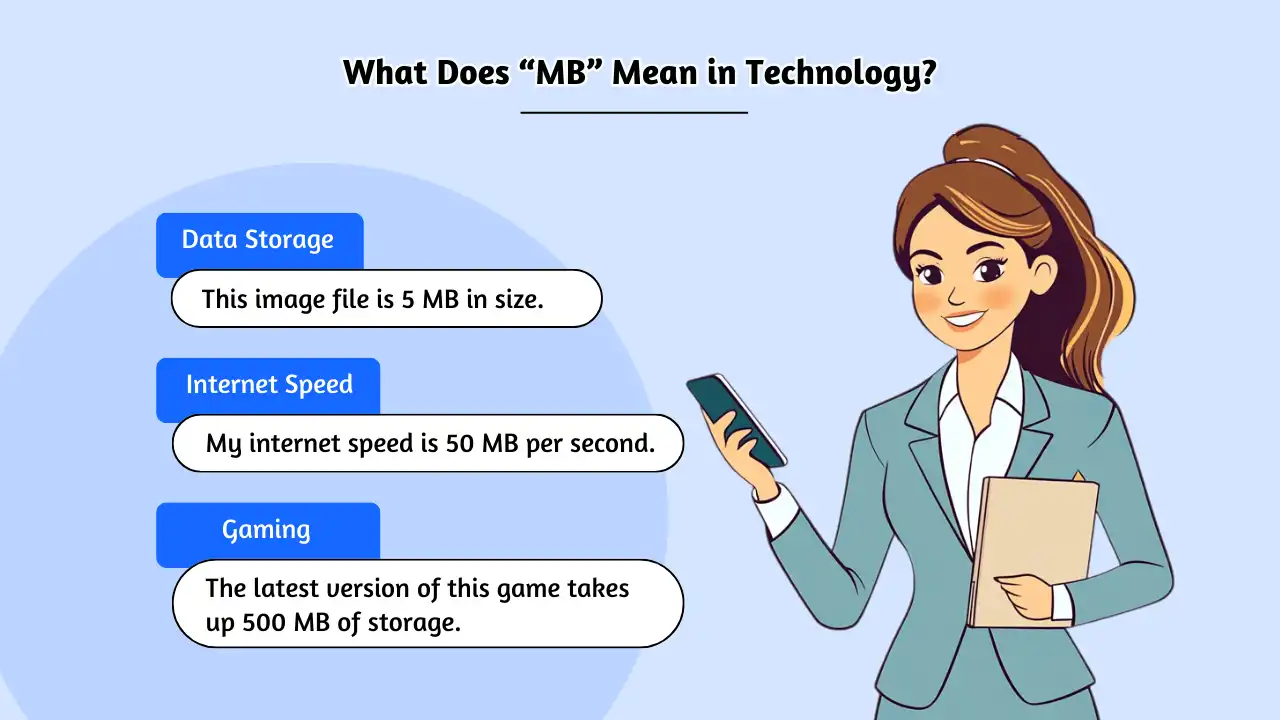
Today, we live in the era of the Terabyte, but the MB remains the most practical unit for measuring individual files. Most high-quality MP3 songs are between 5 MB and 10 MB. A high-resolution JPEG photo from a smartphone typically ranges from 2 MB to 5 MB. While we measure our total storage capacity in GB or TB, we still live our digital lives one MB at a time. This transition highlights a fundamental tech trend: as storage becomes cheaper and more dense, our “unit of consumption” scales accordingly.

3. MB in Everyday Life: Practical Applications
Understanding “What’s MB” is not just an academic exercise; it has real-world implications for how we use our devices and how much we pay for digital services.
Internet Speeds: Mbps vs. MB/s
One of the most common points of frustration for tech users is the difference between download speeds and file sizes. Internet Service Providers (ISPs) usually market their speeds in Mbps (Megabits per second), while browsers show download progress in MB/s (Megabytes per second).
Because there are 8 bits in a byte, a 100 Mbps connection does not mean you can download a 100 MB file in one second. In reality, you must divide the speed by eight. A 100 Mbps connection has a theoretical maximum throughput of 12.5 MB/s. Recognizing this distinction helps users set realistic expectations for software updates, streaming quality, and large file transfers.
RAM vs. Storage: Understanding “Memory” MBs
Another critical area where the MB (and its larger cousin, the GB) appears is in hardware specifications, specifically the distinction between RAM and storage.
- Storage MBs are like a filing cabinet; they hold data permanently even when the power is off.
- RAM (Random Access Memory) MBs are like a workbench; they hold the data the computer is actively using right now.
When an application is “heavy,” it means it requires a significant number of MBs of RAM to function smoothly. If your device has 8,000 MB (8 GB) of RAM and you try to run a program that needs 4,000 MB alongside twenty browser tabs, your system will slow down. Understanding the MB requirements of your software is key to maintaining device performance and digital security, as overloaded memory can sometimes lead to system vulnerabilities.
Digital Security and File Sizes
From a security perspective, the size of a file (in MBs) can sometimes be a red flag. Malware and bloated scripts often increase the size of an otherwise simple document or executable. Furthermore, many email servers and secure messaging platforms impose limits on file transfers—often capped at 25 MB or 50 MB—to prevent network congestion and mitigate the risk of “buffer overflow” attacks. Knowing the MB count of your sensitive files helps in choosing the right encryption tools and transfer methods.
4. Optimizing Your Digital Footprint: Managing Megabytes
As we generate more data than ever before, the ability to manage megabytes efficiently has become a vital digital literacy skill. Whether you are running out of space on your smartphone or trying to optimize a website for faster loading, “making every MB count” is the objective.
Compression Techniques: Lossy vs. Lossless
Data compression is the art of reducing the number of MBs a file occupies without significantly degrading its quality.
- Lossy Compression: Used primarily for photos (JPEG) and audio (MP3). It discards “unnecessary” data that the human eye or ear likely won’t notice, drastically reducing file size from 30 MB to perhaps 3 MB.
- Lossless Compression: Used for ZIP files or professional audio (FLAC). This reduces the MB size by identifying patterns in the data and “shorthanding” them, but allows for the file to be reconstructed perfectly.
For tech professionals and casual users alike, choosing the right compression balance is essential for saving storage costs and ensuring fast transmission over networks.
The Cloud and the Transition to GB/TB
While we still manage individual files in MBs, the modern solution to storage limits is the Cloud. Services like Google Drive, Dropbox, and iCloud have moved the “burden of the MB” away from our local hardware. However, this has led to a psychological shift: because we have “unlimited” space (measured in TB), we often neglect digital hygiene. Accumulating thousands of 5 MB photos eventually leads to a cluttered digital environment and increased subscription costs. Periodically auditing your digital storage to remove “MB bloat” is a recommended practice for maintaining both device speed and personal organization.
Conclusion: The Enduring Relevance of the MB
In the grand scheme of technology, the Megabyte is a bridge between the past and the future. It represents the point where data moved from being a theoretical concept to a tangible, manageable commodity for the average person. While we are rapidly moving toward a world where Petabytes and Exabytes define global data traffic, the Megabyte remains the most human-centric unit of measurement. It is the size of a high-quality photo of a loved one, the weight of a favorite song, and the footprint of a well-written e-book.
Understanding “What’s MB” is about more than just numbers; it is about understanding the constraints and capabilities of the digital tools we use every day. By mastering the nuances of bit vs. byte, decimal vs. binary, and the art of compression, you gain better control over your technology, your finances, and your digital legacy. In the world of tech, small units still matter, and the Megabyte continues to be the most vital building block of our connected lives.
aViewFromTheCave is a participant in the Amazon Services LLC Associates Program, an affiliate advertising program designed to provide a means for sites to earn advertising fees by advertising and linking to Amazon.com. Amazon, the Amazon logo, AmazonSupply, and the AmazonSupply logo are trademarks of Amazon.com, Inc. or its affiliates. As an Amazon Associate we earn affiliate commissions from qualifying purchases.