
In the fast-paced world of tactical shooters, where a single millisecond can dictate the difference between a legendary “clutch” and a crushing defeat, the term “LAN” carries immense weight. For the casual Valorant player, the experience is defined by home internet connections, fluctuating pings, and the occasional frustration of “lag.” However, in the professional sphere—epitomized by the Valorant Champions Tour (VCT)—the transition from online play to a LAN environment represents the pinnacle of technical performance. To understand what LAN means in the context of Valorant is to understand the sophisticated intersection of networking infrastructure, hardware synchronization, and software optimization.

Decoding LAN: The Technical Infrastructure of Valorant
At its most fundamental level, LAN stands for Local Area Network. In the context of Valorant, this refers to a setup where all participating computers are connected within a localized, physical space, typically using high-speed Ethernet cables and enterprise-grade switches, rather than communicating over the broad, unpredictable expanse of the public internet (Wide Area Network or WAN).
Defining Local Area Network (LAN) vs. WAN
When you play Valorant from home, your data packets must travel from your PC, through your router, to your Internet Service Provider (ISP), across various regional hubs, and finally to Riot Games’ regional servers. This journey involves multiple “hops,” each adding a layer of latency and potential for packet loss. In a LAN environment, this journey is bypassed. The server is physically located in the same building—often in the same room—as the players. By eliminating the reliance on external ISPs and the physical distance of the open internet, the technical barriers to performance are virtually eradicated.
How Valorant’s Server Architecture Facilitates LAN Play
Valorant was built from the ground up with a focus on competitive integrity, featuring a proprietary networking solution known as “Riot Direct.” While Riot Direct optimizes online play by creating a private backbone for game traffic, the LAN version of Valorant takes this a step further. In a LAN setting, the game runs on a “Tournament Realm”—a localized version of the game server software. This architecture allows the game to process player inputs at a 128-tick rate with near-instantaneous feedback, ensuring that the state of the game is perfectly synchronized across all ten stations simultaneously.
The Latency Factor: Why Ping is the Deciding Metric
In the technical lexicon of Valorant, “ping” is the measure of time (in milliseconds) it takes for a signal to travel from the player’s client to the server and back. In an online environment, a “good” ping is generally considered anything under 30ms. However, in a professional LAN environment, the ping is effectively 0ms to 1ms. This shift from 30ms to 0ms might seem negligible to the untrained eye, but from a technical and competitive standpoint, it changes the fundamental physics of the game.
Eliminating Bufferbloat and Network Jitter
One of the primary technical advantages of a LAN setup is the elimination of “jitter” and “bufferbloat.” Jitter refers to the variance in time between data packets arriving. Even if your average ping is 20ms, if one packet takes 10ms and the next takes 40ms, the game will feel “stuttery.” This is a common issue with home Wi-Fi and even some residential fiber connections. In a LAN environment, the dedicated hardware ensures a consistent flow of data. This stability allows players to develop muscle memory based on perfect consistency, as the game reacts identically every time a key is pressed or a mouse is clicked.
The Impact of Zero-Latency on Frame Timing
Latency doesn’t just affect how fast you see an enemy; it affects how the game engine resolves conflicts. Valorant uses a technique called “rewind logic” to compensate for lag in online play. If a player with 50ms ping shoots an enemy, the server has to “look back” in time to see if the shot landed. On LAN, this rewind logic is unnecessary. The server processes actions in real-time. This eliminates the “dying behind a wall” phenomenon that occurs when a player’s client hasn’t yet received the data that they were shot before they moved to cover. On LAN, what you see is exactly what is happening on the server at that microsecond.
Technical Implementation of LAN at Professional Events

Implementing a LAN for an event like Valorant Champions is a massive technical undertaking. It requires a specialized ecosystem of hardware and software that differs significantly from a standard home office or gaming lounge.
On-Site Servers and the Tournament Realm
Riot Games utilizes dedicated on-site server racks to host LAN matches. These servers run a specialized version of the Valorant client known as the Tournament Realm. This version is stripped of social features and non-essential background processes to maximize CPU overhead for game logic. Furthermore, the Tournament Realm allows for “pause-and-resume” functionality and “chronobreak” capabilities (tools used to rewind the game state in the event of a technical bug), which are not available on the public live servers. This level of control ensures that technical glitches do not compromise the integrity of the competition.
Security Protocols and Anti-Cheat Integration
Security is a paramount concern in the technical design of a Valorant LAN. Riot’s anti-cheat system, Vanguard, operates at the kernel level and remains active even in offline environments. At a LAN, the computers are “air-gapped” from the public internet or placed behind incredibly strict firewalls to prevent any external interference or unauthorized software. All peripherals—mice, keyboards, and headsets—are often inspected or provided by the event organizers to ensure no scripts or hardware-based cheats are embedded. This creates a “clean-room” environment where the only variables are the players’ skills and the hardware’s raw performance.
The Hardware Synergy: Beyond the Network
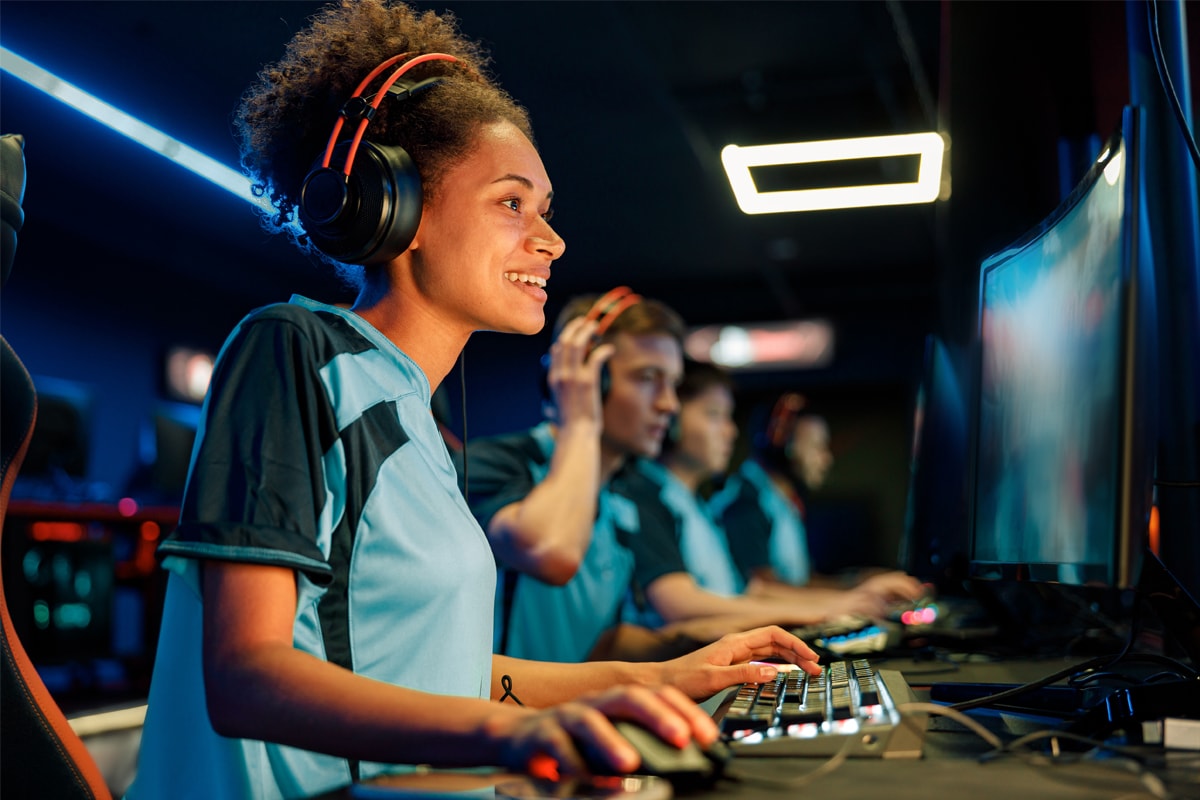
While the “N” in LAN stands for “Network,” the term has evolved in the gaming community to encompass the entire high-performance hardware stack present at offline events. A LAN environment is only as good as the machines connected to it.
Refresh Rates and Input Latency
At professional Valorant LANs, the technology extends to 360Hz monitors and high-end GPUs (such as the NVIDIA RTX 40-series) capable of pushing frame rates well above 400 FPS. The technical goal is to minimize “End-to-End System Latency”—the time it takes from clicking the mouse to the pixel changing on the screen. By combining a 0ms network latency with 360Hz refresh rates and NVIDIA Reflex technology, the total system latency is reduced to the lowest physical limit possible. This level of technical synergy is impossible to replicate in a standard online setting.
The Specialized Audio Stack
Another technical nuance of LAN play is the audio configuration. In a loud arena, professional players use a two-headset system: in-ear monitors (IEMs) for game sound and communication, covered by heavy-duty, noise-canceling aviation-grade headsets that output “white noise.” This hardware setup is managed by specialized mixers that ensure communication remains clear and latency-free, preventing the “audio lag” that can sometimes occur in digital voice applications like Discord when bandwidth is constrained.
The Future of Competitive Tech: Bridging the Gap
As technology progresses, the industry is looking for ways to bring the “LAN feel” to the masses. While we may never truly replicate 0ms ping across thousands of miles, current technological trends are narrowing the gap.
Advancements in Fiber Optics for Home Users
The expansion of XGS-PON (10-Gigabit Symmetrical Passive Optical Network) technology is the next frontier for home gaming. These fiber connections offer significantly lower “base latency” than traditional cable internet. As more infrastructure shifts to fiber, the average player’s experience will move closer to the stability of a LAN, although physical distance (the speed of light through glass) will always remain a factor.
Cloud Computing and the Evolution of Gaming Connectivity
While cloud gaming usually introduces latency, the backend technology used to power it is being repurposed to improve game servers. Edge computing—placing game servers at the very edge of the network, closer to the user—is Riot’s current strategy with Riot Direct. By increasing the density of server locations, the technical difference between “Online” and “LAN” becomes less a matter of “lag” and more a matter of “absolute perfection.”
In conclusion, “LAN” in Valorant is not just an acronym for a network configuration; it is a technical standard of excellence. It represents an environment where the infrastructure is optimized to its theoretical limits, ensuring that the software and hardware work in perfect harmony. By eliminating the variables of the public internet, LAN play allows the true technical prowess of the players—and the game engine itself—to shine without compromise. For anyone interested in the tech behind the scenes, the LAN environment remains the gold standard of what is possible in digital synchronization.
aViewFromTheCave is a participant in the Amazon Services LLC Associates Program, an affiliate advertising program designed to provide a means for sites to earn advertising fees by advertising and linking to Amazon.com. Amazon, the Amazon logo, AmazonSupply, and the AmazonSupply logo are trademarks of Amazon.com, Inc. or its affiliates. As an Amazon Associate we earn affiliate commissions from qualifying purchases.