
The term “radii,” often associated with geometry and the physical world, holds a surprising and increasingly relevant significance within the realm of technology. While not a specific piece of hardware or a software application in itself, understanding what constitutes a “radii” in a digital context is crucial for appreciating the design, functionality, and user experience of the interfaces we interact with daily. This article will delve into the technical underpinnings of how radii are implemented in digital design and development, their impact on user perception, and their role in creating modern, intuitive digital products.
The Geometric Foundation of Digital Interfaces
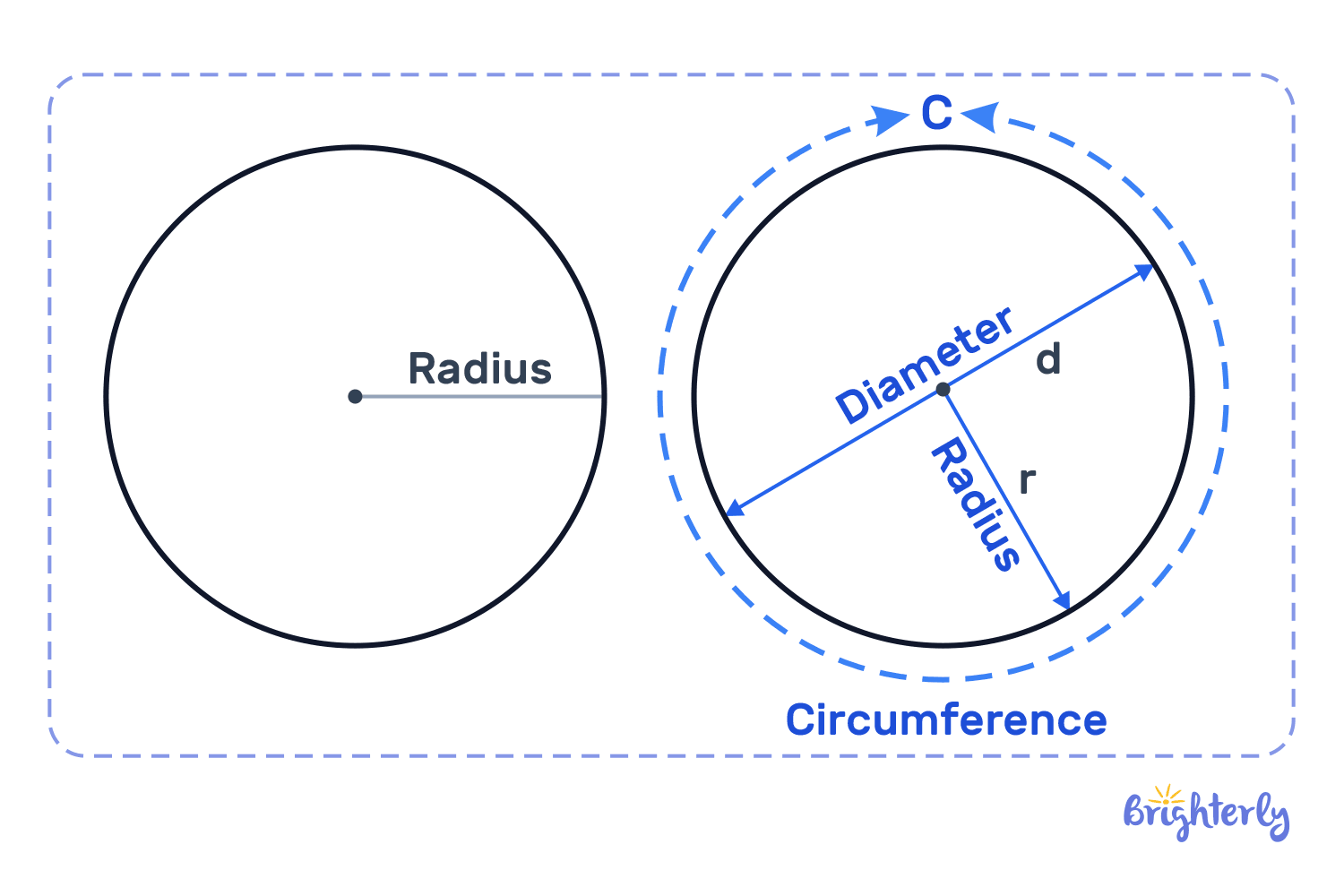
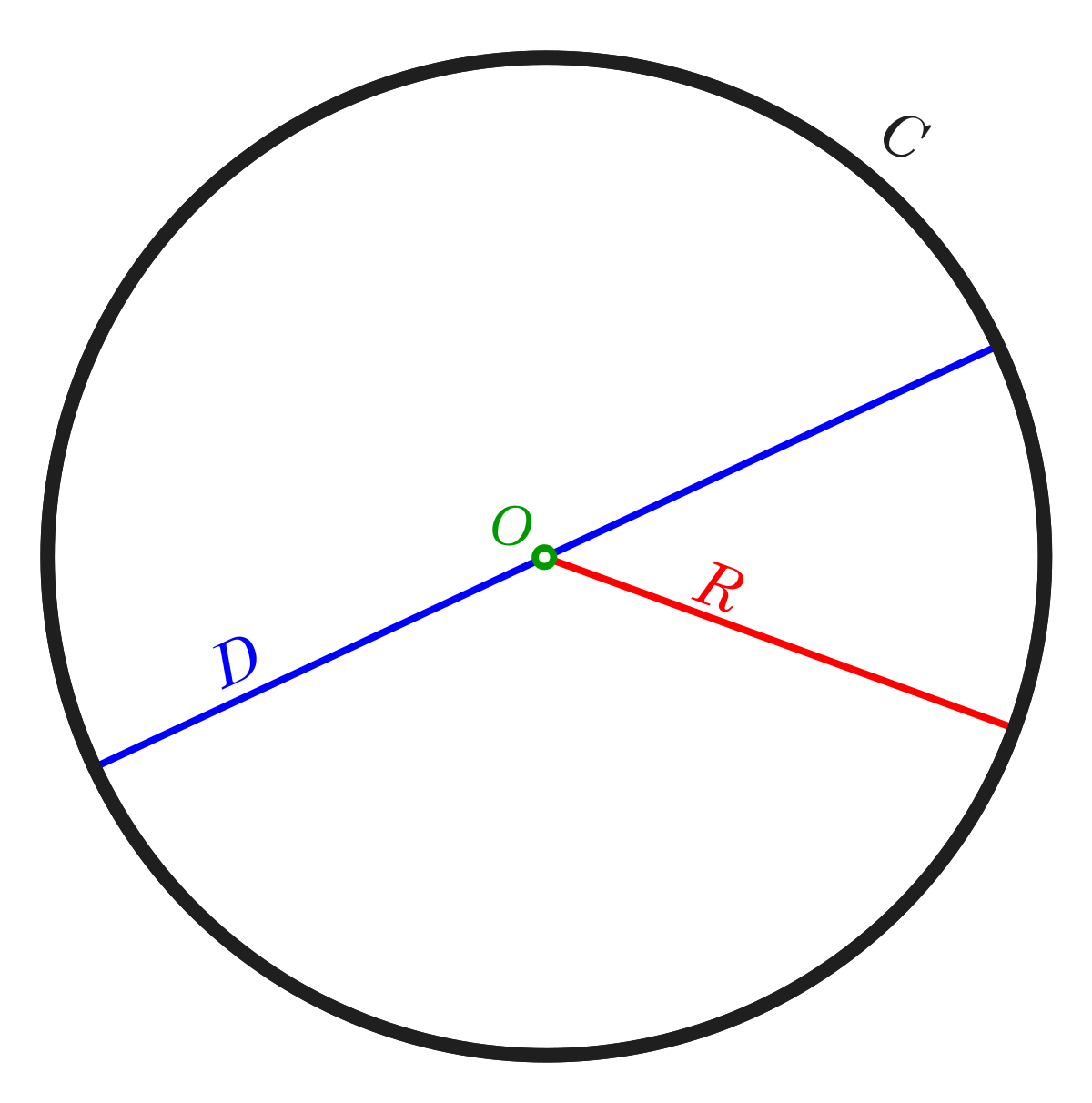
At its core, a radius is the distance from the center of a circle to its circumference. In the context of digital interfaces, this geometric principle is translated into the curvature of elements on a screen. Instead of sharp, angular corners, many UI elements are now designed with rounded edges, a direct application of radii. This seemingly simple design choice has profound implications for how users perceive and interact with digital products.
From Pixels to Curves: Implementing Radii in Code
The implementation of radii in digital design begins with the underlying code that constructs user interfaces. Designers and developers utilize various programming languages and frameworks to define the shapes and styles of UI elements.
Vector Graphics and Scalability
Modern digital interfaces heavily rely on vector graphics. Unlike raster graphics (like JPEGs or PNGs) which are made up of a fixed number of pixels, vector graphics are defined by mathematical equations that describe points, lines, and curves. This is where the concept of radii becomes directly applicable. When a designer specifies a rounded corner for a button or a card, they are essentially defining a curve using a specific radius value.
For instance, in CSS (Cascading Style Sheets), a common language for styling web pages, the border-radius property allows developers to round the corners of HTML elements. A simple declaration like border-radius: 8px; instructs the browser to draw a quarter-circle with a radius of 8 pixels at each corner of the element. This property can be applied to all four corners equally, or individually to specific corners, offering granular control over the curvature.
UI Frameworks and Component Libraries
Major UI frameworks and component libraries, such as Material Design (Google), Human Interface Guidelines (Apple), and Bootstrap, provide pre-defined styles and components that often incorporate specific radii values. These guidelines are developed through extensive user research and aim to create consistent and aesthetically pleasing user experiences across platforms.
Material Design, for example, emphasizes the use of subtle rounding to create a sense of depth and physical materiality. Their components, like cards and buttons, are often designed with a default border-radius that contributes to their overall visual language. Similarly, Apple’s Human Interface Guidelines promote rounded elements that feel soft and approachable. Developers building applications for these platforms often leverage these frameworks, inheriting the prescribed radii values as part of the design system.
The Psychological Impact of Rounded Edges
The decision to incorporate radii, or rounded corners, into digital interfaces is not merely an aesthetic preference; it is deeply rooted in human psychology and perception. The way we process visual information is influenced by shapes, and the use of radii plays a significant role in shaping user sentiment and usability.
Softening the Digital Experience
Sharp, angular shapes can sometimes evoke feelings of harshness, danger, or formality. Conversely, rounded shapes tend to be perceived as softer, friendlier, and more approachable. This is often attributed to our innate attraction to organic forms found in nature, which are rarely perfectly angular. In the context of technology, which can sometimes feel impersonal or overwhelming, rounded corners can help to humanize the user interface, making it feel more inviting and less intimidating.
Consider the difference between a sharp, square button and a button with gently rounded corners. The rounded button is generally perceived as less aggressive and more conducive to interaction. This psychological effect is a key reason why radii are so prevalent in modern app design, from social media platforms to productivity tools.
Guiding Visual Flow and Attention
Radii can also be strategically employed to guide the user’s eye and direct their attention. When used in conjunction with other design elements, rounded corners can create a sense of visual flow, leading the user through the interface in a natural and intuitive manner.

For example, a series of cards with rounded corners can create a softer visual hierarchy, making it easier for the user to scan and digest information. The curves can also act as subtle cues, indicating the boundaries of interactive elements without creating jarring visual interruptions. In a complex interface with many components, consistent use of radii can contribute to a sense of order and visual harmony, reducing cognitive load for the user.
Radii in Action: Diverse Applications in Tech
The application of radii extends across a broad spectrum of digital products and user interfaces, influencing everything from the smallest notification icons to the overall layout of complex applications.
User Interface (UI) Elements
This is perhaps the most ubiquitous application of radii. Nearly every interactive element in modern UIs, from buttons and input fields to dialog boxes and navigation bars, often features rounded corners. The specific radius value chosen can subtly alter the perceived weight and importance of an element. A larger radius might make a button feel more prominent and inviting for a primary action, while a smaller radius might be used for secondary elements.
Iconography and Branding
Icons, the small visual symbols that represent actions or concepts, frequently utilize radii. Rounded icons tend to feel more modern and less sharp, aligning with current design trends. Brands also leverage radii in their logos and visual identity to convey specific messages. A brand aiming for a playful and accessible image might use more pronounced radii, while a brand focused on precision and professionalism might opt for sharper edges or more subtle curves.
Data Visualization and Graphics
While often associated with geometric shapes, radii also find application in data visualization and graphic design. When creating charts, graphs, or illustrative graphics, rounded corners can be used to soften the overall presentation and make complex data more digestible. For instance, a bar chart with rounded tops can appear less stark and more visually appealing.
Animation and Transitions
The concept of radii also subtly influences the way elements animate and transition within an interface. As elements move and transform, the curves defined by radii can contribute to the smoothness and fluidity of animations. This adds a dynamic layer to the user experience, making interactions feel more polished and responsive. A modal window that slides in with rounded corners might feel more integrated into the screen than one that simply appears with sharp edges.
The Evolving Role of Radii in Future Tech
As technology continues to advance, the role of radii in digital design is likely to evolve further. With the increasing sophistication of AI-driven design tools and the ongoing exploration of new interaction paradigms, the strategic application of curvature will remain a key element in crafting effective and engaging user experiences.
Generative Design and Algorithmic Curvature
Future advancements in generative design and AI could lead to more sophisticated and context-aware use of radii. Algorithms might be employed to dynamically adjust corner radiuses based on factors like screen size, user context, or even the perceived emotional state of the user. This could lead to interfaces that are not only aesthetically pleasing but also deeply responsive and personalized.
Immersive Technologies and 3D Interfaces
In the realm of virtual and augmented reality, where interfaces move beyond the flat screen, the application of radii will take on new dimensions. 3D objects and environments will likely incorporate curvature to enhance realism and create more intuitive spatial interactions. The way users physically interact with virtual objects, their edges and forms, will be influenced by the defined radii.
Accessibility and Inclusive Design
The thoughtful application of radii can also contribute to greater accessibility. For users with visual impairments or cognitive disabilities, softer, more rounded interfaces can be easier to process and navigate. Continued research into the psychological and perceptual effects of different radii values will be crucial for developing inclusive digital experiences for everyone.
In conclusion, what might initially seem like a simple geometric concept – the radius – is a fundamental building block in the architecture of modern digital experiences. From the code that shapes our screens to the psychological impact of rounded edges, radii play a crucial role in how we perceive, interact with, and feel about the technology that surrounds us. As the digital landscape continues to evolve, so too will the nuanced and impactful application of radii in creating intuitive, engaging, and ultimately, more human-centered technological interfaces.
aViewFromTheCave is a participant in the Amazon Services LLC Associates Program, an affiliate advertising program designed to provide a means for sites to earn advertising fees by advertising and linking to Amazon.com. Amazon, the Amazon logo, AmazonSupply, and the AmazonSupply logo are trademarks of Amazon.com, Inc. or its affiliates. As an Amazon Associate we earn affiliate commissions from qualifying purchases.