
In the rapidly evolving landscape of financial technology, the transition from physical currency to digital transactions has been spearheaded by a handful of revolutionary applications. Among these, Venmo has emerged not just as a tool, but as a standard in the peer-to-peer (P2P) payment ecosystem. For the uninitiated, setting up a digital wallet can seem like a daunting task involving complex security protocols and software configurations. However, the technical architecture of Venmo is designed to be both robust and user-friendly. This guide provides a comprehensive technical walkthrough for setting up Venmo, ensuring your transition into the world of digital payments is seamless, secure, and optimized for peak performance.
Preparing Your Device for the Venmo Ecosystem
Before diving into the account creation process, it is essential to ensure that your hardware and software environments are compatible with the latest version of the Venmo application. Like any sophisticated software, Venmo requires a baseline of system resources to execute its encryption protocols and provide a smooth user interface (UI).
Software Compatibility and Minimum Requirements
To maintain the highest level of security and access the latest features, your mobile device must run a modern operating system. For Apple users, Venmo typically requires iOS 15.0 or later. For those in the Android ecosystem, the app generally requires Android 6.0 (Marshmallow) or higher.
It is a technical best practice to update your operating system to the latest available version before installing new financial software. Operating system updates often include critical security patches that protect the “sandbox” environment in which the Venmo app operates. Running the app on an outdated OS can expose your data to vulnerabilities that the app itself cannot fix.
Downloading through Secure Channels
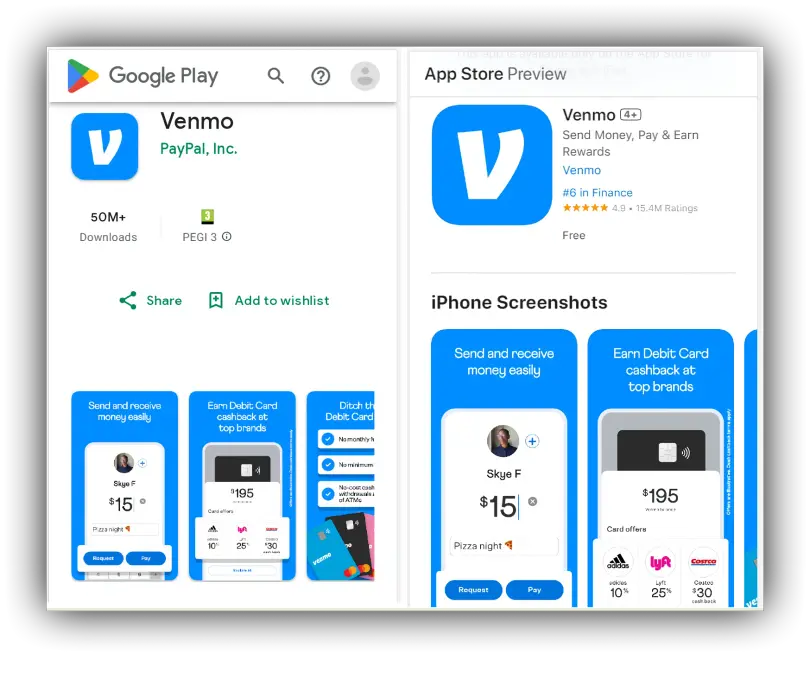
The integrity of your financial data begins at the source of the software. To avoid “spoofing” or “man-in-the-middle” attacks, always download the Venmo application directly from official repositories: the Apple App Store for iPhones or the Google Play Store for Android devices.
Avoid side-loading the application or downloading APK files from third-party websites. These unofficial versions may be injected with malicious code designed to scrape your credentials. Once the download is complete, the application will undergo an automated checksum verification by your OS to ensure the file’s integrity hasn’t been compromised during transit.
The Configuration Pipeline: From Installation to Verification
Once the application is installed, the setup process shifts toward creating a unique digital identity and linking it to the broader financial grid. This stage is crucial as it involves the synchronization of your personal data with Venmo’s secure servers.
Creating a Secure User Profile
Upon launching the app for the first time, you will be prompted to choose between a “Personal” or “Business” profile. From a technical standpoint, the Personal profile is optimized for low-friction, casual transactions, while the Business profile includes additional layers for tax reporting and merchant tools.
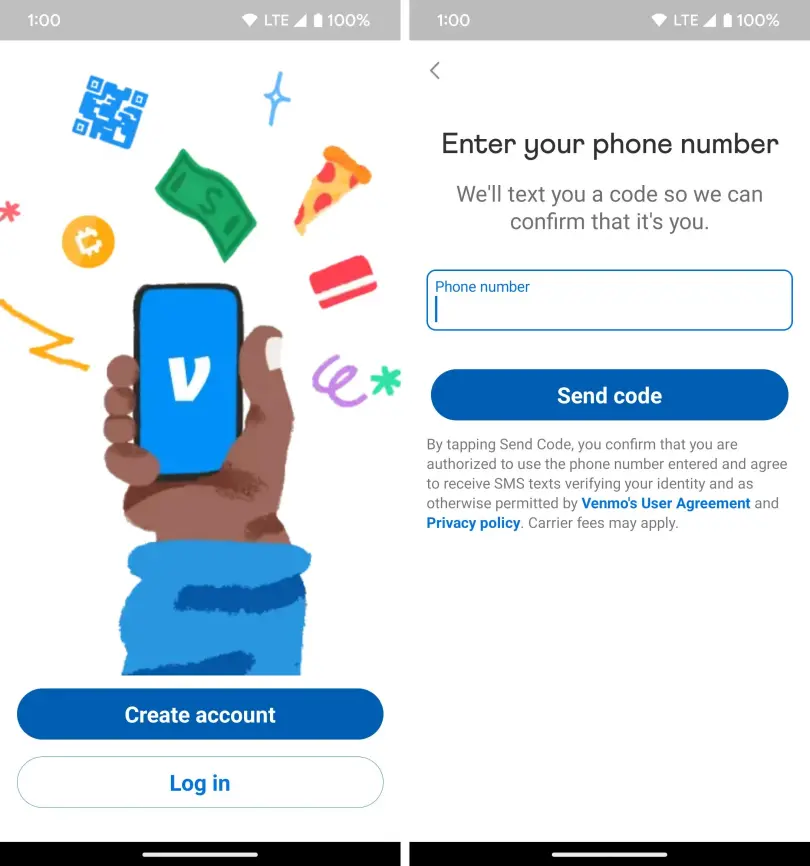
When entering your information—legal name, email address, and phone number—accuracy is paramount. Venmo uses these data points as primary keys in their database. Your phone number, in particular, acts as a secondary layer of identity verification. You will receive a shortcode via SMS to verify that the device in your hand matches the account being created. This process, known as device binding, ensures that unauthorized users cannot easily replicate your account on a different piece of hardware.
Validating Identity through Digital Verification
To comply with federal regulations (specifically “Know Your Customer” or KYC laws), Venmo requires identity verification for users who wish to maintain a balance within the app or send amounts exceeding certain thresholds. This process involves the software scanning a government-issued ID and sometimes utilizing facial recognition technology to match the user to the ID.
The technical backend of this process uses high-level OCR (Optical Character Recognition) to parse your data and cross-reference it with national databases. While this might feel like an extra step, it is a critical security layer that prevents identity theft and ensures the platform remains a trusted environment for all users.
Bridging the App to Financial Gateways
The final step in the core setup is linking a funding source. This is the bridge between the Venmo app and your traditional banking institution. You have two primary technical avenues: linking a bank account via an API (Application Programming Interface) or adding a debit/credit card.
Venmo utilizes a service called Plaid to link bank accounts. Plaid acts as a secure intermediary, allowing you to log in to your bank through an encrypted tunnel without Venmo ever seeing your actual bank login credentials. This “tokenized” approach to data sharing is the gold standard in fintech security, as it limits the exposure of your most sensitive information.
Hardening Your Venmo Security Infrastructure
In the world of digital finance, software setup doesn’t end with “working” functionality—it ends with a hardened security posture. Venmo provides several technical features designed to protect your account from unauthorized access.
Implementing Multi-Factor Authentication (MFA)
Multi-factor authentication is the most effective technical deterrent against account takeovers. By default, Venmo uses your registered phone number to send verification codes when it detects a login attempt from a new device or browser. However, users should go into the “Settings” menu and ensure that “Remember this device” is used judiciously. If you are setting up the app on a shared tablet or a secondary device, it is technically safer to require a code for every session.
Biometric Integration and PIN Management
To prevent someone who has physical access to your phone from opening your digital wallet, you should enable the “Face ID & Passcode” (iOS) or “Biometric/PIN” (Android) features within the Venmo settings.
Technically, this adds a local layer of encryption. When enabled, the app’s data remains locked behind the device’s Secure Enclave (on iPhone) or Trusted Execution Environment (on Android). Even if the phone is unlocked, the Venmo app requires a separate biometric handshake or a unique 4-digit PIN to grant access to the UI. This dual-layer defense is a cornerstone of mobile digital security.
Managing Data Privacy and Visibility Protocols
One of Venmo’s unique features is its social feed, but from a privacy-tech perspective, this requires careful configuration. Venmo offers three privacy tiers for your transaction metadata: Public, Friends, and Private.
- Public: Metadata is visible to anyone on the internet.
- Friends: Metadata is visible only to your contacts.
- Private: Metadata is visible only to the sender and recipient.
For maximum digital privacy, it is recommended to set your global default to “Private.” This prevents data scrapers from building a profile of your spending habits or social circle—a technique often used in social engineering attacks. You can adjust these settings under Settings > Privacy.
Advanced Features and Digital Integration
With the core setup and security hardening complete, you can explore the technical features that allow Venmo to interact with the wider digital world.
Utilizing QR Code Technology for Instant Connectivity
Venmo integrates QR (Quick Response) code technology to eliminate the manual error of typing in usernames (which can lead to sending funds to the wrong “handle”). Every Venmo account is assigned a unique, encrypted QR code.
When you open the “Scan” feature in the app, the software uses your device’s camera to capture the QR pattern. The app then decodes this pattern into a unique user ID, instantly directing the UI to the correct payment screen. For business owners or frequent users, printing this QR code or saving it to your digital “Apple Wallet” or “Google Wallet” is a highly efficient way to manage transactions.
Understanding the Venmo Web Interface vs. Mobile App
While Venmo is primarily a mobile-first application, there is a web-based interface accessible via desktop browsers. However, it is technically limited. You can view transaction history and manage certain settings, but the ability to send or request money is often restricted to the mobile app for security reasons. The mobile app utilizes GPS and device-specific hardware IDs to verify the location and legitimacy of a transaction—data that is harder to verify accurately through a standard desktop browser.
Optimizing App Performance and Troubleshooting
To ensure the app continues to function at peak performance, users should occasionally clear the app’s cache (on Android) or offload and reinstall the app (on iOS) if they notice lag. Because Venmo handles real-time financial data, a corrupted local cache can sometimes lead to synchronization errors where your balance appears incorrectly.
Furthermore, always ensure that your network connection is secure. Avoid using public, unencrypted Wi-Fi when configuring your account or sending large sums. If you must use public Wi-Fi, the use of a VPN (Virtual Private Network) is recommended to wrap your Venmo traffic in an additional layer of end-to-end encryption.

Conclusion: The Fully Configured Digital Wallet
Setting up Venmo is more than just a series of “Next” buttons; it is the process of configuring a secure, high-speed interface between your physical identity and the digital economy. By adhering to the technical requirements of the software, implementing robust biometric and multi-factor authentication, and understanding the underlying protocols like Plaid and QR integration, you transform your smartphone into a sophisticated financial tool.
Once the setup is complete, the maintenance is minimal. Keep the software updated, monitor your privacy settings, and enjoy the convenience of a modern fintech ecosystem. With your account now technically sound and secured, you are ready to navigate the world of P2P payments with professional confidence.
aViewFromTheCave is a participant in the Amazon Services LLC Associates Program, an affiliate advertising program designed to provide a means for sites to earn advertising fees by advertising and linking to Amazon.com. Amazon, the Amazon logo, AmazonSupply, and the AmazonSupply logo are trademarks of Amazon.com, Inc. or its affiliates. As an Amazon Associate we earn affiliate commissions from qualifying purchases.