
In the diverse landscape of digital productivity, file extensions often act as the gatekeepers to our information. While most users are intimately familiar with the ubiquitous .docx format popularized by Microsoft Word, a quieter yet equally powerful alternative exists: the .odt file. ODT, which stands for OpenDocument Text, represents more than just a sequence of characters at the end of a filename; it is a symbol of software interoperability, open-source philosophy, and the global movement toward standardized digital archiving.
As businesses and individuals increasingly seek alternatives to subscription-based proprietary software, understanding the technical nuances, benefits, and compatibility of ODT files has become essential. This guide explores the depths of the ODT format, its technical architecture, and its place in the modern technological ecosystem.
Understanding the Origins and Purpose of ODT
The ODT file extension is the primary text document format of the OpenDocument Format (ODF) family. To understand ODT, one must first understand the drive for open standards in the software industry. Unlike proprietary formats that are owned and controlled by a single corporation, ODT was developed to ensure that digital documents remain accessible regardless of the software used to create them.
The OpenDocument Format (ODF) Standard
The OpenDocument Format was developed by the Organization for the Advancement of Structured Information Standards (OASIS). It was designed as an open, XML-based file format for office applications, including spreadsheets, charts, presentations, and word-processing documents. In 2006, it reached a milestone in tech history by being approved as an ISO/IEC international standard (ISO/IEC 26300).
The ODT extension specifically refers to the “Text” portion of this suite. Its architecture is built on the foundation of Extensible Markup Language (XML), which means the data within the file is structured in a way that is readable by both humans and machines. This transparency is a stark contrast to the “binary” formats used in the early days of computing, which were often unreadable without specific, expensive software.
Why Open Standards Matter in the Digital Age
In the tech world, “vendor lock-in” is a significant concern. This occurs when a user becomes dependent on a specific vendor for products and services because the cost or technical difficulty of switching to a different vendor is too high. ODT files were created to break this cycle.
By using an open standard, users ensure that their documents are “future-proofed.” If a software company goes out of business or changes its licensing model, an ODT file can still be opened by any other program that adheres to the ODF standard. This makes ODT the format of choice for many governments, educational institutions, and public archives worldwide that prioritize long-term data sovereignty.
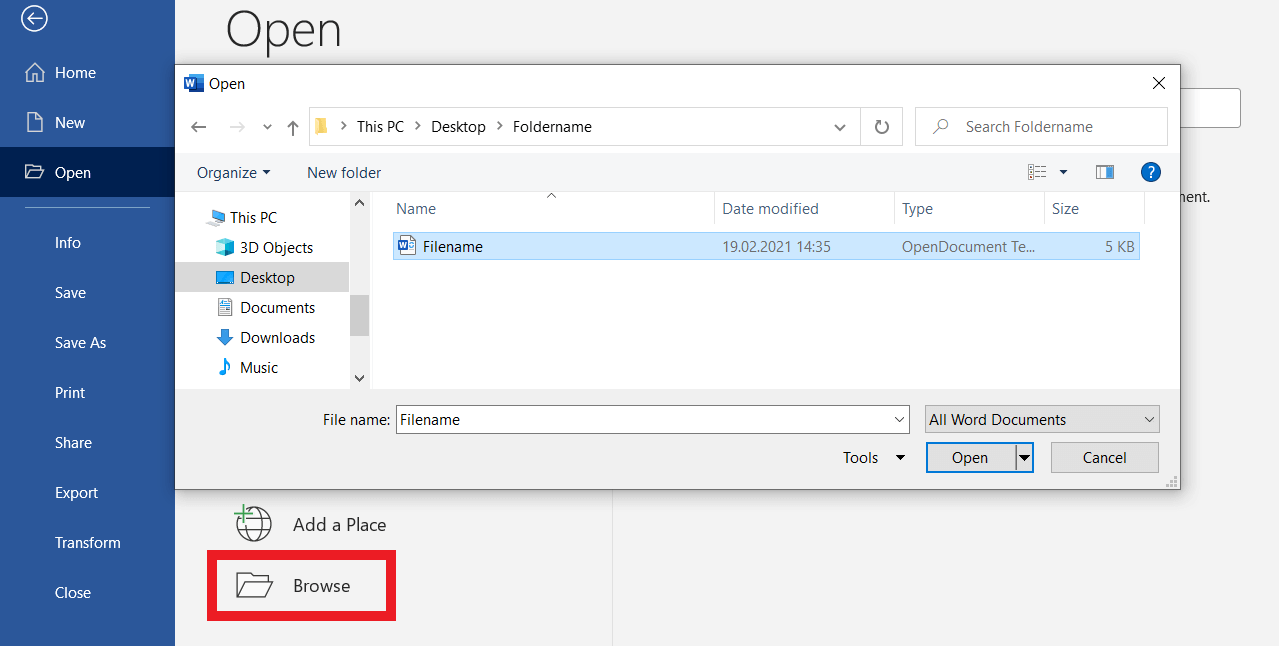
How to Open and Edit ODT Files
One of the greatest technical strengths of the ODT format is its versatility. It is not tied to a single operating system or a specific hardware configuration. Whether you are working on a high-end Linux workstation, a Windows laptop, or a mobile device, there are numerous ways to access and manipulate ODT data.
Desktop Productivity Suites (LibreOffice, OpenOffice, Microsoft Word)
The “native” environments for ODT files are open-source productivity suites. LibreOffice and Apache OpenOffice are the two most prominent examples. These suites use ODT as their default saving format, ensuring that every feature—from complex tables to nested styles—is perfectly preserved.
However, the tech industry’s move toward interoperability means that Microsoft Word has also supported ODT files for over a decade. Starting with Word 2007 (Service Pack 2), users have been able to open, edit, and save documents in the ODT format. While there were early hurdles regarding formatting fidelity, modern versions of Office 365 handle ODT files with a high degree of accuracy, making it easier for teams using different software to collaborate.
Cloud-Based Solutions (Google Docs, Zoho Writer)
The rise of cloud computing has further simplified the management of ODT files. Google Docs provides robust support for ODT, allowing users to upload .odt files, edit them in a browser, and export them back to the same format. This is particularly useful for users who need to access their documents on the go without installing local software. Zoho Writer is another professional-grade cloud tool that treats ODT as a first-class citizen, offering seamless conversion and real-time collaboration features.
Mobile Applications and Viewers
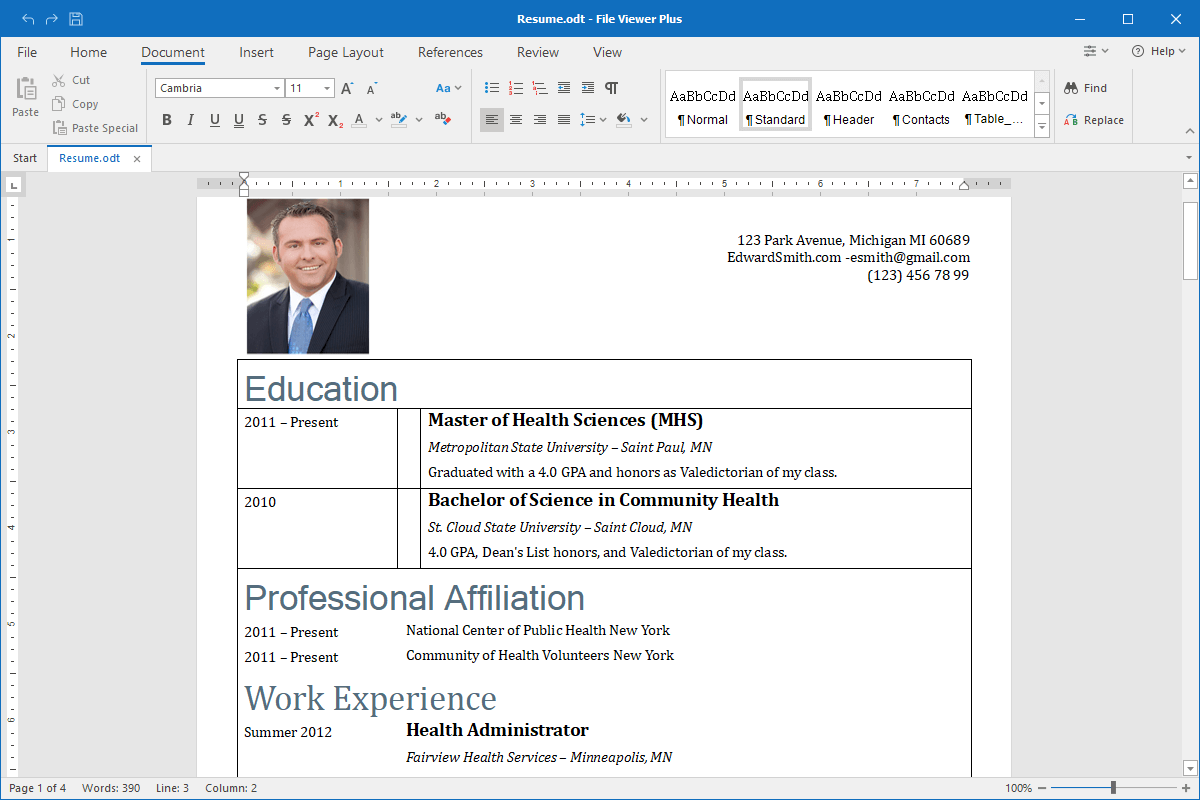
On mobile platforms like Android and iOS, opening an ODT file is typically handled by dedicated document viewers or mobile versions of office suites. Apps like Collabora Office (based on LibreOffice technology) allow for full editing capabilities on tablets and smartphones. Additionally, most mobile “File Manager” apps include built-in previewers that can render the text and basic formatting of an ODT file without requiring a heavy application download.
ODT vs. DOCX: Key Differences and Compatibility
When discussing text documents, the comparison between ODT and DOCX is inevitable. While both are “zipped” XML-based formats, they originate from different philosophies and technical specifications.
Formatting and Layout Preservation
One of the primary challenges in the “ODT vs. DOCX” debate is formatting consistency. DOCX, being Microsoft’s proprietary standard (though later “opened” as Office Open XML), is designed to utilize the specific rendering engines of Microsoft Word. ODT, conversely, follows the OASIS specifications.
Technically, this means that while the content (the words and images) will transfer perfectly between formats, the layout (fine-tuned spacing, specific font kerning, or complex text wrapping) may shift slightly when moving from a program like LibreOffice to Microsoft Word. For high-stakes desktop publishing, professionals often prefer to share final versions as PDFs to avoid these minor discrepancies, regardless of whether the source was ODT or DOCX.
File Structure and Compression
If you were to change the file extension of an .odt file to .zip and open it, you would reveal the underlying directory structure. Inside, you would find several XML files (such as content.xml, styles.xml, and meta.xml) and folders for images and media.
The ODT format is generally highly efficient in its compression. Because it relies on a “flat” XML structure wrapped in a ZIP container, the file sizes are often smaller than legacy .doc files and comparable to .docx files. This architecture makes it easier for developers to write scripts that can extract data from ODT files without needing to “run” a word processor, a major advantage for automated data processing and AI training.
The Choice for Long-Term Digital Archiving
From a digital preservation standpoint, ODT often holds the edge. Because its specification is fully public and managed by a non-profit consortium, there is no “secret” code required to interpret the file. This makes it a preferred format for the Library of Congress and various international archives. When the goal is to ensure a document is readable 50 or 100 years from now, the transparency of ODT offers a level of security that proprietary formats struggle to match.
Technical Advantages of Using the ODT Extension
Beyond simple word processing, the ODT format offers several technical advantages that appeal to software developers, system administrators, and security-conscious users.
Interoperability and Cross-Platform Support
In a heterogeneous IT environment where some employees use macOS, others use Windows, and servers run Linux, ODT serves as a “common language.” It eliminates the friction of platform-specific bugs. Because ODT does not rely on Windows-specific registries or Mac-specific metadata, the files remain “clean” as they move across different network protocols and operating systems.
Avoiding Proprietary Vendor Lock-in
For organizations, adopting ODT is a strategic tech move. It provides leverage during software license negotiations. When an organization’s entire data history is stored in a format that only one company can perfectly render, that company holds significant power over pricing. By standardizing on ODT, an organization retains the freedom to switch between LibreOffice, OnlyOffice, or Microsoft Word based on merit and cost rather than necessity.
Security and Transparency of XML
From a digital security perspective, ODT files are generally safer than older document formats. Legacy formats like .doc could contain “macros” (embedded scripts) that were frequently used to spread malware. While ODT supports macros, the implementation is based on open standards that are easier for modern antivirus software and email gateways to inspect. Because the file structure is transparent XML, security tools can easily parse the “manifest” of an ODT file to ensure there are no hidden malicious payloads before the file is even opened.
Troubleshooting Common Issues with ODT Files
Despite its robust design, users may occasionally encounter technical hurdles when working with ODT files, particularly during conversion or when dealing with legacy documents.
Fixing Formatting Glitches During Conversion
The most common issue with ODT files occurs when converting them to or from DOCX. To minimize these issues, tech experts recommend using “Standard Fonts” like Arial, Times New Roman, or Liberation Serif, which are available across all platforms. Furthermore, using “Styles” (Heading 1, Body Text, etc.) rather than manual formatting (changing font size and bolding manually) ensures that the XML tags remain consistent, leading to a much smoother conversion process between different office suites.
Recovering Corrupted ODT Documents
Because ODT files are essentially renamed ZIP archives, they offer a unique recovery path if a file becomes corrupted. If an ODT file refuses to open, a tech-savvy user can change the extension to .zip and use archive repair tools to extract the content.xml file. This file contains all the raw text of the document. Even if the formatting or the images are lost, the vital information can almost always be recovered—a feat that is much more difficult with binary or highly obfuscated proprietary formats.
In conclusion, the ODT file is a cornerstone of the modern open-web and open-software movement. It represents a commitment to data portability, security, and international standards. Whether you are a developer looking for a scriptable document format, a business owner avoiding vendor lock-in, or a student seeking a free way to write a thesis, the ODT format provides a reliable, professional, and technically sound solution for the digital age.
aViewFromTheCave is a participant in the Amazon Services LLC Associates Program, an affiliate advertising program designed to provide a means for sites to earn advertising fees by advertising and linking to Amazon.com. Amazon, the Amazon logo, AmazonSupply, and the AmazonSupply logo are trademarks of Amazon.com, Inc. or its affiliates. As an Amazon Associate we earn affiliate commissions from qualifying purchases.