
In the early 2010s, the technology world viewed the tablet as a niche curiosity—a “middle child” squeezed uncomfortably between the portability of the smartphone and the power of the laptop. Fast forward to the current digital landscape, and the narrative has shifted entirely. Today, tablets have evolved into sophisticated computing powerhouses capable of replacing traditional PCs for a significant portion of the population.
What is a tablet used for today? It is no longer just a device for browsing the web on the sofa. From professional creative studios and high-stakes corporate boardrooms to interactive classrooms and smart home command centers, the tablet has become the most versatile tool in the modern tech arsenal. This guide explores the multifaceted utility of tablets, examining how they bridge the gap between leisure and high-level productivity.
Bridging the Gap: The Evolution of Tablets as Primary Computing Devices
The primary appeal of the tablet lies in its unique form factor. It offers a canvas larger than a phone, allowing for complex visual tasks, yet remains more tactile and portable than a clamshell laptop. This evolution has been driven by massive leaps in silicon technology and operating system maturity.
From Media Consumption to Productivity Powerhouses
Initially, tablets were marketed as “consumption devices”—perfect for watching Netflix, reading e-books, or playing casual games. While they still excel at these tasks, the introduction of high-performance chips, such as Apple’s M-series silicon or Qualcomm’s flagship Snapdragon processors, has changed the stakes. Modern tablets now handle high-definition video editing, 3D modeling, and complex data processing with ease. This shift has allowed users to transition from being passive consumers of content to active creators, using the tablet as their primary workstation.
The Operating System Divide: iPadOS vs. Android vs. Windows
Understanding what a tablet is used for requires looking at the software driving the hardware.
- iPadOS: Apple has tailored its mobile OS to include desktop-class features like Stage Manager for multitasking and a file management system that mimics macOS.
- Android: Google’s ecosystem offers unmatched customization and a wide variety of hardware options, making it the go-to for users who want flexibility and integration with the Google Workspace.
- Windows Tablets: Devices like the Microsoft Surface Pro function as true 2-in-1s. They run full desktop applications (.exe files), making them the preferred choice for professionals who require legacy software and heavy-duty multitasking.
Professional Workflows: How Tablets Revolutionized Modern Industries
In the professional tech sphere, tablets are no longer “secondary” devices. They are integrated into the core workflows of various industries, often performing tasks that a traditional laptop simply cannot.
Creative Arts and Graphic Design
Perhaps no sector has embraced the tablet more than the creative industry. With the advent of high-precision styluses like the Apple Pencil and the Samsung S-Pen, tablets have become digital canvases. Artists use apps like Procreate or Adobe Fresco to illustrate with pressure sensitivity and tilt recognition that rivals professional Wacom monitors. For graphic designers, the ability to manipulate vectors directly on a screen with a pen provides a level of intuition and precision that a mouse and keyboard cannot replicate.
Field Work, Logistics, and Corporate Mobility
For professionals who don’t work at a desk, the tablet is a lifeline. In construction and architecture, tablets are used to view 3D blueprints and CAD models on-site, with some high-end models utilizing LiDAR scanners to create instant 3D maps of physical spaces. In the healthcare sector, doctors and nurses use tablets for real-time patient charting, providing a portable, hygienic way to access medical records at the bedside. The mobility of the tablet ensures that data is captured and accessed exactly where the work is happening.
The Rise of the Paperless Office
The “paperless office” has been a corporate dream for decades, and tablets have finally made it a reality. Through sophisticated PDF annotation tools and cloud-based collaboration platforms like Notion, Slack, and Trello, professionals can sign contracts, take handwritten notes during meetings, and manage projects without ever touching a ream of paper. The ability to sync these notes instantly across all devices ensures that a thought captured on a tablet in a coffee shop is waiting on the office desktop five minutes later.
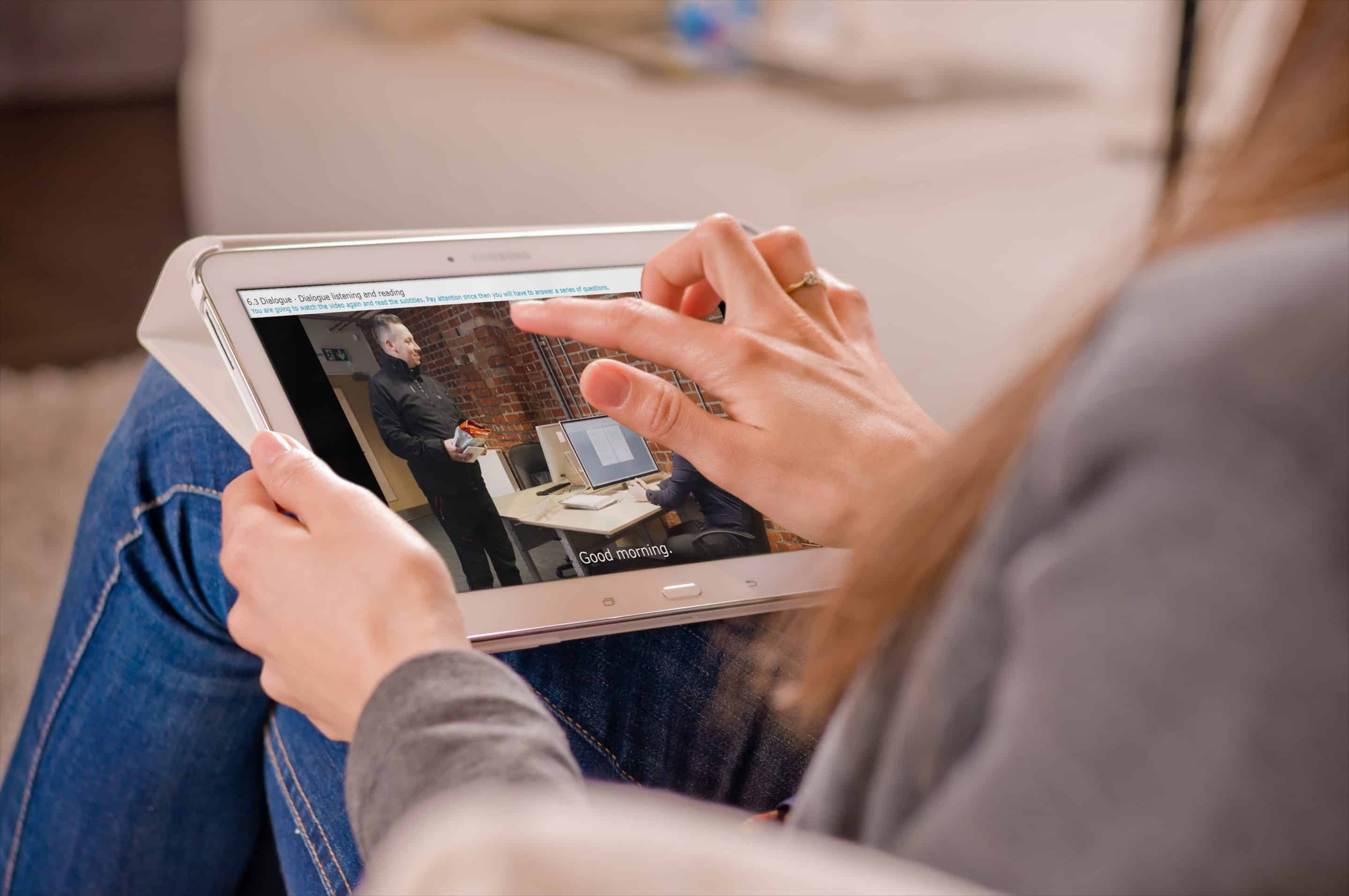
Educational Transformation: The Tablet as a Learning Companion
The education sector has seen a massive influx of tablet technology, fundamentally changing how students interact with information. The tablet provides a multi-modal learning experience that caters to visual, auditory, and kinesthetic learners.
Interactive Learning for K-12 and Higher Ed
What is a tablet used for in a classroom? It serves as an interactive textbook, a research lab, and a submission portal. Digital textbooks are often cheaper than physical ones and include embedded videos, 3D diagrams that students can rotate, and instant quizzes to test retention. For university students, tablets have revolutionized note-taking. Using a stylus, students can write complex mathematical equations or draw organic chemistry structures while simultaneously recording the lecture audio—creating a rich, searchable archive of their education.
Accessibility and Assistive Technology
Tablets have proven to be transformative for students with disabilities. Features like “VoiceOver,” “Live Captions,” and customizable touch interfaces allow students with visual, auditory, or motor impairments to participate in the curriculum on an equal footing. For students with neurodivergent needs, tablets provide organization apps and sensory-friendly learning environments that can be tailored to their specific requirements, making education more inclusive than ever before.
The Hub of Digital Entertainment and Smart Home Integration
While tablets have gained professional and educational credentials, they remain the gold standard for personal entertainment and home management.
Immersive Media Consumption and Gaming
The display technology in modern tablets—often featuring OLED or Liquid Retina XDR screens—frequently surpasses that of mid-range televisions or laptops. This makes them the ultimate device for streaming 4K HDR content. Furthermore, the tablet has become a formidable gaming machine. Beyond casual mobile games, the rise of cloud gaming services like Xbox Cloud Gaming and NVIDIA GeForce Now allows users to stream AAA console titles directly to their tablets. Combined with a Bluetooth controller, a tablet becomes a portable gaming console with a high-resolution display.
Controlling the Modern Smart Home Ecosystem
As homes become smarter, the need for a central control hub grows. A tablet mounted on a wall or placed on a kitchen dock serves as the “brain” of the smart home. Through apps like Apple Home, Google Home, or Samsung SmartThings, users can control lighting, adjust thermostats, view security camera feeds, and manage smart appliances from a single, intuitive interface. The tablet’s large screen is far better suited for viewing multiple camera feeds or adjusting complex lighting scenes than a cramped smartphone screen.
Choosing Your Path: How to Determine Which Tablet Usage Fits Your Lifestyle
With so many use cases, choosing the right tablet depends heavily on your specific technical needs. The market is segmented to serve different types of users, and understanding these segments is key to making a wise investment.
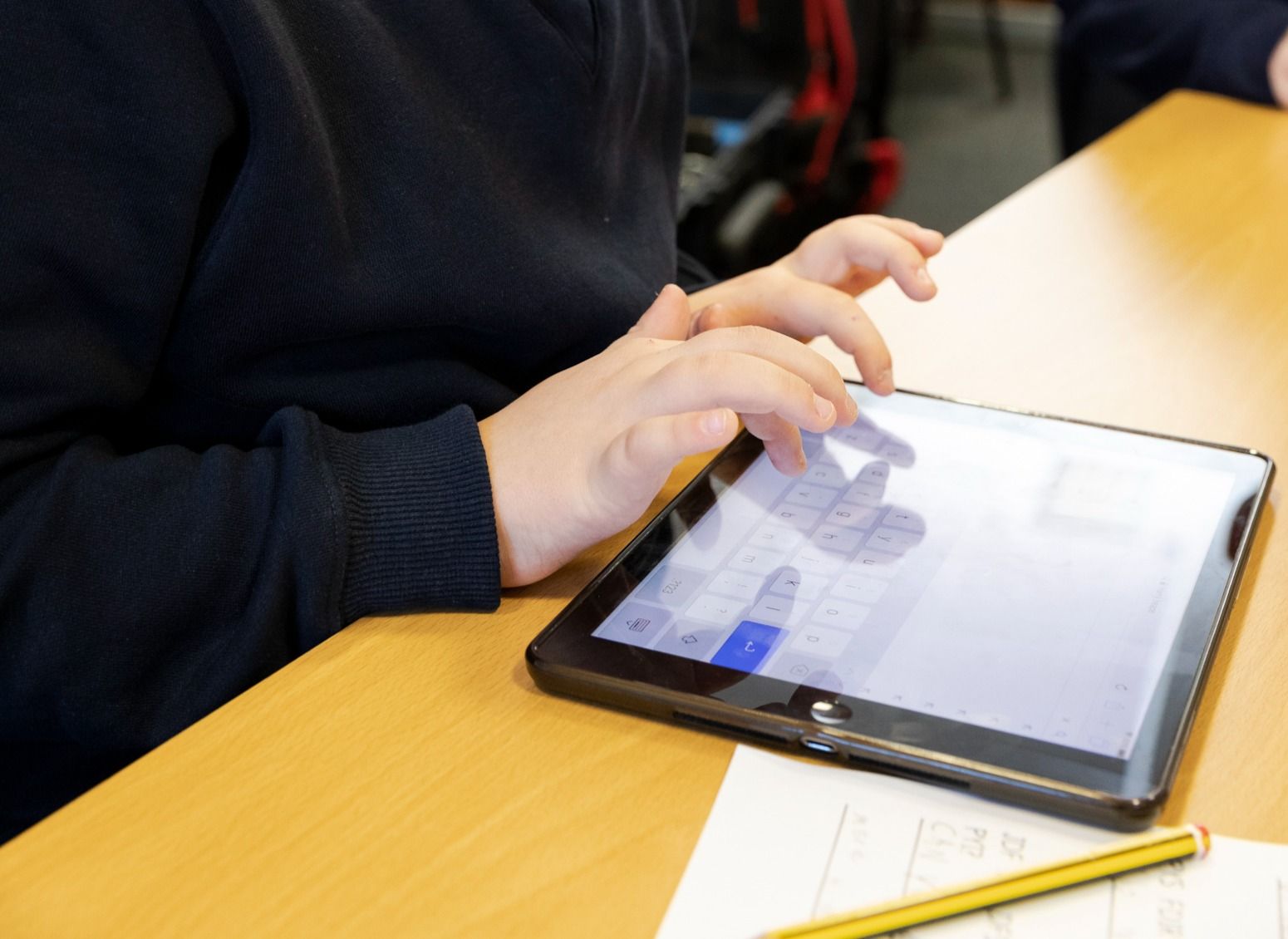
Assessing Hardware Specs vs. Software Needs
When deciding what a tablet will be used for in your life, consider the following technical pillars:
- Processing Power: If you plan on video editing or heavy multitasking, prioritize “Pro” models with at least 8GB of RAM and high-end processors.
- Display Quality: For media enthusiasts and artists, look for high refresh rates (120Hz) and high brightness levels (Nits).
- Battery Life and Connectivity: For field workers or frequent travelers, 5G cellular connectivity and a battery that can withstand 10+ hours of active use are non-negotiable.
- Peripheral Ecosystem: A tablet is often defined by its accessories. Does the model support a high-quality keyboard cover? Is the stylus latency low enough for natural writing?
In conclusion, the answer to “what is a tablet used for” is limited only by the software it runs and the imagination of the user. It is a chameleon of the tech world—a canvas for the artist, a ledger for the accountant, a library for the student, and a cinema for the film buff. As we move deeper into an era of “mobile-first” computing, the tablet continues to solidify its place as the most adaptable and personal piece of technology we own.
aViewFromTheCave is a participant in the Amazon Services LLC Associates Program, an affiliate advertising program designed to provide a means for sites to earn advertising fees by advertising and linking to Amazon.com. Amazon, the Amazon logo, AmazonSupply, and the AmazonSupply logo are trademarks of Amazon.com, Inc. or its affiliates. As an Amazon Associate we earn affiliate commissions from qualifying purchases.