
In the early days of mobile communication, texting was a utilitarian tool restricted by character limits and monochrome screens. Today, it has evolved into a sophisticated linguistic ecosystem where symbols—ranging from classic punctuation to intricate emojis and mathematical glyphs—carry as much weight as the words themselves. Understanding what these symbols mean in texting is no longer just a matter of social etiquette; it is a core component of digital literacy in a tech-driven world.
As we navigate through various messaging platforms, from iMessage and WhatsApp to Slack and Discord, the technical implementation and the nuanced interpretation of these symbols define how we connect. This article explores the technical architecture, the historical evolution, and the functional nuances of symbols in modern digital communication.

The Evolution of Textual Symbols: From ASCII to Unicode
To understand symbols in texting, one must first understand the technology that allows them to exist. Digital symbols are not merely images; they are specific data points recognized across different operating systems through a global standard.
The Rise of Emoticons and ASCII Art
Before the advent of high-resolution displays, users relied on ASCII (American Standard Code for Information Interchange) to convey emotion. By combining standard keyboard characters—colons, hyphens, and parentheses—users created “emoticons” like :-) or ;-). Technically, these were simply strings of text that the human eye interpreted as faces. This era of communication relied heavily on the user’s creativity to bypass the lack of graphical support in early mobile software.
The Transition to Unicode Standards
The leap from text-based emoticons to graphical “emojis” was made possible by the Unicode Consortium. Unicode is the industry standard for the consistent encoding, representation, and handling of text. In the tech world, every emoji is assigned a specific “code point” (e.g., U+1F600 for a grinning face).
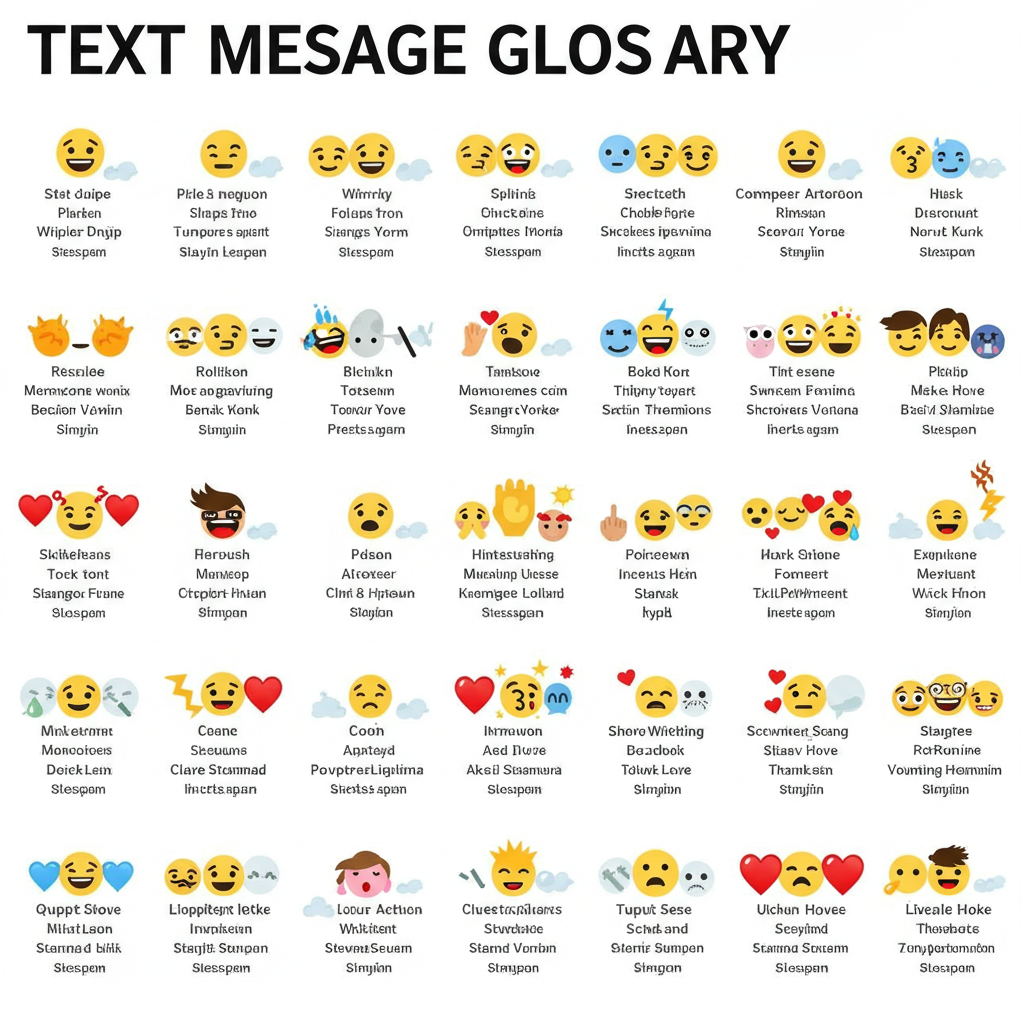
Because of Unicode, a symbol sent from an iPhone can be recognized by a Samsung device. However, while the code point is the same, the “glyph”—the actual visual design—is rendered by the device’s specific operating system. This is why a “grimacing face” might look slightly different on iOS than it does on Android, sometimes leading to technical “misunderstandings” in digital tone.
The Role of Character Encoding in Global Messaging
Beyond emojis, texting utilizes a variety of special characters and symbols that serve functional purposes. Encoding systems like UTF-8 allow for the inclusion of symbols from various languages and technical fields. This ensures that a symbol like the “Euro” sign (€) or a mathematical symbol (≈) maintains its integrity across different software environments, ensuring that technical and financial data remain accurate during text-based transmission.
Non-Emoji Symbols: The Technical Nuance of Punctuation
In the realm of texting, traditional punctuation marks have been repurposed to function as emotional metadata. In a medium that lacks facial expressions and vocal tone, symbols act as the “user interface” for human intent.
The Full Stop (.) and the Perception of Finality
In formal writing, a period is a grammatical necessity. In texting technology, however, the period has become a symbol of tone. Because the “send” button effectively acts as a terminal punctuation mark, adding an explicit period at the end of a short text can be perceived by the receiver as a sign of frustration or “passive-aggressiveness.” From a tech-sociology perspective, this is known as “situational code-switching,” where the software environment dictates a departure from standard linguistic rules.
Ellipses (…) and Tildes (~) as Functional Indicators
The ellipsis (…) is one of the most versatile symbols in texting. Technically, it indicates an omission, but in a chat interface, it often signals a “trailing off” or an invitation for the other party to respond. Many modern messaging apps use an animated ellipsis as a “typing indicator,” a UI element that informs the user that data is being generated in real-time on the other end.
Similarly, the tilde (~) has seen a resurgence in digital communication, particularly in Asian tech spheres and among younger demographics, to denote a playful or “soft” tone. While its technical origin lies in mathematics and file-pathing (denoting a home directory in Unix), its texting application is purely decorative and atmospheric.
Asterisks (*) for Correction and Emphasis
The asterisk is a multifaceted tool in the texter’s toolkit. In the absence of a “rich text” editor (bold or italics) in many basic SMS protocols, the asterisk is used to frame words for emphasis. Furthermore, it serves as the universal symbol for a “quick-fix” correction. If a user makes a typo, sending a follow-up message with the corrected word preceded or followed by an asterisk tells the recipient’s brain—and sometimes the app’s internal search algorithm—to replace the previous error with the new data.
The Technical Architecture of Mobile Symbols

The way symbols appear on our screens is a result of complex software interactions. From font rendering to cross-platform compatibility, the technical “back-end” of a symbol is just as important as its meaning.
Cross-Platform Discrepancies (iOS vs. Android)
One of the biggest challenges in the tech world is fragmentation. When Apple designs a symbol, they prioritize their aesthetic language (Human Interface Guidelines). When Google or Samsung does the same, they follow their own design philosophies.
This can lead to “semantic shift,” where a symbol meant to look “pensive” on one platform looks “angry” on another. Tech developers are constantly working toward “feature parity” to ensure that the emotional intent of a symbol is preserved regardless of the hardware being used.
Keyboard Shortcuts and Auto-Predictive Tech
Modern mobile operating systems utilize machine learning to predict which symbols a user might want to use. Predictive text engines analyze the semantic context of a sentence; if you type “Happy Birthday,” the keyboard’s AI will automatically suggest cake or balloon symbols. This integration of Natural Language Processing (NLP) with symbolic input represents a significant leap in how software facilitates human expression.
Reactions and “Tapbacks”: Symbols as UI Shortcuts
Messaging platforms like iMessage, Slack, and Discord have introduced “reactions”—the ability to attach a symbol directly to a message bubble. Technically, this is a more efficient way of communicating than sending a separate message. It reduces “notification fatigue” and saves bandwidth. From a UI/UX perspective, these symbols allow users to acknowledge receipt or express sentiment without the friction of typing, streamlining the digital conversation.
Security, Hidden Symbols, and the Risks of Encoding
While symbols are generally used for expression, they also have a technical side related to digital security and data integrity.
Obfuscation and “Leet Speak”
In the early days of the internet, symbols were used to bypass word filters and automated moderation. This practice, known as “Leet Speak” (e.g., replacing ‘E’ with ‘3’ or ‘S’ with ‘$’), used symbols to mask the actual text from rudimentary algorithms. While modern AI-based moderation is much harder to fool, the use of symbols for obfuscation remains a topic of interest in digital security and online subcultures.
The Danger of “Text Bombs” and Malformed Characters
From a software engineering perspective, certain symbols or combinations of characters can be used maliciously. Occasionally, a specific string of rare symbols or malformed Unicode characters can cause an iPhone or Android device to crash. These “text bombs” exploit vulnerabilities in how the operating system’s text-rendering engine handles complex symbols. Tech giants like Apple and Google must frequently issue security patches to harden their software against symbol-based exploits.
Steganography and Character Masking
Symbols can also be used in steganography—the practice of hiding information within other information. By using “zero-width characters” (symbols that exist in the code but are invisible to the user), individuals can embed hidden metadata or tracking codes within a standard text message. This is a niche but critical area of digital security, highlighting that there is often more to a symbol than meets the eye.
The Future of Symbolic Communication in the AI Era
As we look toward the future of technology, the way we use symbols in texting is set to become even more integrated with Artificial Intelligence. We are moving beyond static emojis and punctuation toward dynamic, AI-generated symbols.
Generative AI now allows for the creation of custom stickers and symbols on the fly. Instead of searching for a pre-existing symbol, users can prompt their device to “create a symbol of a cat wearing a space helmet,” and the software will generate a unique graphical symbol. This represents a shift from a “standardized library” of symbols (Unicode) to a “generative library,” where the meaning of symbols becomes even more personalized and context-dependent.
Furthermore, as augmented reality (AR) and virtual reality (VR) tech matures, symbols will likely transition from 2D screen elements to 3D spatial objects. In a “spatial computing” environment, a symbol might float in 3D space, changing its appearance based on the viewer’s perspective or the urgency of the message.
Conclusion
What symbols mean in texting is a multifaceted question that sits at the intersection of linguistics, software engineering, and human psychology. From the technical rigors of Unicode to the social nuances of the misplaced period, symbols are the “code” that makes digital communication human. As our gadgets become smarter and our software more intuitive, the symbols we use will continue to evolve, bridging the gap between cold data and warm human connection. Understanding these symbols is essential for anyone navigating the modern tech landscape, ensuring that our messages are not just delivered, but truly understood.
aViewFromTheCave is a participant in the Amazon Services LLC Associates Program, an affiliate advertising program designed to provide a means for sites to earn advertising fees by advertising and linking to Amazon.com. Amazon, the Amazon logo, AmazonSupply, and the AmazonSupply logo are trademarks of Amazon.com, Inc. or its affiliates. As an Amazon Associate we earn affiliate commissions from qualifying purchases.