
In an era defined by digital convenience, the physical debit card, once the pinnacle of financial access, now often serves as a gateway to an ever-evolving ecosystem of digital banking. Activating this card, a crucial initial step, has similarly migrated from traditional phone calls or ATM visits to the seamless, intuitive interface of a mobile application. This guide delves into the technological underpinnings and user experience of activating your Chase debit card directly through their mobile app, highlighting the efficiency, security, and smart design that characterize modern digital banking. It’s a testament to how software and user interface design simplify complex processes, empowering users with control directly from their devices.
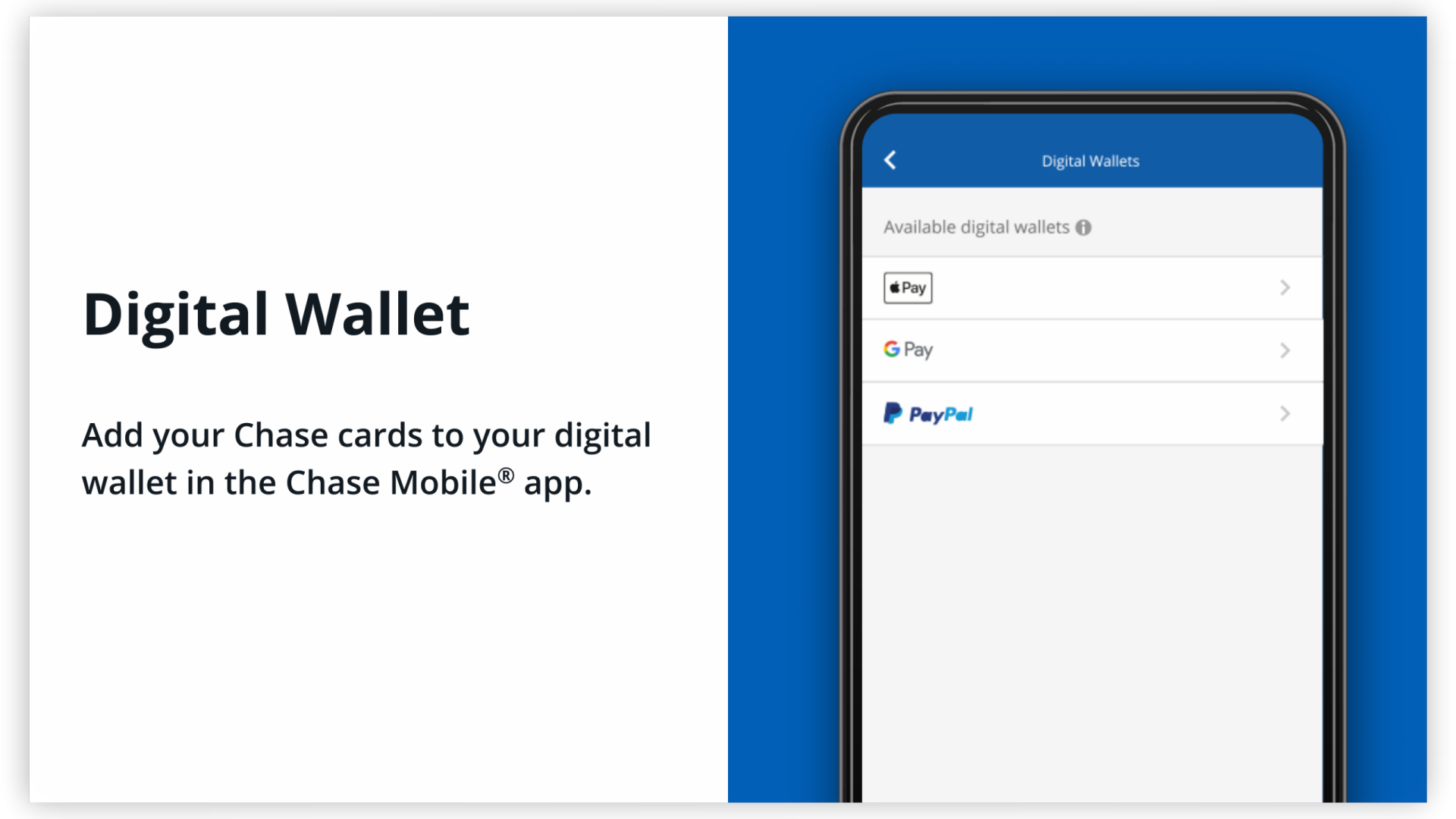
The Seamless Integration of Banking and Technology
The evolution of banking from physical branches to digital platforms represents one of the most significant technological transformations in the financial sector. Mobile banking apps are at the forefront of this shift, consolidating a myriad of services into a pocket-sized interface. Activating a debit card via an app is not merely a convenience; it’s a critical component of a comprehensive digital strategy designed to enhance user experience, bolster security, and streamline operations.
Evolution of Card Activation Methods
Historically, activating a new debit card involved calling a toll-free number and navigating an automated voice system, or physically inserting the card into an ATM for a transaction. While functional, these methods often presented minor friction points: waiting times, remembering PINs prematurely, or locating a convenient ATM. The advent of sophisticated mobile banking apps has largely rendered these methods secondary, prioritizing immediate, self-service activation. This technological leap allows users to activate their cards anytime, anywhere, reducing delays and enhancing the overall onboarding experience for a new financial instrument. It underscores the industry’s move towards user-centric design principles, where control and accessibility are paramount.
Why App-Based Activation is Superior
App-based activation leverages the power of secure, encrypted mobile platforms to provide a superior user experience. Firstly, convenience is unparalleled; your smartphone is almost always within reach, making immediate activation possible upon receipt of the card. Secondly, enhanced security protocols are built directly into the app. Unlike voice calls which can be susceptible to phishing or casual eavesdropping, banking apps employ multi-factor authentication, secure data transmission, and device-specific encryption, significantly reducing the risk of fraud during the activation process. Thirdly, the intuitive user interface (UI) guides users through the process with clear prompts and visual cues, minimizing errors and frustration. This intelligent design ensures that even less tech-savvy individuals can complete the activation confidently, demonstrating the power of good UX in simplifying complex financial tasks. Finally, app activation often integrates directly with other account management features, offering a holistic view of financial tools and services immediately post-activation.
Pre-Activation Checklist: Preparing for a Smooth Digital Experience
Before embarking on the activation journey within the Chase mobile app, a few preparatory steps can ensure a frictionless and secure process. These steps are fundamental to any interaction with sensitive financial applications, emphasizing the importance of digital readiness and device integrity.
Essential App Requirements
To activate your Chase debit card on the app, you must first have the official Chase Mobile® app installed on your smartphone or tablet. Ensure it is the latest version available from your device’s app store (Apple App Store for iOS, Google Play Store for Android). Outdated apps may lack critical security updates, introduce compatibility issues, or miss the latest features designed for seamless activation. Regular app updates are not just about new features; they are crucial for maintaining the highest level of digital security and optimal performance. If you’re a new user, you’ll also need to have successfully completed the initial account setup and login process for the app, which typically involves creating a username and password and potentially setting up additional security measures like biometric login or a secure access code.
Verifying Account Information
Before proceeding with activation, it’s wise to have your account details readily accessible. This includes your username and password for the Chase Mobile app. While the app is designed to securely retrieve much of your information, having the physical debit card in hand is mandatory, as you’ll typically need to input specific card numbers (e.g., the 16-digit card number) and potentially the CVV/security code from the back. Cross-referencing these details ensures accuracy and prevents potential activation failures due to typos. This step underscores the blend of physical and digital information required for secure transactions.
Ensuring Device Security
The security of your mobile device is paramount when handling financial applications. Before activating your card, ensure your smartphone or tablet is running the latest operating system updates. OS updates often patch security vulnerabilities that could otherwise be exploited. Furthermore, use a strong passcode or biometric authentication (fingerprint, facial recognition) to unlock your device. Avoid public Wi-Fi networks when performing sensitive transactions; instead, use a secure, private network or your mobile data connection. These practices are standard digital hygiene, crucial for safeguarding your financial data against unauthorized access and cyber threats.
Step-by-Step Guide: Activating Your Card Through the Chase Mobile App
The beauty of modern banking apps lies in their user-friendly design, guiding users through complex processes with intuitive interfaces. Activating your Chase debit card is a prime example of this streamlined experience.
Navigating the App Interface
Once you’ve launched the Chase Mobile app and logged in securely, you’ll typically land on your account dashboard. This dashboard usually provides an overview of your linked accounts, recent transactions, and quick access to various banking functionalities. The design prioritizes ease of navigation, often using clear icons and descriptive labels. Look for sections related to “Account Services,” “Card Services,” “My Accounts,” or directly under the specific account associated with your new debit card. Modern apps often feature a search bar or a prominent notification if a new card requires activation, further simplifying the discovery process.
Locating the Activation Feature
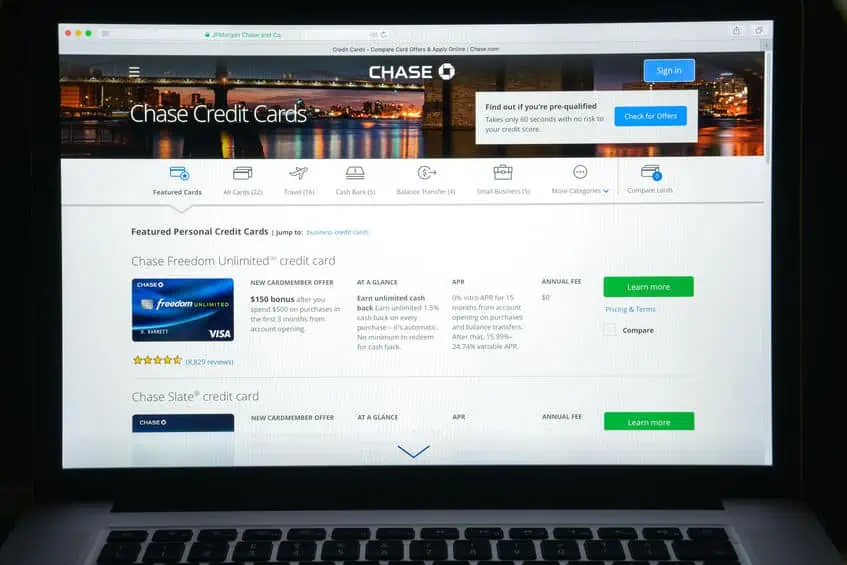
Within the app, the path to card activation is typically straightforward. Many users will see a notification or prompt on their dashboard explicitly stating that a new card has arrived and needs activation. If not, navigate to the relevant account (e.g., your checking account) and look for options such as “Activate Card,” “Manage Card,” “Card Controls,” or similar. Sometimes, it might be nested under a menu labeled “Services” or “Support.” Chase, like most major financial institutions, designs its app with clear pathways for essential functions, making this step generally intuitive. The feature is usually highlighted to ensure it’s easily discoverable.
Inputting Required Information Securely
Upon selecting the activation option, the app will prompt you to enter specific details from your new debit card. This typically includes the 16-digit card number printed on the front, and possibly the security code (CVV) from the back. In some cases, you might also be asked to confirm personal identifying information already on file, such as your date of birth or the last four digits of your Social Security number, as an additional layer of verification. It’s crucial to input this information accurately and patiently. The app’s secure data entry fields ensure that your sensitive details are encrypted and transmitted safely to Chase’s servers, protected against interception. Once entered, you might be asked to confirm or create your Personal Identification Number (PIN), which is essential for ATM transactions and in-store purchases.
Confirmation and Next Steps
After successfully entering the required details and confirming them, the app will display a confirmation message indicating that your debit card has been activated. This immediate feedback provides peace of mind and signifies that your card is now ready for use. Post-activation, the app might direct you to set up additional card controls, such as transaction alerts, spending limits, or the ability to temporarily lock your card if it’s misplaced. These features further enhance the digital management of your financial instruments, placing powerful security and control mechanisms directly into the user’s hands through the app’s interface.
Enhancing Your Digital Banking Security Post-Activation
Activating your debit card is just the first step in leveraging the full potential of digital banking. Maintaining robust digital security practices is paramount to protecting your financial assets and personal data in the interconnected world. The Chase app provides several tools and features designed to help you do just that.
Setting Up Biometric Authentication
One of the most significant security enhancements in modern mobile banking is biometric authentication. Once your card is active, ensure you’ve enabled features like fingerprint login (Touch ID on iOS, Fingerprint on Android) or facial recognition (Face ID on iOS) within the Chase app settings. These technologies offer a highly secure and convenient way to access your account, far more robust than a traditional password alone. Biometrics are unique to you, making unauthorized access exceedingly difficult and adding an invaluable layer of protection to your financial transactions.
Understanding Digital Security Best Practices
Beyond app-specific features, adopting broader digital security best practices is crucial. This includes creating a strong, unique PIN for your debit card that isn’t easily guessable. Regularly reviewing your transaction history through the app is also vital; this allows you to quickly identify and report any unauthorized activity. Be vigilant against phishing attempts, where scammers try to trick you into revealing sensitive information via fake emails or messages. Always access your Chase account through the official app or website, and never click on suspicious links. Keeping your device’s operating system and all apps updated is another critical step, as updates often contain security patches.
Monitoring Your Digital Transactions
The Chase mobile app offers powerful tools for transaction monitoring. You can set up alerts for various activities, such as purchases above a certain amount, international transactions, or ATM withdrawals. These real-time notifications, delivered directly to your device, empower you to stay informed about all card activity and detect any anomalies instantly. Proactive monitoring, facilitated by intelligent app design, is your first line of defense against fraud and unauthorized use, transforming your smartphone into a personal financial guardian.
Troubleshooting Common App Activation Issues
While app-based activation is designed to be smooth, occasional technical glitches or user errors can occur. Understanding common issues and their resolutions can save time and frustration, reinforcing the user’s control over their digital banking experience.
App Glitches and Connectivity Problems
If the app freezes, crashes, or fails to connect during the activation process, several factors could be at play. First, check your internet connection; a weak or unstable Wi-Fi or cellular signal can disrupt app functionality. Try switching to a different network or restarting your router/device. If the problem persists, force-close the Chase app and reopen it. Clearing the app’s cache (via your device settings) can also resolve minor software conflicts. As a last resort, uninstalling and reinstalling the app ensures you have a fresh, clean installation. These steps address common software and network-related issues that might impede seamless interaction.
Incorrect Information Entry
Typographical errors are a common cause of activation failure. Double-check every digit of your card number and any personal verification information you enter. The app’s interface typically provides clear feedback if an input field is incorrect, guiding you to correct the error. Remember that security features might temporarily lock your ability to retry if too many incorrect attempts are made, a protective measure against brute-force attacks. Taking a moment to verify details before submitting them can prevent these frustrating setbacks.

When to Contact Technical Support
If you’ve tried the common troubleshooting steps and are still unable to activate your card, it’s time to contact Chase’s customer support. The app itself usually provides direct access to support options, including chat features, secure messaging, or a customer service phone number. When contacting support, be prepared to provide details about the specific issue you’re encountering, any error messages you’ve received, and the steps you’ve already taken. Chase’s technical support team can often resolve underlying account-specific issues or guide you through an alternative activation method, ensuring that technology serves as an enabler, not a barrier, to your financial access. This highlights the importance of human support complementing sophisticated app technology.
In conclusion, activating your Chase debit card on the app is a powerful demonstration of how modern technology, specifically intuitive software design and robust digital security, transforms everyday financial tasks into efficient, secure, and user-friendly experiences. By understanding the processes, preparing adequately, and leveraging the app’s features, users can seamlessly integrate their new card into their digital financial life, enhancing both convenience and control over their money.
aViewFromTheCave is a participant in the Amazon Services LLC Associates Program, an affiliate advertising program designed to provide a means for sites to earn advertising fees by advertising and linking to Amazon.com. Amazon, the Amazon logo, AmazonSupply, and the AmazonSupply logo are trademarks of Amazon.com, Inc. or its affiliates. As an Amazon Associate we earn affiliate commissions from qualifying purchases.