
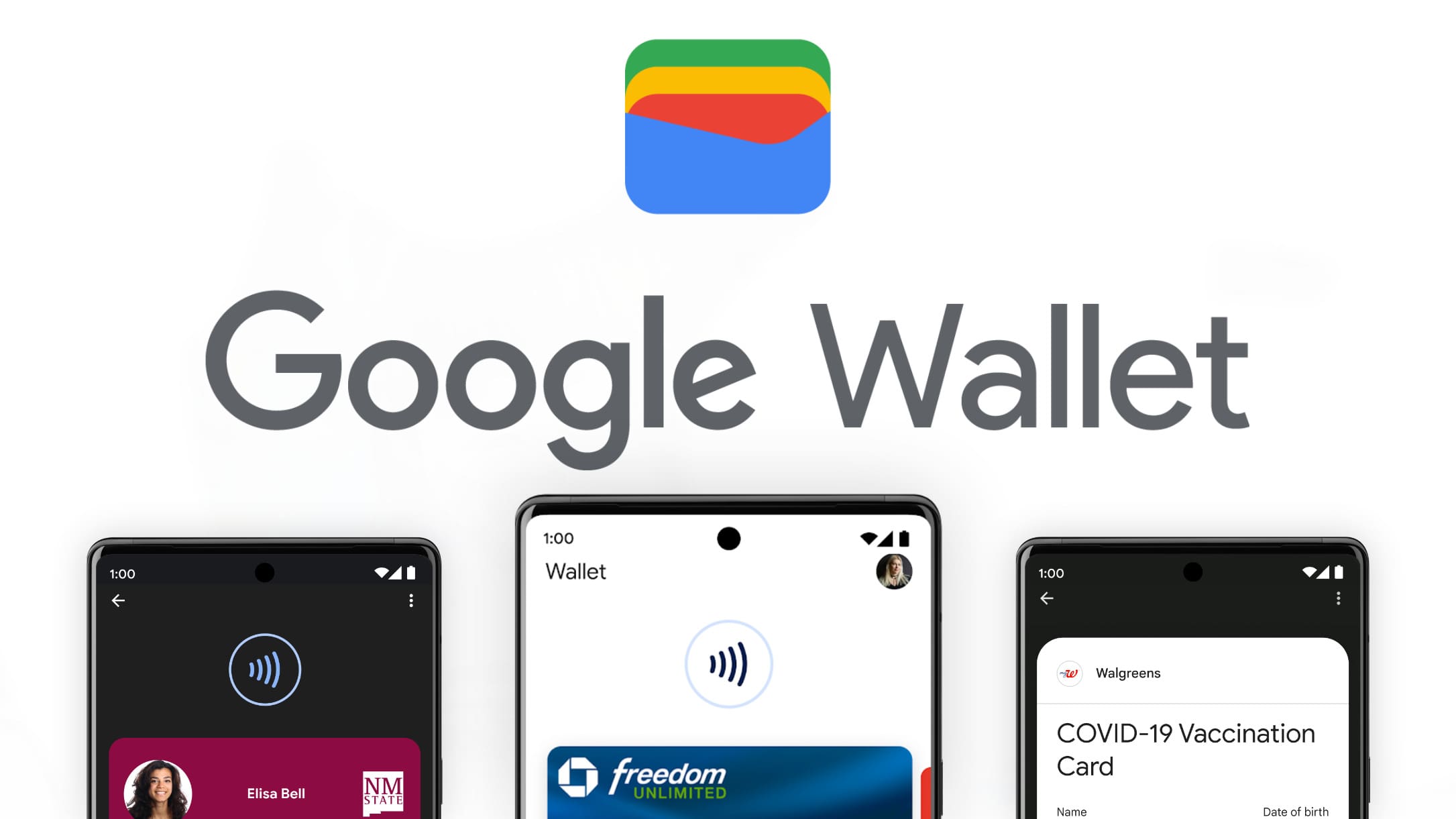
In the rapidly evolving landscape of mobile software, Google Wallet has emerged as a cornerstone of the Android ecosystem. Far more than just a payment application, it represents a sophisticated digital container designed to replace the physical bulk of a traditional billfold. As we move closer to a truly paperless society, understanding the technical nuances and operational mechanics of Google Wallet is essential for any modern smartphone user. This guide provides a deep dive into the software architecture, setup protocols, and security features that define the Google Wallet experience.

The Architectural Foundation: Setting Up Google Wallet
Before diving into the daily utility of the application, it is crucial to understand the technical requirements and the initial configuration process. Google Wallet is not merely an app; it is a secure environment that interfaces directly with the hardware of your device—specifically the Near Field Communication (NFC) chip and the Secure Element (SE) within the processor.
Device Compatibility and Software Requirements
To utilize Google Wallet, your hardware must meet specific criteria. Most importantly, the device must be equipped with an NFC chip, the short-range wireless technology that allows for data exchange between the phone and a payment terminal. On the software side, the device must run a supported version of Android (typically Android 7.0 or higher) and, crucially, must pass Google’s security standards. Devices that have been “rooted” or have unlocked bootloaders often fail the “Play Integrity” or “SafetyNet” check, which prevents Google Wallet from functioning to protect the integrity of the financial data it handles.
The Initial Configuration Flow
Setting up the app begins with downloading the Google Wallet application from the Play Store. Upon first launch, the software initiates a handshake with your Google Account. If you have previously used Google Pay on the web or within other apps, your saved payment methods may automatically appear for verification. The setup process involves more than just entering card numbers; it requires the software to establish a secure link with your issuing bank’s servers to request a “token” for your device.
Securing the Digital Gateway
The most critical step in the setup is the implementation of device-level security. Google Wallet will not function unless a screen lock is active. This is a hard-coded security requirement. Users must choose between PIN, pattern, password, or biometric authentication (fingerprint or facial recognition). From a technical standpoint, this ensures that the decryption keys for your stored passes and cards are only accessible when the user has been authenticated by the operating system’s secure enclave.
Managing the Digital Vault: Adding and Organizing Assets
The true power of Google Wallet lies in its versatility. It acts as a central repository for a wide variety of digital assets, categorized through different APIs (Application Programming Interfaces) that allow various industries to feed data into the wallet.
Credit and Debit Card Tokenization
When you add a financial card to Google Wallet, the app does not store your actual card number. Instead, it utilizes a process called “Tokenization.” Your bank provides a Digital Account Number (a token) that replaces your physical card info. This token is what is transmitted during a transaction. To add a card, you can use the device’s camera to perform Optical Character Recognition (OCR) on the physical card or enter the details manually. Once the bank verifies the identity via SMS, email, or a banking app, the token is provisioned to the device’s Secure Element.
Transit, Event Tickets, and Boarding Passes
Google Wallet leverages the “Google Wallet API” to allow developers from airlines, transit agencies, and event organizers to push tickets directly to the user’s phone. For transit, many cities now support “Open Loop” payments, where you can simply tap your phone at a turnstile using your default card. For “Closed Loop” systems (like a specific city’s transit card), you can buy a virtual card directly within the app. Event tickets, such as those from Ticketmaster, utilize rotating barcodes or NFC passes to prevent fraud, ensuring that the ticket on your screen is valid and verifiable in real-time.
Digital IDs and Government Integration
In a growing number of jurisdictions, Google Wallet can now host digital versions of driver’s licenses and state IDs. This involves a highly secure verification process where the user must scan their physical ID and perform a “liveness check” using the front-facing camera (moving the head to prove they are a real person). The resulting digital ID is stored encrypted and can be shared with law enforcement or TSA agents via an encrypted NFC tap or a high-resolution QR code.

The Mechanics of Security: How Google Protects Your Data
Security is the primary concern for users transitioning to a digital wallet. Google employs a multi-layered security stack that protects data at rest and data in transit.
Tokenization and Virtual Account Numbers
As previously mentioned, tokenization is the industry-standard method for securing mobile payments. When you tap your phone at a retail terminal, Google Wallet does not send your 16-digit credit card number. Instead, it sends a one-time-use dynamic cryptogram along with the virtual account number. Even if a bad actor were to intercept the transmission, the data would be useless for future transactions because the cryptogram expires immediately after the handshake is complete.
Biometric Authentication Protocols
Google Wallet leverages the Android Biometric Prompt API. This ensures that sensitive actions—such as making a large payment or viewing a sensitive pass—require a biometric “challenge.” This hardware-backed security ensures that the biometric data never leaves the device and is processed within a Trusted Execution Environment (TEE), an isolated area of the main processor that is immune to software-level attacks from malware.
Remote Management and “Find My Device”
Because your wallet is now digital, its security is tied to the physical safety of your phone. If your device is lost or stolen, Google’s “Find My Device” ecosystem allows you to remotely lock the phone or perform a factory reset, which wipes all sensitive tokens from the Secure Element. Unlike a physical wallet, where a thief has immediate access to your cash and cards, a stolen Google Wallet is essentially an encrypted brick without your biometric data or PIN.
Operational Excellence: Maximizing Efficiency and Integration
To get the most out of Google Wallet, one must understand its integration within the broader Google ecosystem and how it interacts with different hardware form factors.
NFC Technology and Contactless Mechanics
Understanding the “sweet spot” of your phone’s NFC antenna is key to a smooth user experience. On most modern smartphones, the NFC antenna is located near the top of the device or around the camera module. When making a payment, you do not need to open the app (for most transactions); you simply need to wake the screen and hold the top of the phone near the terminal’s contactless symbol. The software handles the background communication automatically, selecting your default payment method and processing the transaction in milliseconds.
Wear OS Integration: The Wallet on Your Wrist
For users with smartwatches running Wear OS, Google Wallet offers a secondary interface that is arguably even more convenient. The watch app syncs with your phone to mirror your cards and passes. From a technical perspective, the watch maintains its own set of tokens. This means you can often leave your phone behind during a run and still pay for a drink using only your watch, as the tokens are stored locally on the wearable’s secure hardware.
The Evolution toward AI and Automation
Looking ahead, Google is increasingly integrating its Gemini AI capabilities into the Wallet ecosystem. We are beginning to see features where the software can automatically pull boarding passes or movie tickets from your Gmail and add them to your Wallet without manual intervention. This level of automation relies on sophisticated parsing algorithms that identify confirmation numbers and dates within emails, streamlining the user experience by ensuring that your digital passes are ready exactly when you arrive at the airport or theater.
Conclusion: The Future of the Digital Identity
Mastering Google Wallet is about more than just convenience; it is about adopting a more secure, efficient, and technologically integrated lifestyle. By shifting from physical plastic to digital tokens, users benefit from advanced encryption, biometric protections, and the sheer utility of having their entire identity—from payments to transit to government IDs—contained within a single, secure software interface. As Google continues to refine the Wallet API and expand its partnerships with global institutions, the app will transition from a “useful tool” to an “indispensable infrastructure,” serving as the primary bridge between our physical presence and our digital existence. Understanding how to navigate this software today ensures you are prepared for the increasingly contactless world of tomorrow.
aViewFromTheCave is a participant in the Amazon Services LLC Associates Program, an affiliate advertising program designed to provide a means for sites to earn advertising fees by advertising and linking to Amazon.com. Amazon, the Amazon logo, AmazonSupply, and the AmazonSupply logo are trademarks of Amazon.com, Inc. or its affiliates. As an Amazon Associate we earn affiliate commissions from qualifying purchases.