
In the modern financial landscape, the shift from traditional brick-and-mortar banking to agile, digital-first platforms has revolutionized how we interact with our money. Cash App, developed by Block, Inc., has emerged as a leader in this space, providing users with a seamless interface for peer-to-peer transfers, stock investing, and Bitcoin transactions. Central to this ecosystem is the Cash App Card—a customizable Visa debit card that allows users to spend their balance at retail locations and withdraw funds from ATMs.
One of the most powerful financial tools within the app is the ability to “lock” and “unlock” the card instantaneously. This feature is not merely a technical toggle; it is a critical component of personal finance management and digital security. Whether you have misplaced your card, noticed a suspicious transaction, or are simply practicing “financial fasting” to curb impulsive spending, knowing how to manage your card’s status is essential.
Understanding the Locking Mechanism: Why and When to Use It
The “Lock Card” feature serves as a digital deadbolt for your financial assets. Unlike traditional banks, where a lost card often requires a lengthy phone call to customer service and the permanent cancellation of the card, Cash App allows for a temporary “pause.” This flexibility is a cornerstone of modern financial tools, giving the user total autonomy over their liquidity.
Protecting Your Funds from Unauthorized Access
The primary reason most users seek to unlock their card is that they previously locked it as a security precaution. In an era where data breaches and skimming devices are prevalent, the ability to keep your card locked until the exact moment of purchase is a high-level security strategy. By keeping your card locked by default, you ensure that even if your card details are compromised in a merchant database leak, no unauthorized transactions can be processed. Unlocking the card only when you are at the point of sale minimizes the window of vulnerability.
Managing Your Daily Spending Habits
Beyond security, the lock feature is a sophisticated budgeting tool. Many savvy users utilize the locking mechanism to enforce a “waiting period” on non-essential purchases. By adding the extra step of having to open the app and manually unlock the card, you create a psychological barrier against impulse buying. This practice aligns with disciplined personal finance strategies, helping users stick to their monthly budgets and prioritize savings over spontaneous consumption.
Step-by-Step Guide to Unlocking Your Cash App Card
Unlocking your card is a straightforward process designed to be completed in seconds. However, understanding the nuances of the interface ensures that you can regain access to your funds even in high-pressure situations, such as standing at a checkout counter or dealing with a time-sensitive payment.
Navigating the Cash App Interface
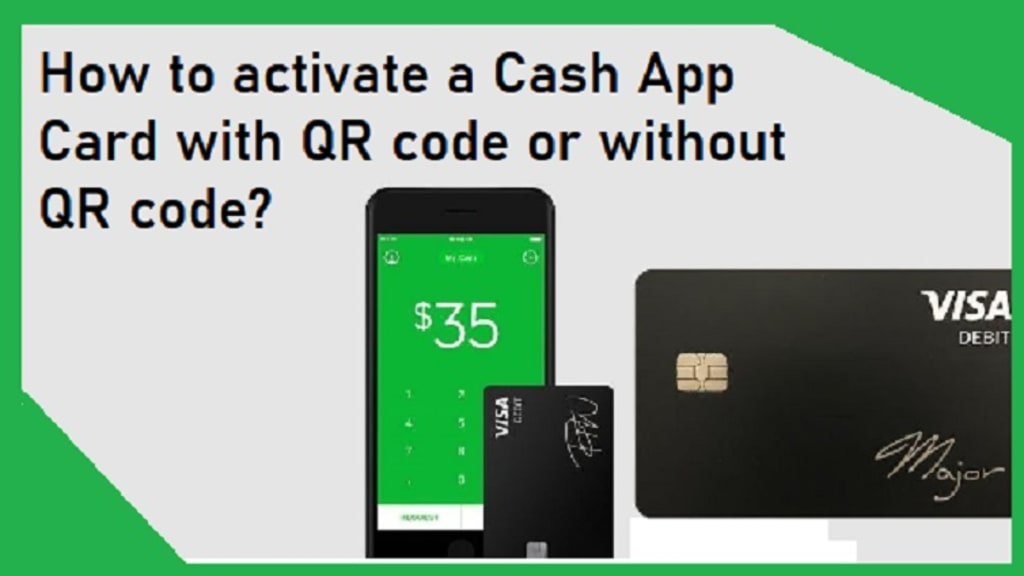
To begin the unlocking process, open the Cash App on your smartphone. From the main dashboard, locate the “Cash Card” tab, typically represented by a rectangular card icon at the bottom of the screen. Once you tap this icon, you will see an image of your personalized Cash Card. Directly beneath this image is a toggle switch labeled “Lock Card.”
If the card is currently locked, the toggle will be switched to the right (often highlighted in a specific color like green or blue, depending on your app version). To unlock it, simply tap the toggle. The app may require biometric verification—such as Face ID, Touch ID, or your unique PIN—to confirm the action. Once the toggle moves to the left and the “locked” status disappears, your card is immediately active and ready for use.
Troubleshooting Common Technical Hurdles
Occasionally, users may find that they are unable to unlock their card due to app glitches or connectivity issues. If the toggle does not respond, the first step is to ensure your mobile device has a stable internet connection. Financial tools require a secure data handshake to update server-side permissions.
If the problem persists, check for app updates in the Google Play Store or Apple App Store. Running an outdated version of Cash App can lead to synchronization errors where the app interface does not reflect the actual status of the card on the server. Additionally, if the card was locked by Cash App’s internal fraud detection system rather than by the user, a manual toggle may not work. In such cases, you will need to review your activity feed for any “Action Required” notifications or contact support to verify recent transactions.
Security Best Practices for Digital Banking
While the ability to unlock your card provides convenience, it must be balanced with a robust understanding of digital financial security. The Cash App Card is a direct gateway to your balance, and managing it requires more than just knowing how to flip a switch in the settings.
Recognizing Phishing Scams and Fraudulent Activity
One of the most common reasons a Cash App card becomes “stuck” or compromised is due to sophisticated phishing scams. Fraudsters often send text messages or emails masquerading as Cash App support, claiming that your card has been locked due to suspicious activity and providing a link to “unlock” it.
It is vital to remember that you should only ever unlock your card within the official Cash App interface. Never enter your login credentials, PIN, or “cashtag” into a website linked from a message. Official Cash App communication will never ask for your PIN or sign-in code. If you receive such a request, keep your card locked and report the incident through the app’s official help channel.
Strengthening Your Account with Multi-Factor Authentication
To ensure that only you have the power to unlock your card, you must secure the app itself. Enable every available security layer, including “Security Lock,” which requires a PIN or biometric scan for every transfer and card adjustment. By tethering the “unlock” command to your biometric data, you create a fail-safe; even if someone gains physical access to your unlocked phone, they cannot unlock your financial resources without your unique biological signature or secret code.
The Financial Impact of Card Status Management
Strategic management of your card status is about more than just “on” and “off.” It is about maintaining a healthy relationship with your liquid assets and ensuring that your financial journey is not interrupted by preventable errors or theft.
Maintaining Cash Flow and Budgeting Continuity
For many, the Cash App Card is a primary tool for managing “discretionary income”—the money left over after fixed costs like rent and insurance are paid. By locking the card during the work week and unlocking it only for weekend activities, users can prevent “subscription creep”—the phenomenon where forgotten monthly trials or small recurring digital fees drain a balance. Locking the card prevents these automated debits from clearing if you haven’t budgeted for them, allowing you to maintain a more accurate picture of your available cash flow.
What to Do if Your Card Remains Locked
In rare instances, a card may remain unusable even after you have toggled the “unlock” button. This usually occurs when the issuing bank or Cash App’s compliance algorithms detect a pattern that mimics fraudulent behavior—such as attempting to unlock the card and make a large purchase in a geographic location far from your home.
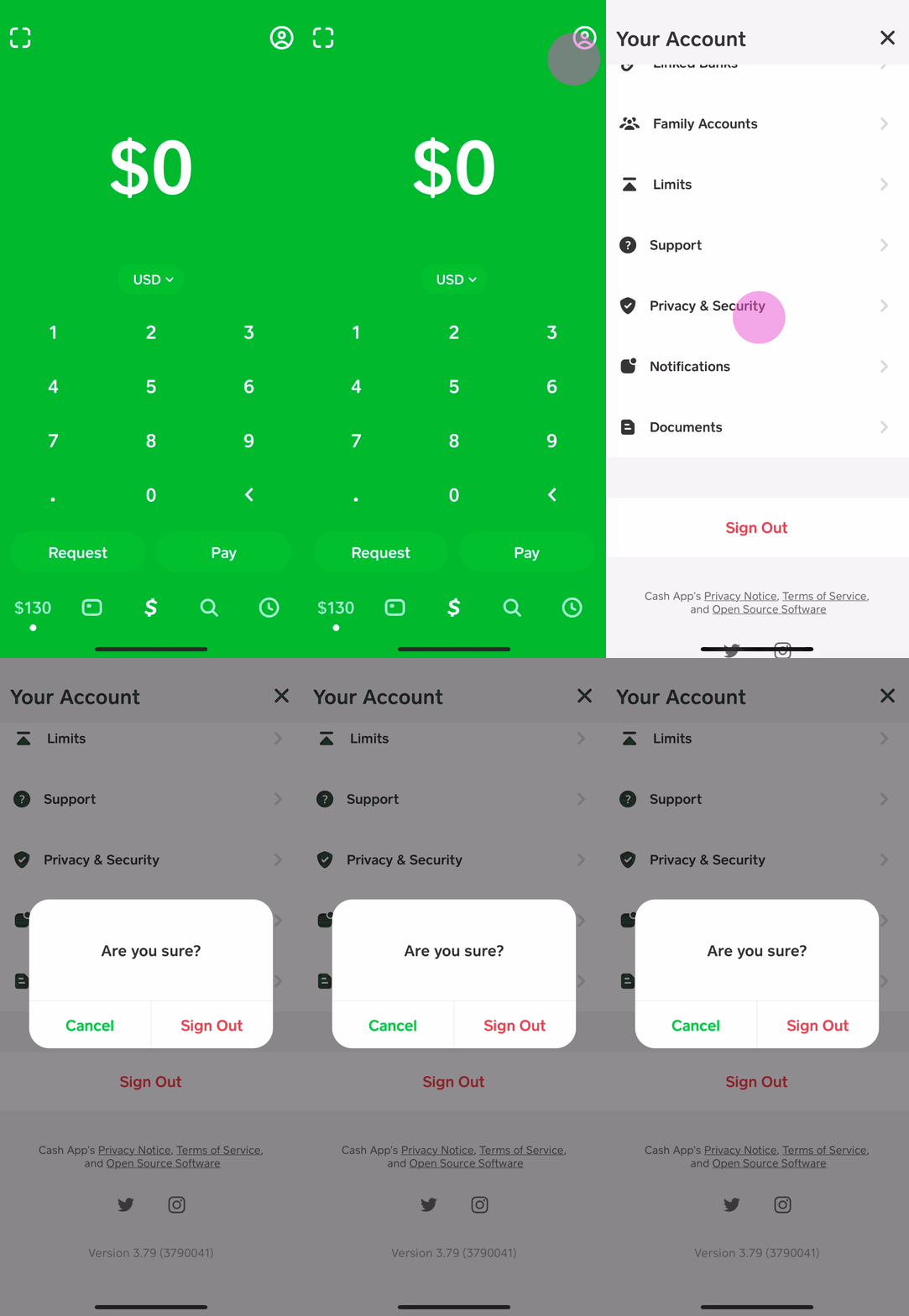
If this happens, do not panic. Your funds are not gone; they are merely protected. Reach out to Cash App Support through the app by tapping your profile icon, selecting “Support,” and initiating a chat. Be prepared to verify your identity. This process is a testament to the platform’s commitment to financial integrity; while it may be a temporary inconvenience, it is the mechanism that prevents total loss in the event of actual theft.
The Role of the Cash App Card in a Modern Portfolio
Ultimately, the Cash App Card is more than a piece of plastic; it is a dynamic financial instrument. Understanding how to lock and unlock it is the first step in mastering the “Money” aspect of your digital life. It bridges the gap between the high-speed world of digital transfers and the physical reality of daily commerce. By treating the “unlock” feature as a mindful gateway to your wealth, you transition from a passive consumer to an active manager of your personal economy.
In conclusion, the ability to unlock your Cash App card is a vital skill for anyone navigating the 21st-century economy. It represents the intersection of convenience, security, and personal agency. By following the steps outlined above and adhering to strict security protocols, you can ensure that your money is always available when you need it—and safely out of reach when you don’t.
aViewFromTheCave is a participant in the Amazon Services LLC Associates Program, an affiliate advertising program designed to provide a means for sites to earn advertising fees by advertising and linking to Amazon.com. Amazon, the Amazon logo, AmazonSupply, and the AmazonSupply logo are trademarks of Amazon.com, Inc. or its affiliates. As an Amazon Associate we earn affiliate commissions from qualifying purchases.