
The rise of peer-to-peer (P2P) payment applications has revolutionized the way we handle micro-transactions, splitting bills, and sending gifts. Among the leaders in this space, Cash App has distinguished itself through a minimalist user interface and seamless integration with traditional banking. However, as our digital footprints expand, so does the concern for data privacy and the desire to curate our digital histories.
A common question among power users and privacy advocates alike is how to delete transactions on Cash App. While the interface is designed for simplicity, the underlying technical infrastructure and regulatory frameworks governing financial software create a complex environment for data management. This guide explores the technical realities of Cash App’s ledger system, the privacy settings available to users, and the definitive steps to managing your digital history.

Understanding the Technical Architecture of Cash App Transactions
To understand why “deleting” a single transaction is not as straightforward as deleting a photo from a gallery, one must look at the database architecture of financial technology (Fintech) platforms. Cash App operates on a centralized ledger system where every transaction is a permanent entry in a relational database.
The Permanent Record: Why You Can’t “Delete” Individual Entries
In software development, particularly within financial services, “immutability” is a core principle. Once a transaction is validated and processed, it becomes a permanent record in the company’s ledger. This is not merely a design choice by Block, Inc. (Cash App’s parent company); it is a technical requirement for auditing and synchronization. From a technical standpoint, allowing users to selectively delete entries would break the mathematical integrity of the account’s balance history. If a user were to delete a $50 transaction, the subsequent balance would no longer reflect the sum of the remaining entries, leading to database errors and reconciliation nightmares.
Legal Compliance and Data Retention Protocols
Beyond the technical hurdles, Cash App is bound by rigorous regulatory requirements, including the Bank Secrecy Act (BSA) and “Know Your Customer” (KYC) regulations. These laws require financial institutions to maintain records of transactions for a specific period—typically five years or more. Consequently, even if the user interface (UI) offered a “delete” button, the data would remain stored in the backend servers to satisfy federal auditing requirements. This technical reality means that when users speak of “deleting transactions,” they are usually referring to hiding them from the UI or purging their personal data from the active platform.
Privacy Management Strategies Within the Application
Since individual transaction deletion is not a feature of the current software build, users must leverage existing privacy settings to manage who can see their activity. Cash App provides several layers of visibility controls that function as a filter for your digital footprint.
Adjusting Privacy Settings for P2P Visibility
Cash App previously had more social features, similar to Venmo, where activity could occasionally be visible to a broader network. In the current iteration of the software, the “Privacy & Security” menu is the primary tool for data control. Within these settings, users can toggle their “Cashtag” searchability. By disabling this, you essentially make your account “unlisted,” preventing your transaction history from being initiated by strangers or appearing in global search logs. This is the first step in a technical “hardening” of your Cash App profile.
Managing Activity Feed Permissions
The “Activity” tab in Cash App serves as the local log of all incoming and outgoing funds. While you cannot swipe-to-delete these entries, you can manage how the app interacts with your contacts. By Revoking “Contacts” permissions in your smartphone’s OS settings (iOS or Android), you prevent the Cash App algorithm from syncing your transactions with people in your address book. This limits the metadata associated with your transactions, ensuring that your financial activity remains a siloed interaction between you and the recipient’s Cashtag, rather than a social event linked to a phone number or email address.
The Nuclear Option: Deactivating and Closing Your Account
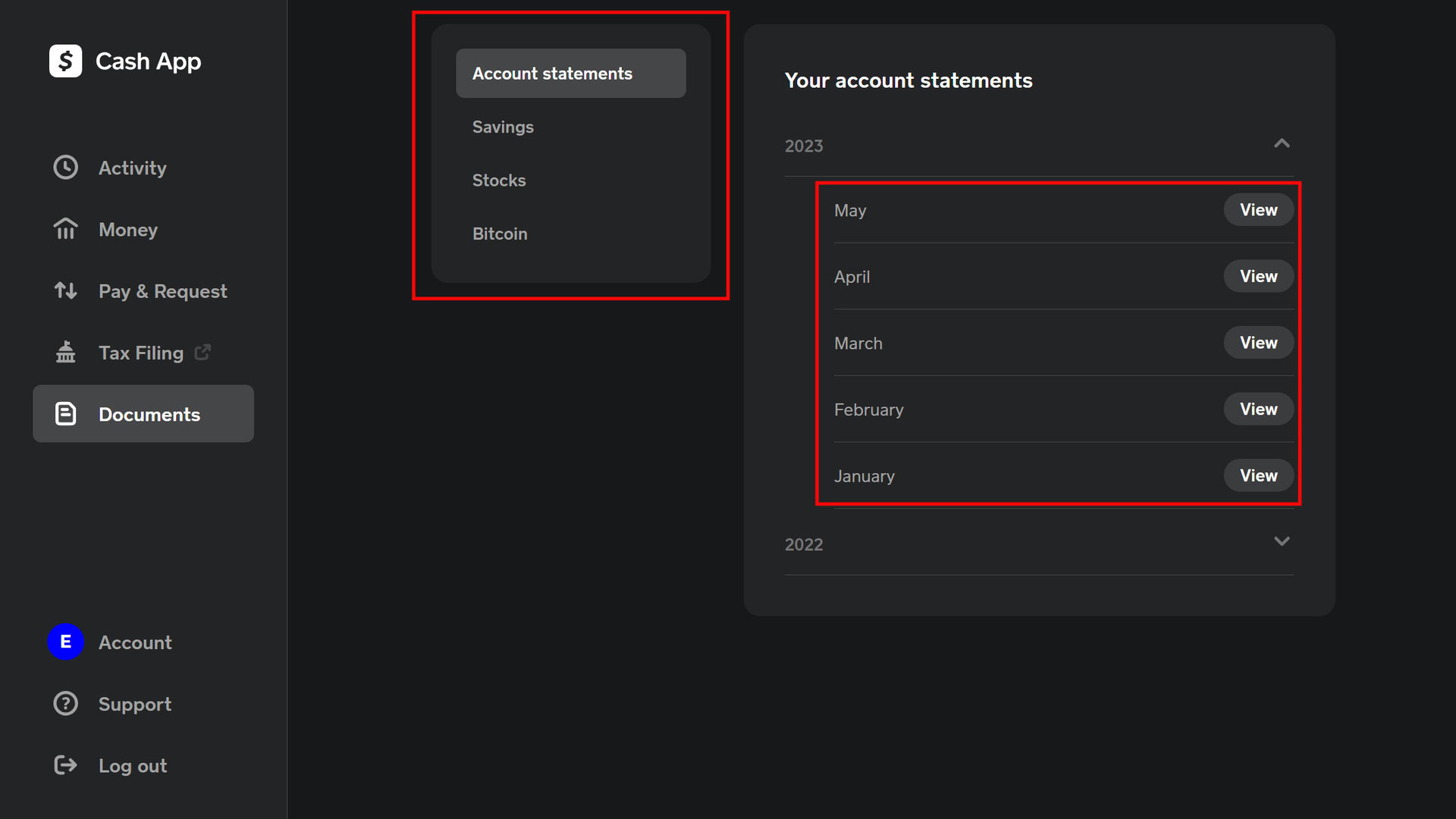
For users who require a complete erasure of their transaction history from their mobile device, the only technically viable solution is the permanent closure of the Cash App account. This process triggers a series of backend protocols that eventually lead to the de-indexing of your user data from the live application.
Step-by-Step Guide to Permanent Account Deletion
Before initiating account closure, certain technical prerequisites must be met. The app will not allow deletion if there is a pending balance or an active “Cash Card.”
- Zero Out the Balance: You must “Cash Out” all remaining funds to a linked bank account or spend the balance to exactly $0.00.
- Sell Assets: If you have utilized the app’s features for Bitcoin or Stock trading, these positions must be liquidated and the funds moved out.
- Access the Support Menu: Navigate to the profile icon, select “Support,” and then “Something Else.”
- Account Settings: Navigate to “Account Settings” and select “Close my Cash App Account.”
- Confirmation: Upon confirmation, the app will initiate the decommissioning of your specific User ID.
Data Retention Policies and Post-Deletion Security
It is important to understand what happens to your data after you click “Confirm.” While the account is removed from the app’s UI and you can no longer log in, your transaction history does not vanish from Block, Inc.’s servers immediately. As mentioned previously, the data enters an “archival state.” It is moved from the active production database to a secure, cold-storage environment for the duration required by financial law. However, for the user, this effectively “deletes” the transactions as they are no longer accessible via any digital interface, and the link between the Cashtag and the active mobile device is severed.
Advanced Digital Security for Cash App Users
Managing your transaction history is only one aspect of digital privacy. To truly secure your presence on the app, you must implement technical safeguards that prevent unauthorized access to your history in the first place.
Protecting Your Account with Biometrics and 2FA
The most common way transaction history is compromised is through physical access to an unlocked device or account takeover (ATO). Users should navigate to the “Security & Privacy” menu and enable the “Security Lock” feature. This forces the app to require FaceID, TouchID, or a PIN every time it is opened. Technically, this adds an encryption-validated layer between the app’s cached data and the screen, ensuring that even if someone handles your phone, your transaction history remains shielded.
Recognizing and Avoiding Digital Scams and Phishing
From a technical perspective, many “privacy leaks” are actually the result of social engineering. Scammers often use “spoofed” support accounts to trick users into revealing their login credentials. It is vital to remember that Cash App’s official communication will never happen via social media DMs or unverified text messages. By understanding the “Headers” of your incoming emails and ensuring they originate from the @cash.app or @square.com domains, you can prevent the unauthorized data harvesting that leads to a loss of privacy.
The Future of Privacy in Fintech Applications
As we look toward the future of financial software, the tension between “The Right to be Forgotten” (as seen in GDPR regulations) and financial transparency continues to evolve.
Decentralized Finance (DeFi) vs. Centralized Ledgers
The limitation of not being able to delete transactions is a hallmark of centralized finance. In contrast, new movements in the tech space, such as Decentralized Finance (DeFi) and self-custodial wallets, offer different approaches to privacy. While blockchain transactions are even more “permanent” (public and immutable), they offer pseudonymity that centralized apps like Cash App cannot, due to their banking licenses. Understanding this technical distinction is key for users who prioritize total transaction invisibility.

Regulatory Trends in Data Portability and Erasure
We are likely to see software updates in the coming years that allow for better “data masking.” For instance, future versions of Fintech apps might allow users to “archive” or “hide” transactions behind a secondary biometric wall within the app, effectively providing the “delete” experience without violating federal record-keeping laws. As data privacy laws like California’s CCPA and Europe’s GDPR become more stringent, the technical burden on companies like Block, Inc. to provide users with more granular control over their transaction logs will increase, potentially leading to more advanced privacy-focused UI features.
In conclusion, while the literal deletion of a single transaction on Cash App is prohibited by both database logic and federal law, users have significant technical tools at their disposal to manage their privacy. By understanding the limitations of the ledger, utilizing built-in security protocols, and knowing when to opt for account closure, you can maintain a secure and private digital financial life.
aViewFromTheCave is a participant in the Amazon Services LLC Associates Program, an affiliate advertising program designed to provide a means for sites to earn advertising fees by advertising and linking to Amazon.com. Amazon, the Amazon logo, AmazonSupply, and the AmazonSupply logo are trademarks of Amazon.com, Inc. or its affiliates. As an Amazon Associate we earn affiliate commissions from qualifying purchases.