
For fans of prestige television, AMC (American Movie Classics) is more than just a network; it is the home of cultural phenomena like The Walking Dead, Better Call Saul, and Mad Men. However, as cable providers like Comcast Xfinity transition into high-tech, integrated digital platforms, finding a specific channel is no longer just about memorizing a number. It is about navigating a complex ecosystem of hardware, software, and voice-activated search tools.
If you are looking for AMC on Comcast, the answer often depends on your specific regional market and the hardware you are using. In this guide, we will explore how to locate AMC within the Xfinity interface, the technology behind the X1 platform, and how to optimize your viewing experience across multiple digital devices.
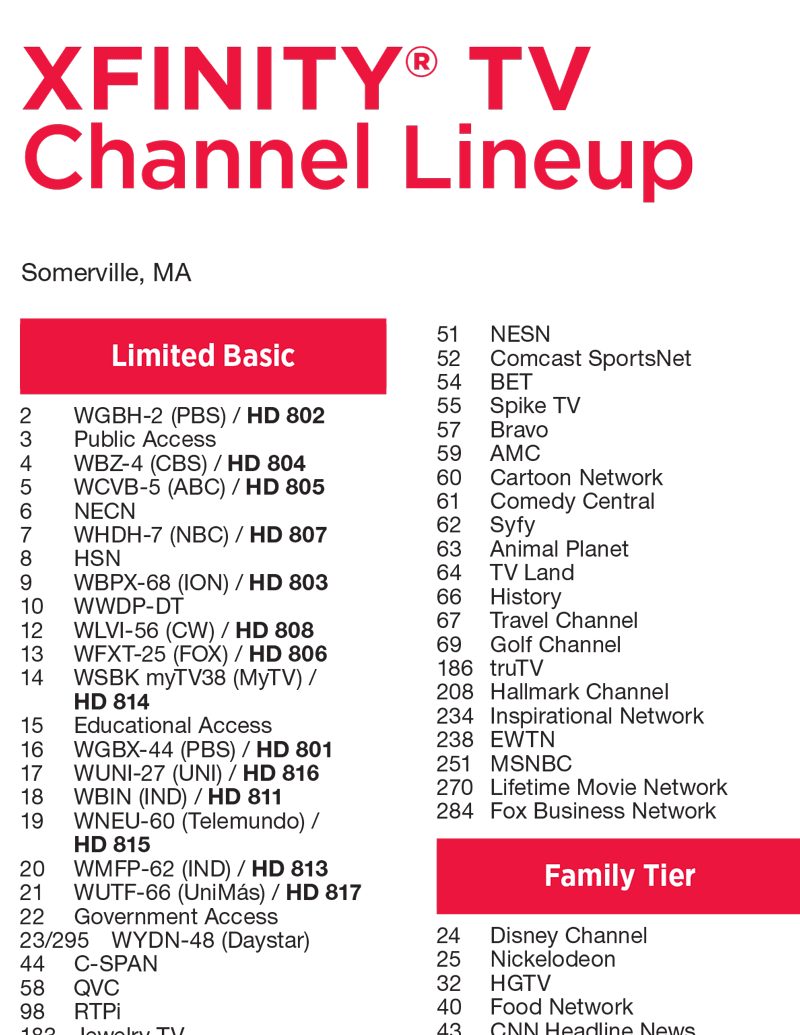
Finding Your Favorite Content: Navigating the Comcast Xfinity Interface
In the era of traditional analog cable, finding a channel was a static experience. You would flip through a printed guide or scroll through a slow-moving blue screen. Today, Comcast’s Xfinity service operates on a sophisticated cloud-based interface known as X1. This shift from “dumb” hardware to “smart” digital platforms has changed how users interact with networks like AMC.
Using the Xfinity Voice Remote for Instant Access
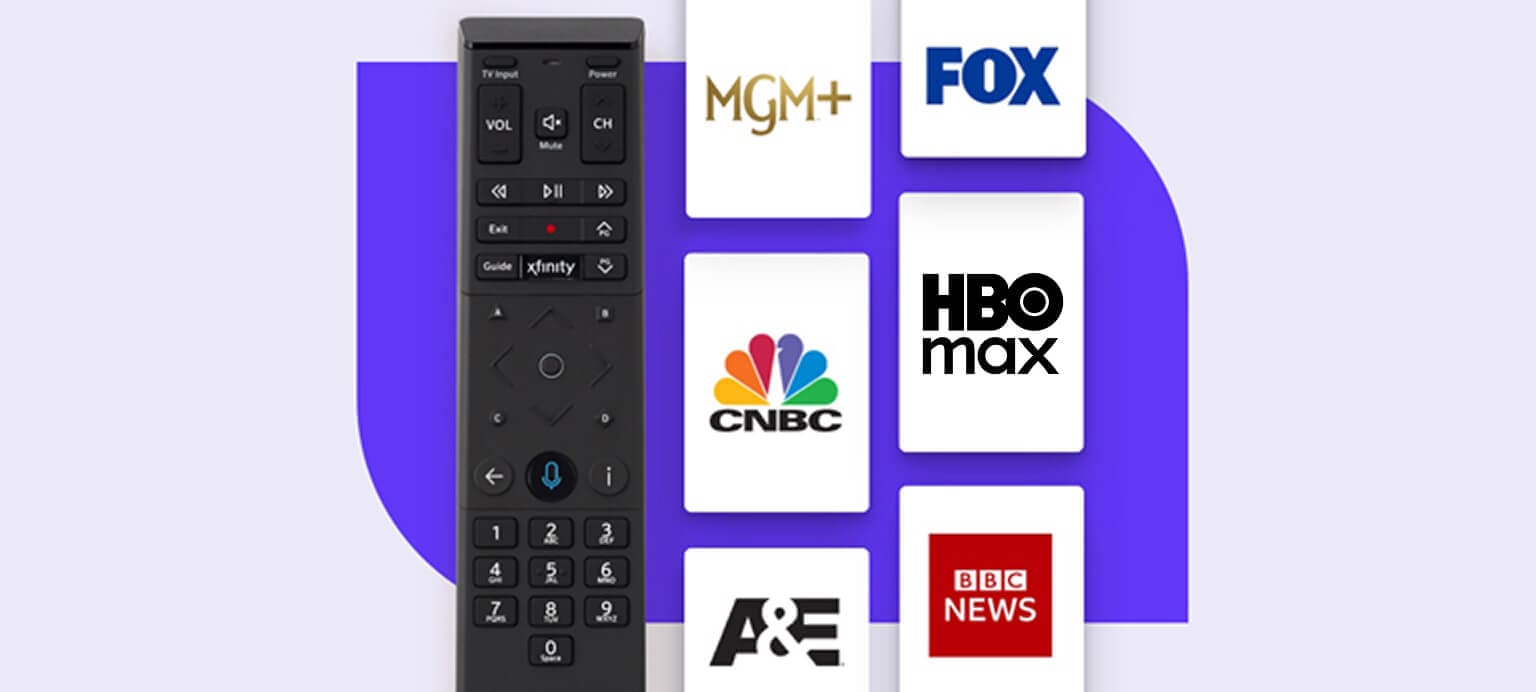
The most efficient piece of technology in the Xfinity arsenal is the Voice Remote (XR11 or XR15). Instead of searching for “What channel is AMC on Comcast?” via a smartphone or computer, the X1 system allows for a direct tech-to-screen query. By holding the microphone button and simply saying “AMC,” the X1 platform uses natural language processing (NLP) to bypass the channel number entirely.
The software recognizes the network tag and immediately tunes the receiver to the correct high-definition (HD) channel. This eliminates the need to know whether AMC is on channel 182, 431, or 1405 in your specific zip code, as the internal database maps the request to the local frequency automatically.
Accessing the On-Screen Guide and Channel Search
For users who prefer a visual layout, the X1 Guide is a masterclass in UI/UX design. By pressing the “Guide” button on your remote, you enter a grid-based software environment. You can filter the guide by “High Definition,” “Favorites,” or “Trending.”
To find AMC manually:
- Press the Guide button twice to access search filters.
- Navigate to the Search icon (the magnifying glass).
- Type “AMC” using the on-screen T9 keyboard or the remote’s keypad.
- The system will display the AMC live channel, alongside any On-Demand content currently available from the network.
Regional Variances and Channel Mapping
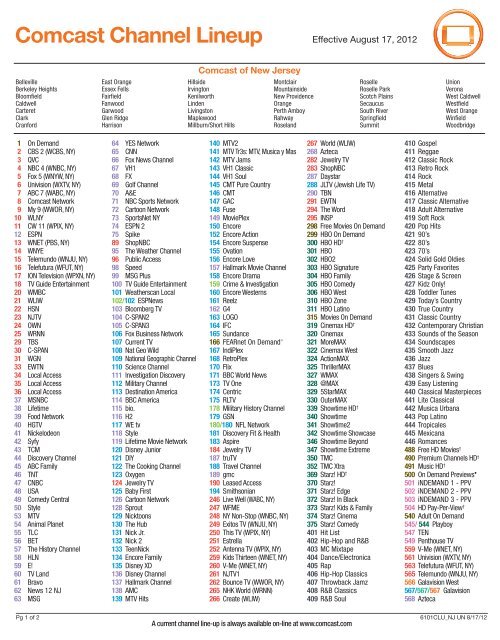
One of the technical complexities of Comcast is its regional architecture. Comcast operates through various headends (local hubs) across the United States. Consequently, the physical channel number for AMC in Philadelphia might be 182, while in Chicago, it might be 175.
However, Comcast has implemented “Virtual Channel Mapping” in many regions. This technology groups similar networks together in the 1000+ range. For many Xfinity subscribers, AMC HD is consistently located on channel 1405. This standardization across different markets is part of Comcast’s effort to create a more uniform user experience regardless of geographic location.
The Evolution of AMC: From Cable Channel to Multi-Platform Experience
The way we consume AMC has evolved alongside the technology that delivers it. It is no longer just a linear broadcast that starts at a specific time; it is a multi-dimensional digital asset integrated into the Xfinity hardware.
Understanding AMC+ and Integration with Xfinity X1
As the streaming wars intensified, AMC launched AMC+, a premium subscription bundle. For Comcast users, this isn’t just another app; it is integrated directly into the X1 and Flex operating systems.
The technology behind this integration is known as “Metadata Aggregation.” When you search for a show like Interview with the Vampire, the Xfinity software scans both the linear AMC channel and the AMC+ streaming library. If you have the AMC+ add-on, you can stream episodes early, often days before they air on the traditional cable channel. This blur between “cable” and “streaming” is a hallmark of modern telecommunications technology.
High-Definition (HD) vs. Standard-Definition (SD) Options
From a technical standpoint, watching AMC in HD is a vastly different experience than SD. Standard definition signals are broadcast at 480i, which can look pixelated on modern 4K televisions. Comcast utilizes MPEG-4 compression for its HD feeds, which allows for a crisp 1080i resolution while optimizing bandwidth.
When searching for AMC, the X1 system typically defaults to the “Best Available” version. If your subscription includes HD, the software will automatically redirect you from the SD channel to the HD channel. This “Auto-HD” feature is a software-level optimization designed to ensure users are getting the highest bit-rate signal available for their hardware setup.
Troubleshooting and Optimization for the Best Viewing Experience
Technology is not without its glitches. If you find that AMC is missing from your lineup or the picture quality is degraded, there are several technical steps you can take to resolve the issue without calling customer support.
Resolving Signal Issues and Digital Artifacts
Digital “tiling” or “pixelation” on AMC is usually a sign of a signal-to-noise ratio (SNR) issue. This occurs when the physical coaxial cable carries too much interference.
- Check Connections: Ensure the “F-type” connectors are tightened. Even a slightly loose cable can cause a drop in the specific frequency block used by AMC.
- System Refresh: Through the Xfinity My Account app or the on-screen “Help” menu, you can trigger a “System Refresh.” This sends a digital signal from Comcast’s servers to your box to re-authorize your channel lineup and clear the cache of your X1 software.
Managing Parental Controls and Favorite Channel Lists
If you have children in the house, you may want to restrict access to AMC’s more mature content (like The Walking Dead). The Xfinity software allows for “Channel Locks” via the Settings menu. You can set a four-digit PIN specifically for AMC.
Additionally, you can create a “Favorites” list to avoid scrolling through hundreds of channels. Once you find AMC (e.g., channel 1405), press the Info button and select “Favorite.” Now, when you filter your guide to “Favorites,” AMC will always be front and center, regardless of its numerical position in the lineup.
The Intersection of Traditional Cable and Modern Streaming Apps
Comcast has pivoted from being a simple “cable company” to becoming an “aggregator” of digital platforms. This is evident in how they handle AMC content across different hardware devices.
Stream AMC on the Go with the Xfinity Stream App
The Xfinity Stream app is a piece of software that essentially turns your smartphone, tablet, or smart TV into a virtual cable box. If you are away from home and want to watch AMC:
- Download the Xfinity Stream app.
- Authenticate with your Xfinity credentials.
- Navigate to the Live TV section.
- Filter by “AMC” or use the search bar.
The app uses adaptive bitrate streaming, meaning it adjusts the quality of the AMC feed based on your internet speed. This is the same technology used by Netflix and YouTube, ensuring that your show doesn’t buffer even if your Wi-Fi signal is weak.
Why the Future of Cable is App-Based Integration
The quest to find “what channel” a network is on is slowly becoming a relic of the past. Companies like Comcast are moving toward an IP-based delivery system (IPTV). In this model, every channel is essentially a stream, and the “channel number” is just a piece of metadata.
For the consumer, this means that AMC will eventually be accessible through a unified dashboard where “Live,” “On-Demand,” and “Web Clips” are all merged into a single interface. The technology is moving toward a “Content-First” rather than “Channel-First” philosophy. Instead of looking for channel 1405, you will simply look for the show you want, and the Xfinity AI will determine the most efficient way to deliver that content to your screen.
Conclusion
Finding AMC on Comcast is a simple task that highlights the sophisticated technology underlying modern cable systems. Whether you are using the voice-activated remote to bypass channel numbers, navigating the X1 digital guide, or streaming via the Xfinity app on your iPad, the experience is designed to be seamless.
By understanding the regional mapping (look for the 1000+ range for HD), utilizing the software features of the X1 platform, and knowing how to troubleshoot signal issues, you can ensure that you never miss a moment of AMC’s award-winning programming. As telecommunications continue to evolve, the “channel” may change, but the technology ensures that your favorite content is always just a click—or a voice command—away.
aViewFromTheCave is a participant in the Amazon Services LLC Associates Program, an affiliate advertising program designed to provide a means for sites to earn advertising fees by advertising and linking to Amazon.com. Amazon, the Amazon logo, AmazonSupply, and the AmazonSupply logo are trademarks of Amazon.com, Inc. or its affiliates. As an Amazon Associate we earn affiliate commissions from qualifying purchases.