
The landscape of home entertainment has undergone a seismic shift over the last decade. The era of bulky cable boxes and rigid long-term contracts is rapidly being replaced by agile, cloud-based “Over-the-Top” (OTT) services. At the forefront of this digital revolution is YouTube TV. More than just a collection of channels, it represents a sophisticated piece of software engineering designed to bridge the gap between traditional broadcast television and the modern digital ecosystem. Understanding how much YouTube TV costs is only the beginning; one must also understand the technological value proposition that justifies its position as a market leader.
The Technical Framework and Pricing Structure of YouTube TV
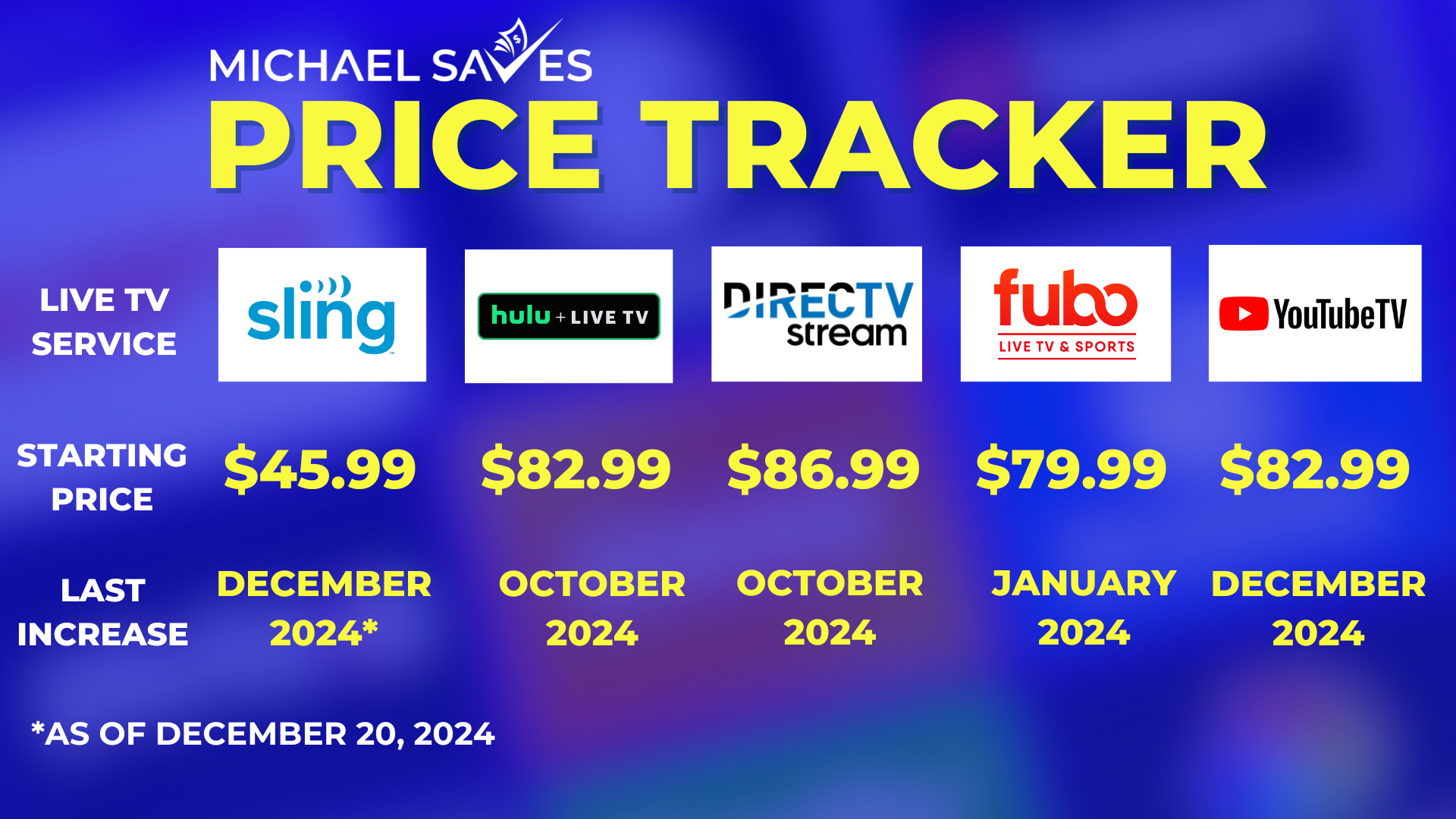
When users ask, “how much is YouTube TV,” they are typically looking for a simple number. However, from a tech-service perspective, the pricing reflects a comprehensive suite of cloud services, licensing, and high-bandwidth delivery systems.
The Base Plan: More Than Just a Monthly Fee
As of late 2023 and into 2024, the standard YouTube TV Base Plan is priced at $72.99 per month. While this is a significant jump from its introductory price years ago, the technical complexity of the offering has grown proportionally. This base plan provides access to over 100 channels, including local broadcast networks, sports, and news. From a software perspective, this price includes the licensing for up to six individual accounts per household, allowing for personalized algorithms and watch histories—a feat of data management that traditional cable could never replicate.
The 4K Plus Add-on: High-Bitrate Streaming
For the tech enthusiast, the standard 1080p stream may not be enough. YouTube TV offers a “4K Plus” add-on, typically priced around an additional $9.99 per month (often discounted for the first year). This isn’t just a resolution bump; it involves a higher bitrate and support for High Dynamic Range (HDR), providing a more immersive visual experience. This add-on also unlocks the technical capability to download recordings for offline viewing on mobile devices and provides unlimited simultaneous streams at home, which requires significant server-side bandwidth management.
Premium Network Integration
Beyond the base and 4K tiers, YouTube TV acts as a centralized hub for other digital services. Users can integrate “add-on” networks like Max, NFL RedZone, and STARZ directly into their interface. Technologically, this is achieved through deep-linking and API integrations that allow for a single billing point and a unified search function, meaning you can search for a movie in the YouTube TV search bar and find results across all your subscribed premium technical “villas.”
Advanced Features and Cloud Infrastructure
The true value of YouTube TV lies in its “Cloud DVR” and the proprietary features that differentiate it from other streaming apps. These features are powered by Google’s massive data centers and machine learning algorithms.
Unlimited Cloud DVR: The End of Storage Limits
The standout technical feature of YouTube TV is its unlimited Cloud DVR. Unlike physical DVRs that rely on a hard drive with finite space, or competing services that cap storage at 50 or 200 hours, YouTube TV allows users to record an unlimited amount of content. The recordings are stored on Google’s servers for up to nine months. This requires an incredible level of backend synchronization, ensuring that when millions of users “record” the same football game, the system manages those pointers efficiently without latency or data corruption.
Multi-View and Real-Time Data Integration
For sports fans and news junkies, YouTube TV introduced “Multi-View.” This feature allows users to watch up to four live feeds simultaneously on a single screen. This is a significant technical hurdle for many streaming devices, as decoding four simultaneous high-definition video streams can tax a processor. YouTube TV solves this on the server side by “stitching” the streams together before they reach your device, ensuring that even a low-powered streaming stick can handle the workload. Additionally, the “Key Plays” and “Stats” views use real-time data overlays, allowing users to catch up on highlights or check player performance without leaving the live broadcast.
Intelligent Search and Discovery
Leveraging Google’s core competency—search—YouTube TV offers an interface that understands natural language. Because the app is integrated into the broader Google ecosystem, it uses machine learning to suggest shows based on your viewing habits across other platforms like YouTube. This creates a cohesive “Tech Stack” for entertainment where the software learns your preferences, reducing the “time-to-content” metric that plagues many inferior interfaces.
Hardware Compatibility and the User Ecosystem
One of the most critical aspects of any app-based service is its ability to run across a fragmented hardware landscape. YouTube TV has been engineered to maintain a consistent user experience across diverse operating systems.
Smart TV and Streaming Stick Optimization
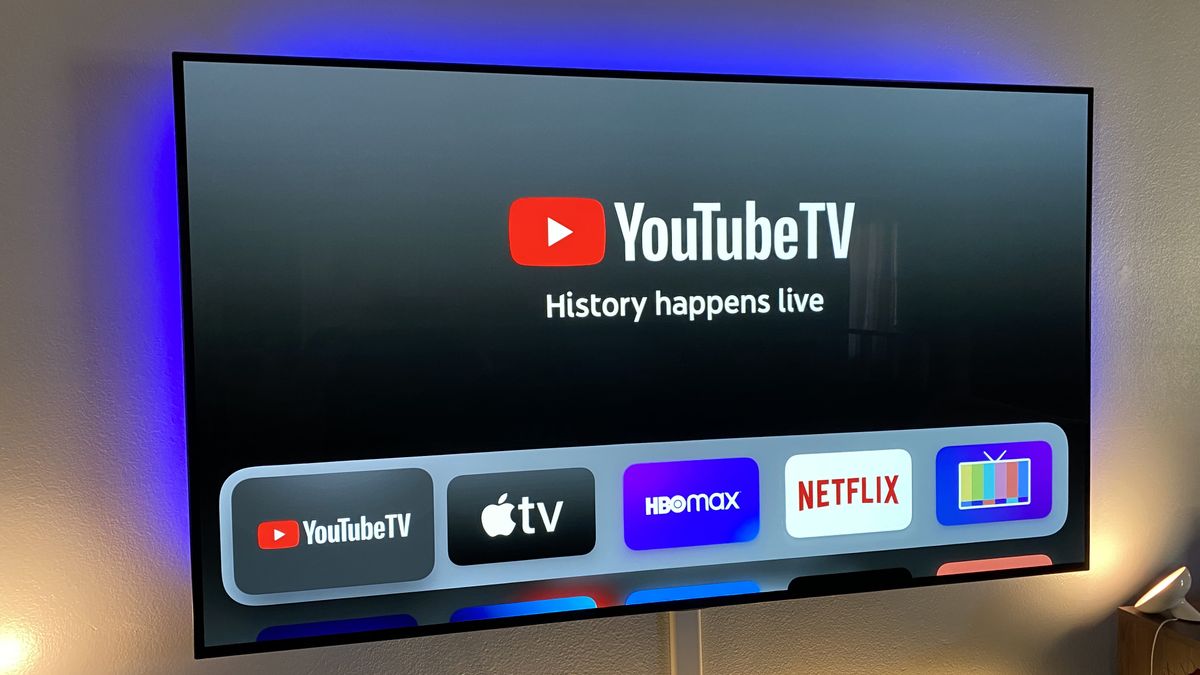
YouTube TV is available on virtually every modern operating system, including Roku, Amazon Fire TV, Apple TV, Android TV, and proprietary Smart TV OSs like Tizen (Samsung) and webOS (LG). The technical challenge here is maintaining a fluid 60-frames-per-second (fps) interface on hardware ranging from a $25 HDMI stick to a $3,000 OLED television. The app utilizes adaptive bitrate streaming (MPEG-DASH and HLS protocols) to ensure that if your home Wi-Fi dips in speed, the video continues to play without buffering, albeit at a lower resolution.
Mobile and Web Performance
On mobile devices (iOS and Android), YouTube TV offers a “Picture-in-Picture” (PiP) mode, allowing users to continue watching while using other apps. The web version (tv.youtube.com) is built on a robust framework that supports high-resolution playback in most modern browsers. This cross-platform synchronization means you can start a show on your commute on your phone and resume it exactly where you left off on your living room TV—a seamless transition managed via real-time cloud syncing of user metadata.
Remote Control and Smart Home Integration
The service is deeply integrated with Google Home and Assistant. Users with a Chromecast or a Google Nest Hub can use voice commands like “Hey Google, play ESPN on YouTube TV.” This demonstrates the interoperability of the service within a smart home framework, moving the interface away from the traditional remote control and into the realm of ambient computing.
Comparing the Tech: YouTube TV vs. The Competition
To understand if the price of YouTube TV is “worth it,” one must compare its technical specifications against its main rivals: Hulu + Live TV and Fubo.
Latency and Stream Stability
One of the primary complaints regarding live streaming is “latency”—the delay between the live action and the video appearing on the screen. While all streaming services lag behind cable by 20 to 40 seconds, YouTube TV has introduced a “Decrease Latency” setting in its technical menu. This reduces the buffer size to get the user closer to real-time, a vital feature for social media users who don’t want spoilers during live sporting events.
Interface Fluidity
Compared to Hulu’s interface, which is often criticized for being cluttered, YouTube TV’s UI is minimalist and fast. The “Live Guide” is designed to mimic the familiar grid of traditional cable but with modern enhancements like live previews of what’s currently playing on each channel. This requires the app to pull multiple low-resolution “thumbnail” streams simultaneously, a feat of efficient API management.
User Management and Profiles
While Fubo offers a great sports-centric experience, YouTube TV’s handling of multiple profiles is more robust. Each of the six allowed profiles gets its own DVR library and personalized recommendations. In a household of four, the tech ensures that a child’s cartoons never clutter the parent’s news and sports feed, maintaining a clean data partition for every user.
The Future of the Platform
As we look toward the future of the YouTube TV “Tech,” we see a move toward even greater personalization and higher fidelity. With the increasing adoption of Wi-Fi 6 and 5G, the platform is poised to offer even higher bitrates and lower latency. There are also indications that Google may integrate more interactive elements, such as e-commerce (buying a jersey while watching a game) or social viewing features, where users can watch with friends in a virtual space.
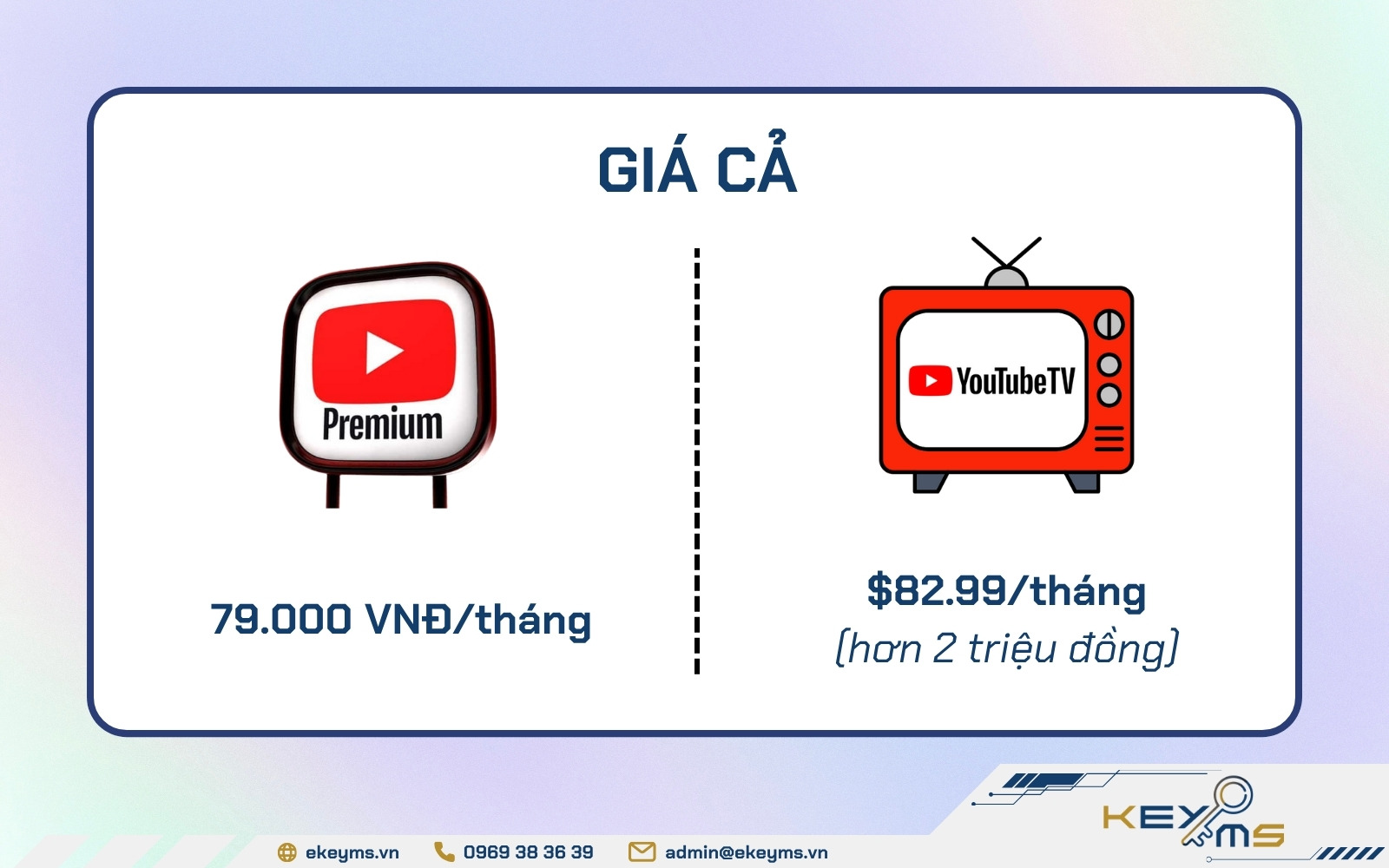
In conclusion, when evaluating “how much is YouTube TV,” the answer isn’t just $72.99. It is the cost of a high-end, cloud-native software platform that replaces the need for physical infrastructure in the home. It offers a level of flexibility, storage, and intelligence that traditional broadcast technology simply cannot match. For the modern user, YouTube TV isn’t just a way to watch television; it is a sophisticated digital tool that leverages the best of Google’s cloud, AI, and streaming technologies to redefine the “living room experience” for the 21st century.
aViewFromTheCave is a participant in the Amazon Services LLC Associates Program, an affiliate advertising program designed to provide a means for sites to earn advertising fees by advertising and linking to Amazon.com. Amazon, the Amazon logo, AmazonSupply, and the AmazonSupply logo are trademarks of Amazon.com, Inc. or its affiliates. As an Amazon Associate we earn affiliate commissions from qualifying purchases.