
In the modern financial landscape, agility is a cornerstone of personal wealth management. Whether you are consolidating your assets to maximize interest rates, moving toward a digital-first neobank, or simply streamlining your monthly statements, knowing how to close a major banking relationship like one with Chase is an essential skill. While Chase is a titan of the American banking industry, offering a robust suite of products, there are times when an account no longer serves your specific financial goals.
Closing a bank account is not as simple as clicking a “delete” button. It requires a methodical approach to ensure that your liquidity remains intact, your credit score is protected, and your automated financial ecosystem continues to function without interruption. This guide explores the strategic steps to cancelling a Chase account online, framed through the lens of sophisticated personal finance management.

Preparing Your Finances for Account Closure
Before initiating the closure process through Chase’s digital portal, you must conduct a thorough audit of your current financial standing. Closing an account prematurely can lead to missed payments, overdraft fees in new accounts, or “zombie” accounts that reopen due to stray automated clearing house (ACH) transactions.
Auditing Recurring Transactions and Subscriptions
The average consumer has dozens of invisible threads tied to their primary checking account. From utility bills and insurance premiums to streaming services and gym memberships, these automated withdrawals are easy to forget. Before you signal Chase to close the account, review at least three to six months of bank statements. Identify every recurring debit and systematically migrate them to your new financial institution. Failing to do so can result in “Returned Item” fees from the merchant and potential damage to your relationship with service providers.
Strategic Liquidity Management and Balance Transfer
A common mistake is draining a Chase account to zero dollars weeks before closing it. Many Chase accounts, such as the Total Checking or Premier Plus, require a minimum daily balance to waive monthly service fees. If you empty the account too early, you may be hit with a $12 to $25 fee just as you are trying to leave.
The professional approach is to leave a small “buffer” of approximately $50 to $100 until you are ready to send the final closure request. Once you are certain all checks have cleared and all pending “pending” transactions are finalized, you can initiate a final transfer. For the most efficient transition, use the Chase “External Transfer” tool to move funds to your new bank, but ensure the transfer is fully completed before the account is shuttered.
Step-by-Step Guide to Closing Your Chase Account Online
Chase does not currently offer a one-click “Close Account” button within the main dashboard settings. This is a common industry practice designed to encourage customer retention. However, you can still facilitate the closure entirely online through the Secure Message Center or, in some cases, the mobile app’s chat interface.
Utilizing the Secure Message Center
The most formal and documented way to close your account online is via the Secure Message Center on the Chase website. This provides a digital paper trail of your request, which is vital for your financial records.
- Log in to your Chase Online℠ account.
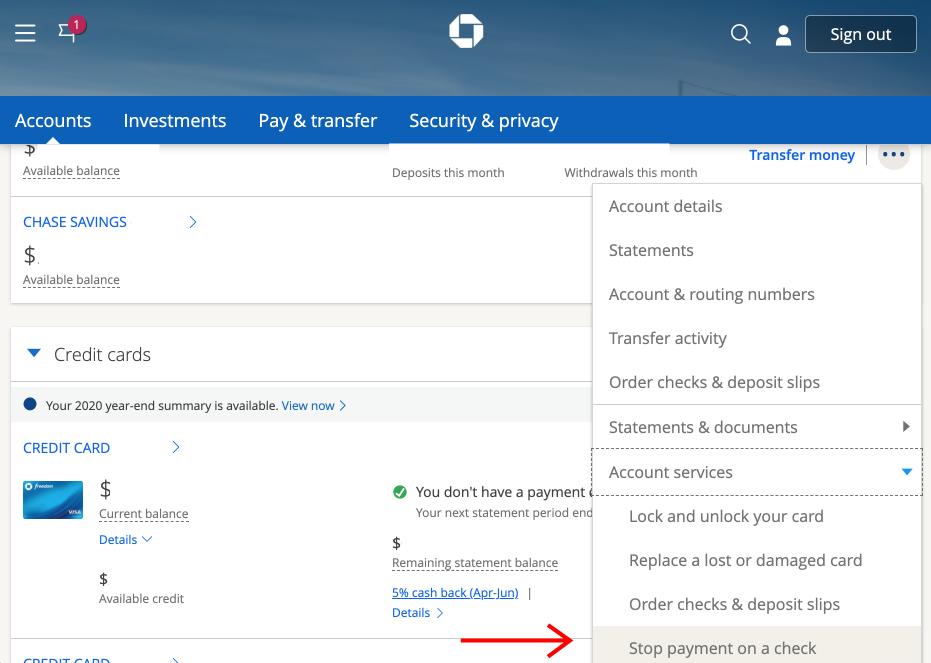
- Navigate to the “Menu” icon (three horizontal lines) and select “Secure messages.”
- Select “New message” and choose the appropriate topic, usually “Account Inquiry” or “Closing an Account.”
- Specify exactly which account you wish to close (Checking, Savings, or Credit Card).
- State clearly that you have already moved your funds and updated your direct deposits.
- Request a written confirmation of the closure for your records.
A Chase representative will typically respond within 1 to 2 business days. They may ask for a reason for the closure or offer a fee waiver to keep you as a customer. If your mind is made up, simply reiterate your request.
Leveraging the Mobile App and Virtual Assistant
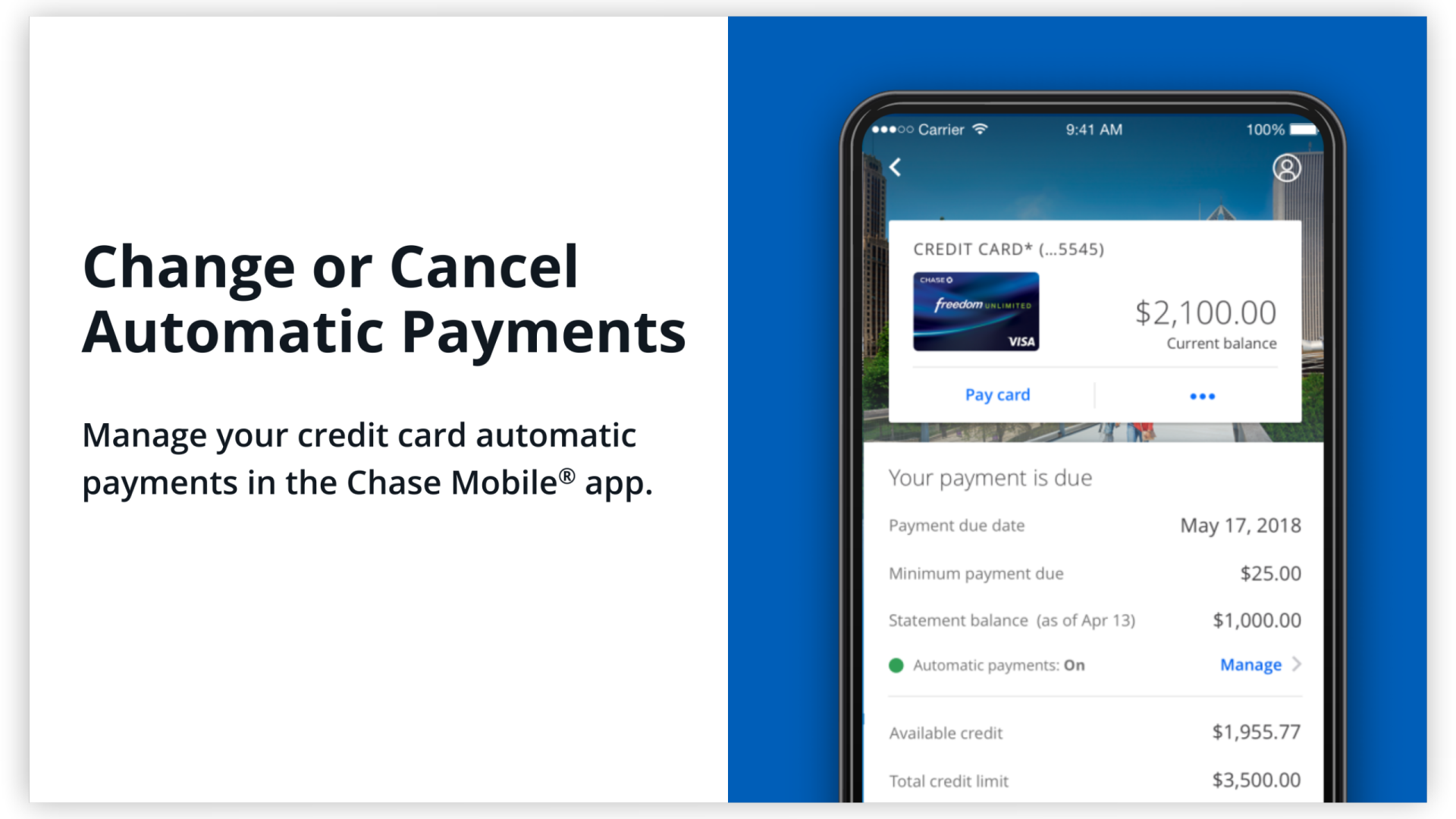
For those who prefer a more interactive experience, the Chase Mobile® app features a virtual assistant named “Chase Digital Assistant.” While the bot itself may not be able to finalize a closure, it can direct you to the specific “Message Us” portal where a live digital representative can process the request in real-time. This method is often faster than the Secure Message Center but requires you to be available for a live chat during business hours. Ensure you have your account details and security verification ready.
Navigating the Financial Impact: Bank Accounts vs. Credit Accounts
In the “Money” niche, a crucial distinction must be made between closing a depository account (Checking/Savings) and a credit account (Credit Cards). The financial repercussions of each are vastly different.
The Impact on Credit Utilization and History
Closing a Chase Checking account has zero impact on your credit score. However, closing a Chase credit card—such as the Freedom Unlimited or Sapphire Preferred—can significantly alter your credit profile. When you close a credit line, you reduce your total available credit. If you carry balances on other cards, your Credit Utilization Ratio will spike, which can lead to a drop in your credit score.
Furthermore, if the card you are closing is one of your oldest accounts, you are effectively shortening your “Length of Credit History.” Before closing a credit account online, calculate how it will affect your overall score. Often, the better financial move is to keep the account open but inactive, or to “downgrade” it to a no-fee version to preserve the age of the line.
Avoiding Residual Interest and Final Statement Fees
Credit card accounts are subject to “residual interest.” This is interest that accumulates between the time your last statement was issued and the day you pay off the balance. If you pay your balance to zero on Monday and request a closure on Tuesday, you might still owe a few dollars of interest that hasn’t posted yet. Always check your account one final time 30 days after the “online closure” to ensure no residual interest has turned into a missed payment.
Strategic Alternatives to Closing Your Account
Before you finalize the “cancel” request, consider if a different financial structure within Chase might better suit your needs. As a part of a broader wealth management strategy, maintaining a relationship with a “Big Four” bank can provide advantages in mortgage rates or future business lending.
Downgrading to a No-Fee Account
If your primary reason for leaving is a monthly service fee, you may be able to “downgrade” your account rather than closing it. For example, if you have a Premier Plus Checking account and can no longer meet the balance requirement, you can request a transition to a more basic account or a Chase College Checking account (if applicable). This allows you to keep your account history and debit card active while eliminating the overhead cost.
Consolidating Assets for Better Interest Rates
In a high-interest-rate environment, many investors leave Chase because their standard savings accounts offer nominal APYs. Instead of closing the account and moving everything to a high-yield savings account (HYSA) elsewhere, check if you qualify for a Chase Private Client or if you can move funds into a J.P. Morgan Self-Directed Investing account. By keeping your assets under one roof but moving them into a brokerage or money market fund, you can achieve higher returns without the hassle of closing the core banking relationship.
Best Practices for Post-Closure Financial Security
Once the online representative confirms that your Chase account is closed, your job is not quite finished. Proper financial hygiene requires a few final steps to protect your identity and your creditworthiness.
Obtaining Written Confirmation and Record Keeping
Never assume an account is closed based solely on a chat conversation. Always request a formal letter or a PDF confirmation through the Secure Message Center. Save this document in your digital vault (such as a password manager or encrypted drive). If a “zombie” transaction occurs or if the account is erroneously reported to ChexSystems as “closed with a balance due,” this confirmation is your primary evidence to dispute the claim.
Destroying Physical Cards and Updating Direct Deposits
Finally, take the physical steps to secure your data. Shred your Chase debit or credit cards using a cross-cut shredder. More importantly, ensure that your employer’s HR department has updated your direct deposit information. If a paycheck is sent to a closed Chase account, it can take 5 to 10 business days for the funds to be “bounced” back to the employer and re-issued, creating a significant cash flow gap in your monthly budget.
By following this strategic approach, you ensure that your transition away from Chase is a move toward better financial health rather than a source of administrative stress. Managing your banking relationships with precision is a hallmark of a savvy investor and a disciplined financial steward.
aViewFromTheCave is a participant in the Amazon Services LLC Associates Program, an affiliate advertising program designed to provide a means for sites to earn advertising fees by advertising and linking to Amazon.com. Amazon, the Amazon logo, AmazonSupply, and the AmazonSupply logo are trademarks of Amazon.com, Inc. or its affiliates. As an Amazon Associate we earn affiliate commissions from qualifying purchases.