
Choosing to close a credit card account is a significant financial decision that requires more than just a quick phone call. Whether you are streamlining your wallet, seeking to reduce your total available credit to manage spending habits, or simply moving on to a card with a different rewards structure, the process must be handled with precision. Discover is known for its high-quality customer service, but as a consumer, you must navigate the closure process strategically to protect your credit score and ensure you don’t leave money on the table.
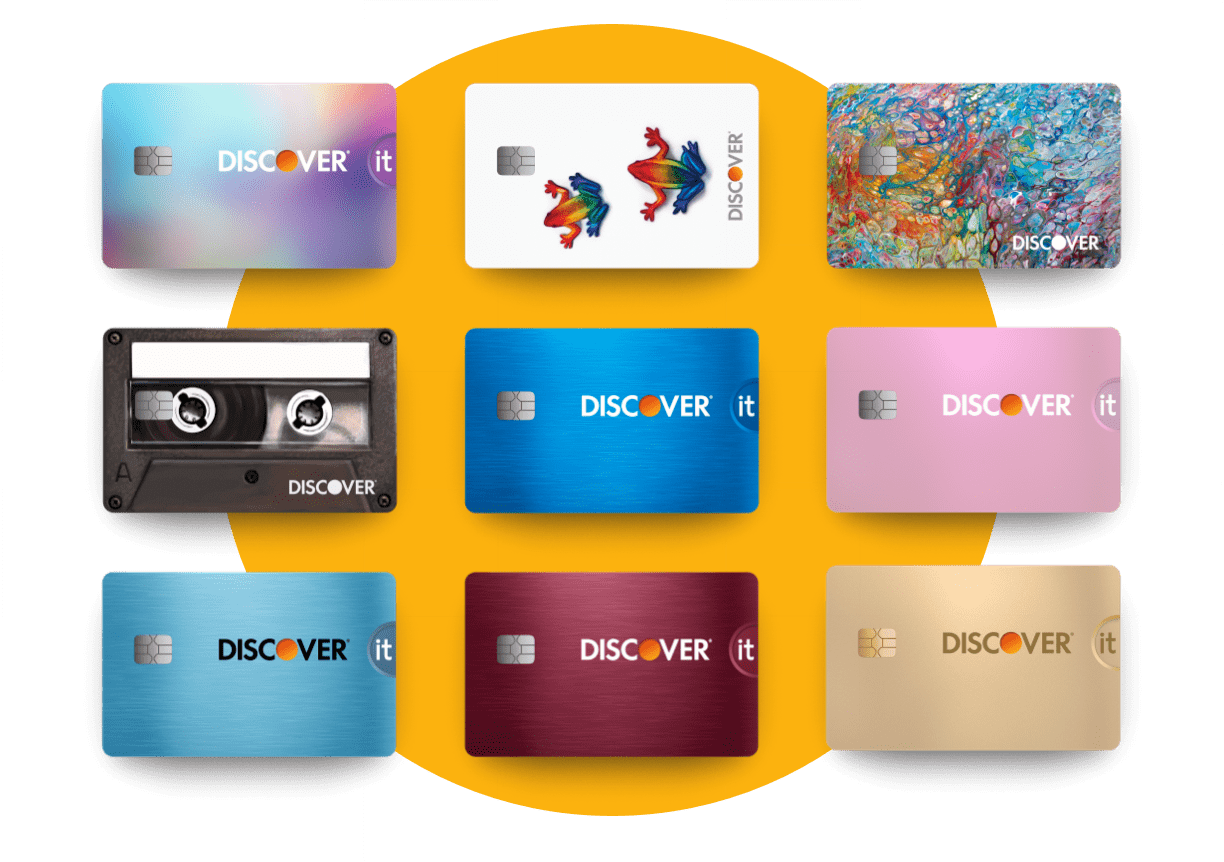
This guide provides a professional, step-by-step roadmap for closing your Discover credit card, focusing on the financial implications and the logistical “must-dos” to ensure your exit is as seamless as your membership.
Pre-Closure Checklist: Maximizing Value and Minimizing Impact
Before you initiate the cancellation of your Discover account, you must perform several “financial hygiene” tasks. Closing an account prematurely can result in the loss of earned rewards or unexpected hits to your credit rating.
Redeeming Your Cashback or Miles
One of the most common mistakes cardholders make is closing an account while still holding a balance of rewards. Discover’s Cashback Match and miles programs are lucrative, but once an account is closed, accessing those rewards becomes significantly more difficult, and in some cases, they may be forfeited.
Review your “Cashback Bonus” balance. You can apply this amount as a statement credit to reduce your final balance, deposit it directly into a linked bank account, or use it for gift cards. Professional financial advisors generally recommend redeeming for cash or statement credits to ensure you receive the full 1:1 value before the account link is severed.
Clearing the Outstanding Balance
You cannot fully close a credit card account if it carries a balance. Even a small remaining balance of a few dollars can accrue interest and late fees if the account is moved to a “closed” status without being zeroed out.
Aim to pay off your balance in full at least one billing cycle before you plan to close the card. This ensures that “trailing interest”—interest that accrues between the time your statement is issued and when your payment is received—is fully accounted for. A zero-balance confirmation is your strongest protection against future disputes.
Managing Recurring Payments
We often forget how many automated subscriptions are tied to our primary cards. From streaming services and gym memberships to insurance premiums and utility bills, a “dead” card can lead to missed payments, service interruptions, and potential hits to your credit score if a bill goes to collections.
Audit your last three months of statements to identify all recurring charges. Move these payments to a different credit card or your primary checking account at least two weeks before you initiate the closure with Discover.
The Step-by-Step Process to Formally Close Your Account
Once your balance is zero and your rewards are redeemed, you are ready to contact Discover. While some modern fintech companies allow for “one-click” cancellations, major issuers like Discover often require a more formal interaction to ensure the security of the account holder.
Closing via Telephone: The Direct Approach
The most efficient way to close your account is by calling Discover’s customer service line. This allows you to speak with a representative who can verify your identity and provide immediate confirmation of the closure.
When you call, be prepared for a “retention offer.” Discover representatives are trained to keep customers. They may offer to lower your APR, provide a temporary cashback boost, or waive certain fees. If your mind is made up, remain professional but firm. State clearly: “I would like to close my account effective immediately. I am not interested in any retention offers at this time.”
Utilizing Secure Message or Live Chat
For those who prefer a digital paper trail, Discover offers a secure messaging system through their online banking portal. While the representative may still encourage you to call to “finalize” the process, starting the request via secure message creates a timestamped record of your intent.
In your message, clearly state your account details and request that the account be closed. Explicitly ask for a written confirmation that the account has been closed at the customer’s request and with a $0 balance.
The Importance of a Written Confirmation
Regardless of the method used, always request a physical or digital letter confirming the account closure. This document is your “insurance policy.” If the account appears as “closed by creditor” instead of “closed by consumer” on your credit report, or if an erroneous charge appears later, this letter is the evidence you need to dispute the error with credit bureaus.

Analyzing the Financial Implications: Credit Scores and History
Closing a credit account is not a neutral event for your credit report. In the world of personal finance, the “health” of your credit is determined by several variables that are directly impacted when a line of credit is removed.
Impact on Credit Utilization Ratio
Your credit utilization ratio—the amount of debt you owe compared to your total available credit—accounts for 30% of your FICO score. When you close a Discover card, you are effectively reducing your total available credit.
For example, if you have two cards with $5,000 limits ($10,000 total) and you carry a $2,000 balance on one, your utilization is 20%. If you close the empty $5,000 Discover card, your utilization instantly jumps to 40% ($2,000 debt on $5,000 limit). Financial experts recommend keeping utilization below 30% to maintain a high score. If closing your Discover card will push you above this threshold, you might consider keeping it open with a zero balance instead.
The “Age of Credit” Factor
The length of your credit history accounts for 15% of your score. This includes the age of your oldest account and the average age of all your accounts. If your Discover card is one of your oldest accounts, closing it could eventually lower the average age of your credit profile.
While FICO scores continue to factor in closed accounts for up to 10 years, the eventual removal of that history can cause a dip. If the card has no annual fee, there is often more financial benefit in keeping it open and using it once every few months for a small purchase than there is in closing it.
Temporary Dips vs. Long-Term Health
Expect a small, temporary dip in your credit score immediately after closing the account. This is normal. As long as you continue to pay other obligations on time and keep your utilization low on remaining cards, your score will typically recover within a few months. Closing a card is a strategic move to simplify your financial life; do not let the fear of a 10-point temporary dip deter you if the card no longer serves your goals.
Alternatives to Closing Your Discover Card
Before you sever the relationship entirely, consider if there is a “middle ground” that achieves your goals without the potential negative impact on your credit score.
Requesting a Product Change
If you are closing the card because the rewards are no longer competitive, ask for a “product change.” Discover offers several different types of cards, including the Discover it® Cash Back, Discover it® Chrome, and the Discover it® Miles. Often, you can switch your current account to a different rewards structure without closing the line of credit. This preserves your account age and your credit limit while giving you a tool that better fits your current spending habits.
Negotiating a Lower Interest Rate or Fee Waiver
If the reason for closure is a high APR or a specific fee, a simple negotiation may suffice. Discover is known for being consumer-friendly. A brief conversation about your history as a loyal customer can often result in a temporary or permanent interest rate reduction, allowing you to keep the account as a “safety net” without the high cost of carrying a balance.
Final Steps: Ensuring a Clean Break
After the representative confirms the closure, your work is almost done. There are two final steps to ensure your financial security and data privacy.
Disposing of the Physical Card Safely
A closed credit card still contains a magnetic stripe and, in most cases, an EMV chip that holds sensitive data. Do not simply throw the card in the trash. Use a high-quality paper shredder that is rated for plastic, or use heavy-duty scissors to cut through the chip and the magnetic stripe. If you have a metal Discover card (though most are plastic), you may need to request a prepaid mailing envelope from Discover so they can dispose of it securely and recycle the materials.
Monitoring Your Credit Report Post-Closure
Wait approximately 30 to 60 days after closing the account, then check your credit reports from Equifax, Experian, and TransUnion. You are looking for two things:
- Status: The account should be listed as “Closed.”
- Comment: Ideally, it should say “Closed at consumer’s request.”
If the report indicates the account was closed by the grantor (Discover), it could imply to future lenders that you were a risk, even if that wasn’t the case. If you see an error, use your written confirmation letter to file a dispute with the credit bureaus immediately.
Conclusion
Closing a Discover credit card is a straightforward process, but it requires a disciplined approach to protect your financial health. By redeeming your rewards, zeroing out your balance, and understanding the impact on your credit utilization and history, you can transition away from the card with confidence. Whether you are simplifying your finances or pivoting to a new financial strategy, managing the “end-of-life” cycle of a credit account is a hallmark of a sophisticated and responsible consumer.
aViewFromTheCave is a participant in the Amazon Services LLC Associates Program, an affiliate advertising program designed to provide a means for sites to earn advertising fees by advertising and linking to Amazon.com. Amazon, the Amazon logo, AmazonSupply, and the AmazonSupply logo are trademarks of Amazon.com, Inc. or its affiliates. As an Amazon Associate we earn affiliate commissions from qualifying purchases.