
In the rapidly evolving landscape of fintech, PayPal remains the foundational pillar for digital transactions. Beyond its surface-level utility as a payment processor, it functions as a sophisticated software ecosystem that bridges the gap between traditional banking infrastructure and modern digital commerce. For the tech-savvy user or the digital professional, setting up a PayPal account is more than a simple registration process; it is an exercise in configuring a secure, high-uptime financial gateway. This guide explores the technical nuances of establishing your PayPal presence, focusing on software integration, security protocols, and digital optimization.

Navigating the Software Architecture: Selecting Your Account Framework
Before initiating the technical setup, one must understand the distinct software architectures of the two primary account types PayPal offers. While the underlying engine is similar, the feature sets and API capabilities vary significantly.
Evaluating User Interface and Feature Sets
The Personal account is engineered primarily for consumption and peer-to-peer (P2P) transfers. Its user interface is streamlined to facilitate quick checkouts and simple balance management. Technically, it focuses on the “Buyer” side of the transaction, utilizing streamlined cryptographic protocols for one-click payments.
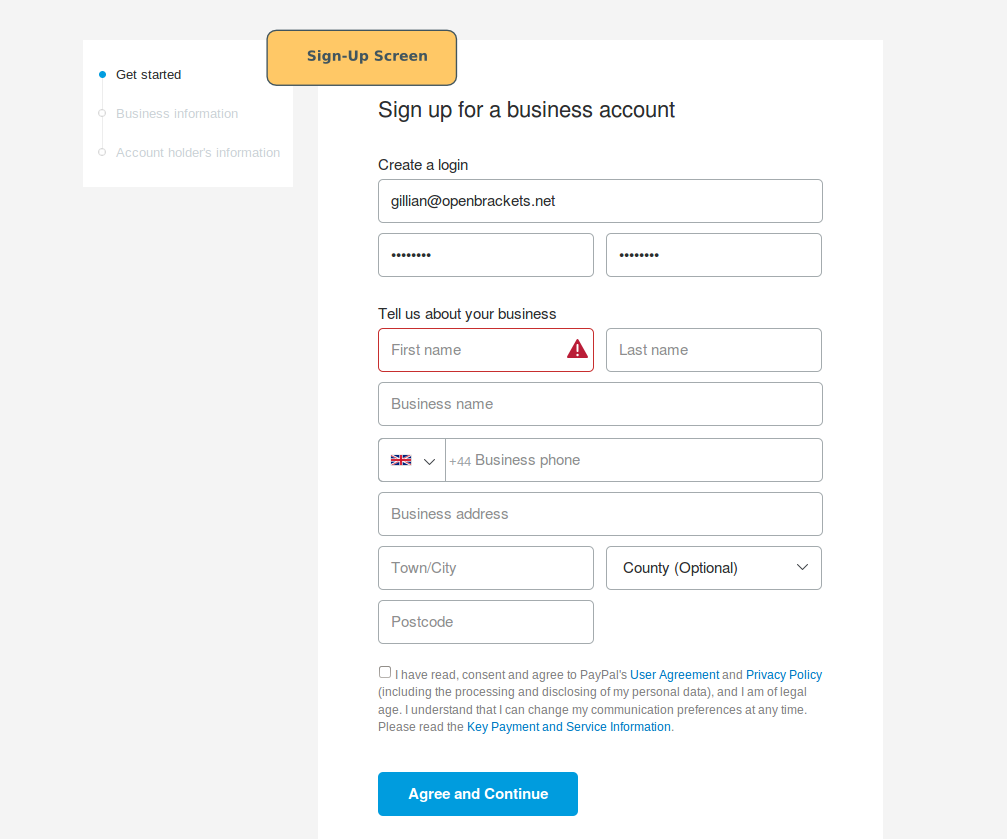
Conversely, the Business account is a robust enterprise-grade platform. It provides access to the PayPal Developer Portal, allowing for the integration of SDKs and REST APIs into external websites. When you choose a Business setup, you are essentially unlocking a merchant backend that includes advanced data reporting, multi-user access (with granular permission levels), and specialized tools for invoice automation.
Understanding the Backend Registration Process
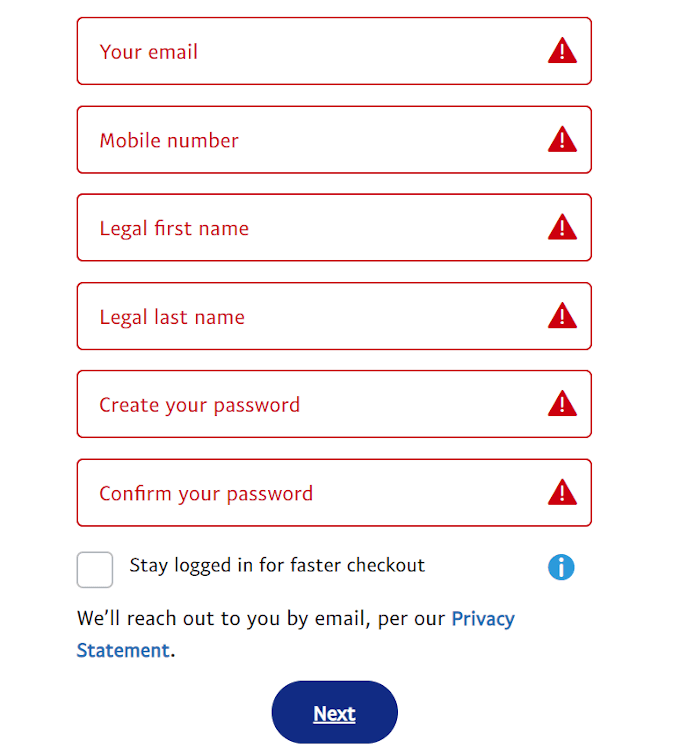
The setup begins with data ingestion. PayPal’s registration engine requires precise data entry—legal name, residential or business address, and contact information. From a technical standpoint, this stage is where the “Know Your Customer” (KYC) algorithms begin their work. Every data point is cross-referenced against global databases to ensure compliance with anti-money laundering (AML) regulations. To ensure a smooth setup, avoid using VPNs or proxy servers during this phase, as the system’s security logic may flag IP discrepancies as high-risk anomalies, potentially triggering an automated account freeze.
Establishing the Core Configuration: Step-by-Step Technical Implementation
Once the account framework is selected, the next phase involves the technical implementation of identity and financial links. This is where the virtual wallet connects to the physical financial world.
Email Verification and Identity Authentication Protocols
The primary identifier in the PayPal ecosystem is your email address. It serves as your public-facing “address” for receiving funds. After signing up, PayPal sends a verification token via a unique link to your inbox. Clicking this link completes the SMTP handshake, confirming that the user has administrative access to the email provided.
Following email verification, the system moves to identity authentication. This often requires uploading digital scans of government-issued IDs. PayPal utilizes Optical Character Recognition (OCR) and biometric face-matching technology to verify that the person creating the account matches the documentation provided. This high-level technical scrutiny is what maintains the integrity of the network.
Linking Financial Infrastructure: Bank and Card Integration
Linking a bank account or credit card is not merely about entering numbers; it is about establishing a secure data bridge via the ACH (Automated Clearing House) network or card networks (Visa/Mastercard).
When you link a bank account, PayPal typically utilizes a “Micro-Deposit” verification system. Two small deposits (less than $1.00) are sent to your bank. Once they appear in your ledger, you must enter those specific amounts back into the PayPal interface. This confirms that you have authorized, read-write access to the banking software. For credit cards, PayPal employs the 3D Secure protocol where possible, adding an extra layer of authentication through your card issuer’s software to prevent unauthorized provisioning of the card.
Hardening Your Digital Assets: Advanced Security Configurations
In the realm of digital finance, security is not a feature; it is the foundation. Setting up PayPal requires a proactive approach to hardening the account against brute-force attacks, phishing, and session hijacking.
Implementing Multi-Factor Authentication (MFA)
The default password-only login is a significant vulnerability. To secure the account, users should navigate to the Security tab to enable Multi-Factor Authentication. While SMS-based codes are an option, tech-focused users should opt for Time-based One-Time Passwords (TOTP) via apps like Google Authenticator or hardware security keys (FIDO2/WebAuthn). These methods provide a cryptographic challenge that is significantly harder to intercept than traditional cellular signals.
Managing API Permissions and Third-Party App Access
As your digital footprint grows, you will likely link PayPal to various third-party apps—from e-commerce platforms like Shopify to subscription management tools. Periodically auditing these “Permissions” is a vital technical hygiene practice. In the PayPal settings, you can view the OAuth tokens granted to third-party services. If a service is no longer in use, revoking its access ensures that a data breach at the third-party company does not compromise your primary PayPal credentials.
Optimizing the User Experience: Mobile App vs. Desktop Web Interface
The technical experience of managing a PayPal account differs between the web-based dashboard and the native mobile application. Understanding these differences allows for more efficient financial management.
Feature Parity and Synchronization
PayPal’s mobile app is optimized for rapid interactions and utilizes biometrics (FaceID/Fingerprint) for near-instant authentication. However, certain high-level technical configurations—such as detailed API credential management or complex dispute resolution—are often better handled via the desktop web interface. The desktop version provides a more expansive data visualization of transaction histories and access to the full suite of merchant tools.
Synchronization between these platforms is handled via real-time cloud database updates. Changes made on the mobile app are reflected instantly on the desktop version, provided the device has a stable low-latency connection.
Troubleshooting Common Technical Errors during Setup
Users occasionally encounter “Information Mismatch” errors or “Link Declined” notifications. These are often triggered by the system’s risk-scoring engine. Technical fixes include clearing the browser cache and cookies to remove old session tokens, ensuring the browser is updated to the latest version to support modern encryption standards, or checking if the bank’s online banking API is currently undergoing maintenance. If an error persists, it usually indicates a flag in the automated fraud detection system that requires manual review by PayPal’s security engineers.
The Future of Digital Payments: Integrating PayPal with Emerging Tech Ecosystems
As we look toward the future, the setup and utility of PayPal are expanding into the realms of decentralized finance and advanced biometrics.
Cryptographic Assets and Digital Currencies
PayPal has integrated a specialized technical stack to support the buying, selling, and holding of cryptocurrencies such as Bitcoin and Ethereum. When setting up this portion of the account, users are essentially interacting with a “custodial wallet.” PayPal manages the private keys on the backend, allowing the user to interact with blockchain assets through a simplified, high-level interface. This integration represents a major bridge between traditional centralized software and decentralized ledger technology.
Biometric Authentication and Passkeys
The industry is moving toward a passwordless future. PayPal has been an early adopter of “Passkeys,” a standard developed by the FIDO Alliance. During the setup of a Passkey, your device generates a public-private key pair. The private key stays on your device, while the public key is shared with PayPal. This makes “phishing” virtually impossible because there is no password to steal. Setting up a Passkey on your primary device is the ultimate step in modernizing your PayPal account’s technical defenses.
By approaching the setup of PayPal through this technical lens, you transform a simple payment tool into a hardened, high-performance financial gateway. Whether you are managing personal transfers or scaling a global business, understanding the underlying software logic and security protocols ensures that your digital assets remain both accessible and secure in an increasingly complex digital world.
aViewFromTheCave is a participant in the Amazon Services LLC Associates Program, an affiliate advertising program designed to provide a means for sites to earn advertising fees by advertising and linking to Amazon.com. Amazon, the Amazon logo, AmazonSupply, and the AmazonSupply logo are trademarks of Amazon.com, Inc. or its affiliates. As an Amazon Associate we earn affiliate commissions from qualifying purchases.