
Tax season is often viewed with a mixture of anxiety and resignation. For the average taxpayer, the goal is simple: maximize the refund, minimize the liability, and ensure everything is filed accurately to avoid the dreaded IRS audit. In the realm of personal finance tools, TurboTax has long reigned as the market leader. Owned by Intuit, it has revolutionized how individuals handle their own taxes without needing a physical appointment with a CPA. However, the most common question that arises every January is: “How much does TurboTax actually cost?”

The answer is rarely a single number. TurboTax operates on a tiered pricing model that scales based on the complexity of your financial life. From simple W-2 employees to complex crypto investors and small business owners, the cost of the software reflects the depth of the forms and schedules required. Understanding these costs is essential for effective financial planning and ensuring you aren’t overpaying for features you don’t need.
Decoding the Core Pricing Tiers: From Simple to Complex
TurboTax structures its pricing around the “path” your tax return takes. As your financial situation becomes more nuanced, the software requires more advanced modules, which triggers a higher price point. It is important to note that TurboTax frequently adjusts its pricing throughout the season, often offering “early bird” discounts in January and February before raising prices closer to the April deadline.
The Free Edition: Best for Simple Returns
The “Free Edition” is designed for taxpayers with very straightforward financial situations. This generally includes those filing a Form 1040 with no adjustments to income. If you only have W-2 income, limited interest or dividend income (1099-INT/DIV), and you claim the standard deduction, you may qualify. However, be wary: “simple” is a strictly defined term by Intuit. If you have student loan interest deductions, unemployment income, or itemized deductions, you will likely be prompted to upgrade to a paid tier.
TurboTax Deluxe: For Homeowners and Deductions
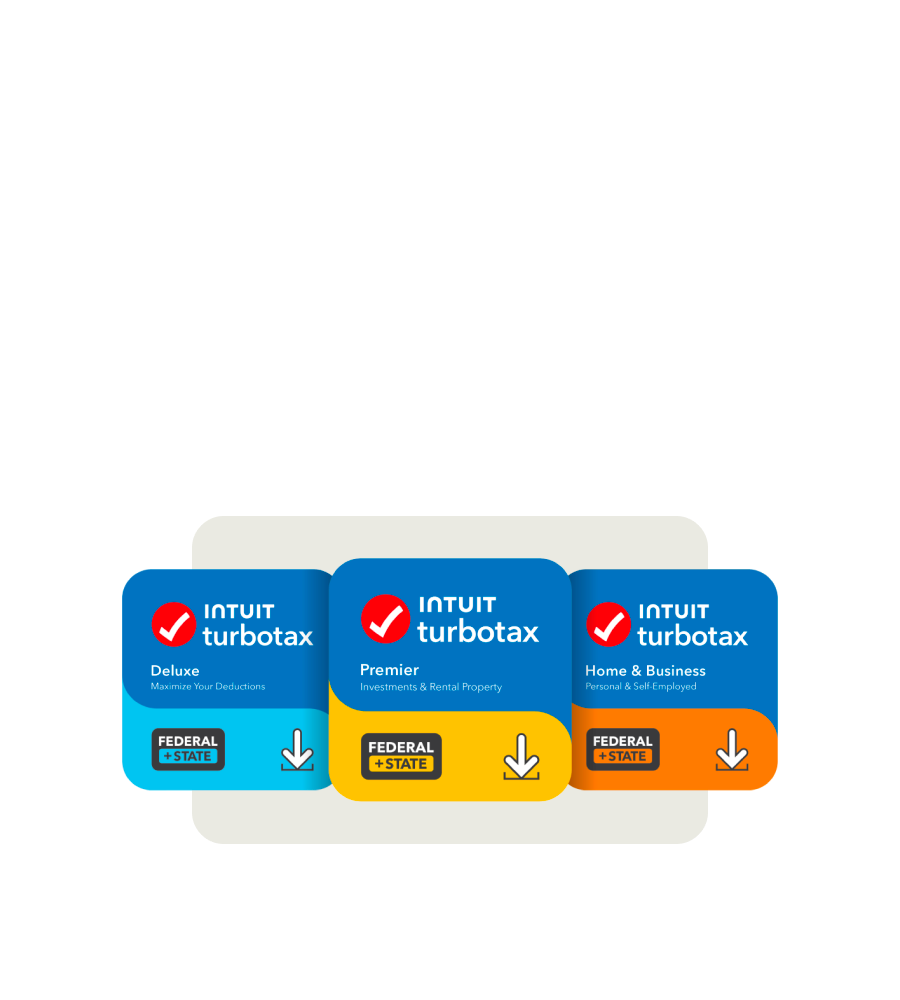
The Deluxe version is widely considered the most popular tier. It is designed for those who want to maximize their tax breaks by itemizing deductions. If you own a home and want to deduct mortgage interest or property taxes, or if you have significant charitable contributions, Deluxe is the baseline. From a money-management perspective, the cost of Deluxe—typically ranging from $40 to $70 for federal filing—is often offset by the additional deductions the software identifies compared to a standard return.
TurboTax Premier: For Investors and Rental Property Owners
As you move into the Premier tier, the focus shifts toward investment income. This version is tailored for individuals with sold stocks, bonds, or “ESPP” plans, as well as those navigating the complexities of cryptocurrency gains and losses. Additionally, if you own rental property, Premier provides the necessary schedules to report rental income and expenses. The price jump to Premier (often $70 to $100+) is a reflection of the specialized calculations required to determine cost basis and capital gains.
TurboTax Self-Employed: For Freelancers and Small Businesses
The most expensive standard tier is designed for the modern “gig economy” worker, freelancer, and small business owner (Schedule C filers). This version assists in identifying industry-specific deductions, such as home office expenses, vehicle mileage, and equipment depreciation. For those running a side hustle or a full-time consultancy, this tier provides the most robust financial tracking tools to ensure you are capturing every legitimate business expense to lower your taxable income.
TurboTax Live and Full Service: Paying for Human Expertise
In recent years, Intuit has pivoted heavily toward “TurboTax Live.” This service bridges the gap between DIY software and a traditional accounting firm. For many users, the peace of mind that comes from a professional review is worth the additional capital outlay.
TurboTax Live Assisted
This middle-ground option allows you to prepare your own taxes using the software while having on-demand access to tax professionals (CPAs or Enrolled Agents) via one-way video. You can ask unlimited questions and, most importantly, have a professional perform a final review of your return before you file. From a financial tools perspective, this is an excellent hedge against errors. The cost for “Live Assisted” can range from $80 to $200 depending on the complexity of your return and the timing of your purchase.
TurboTax Live Full Service
For those who want to outsource their taxes entirely but prefer a digital interface, “Full Service” is the top-tier offering. You simply upload your documents, and a dedicated tax expert prepares, signs, and files the return for you. This service is priced significantly higher, often starting around $200 and scaling up to $400 or more for complex business returns. While expensive, it is often still more affordable than a boutique CPA firm in a major metropolitan area.
The “Hidden” Costs: State Filings and Processing Fees
One of the most frequent complaints from taxpayers is that the price they see on the box or the landing page is rarely the price they pay at the end. To accurately budget for your tax preparation, you must account for several add-on costs that are common in the industry.
State Return Filing Fees
Most TurboTax federal packages do not include the cost of filing a state tax return. While some “Deluxe” bundles at big-box retailers include one state download, you are still typically charged an “e-file fee” for the state return, which usually hovers around $40 to $60. If you lived or worked in multiple states during the year, you will have to pay for each additional state module and filing fee, which can quickly double your total tax prep bill.
Refund Processing Service Fees
This is perhaps the most significant “hidden” cost for those who aren’t paying attention. TurboTax offers the option to pay for your software fees directly out of your federal refund. While this seems convenient, Intuit typically charges a “Refund Processing Service” fee (often $40 or more) just to facilitate this transaction. From a personal finance standpoint, this is a poor use of capital. Paying upfront with a credit or debit card saves you this administrative fee and keeps more of your refund in your pocket.
Add-ons: Audit Defense and ID Protection
During the checkout process, you will be presented with various “protection” packages. “Max Rewards” or “Audit Defense” (provided through third parties like TaxAudit) offer representation in the event of an IRS audit. While these provide peace of mind, they add $40 to $60 to the total. Unless you have a highly complex return with “red flag” deductions, these are often unnecessary for the average filer.
Comparative Value: Is the Premium Justified?
When assessing the cost of TurboTax, it is helpful to view it through the lens of a cost-benefit analysis. There are numerous free or lower-cost alternatives on the market, such as FreeTaxUSA or the IRS Free File program.
TurboTax vs. Lower-Cost Competitors
FreeTaxUSA, for example, offers free federal filing for almost all scenarios (including investments and self-employment) and only charges a small fee for state filing. Why, then, do millions of people pay the TurboTax premium? The answer lies in the user experience and the “import” functionality. TurboTax integrates with thousands of financial institutions, allowing users to import W-2s, 1099-Bs, and mortgage statements with a single click. For a high-income professional, the two or three hours saved by not manually entering data is often worth the $100 price difference.
The Value of “Accuracy Guarantees”
TurboTax offers a 100% accurate calculations guarantee. If the software makes a calculation error that results in an IRS penalty, they will pay the penalty and interest. For individuals with complex financial portfolios, this guarantee serves as a form of insurance, mitigating the financial risk of a DIY approach to tax law.
Strategic Tips for Lowering Your Tax Prep Costs
If you decide that TurboTax is the right tool for your financial situation, you don’t necessarily have to pay the full retail price. There are several ways to optimize this expense.
Buy Early and Monitor Retailers
Intuit almost always raises prices as April 15th approaches. Buying your software in January can save you 20% to 30%. Furthermore, purchasing the “Desktop” version from retailers like Amazon, Costco, or Target is often significantly cheaper than using the “Online” web-based version. These retail versions often include the state software download for free, which is a major cost saver.
Check Your Financial Institutions
Many banks (such as Chase or Capital One) and investment platforms (like Fidelity or Vanguard) offer discounts to their customers. It is common to see a “20% off TurboTax” link within your investment portal during tax season. High-net-worth clients at some brokerages may even receive the Premier version for free.

The “Sunk Cost” Trap of the Online Version
The TurboTax Online version is famous for “upselling” you mid-way through your return. You might start for free, but once you enter a specific deduction, it locks the return and demands a $60 upgrade to continue. Once you have spent two hours entering data, most people pay the fee rather than starting over elsewhere. To avoid this, assess your financial needs before you start and choose the correct version from the outset—preferably the desktop version, which is generally more transparent with its pricing.
In conclusion, while TurboTax is rarely the “cheapest” option, its cost is a reflection of its efficiency, integration, and ease of use. By understanding the tiers, avoiding the refund processing fees, and shopping at the right time, you can utilize this powerful financial tool without overextending your budget. Managing your tax preparation costs is, after all, the first step in a successful financial year.
aViewFromTheCave is a participant in the Amazon Services LLC Associates Program, an affiliate advertising program designed to provide a means for sites to earn advertising fees by advertising and linking to Amazon.com. Amazon, the Amazon logo, AmazonSupply, and the AmazonSupply logo are trademarks of Amazon.com, Inc. or its affiliates. As an Amazon Associate we earn affiliate commissions from qualifying purchases.