
In the world of computing, the term “graphics” often conjures images of massive, power-hungry cards with multiple fans, glowing LEDs, and hefty price tags. However, for the vast majority of laptop users and office desktop owners, the reality of visual processing is much more subtle. If you have ever browsed for a new computer and seen specifications mentioning “Intel UHD,” “AMD Radeon Graphics,” or “Apple M2,” you have encountered integrated graphics.
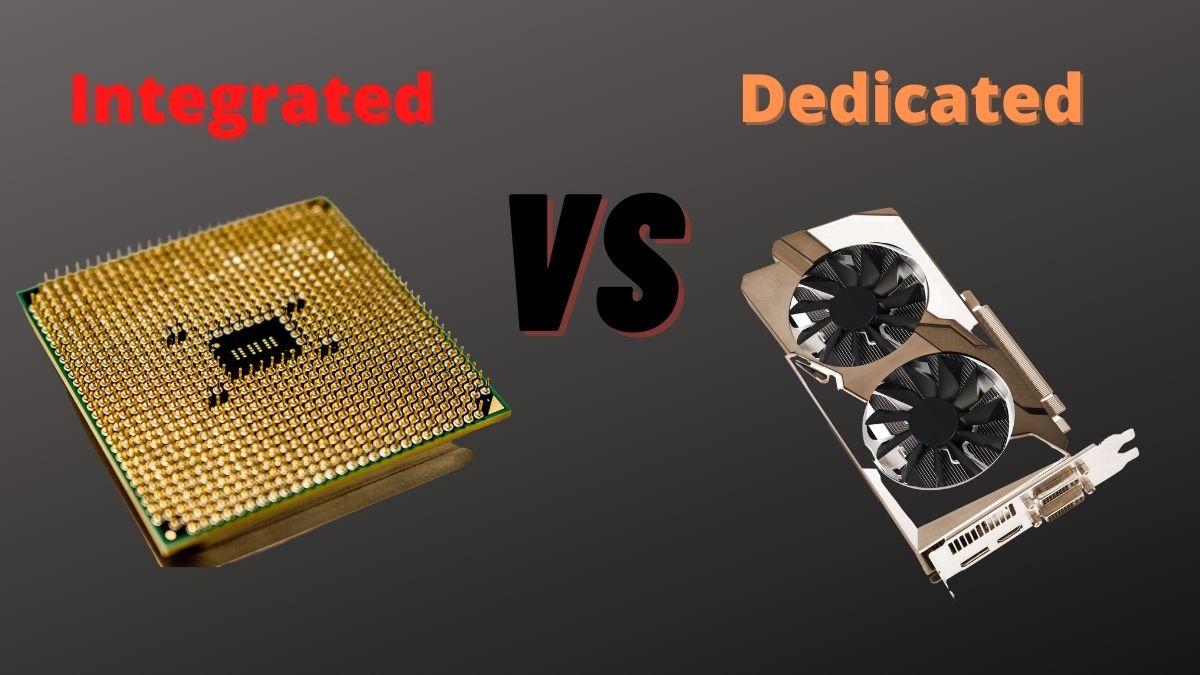
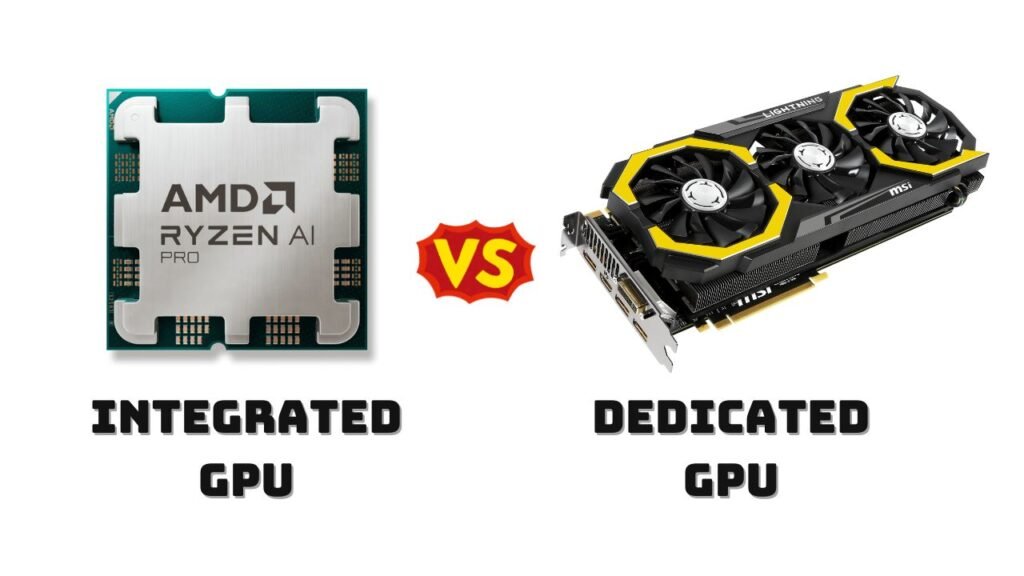
But what does integrated graphics actually mean? At its core, integrated graphics refers to a computer architecture where the Graphics Processing Unit (GPU) is built directly onto the same die as the Central Processing Unit (CPU). Unlike a dedicated graphics card—which stands as a separate hardware component with its own memory and cooling—integrated graphics are a part of the processor itself.
Understanding this technology is essential for anyone looking to purchase a new device, as it dictates everything from battery life and portability to the type of software the machine can realistically run.
1. The Architecture: How Integrated Graphics Work
To understand integrated graphics, one must first understand the relationship between the “brain” of the computer (the CPU) and the “artist” (the GPU). In traditional high-performance setups, these two components live in different neighborhoods on the motherboard. In an integrated setup, they share the same house.
The System-on-a-Chip (SoC) Concept
In modern technology, especially in laptops and smartphones, the industry has moved toward the System-on-a-Chip (SoC) model. Integrated graphics are the cornerstone of this design. By placing the GPU cores directly alongside the CPU cores on a single silicon chip, manufacturers can reduce the physical distance data must travel. This leads to higher efficiency and lower latency for basic tasks. Because the GPU is integrated, the computer does not require a large, secondary circuit board to handle visual output.
Shared Memory: The Role of System RAM
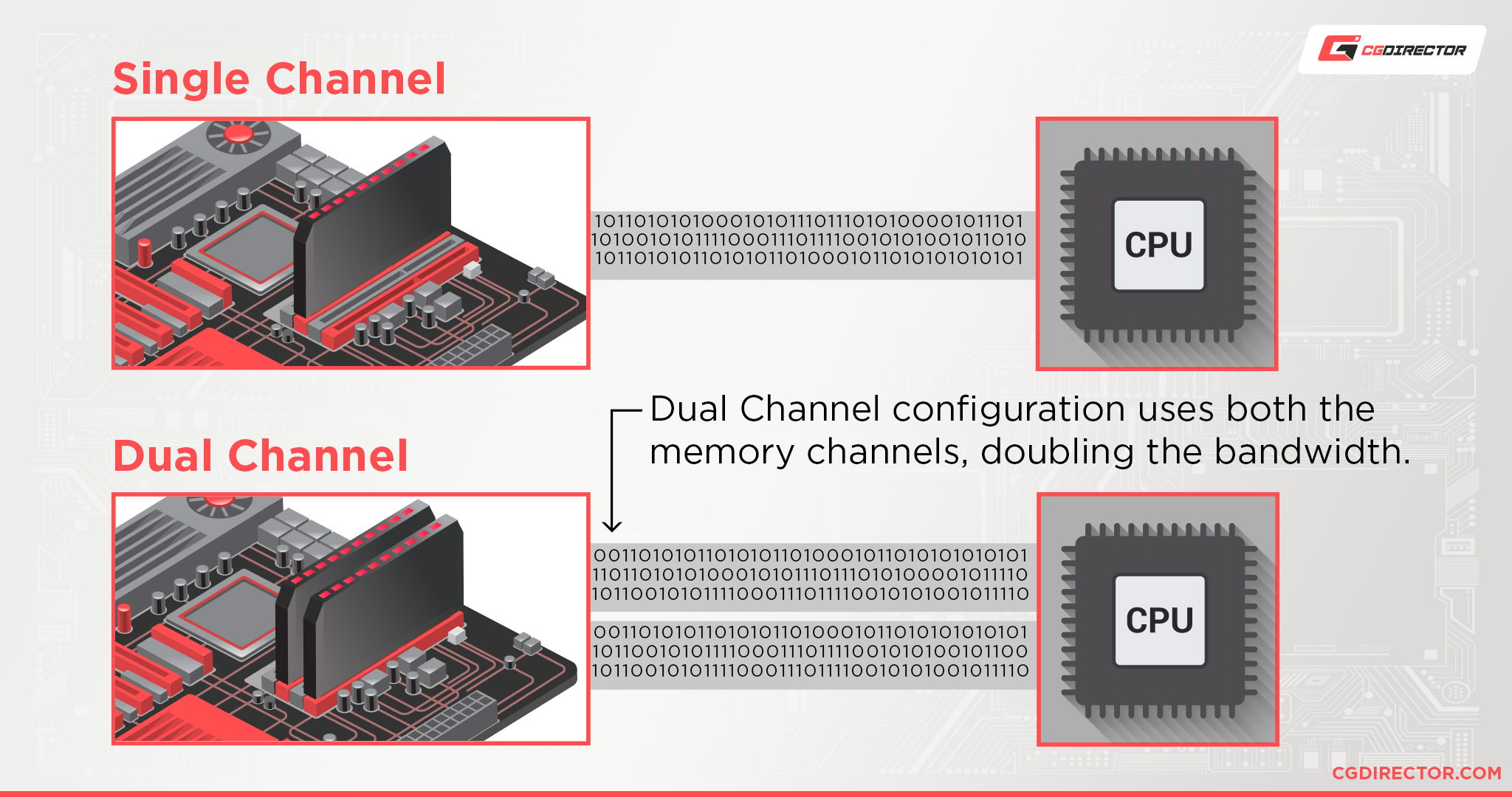
One of the most significant technical distinctions of integrated graphics is how they handle memory. A dedicated graphics card comes with its own Video RAM (VRAM), which is high-speed memory dedicated solely to graphical tasks. Integrated graphics, however, do not have their own private storage.
Instead, they “borrow” from the system’s main RAM (Random Access Memory). If your laptop has 16GB of RAM, the integrated graphics might “reserve” 2GB for visual tasks, leaving 14GB for the operating system and applications. This shared memory architecture is the primary reason why integrated graphics were historically slower than dedicated ones, as system RAM is generally slower than the specialized VRAM found on high-end cards.
Thermal Design and Power Efficiency
Because the GPU is housed within the CPU, they share the same thermal envelope. This means the cooling system (heatsinks and fans) only needs to manage one primary heat source. Integrated graphics are designed to be incredibly power-efficient, drawing significantly less wattage than a dedicated card. This efficiency is the reason why thin-and-light ultrabooks can achieve 10 to 15 hours of battery life while still providing enough power to stream 4K video.
2. Integrated vs. Dedicated Graphics: Key Differences
When choosing a computer, the debate usually boils down to Integrated Graphics (iGPU) versus Dedicated Graphics (dGPU). Each has a specific role in the tech ecosystem, and the right choice depends entirely on the user’s workflow.
Performance Tiers and Processing Power
The most obvious difference is raw power. A dedicated GPU has its own processor, its own memory, and its own power supply, allowing it to perform billions of calculations per second for complex 3D environments. Integrated graphics are designed for “general purpose” visuals. While they have become significantly more powerful over the last five years, they are still primarily intended for UI animations, web browsing, high-definition video playback, and entry-level photo editing.
The Cost-to-Value Ratio
For the average consumer, integrated graphics offer the best value. Including a dedicated GPU adds several hundred dollars to the price of a laptop or desktop. By utilizing integrated graphics, manufacturers can produce budget-friendly machines that are more than capable of handling schoolwork, office tasks, and digital communication. From a tech-economics perspective, integrated graphics democratize computing by making functional machines more affordable.
Form Factor and Portability
The physical footprint of a dedicated GPU is massive. Even laptop versions of dedicated cards require thick chassis to accommodate the necessary cooling hardware. Integrated graphics allow for the “Thin and Light” category of laptops. Devices like the MacBook Air or the Dell XPS 13 would be impossible to design if they required the space and cooling demanded by a dedicated graphics card.
3. The Renaissance: The Evolution of iGPU Performance
For decades, integrated graphics were the “weak link” in computing. They were often derided by tech enthusiasts as being barely capable of playing basic video files. However, we are currently in a “Golden Age” of integrated graphics where the performance gap is shrinking.
The Rise of Intel Iris Xe and AMD Radeon Graphics
Intel and AMD, the two titans of the processor world, have engaged in an arms race to improve integrated visuals. Intel’s “Iris Xe” architecture marked a turning point, allowing thin laptops to play popular games like Counter-Strike or League of Legends at respectable frame rates. Similarly, AMD’s “Radeon Graphics” (built into their Ryzen chips) have pushed the boundaries of what an integrated chip can do, often outperforming low-end dedicated cards from previous generations.
The Apple Silicon Revolution
The most disruptive force in integrated graphics recently has been Apple’s transition to its M-series chips (M1, M2, and M3). By using a Unified Memory Architecture (UMA), Apple has allowed the GPU to access the entire pool of system RAM with incredibly high bandwidth. This has bridged the gap between integrated and dedicated performance so effectively that professional video editors and 3D designers can now work on fanless laptops, a feat that was previously unthinkable in the tech world.
Modern Codecs and 4K/8K Streaming
A major part of the iGPU’s evolution is the inclusion of dedicated hardware encoders and decoders. Modern integrated graphics include specialized circuits for “AV1,” “HEVC,” and “VP9” codecs. This means that even if the GPU isn’t powerful enough to play a high-end 3D game, it can play an 8K YouTube video with almost 0% CPU usage. This specialization is a key trend in modern software-hardware synergy.
4. Use Cases: Is Integrated Graphics Right for You?
Understanding the technical specs is one thing, but applying them to real-world scenarios is another. Tech users generally fall into three categories when it comes to their graphical needs.
The Productivity Professional
If your daily routine involves Microsoft Office, Zoom calls, Slack, and dozens of Chrome tabs, integrated graphics are not just sufficient—they are optimal. A dedicated GPU in this scenario would be a waste of money and battery life. Modern iGPUs are perfectly capable of driving multiple 4K monitors, making them ideal for office setups and home workstations.
The Casual Creator and Student
For students and hobbyists who use Adobe Photoshop, Canva, or light video editing software like CapCut, modern integrated graphics are more than enough. The optimization of modern software means that apps can now leverage the “Media Engine” found in many integrated chips to speed up rendering times without needing a massive, power-hungry graphics card.
The Gamer and Professional Engineer
This is where integrated graphics hit a wall. If your goal is to play “AAA” titles (like Cyberpunk 2077 or Call of Duty) at high settings, or if you are a professional using CAD software (like SolidWorks) or complex 3D rendering (like Blender), you still need a dedicated GPU. While integrated graphics are improving, they lack the “CUDA cores” or “Stream Processors” required for high-intensity, parallel-processing tasks.
5. Future Trends: The Convergence of CPU and GPU
The future of integrated graphics is heading toward a total convergence of processing units. As we look at the next decade of technology, the distinction between the CPU and GPU may become even blurrier.
AI Integration and the NPU
We are currently seeing the introduction of the NPU (Neural Processing Unit) alongside the CPU and iGPU. In the future, integrated graphics will work in tandem with AI accelerators to “upscale” images in real-time. Technologies like Intel’s XeSS or AMD’s FSR use AI to make low-resolution images look like high-resolution ones, allowing integrated graphics to punch far above their weight class in visual fidelity.
The Shrinking Gap
As manufacturing processes move to 3nm and 2nm scales, manufacturers can fit more “Execution Units” (EUs) onto the processor die. We are reaching a point where the “entry-level” dedicated graphics card market is dying because integrated graphics have become so good that a separate $150 GPU no longer provides a meaningful upgrade.
Conclusion: Embracing Efficiency
Integrated graphics represent one of the most successful engineering feats in modern tech. They have evolved from a “necessary compromise” into a “sophisticated solution” for the modern user. By combining the CPU and GPU, technology has become more portable, more efficient, and more accessible.
When you ask, “What does integrated graphics mean?” the answer is no longer “weak graphics.” Instead, it means a highly optimized, power-efficient system designed to handle the vast majority of digital tasks with ease. Unless you are a hardcore gamer or a high-end creative professional, integrated graphics aren’t just a part of your computer—they are likely the best part for your lifestyle.
aViewFromTheCave is a participant in the Amazon Services LLC Associates Program, an affiliate advertising program designed to provide a means for sites to earn advertising fees by advertising and linking to Amazon.com. Amazon, the Amazon logo, AmazonSupply, and the AmazonSupply logo are trademarks of Amazon.com, Inc. or its affiliates. As an Amazon Associate we earn affiliate commissions from qualifying purchases.